Free Live Wallpaper for Mobile - Added daily
Browse new animated wallpapers every day. Preview each design and download your favorite as a free portrait MP4.


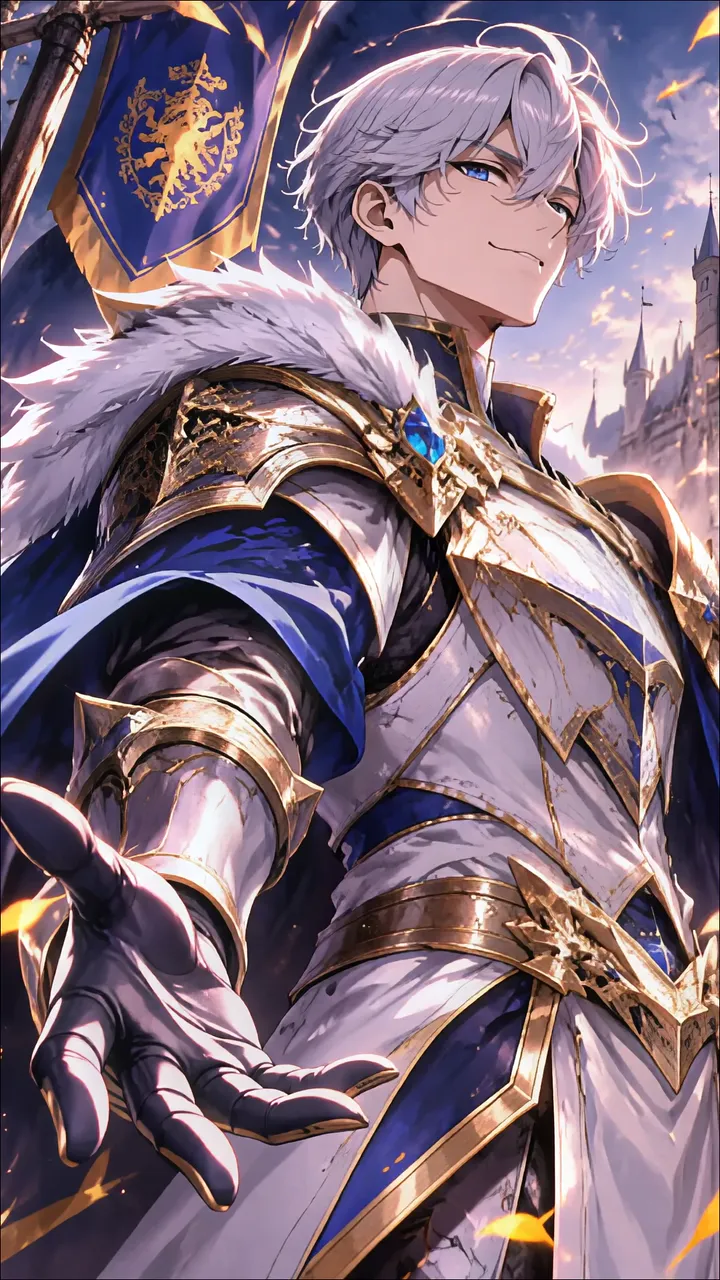
Crop a wallpaper to fit your phone
Choose a phone model or enter a custom size, then crop, zoom and preview your photo before saving it as a JPG.
Open Wallpaper EditorLatest Live Wallpapers
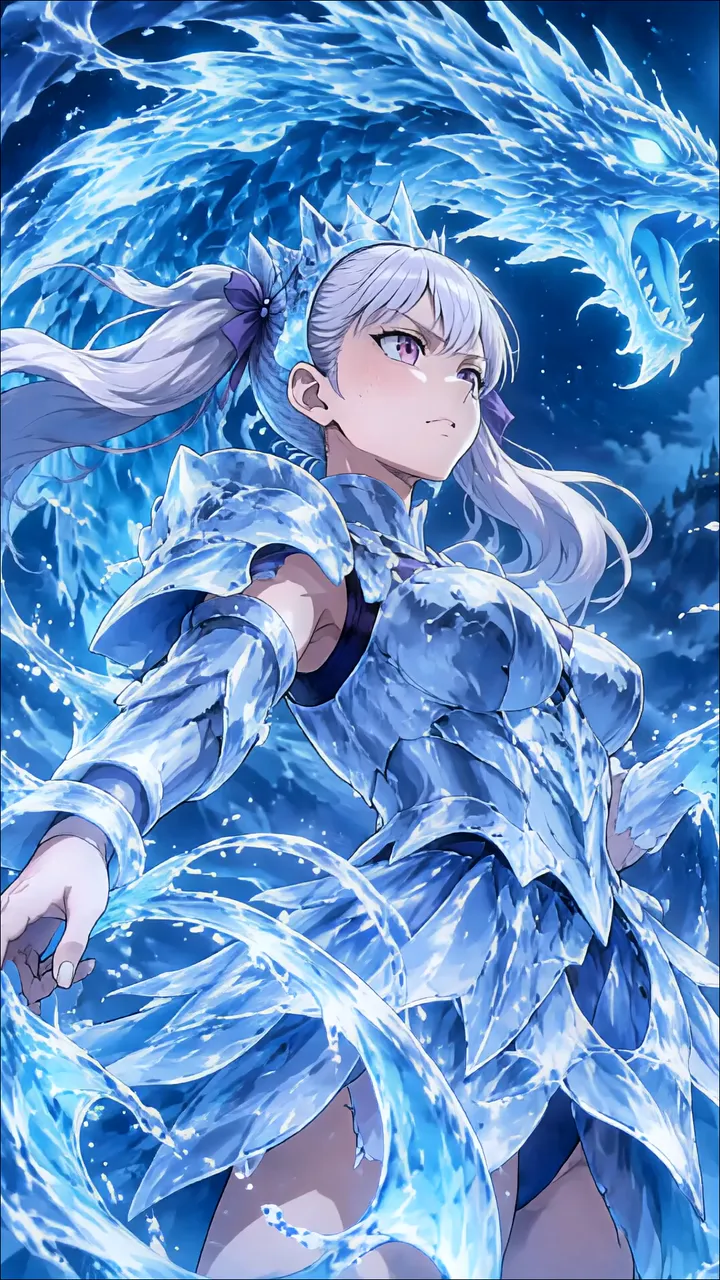
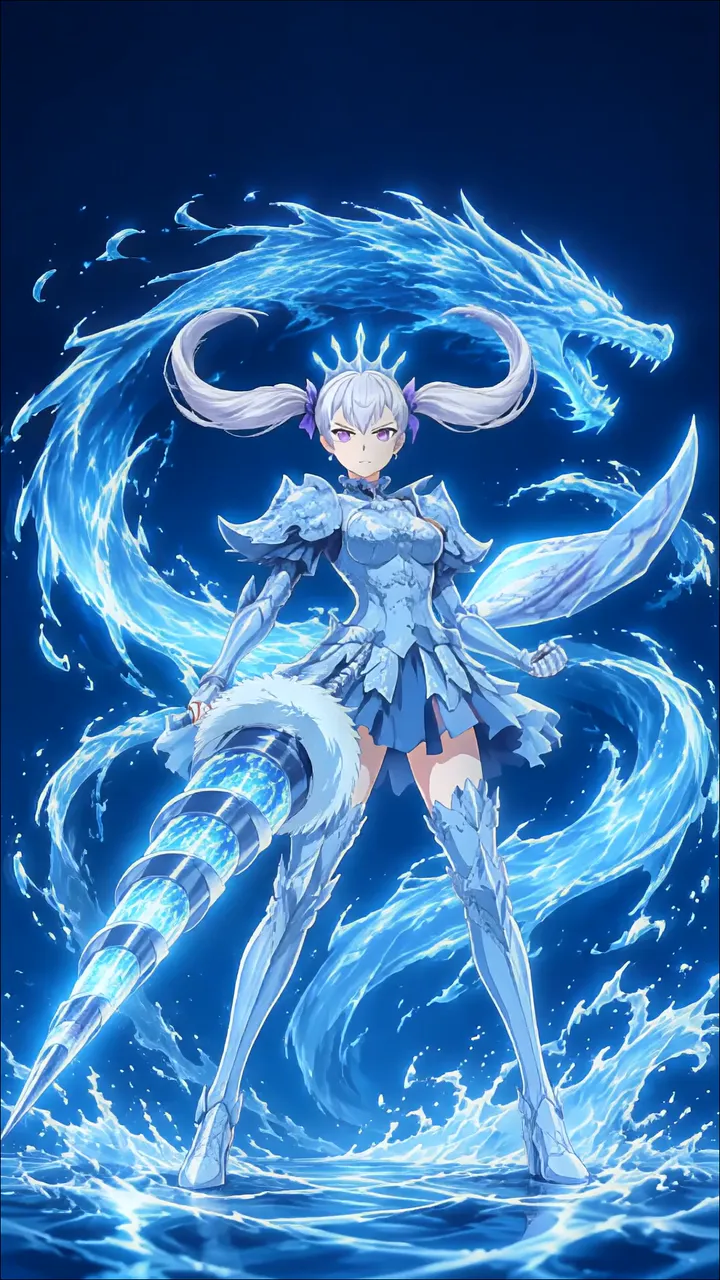
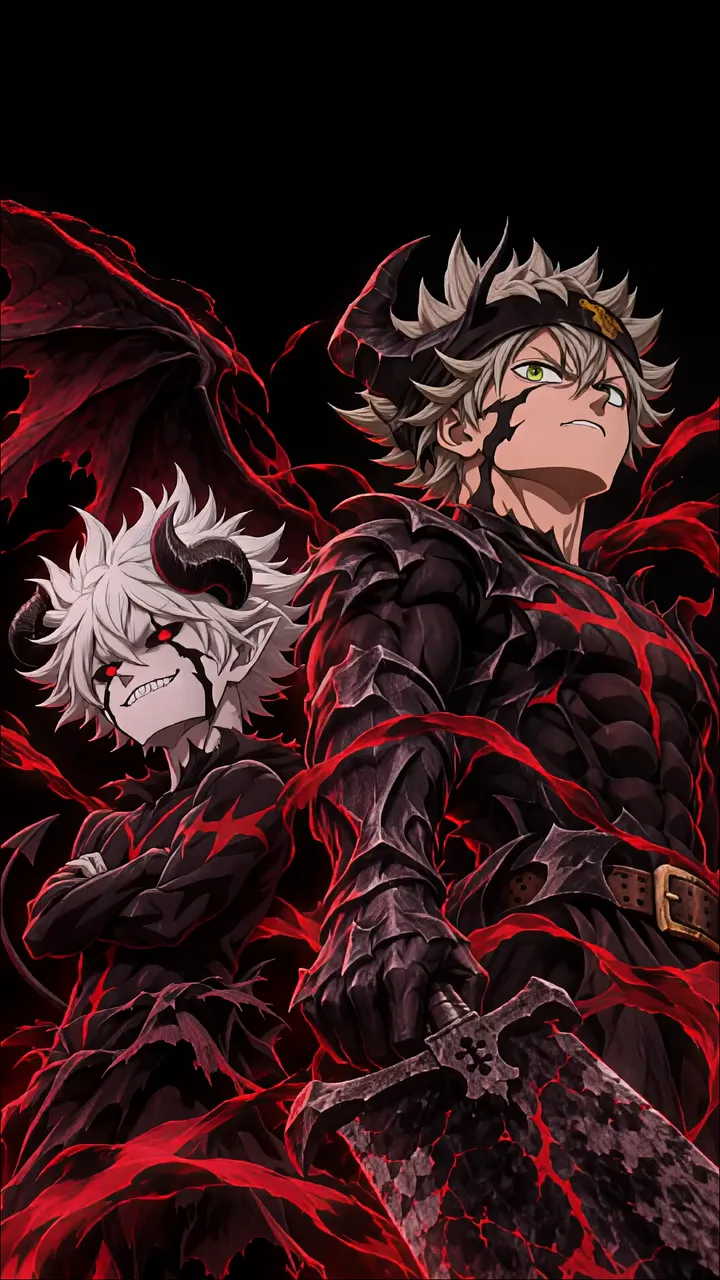
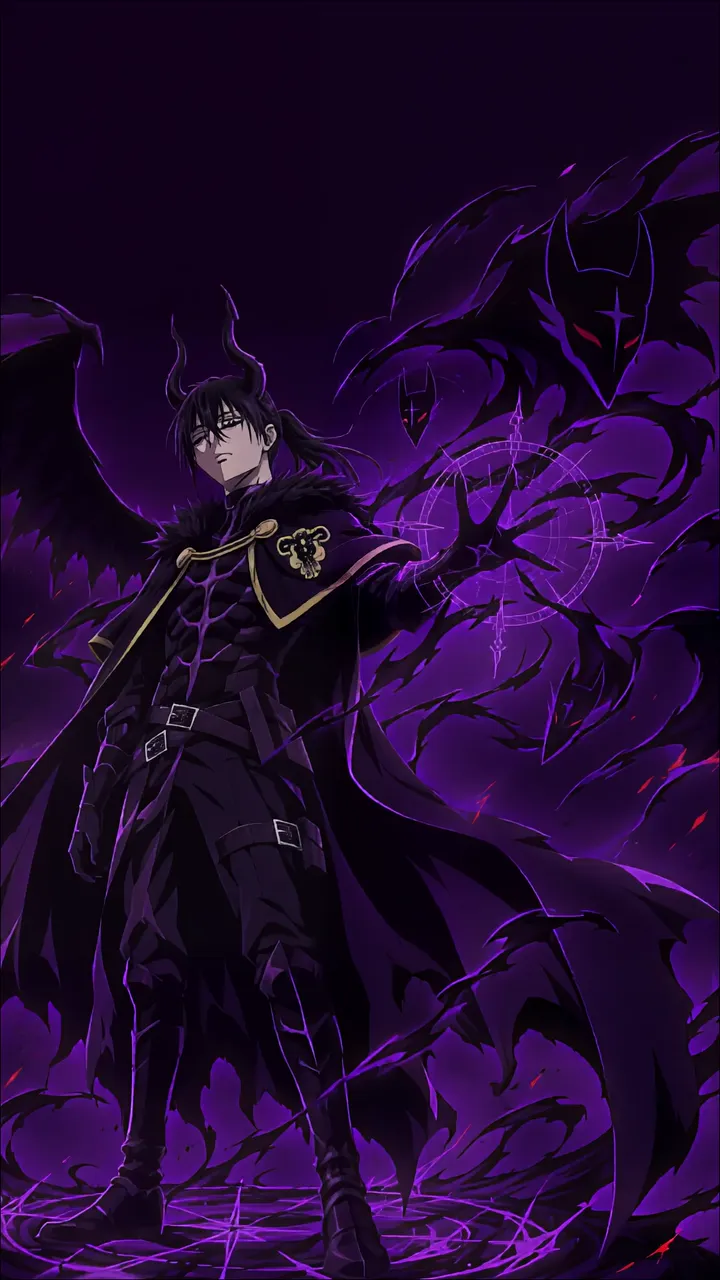



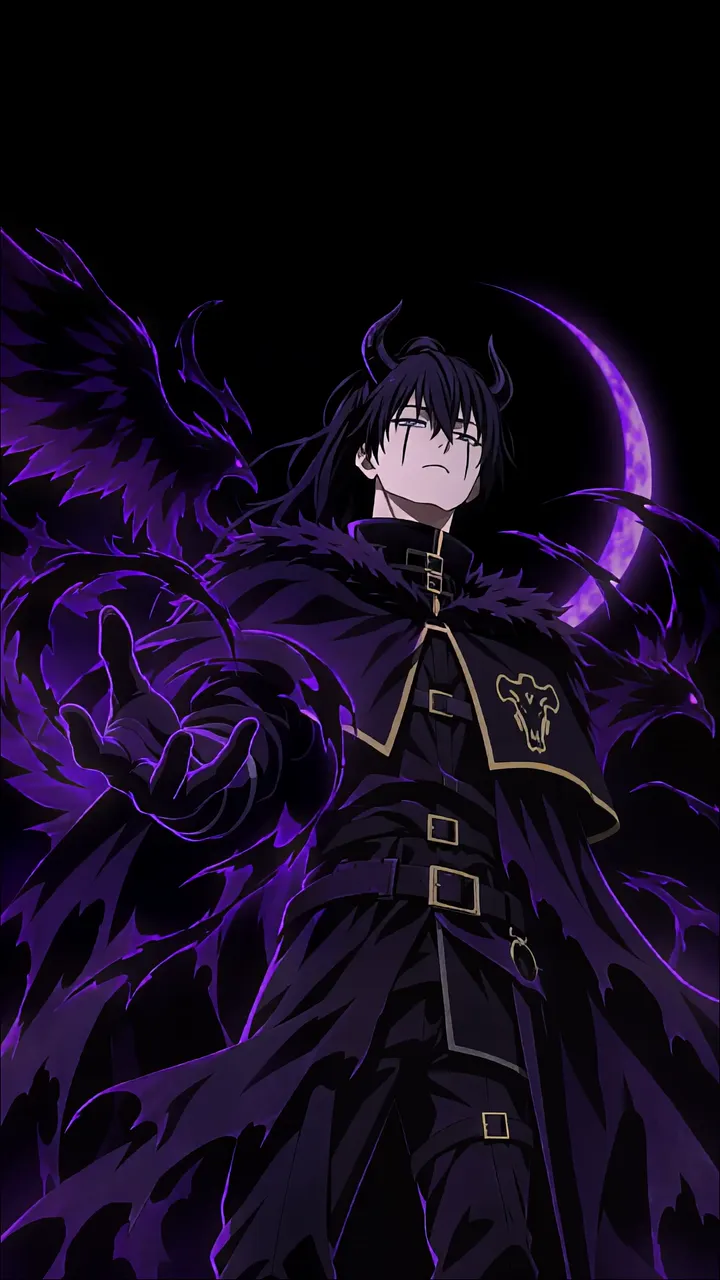
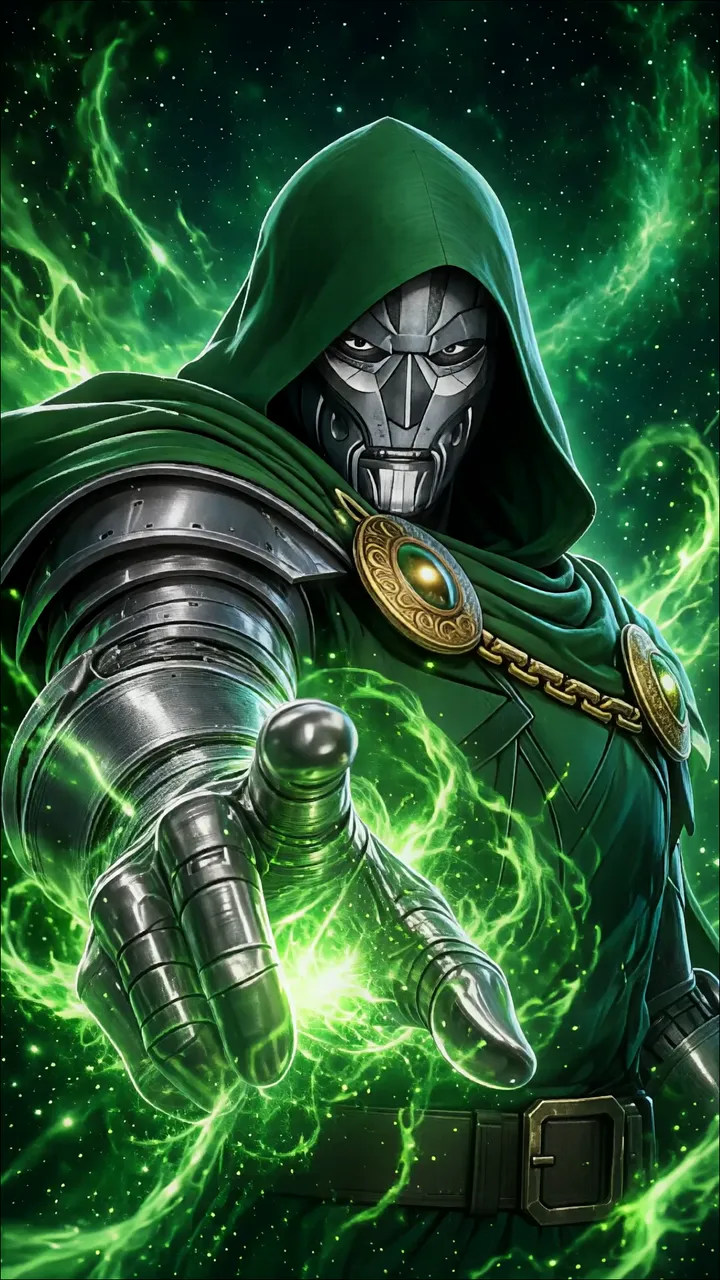


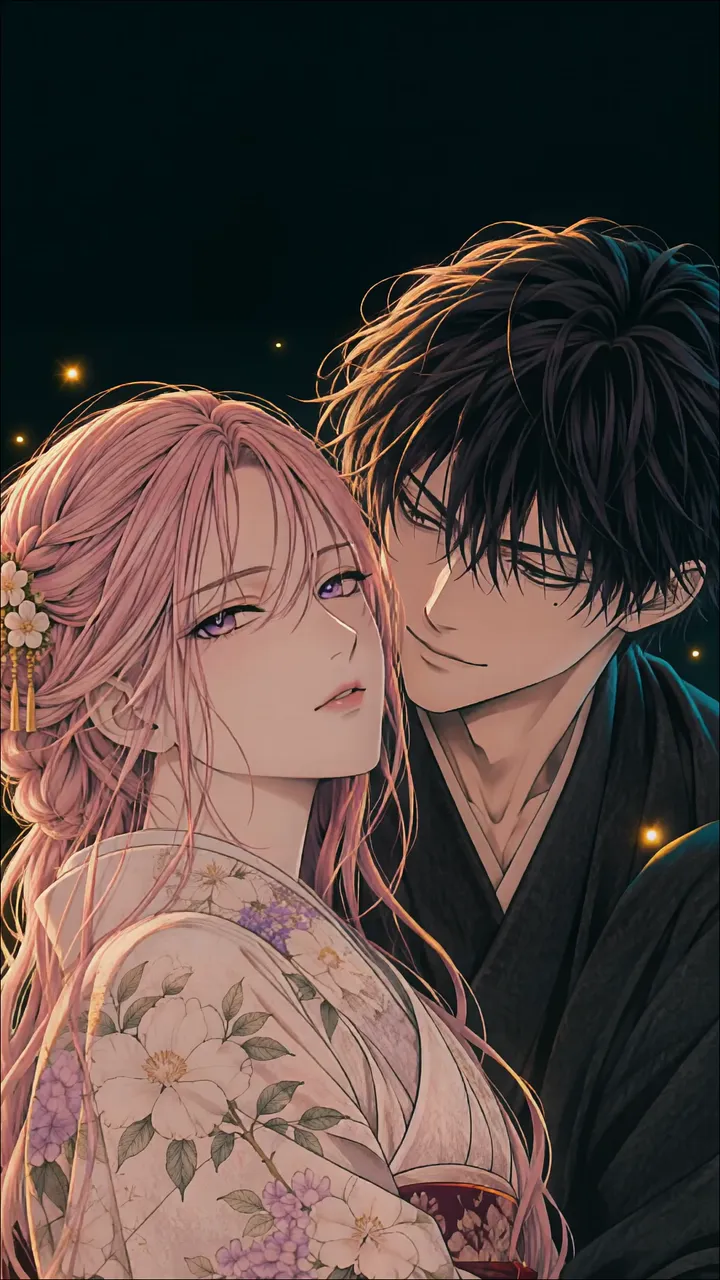



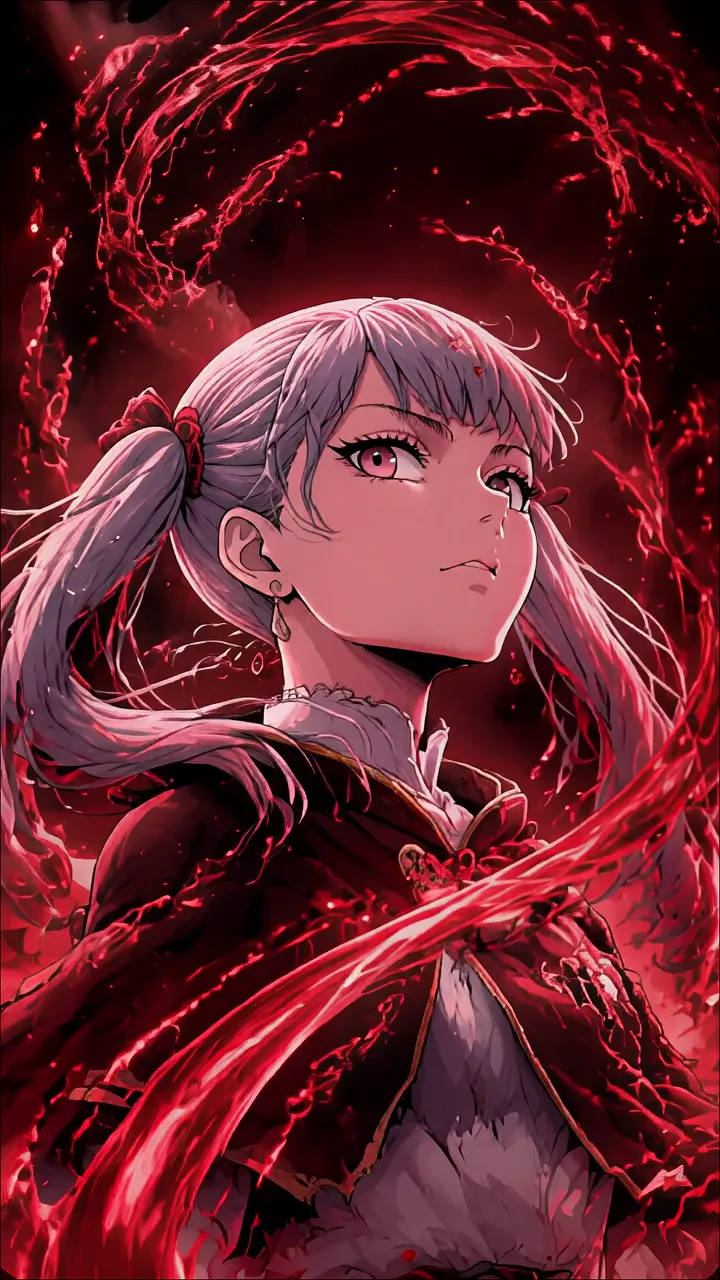
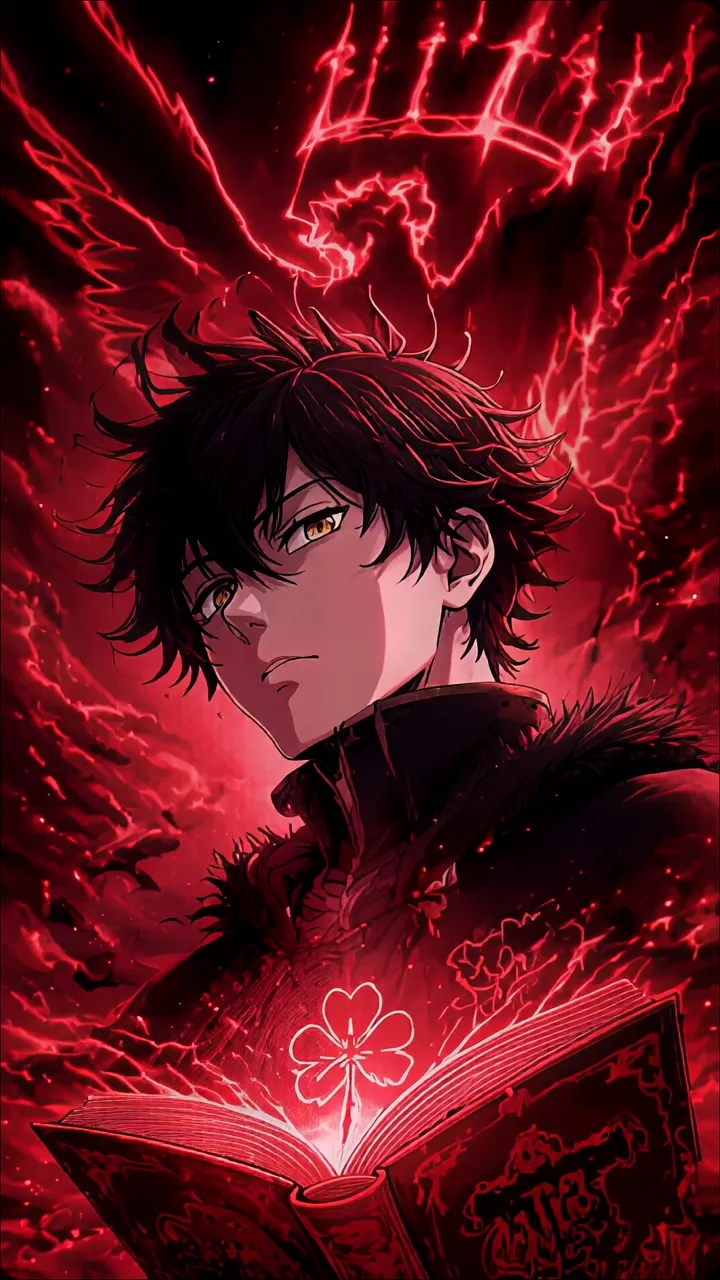
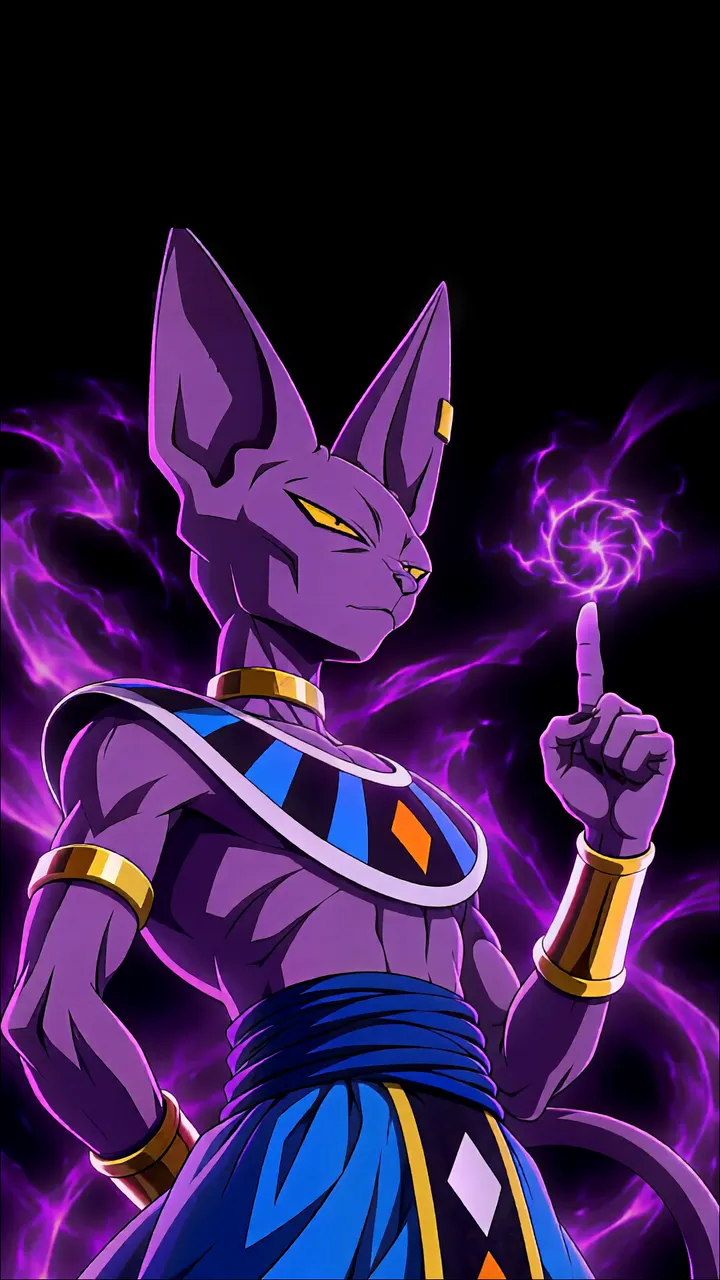
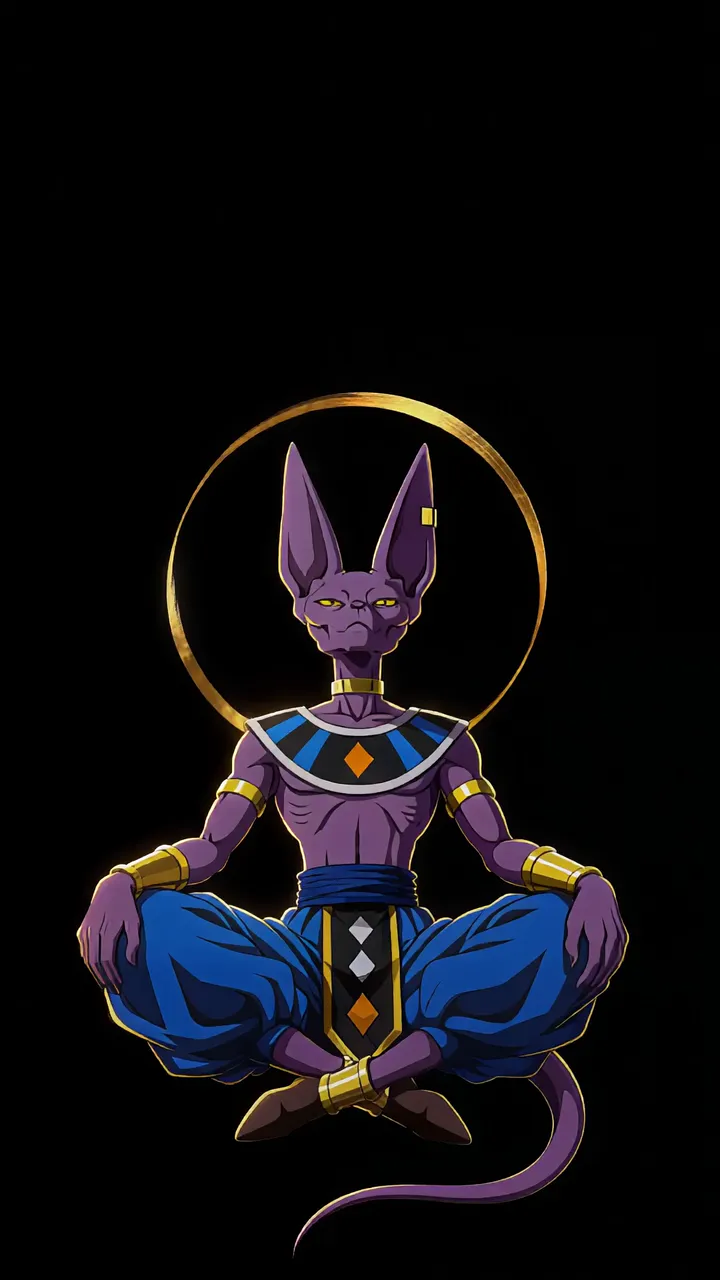
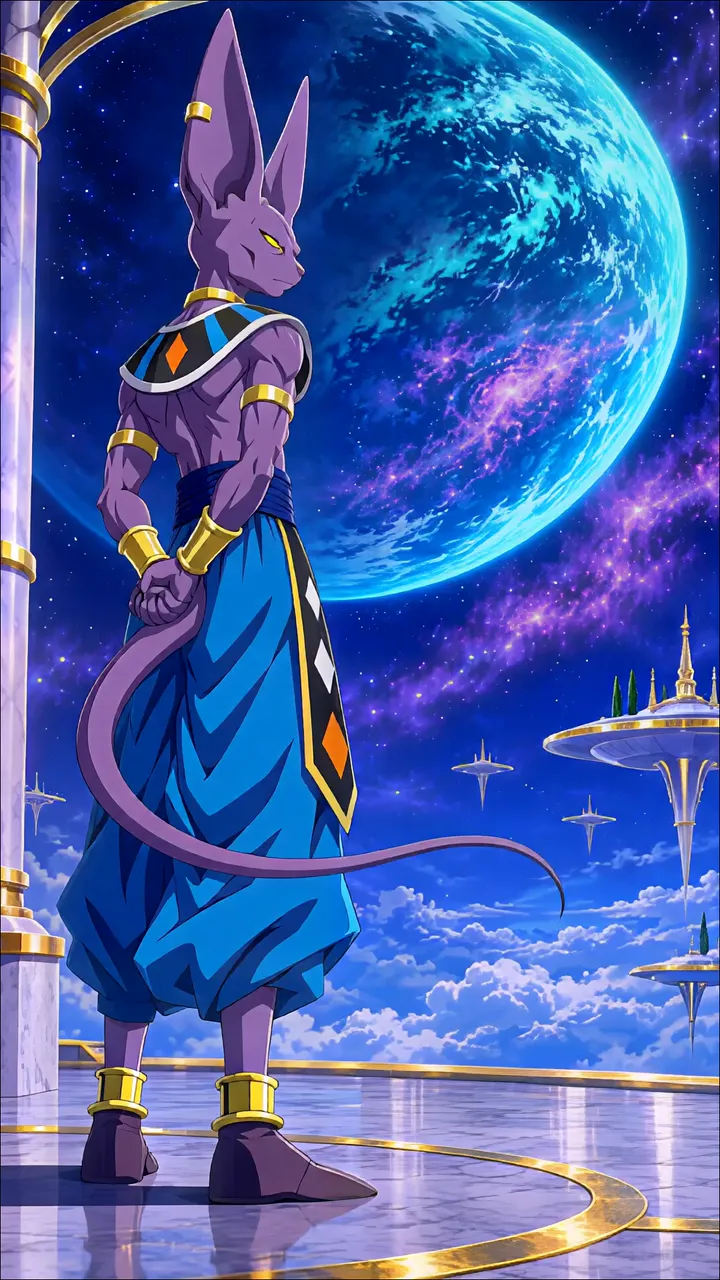
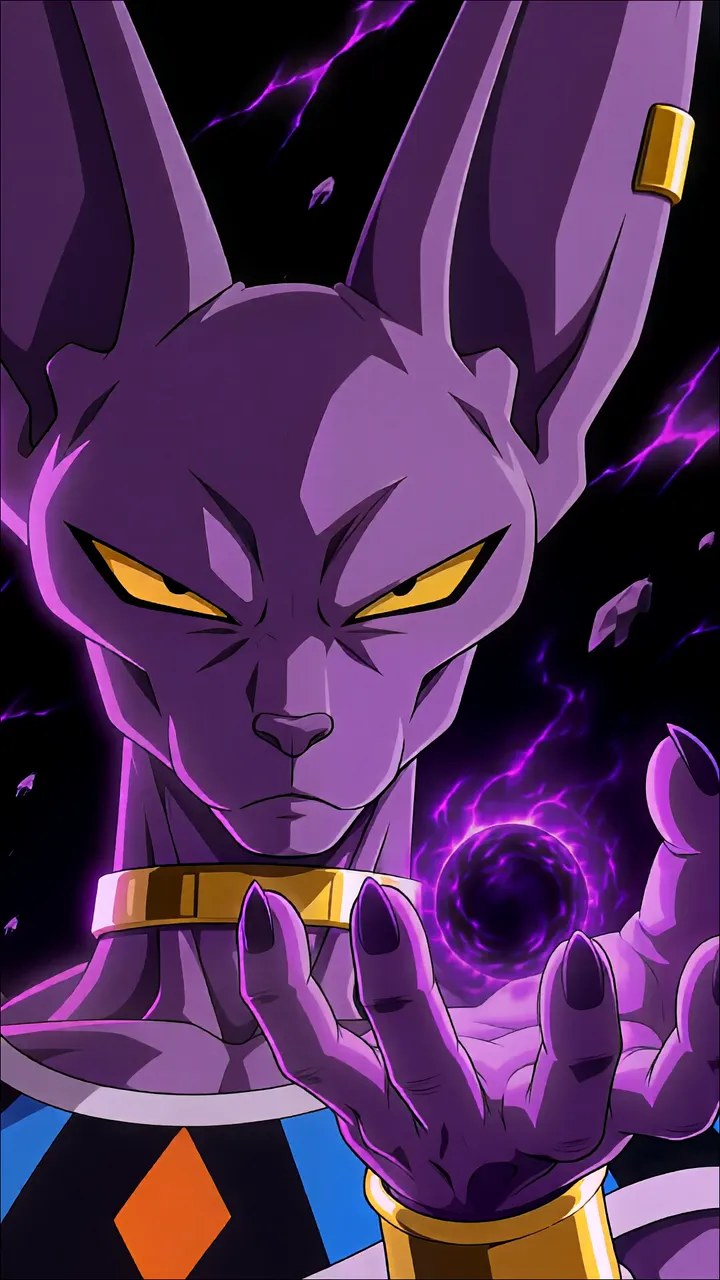
About TokFun’s free live wallpapers
TokFun adds new phone wallpapers every day. Browse anime scenes, dark AMOLED backgrounds and devotional art, then open a wallpaper to preview the animation and see its available download sizes.
You can use the Wallpaper Editor to turn your own photo into a still background sized for your phone.
Frequently asked questions
Are TokFun live wallpapers free to download?
Yes. Open a wallpaper to preview it and download the MP4.
What sizes are available?
Wallpapers are designed for portrait phone screens. Check the download options on each wallpaper page for available versions, such as 720p or 1080p.
How do I set a live wallpaper?
On a compatible iPhone running iOS 17 or later, use a compatible app to convert the downloaded MP4 to a Live Photo and save it to Photos. Open Settings, tap Wallpaper, then Add New Wallpaper. Tap Photos, choose Live Photo, select the saved image, turn on the Live Photo effect, and tap Add.
On Android, open the downloaded MP4 in your gallery and look for Set as wallpaper. If your phone has no video wallpaper option, use a compatible live wallpaper app to select the MP4 and apply it.
Can I save a still version?
When a wallpaper page offers Crop static wallpaper, open it in the editor and export a JPG.