Rain-Slicked Street Under Crimson Umbrella live wallpaper
How to set it as wallpaper
iPhone
For a still wallpaper, save the cropped JPG to Photos and choose it in Settings → Wallpaper. For an animated Lock Screen on supported models, convert the MP4 to a Live Photo with a compatible app and select it in the wallpaper picker.
Android
For a still wallpaper, open the JPG in your gallery and choose Set as wallpaper. For the MP4, look for a video wallpaper option in your gallery or wallpaper settings. A compatible live wallpaper app can help if your phone has no built-in option.
After saving the converted Live Photo to Photos, open Settings, then Wallpaper, then Add New Wallpaper. Tap Photos, choose Live Photo, select the saved image, turn on the Live Photo effect, and tap Add to apply it to your Lock Screen.
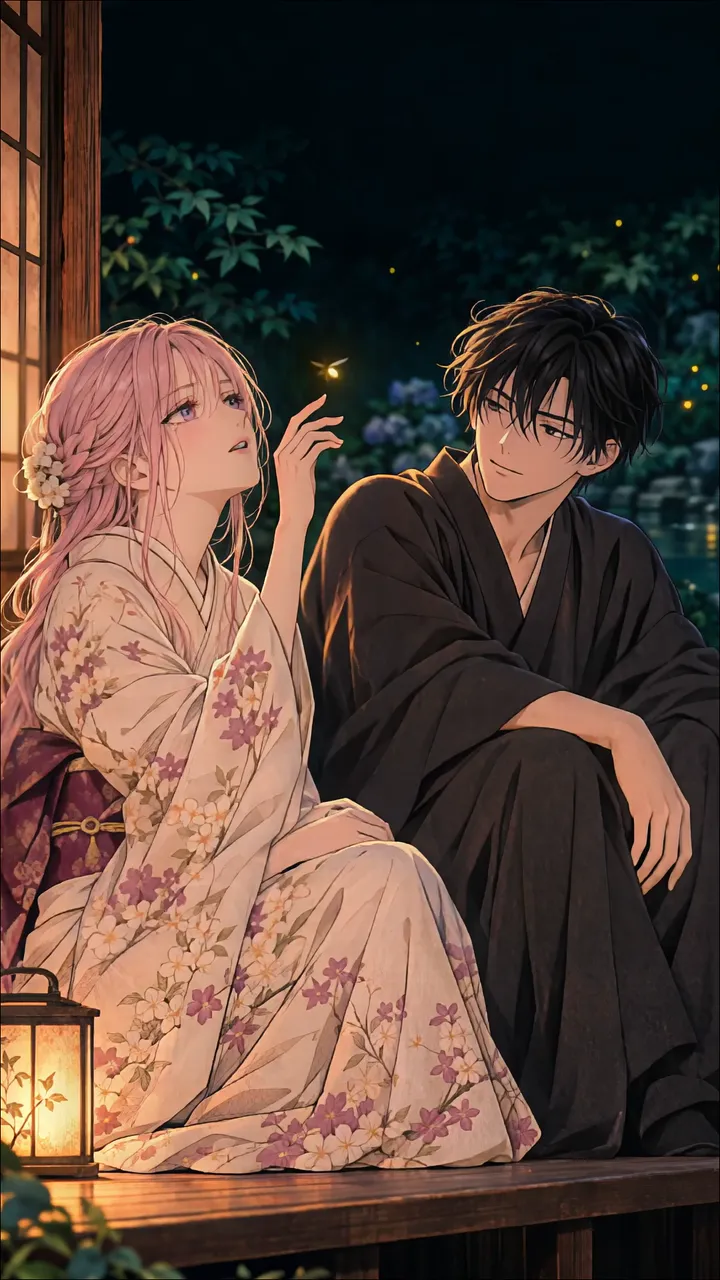
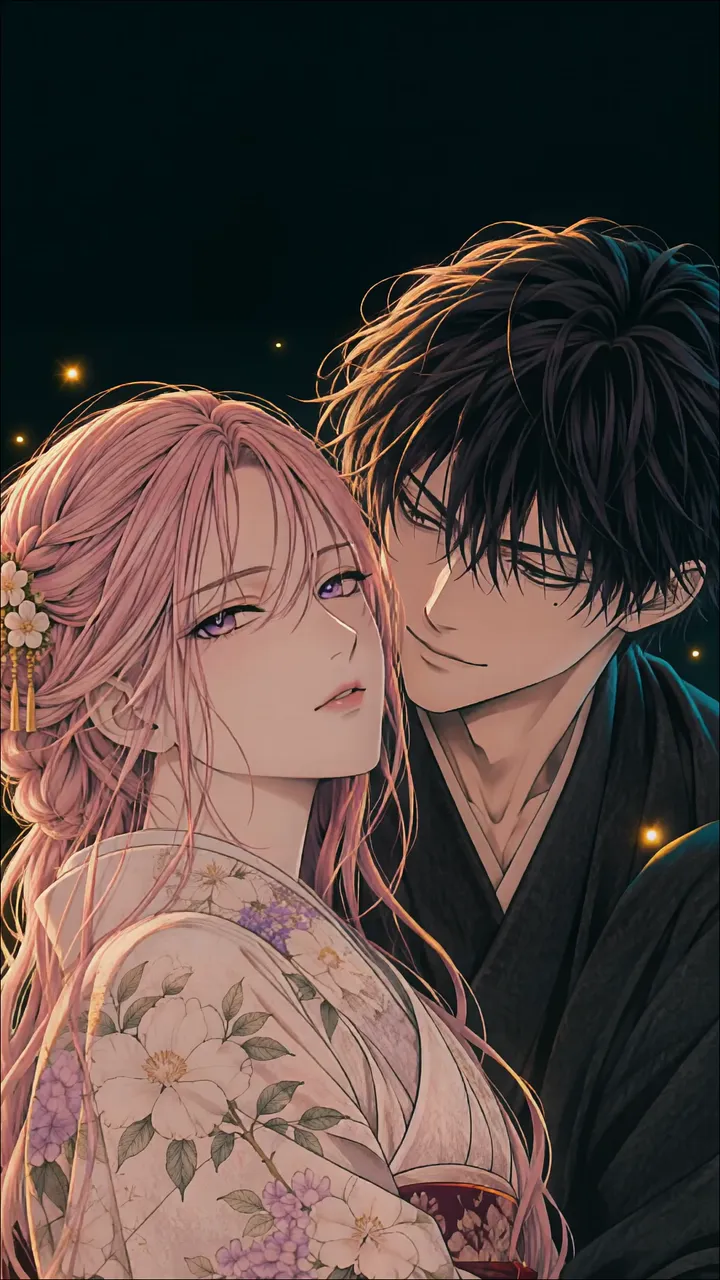
An anime couple stands close under a vibrant red umbrella, sheltering from a gentle rain that glistens on the wet pavement and their traditional kimonos. The girl, with long pink hair adorned with white blossoms, wears a cream kimono patterned with cherry blossoms and a deep purple obi. The boy, in a dark robe, holds the umbrella as they gaze at each other in a softly lit Japanese street at night. Warm lantern light glows in the background, contrasting with the cool blue tones of the rain and the deep shadows of the urban setting, creating an intimate and atmospheric scene.
- Format
- MP4 live wallpaper
- Resolution
- 720P, 1080P
- Duration
- 00:08
- File size
- 7 MB
- Category
- Firefly Wedding, Anime Couple, Rainy Night