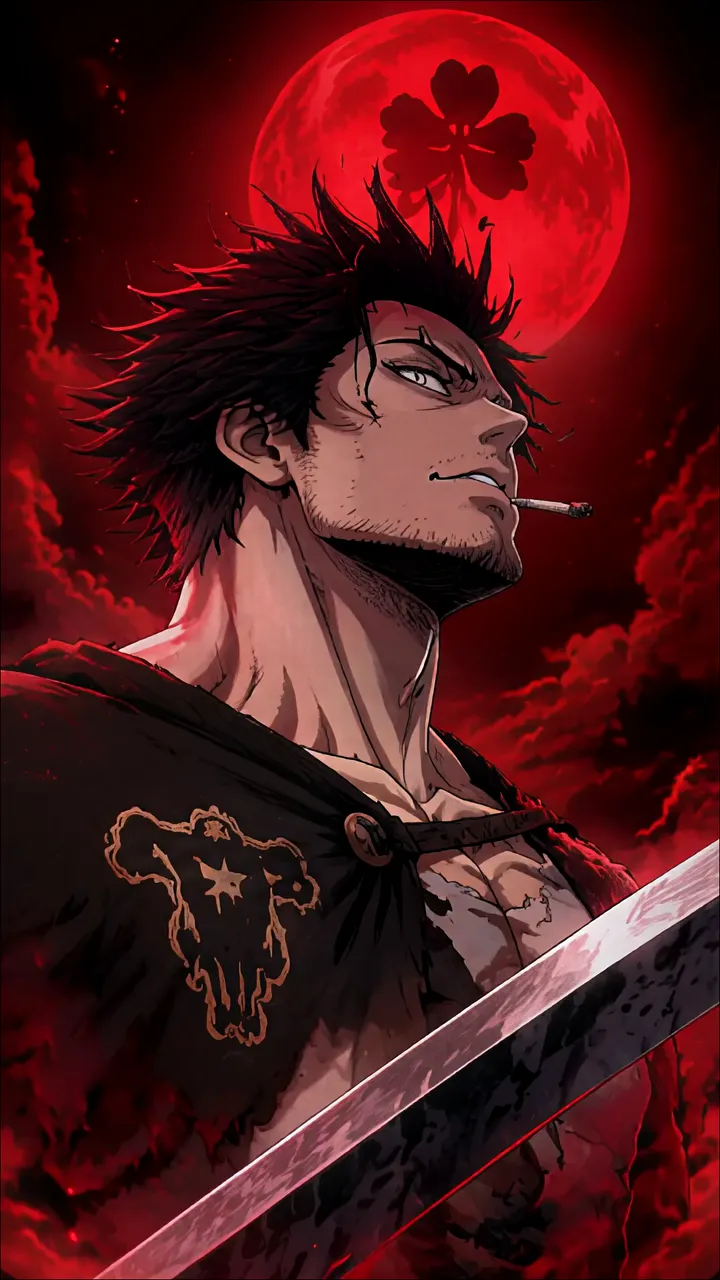
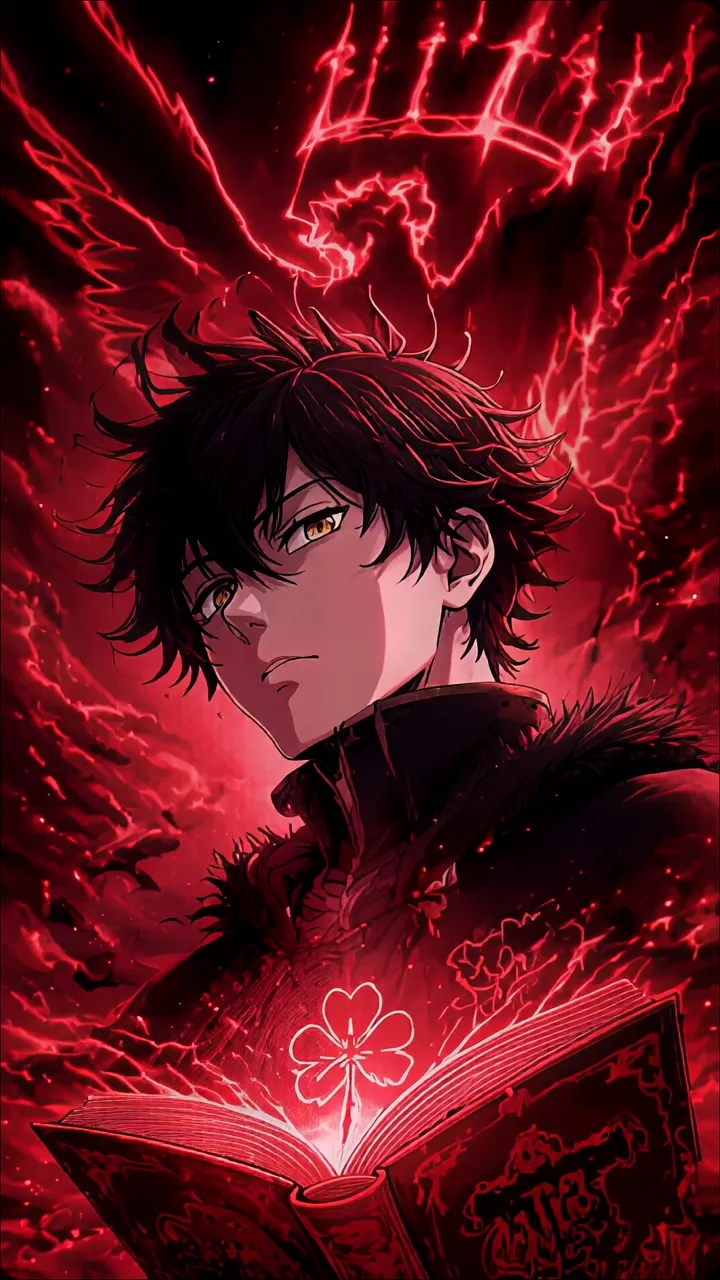
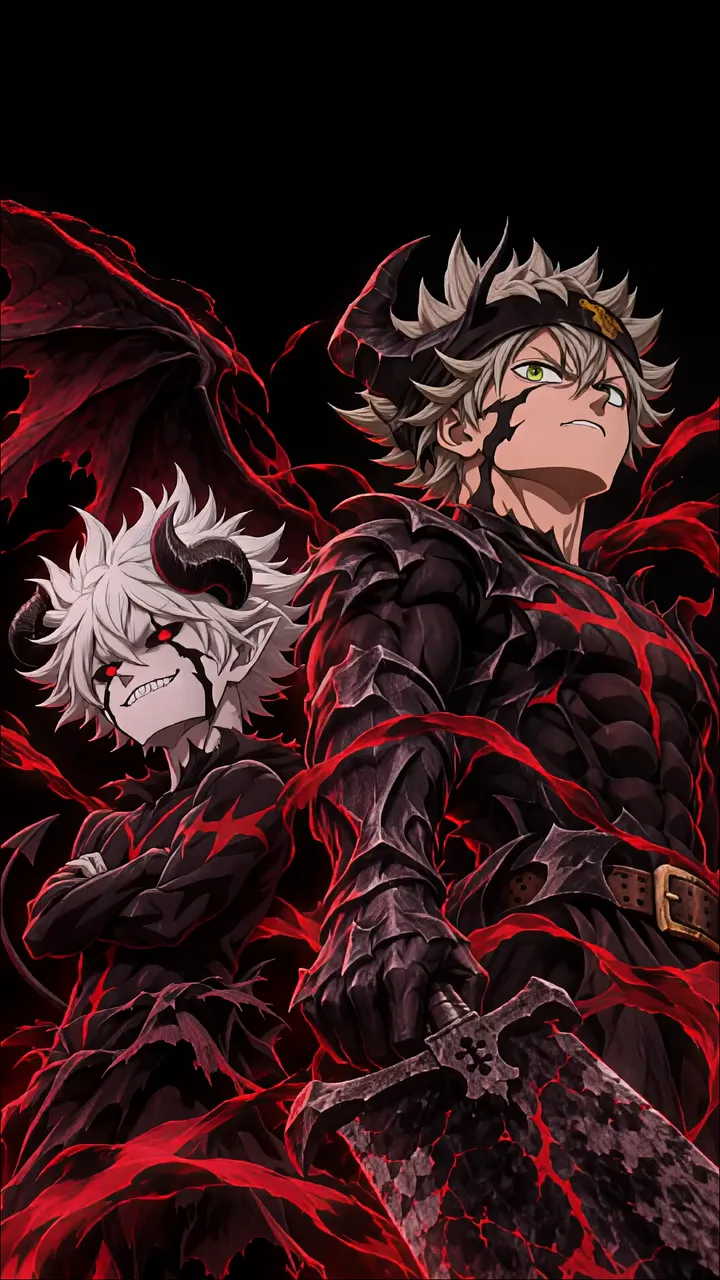
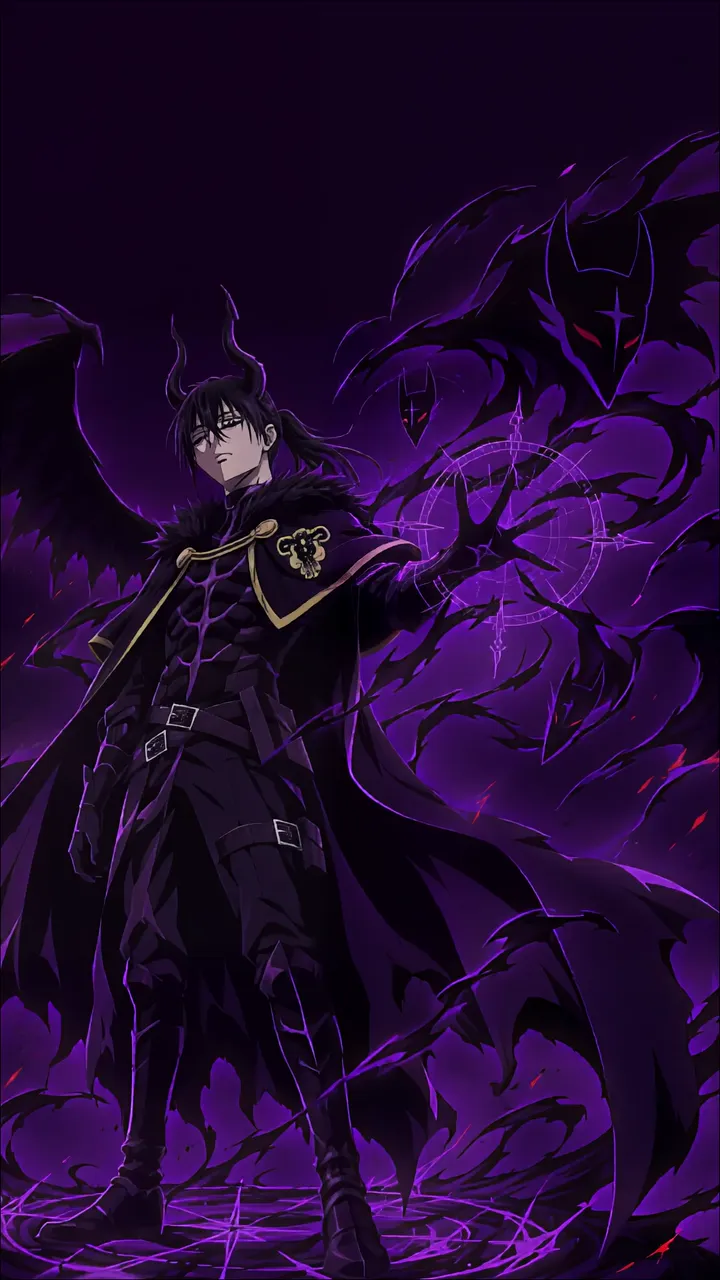
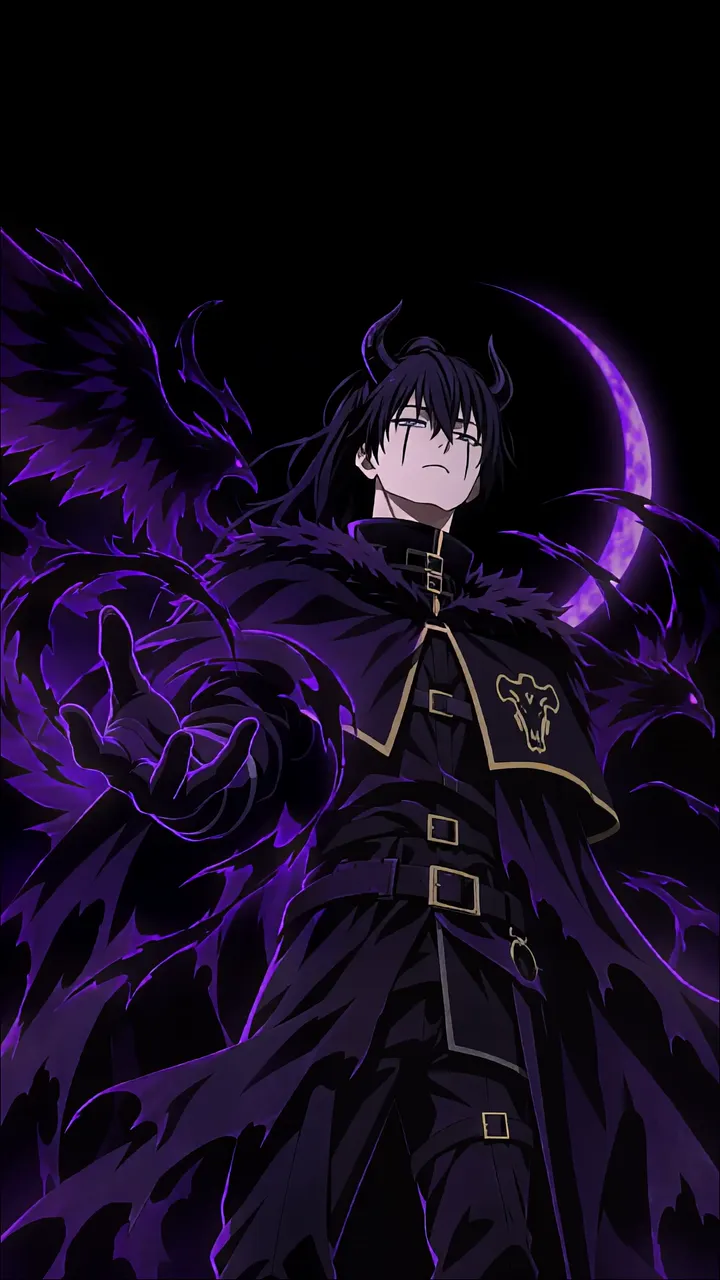
K私 in Devil Form With Crimson Wings live wallpaper
How to set it as wallpaper
iPhone
For a still wallpaper, save the cropped JPG to Photos and choose it in Settings → Wallpaper. For an animated Lock Screen on supported models, convert the MP4 to a Live Photo with a compatible app and select it in the wallpaper picker.
Android
For a still wallpaper, open the JPG in your gallery and choose Set as wallpaper. For the MP4, look for a video wallpaper option in your gallery or wallpaper settings. A compatible live wallpaper app can help if your phone has no built-in option.
After saving the converted Live Photo to Photos, open Settings, then Wallpaper, then Add New Wallpaper. Tap Photos, choose Live Photo, select the saved image, turn on the Live Photo effect, and tap Add to apply it to your Lock Screen.
K私 stands in a powerful devil form, his muscular body clad in tattered black attire, wielding a massive sword with a cracked blade. Behind him, dark crimson wings spread wide, surrounded by swirling red energy and shattered rock fragments. His spiky white hair and determined expression convey intense battle readiness. The scene is set against a stark black background, emphasizing the vivid red aura that radiates from his body and wings, creating a dramatic, high-contrast composition. The visual style is sharp and dynamic, highlighting the character’s demonic transformation and the chaotic energy of the moment.
- Format
- MP4 live wallpaper
- Resolution
- 720P, 1080P
- Duration
- 00:08
- File size
- 5.4 MB
- Category
- Black Clover, K私, Devil Form