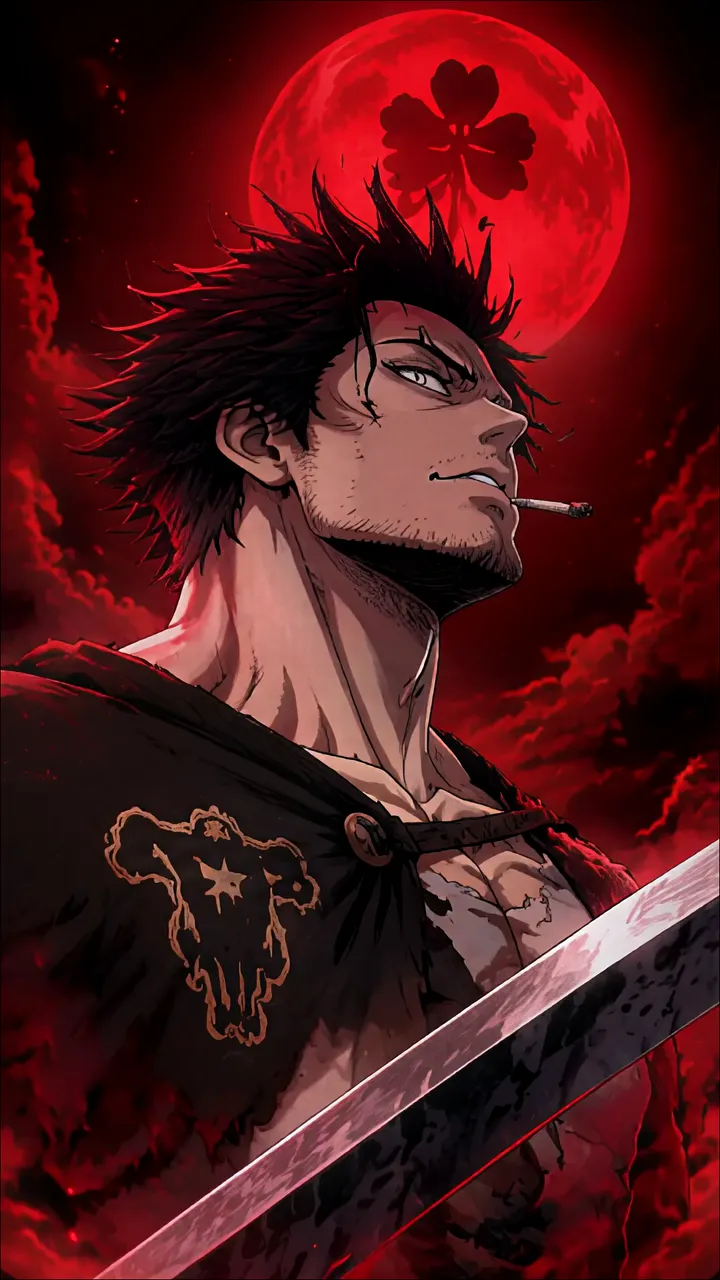
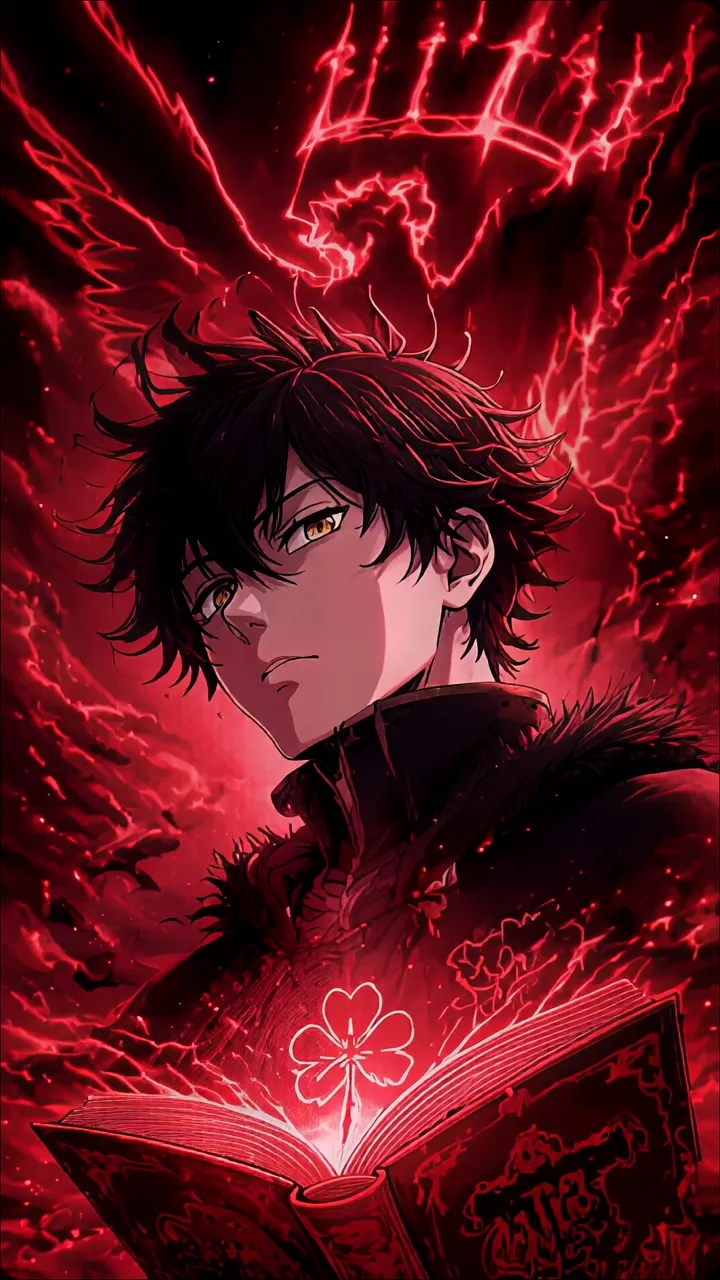
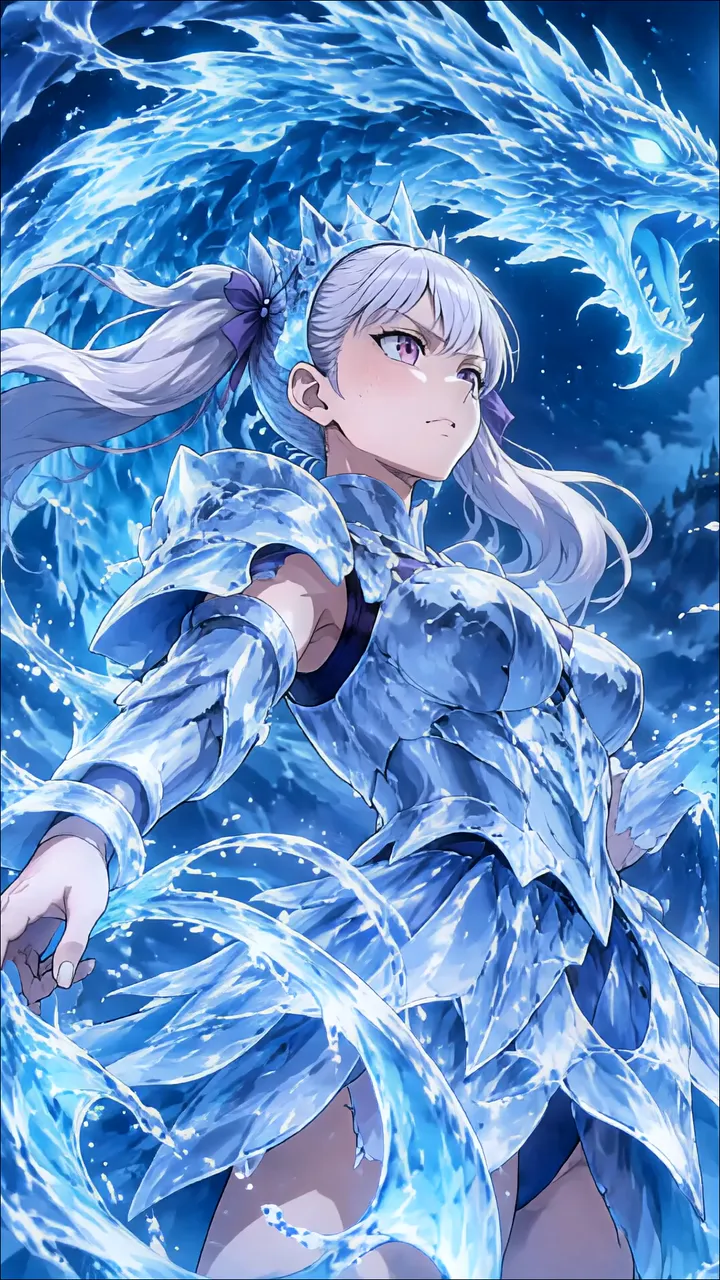
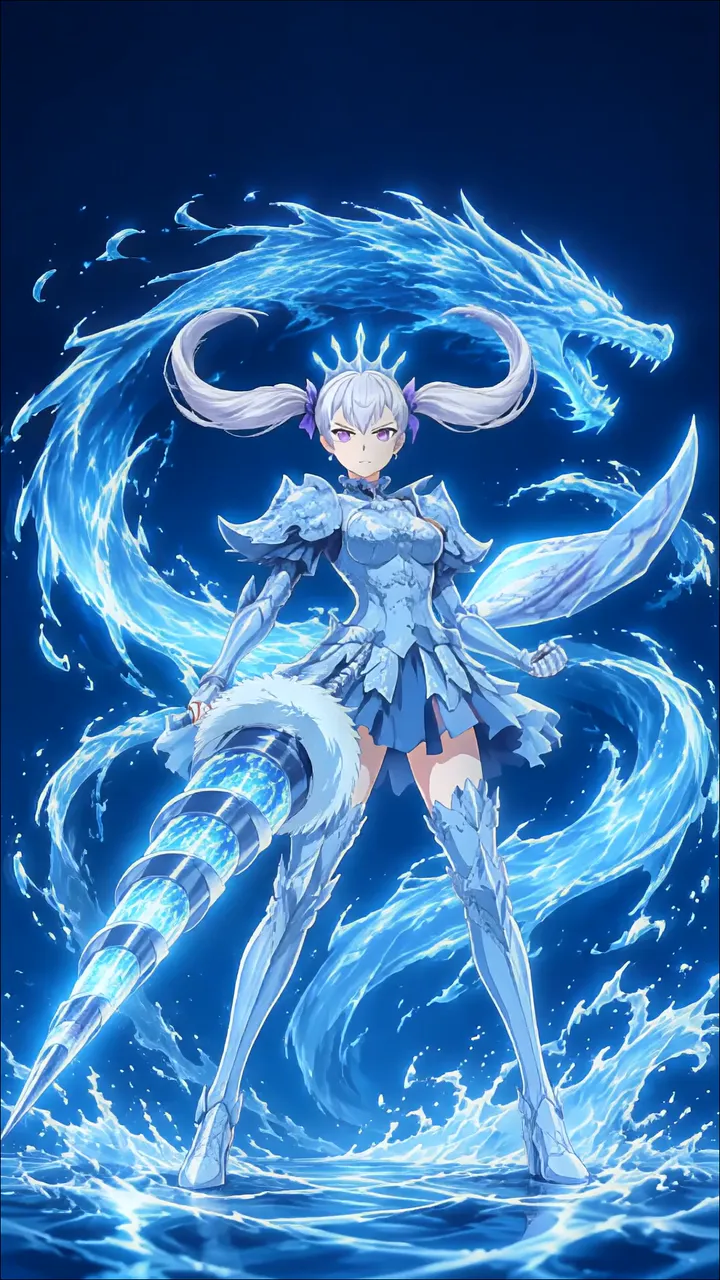
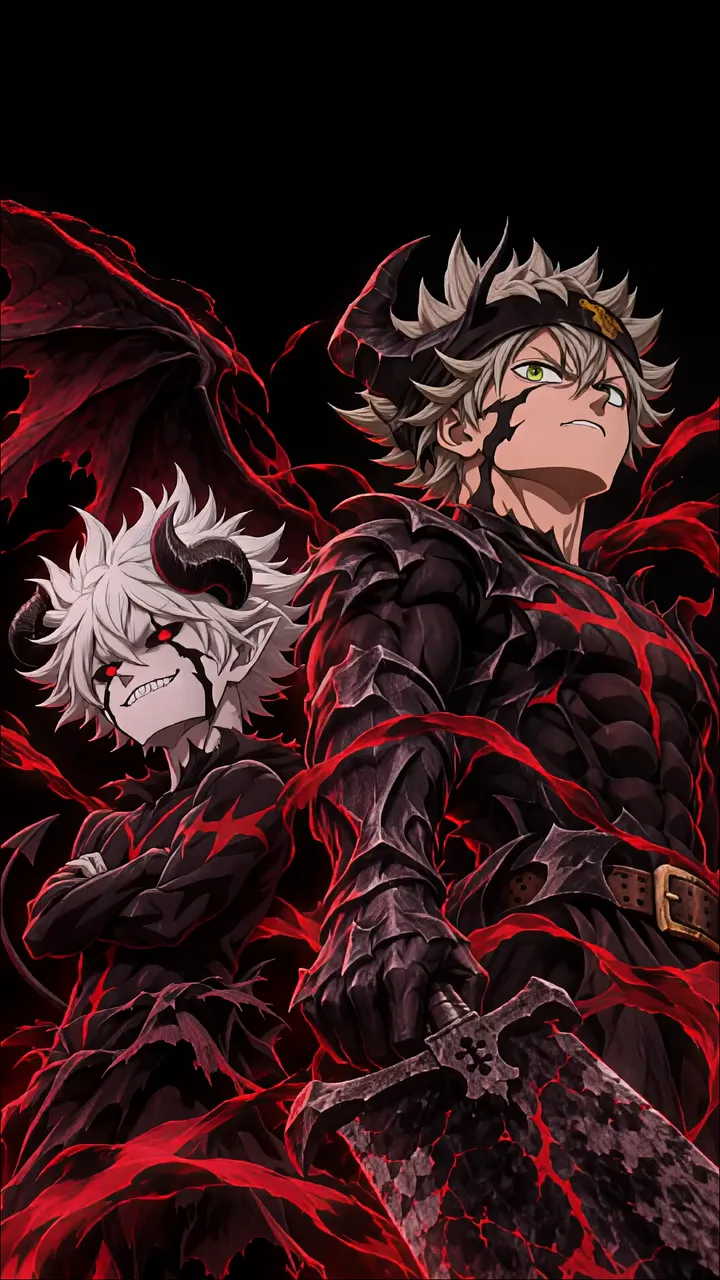
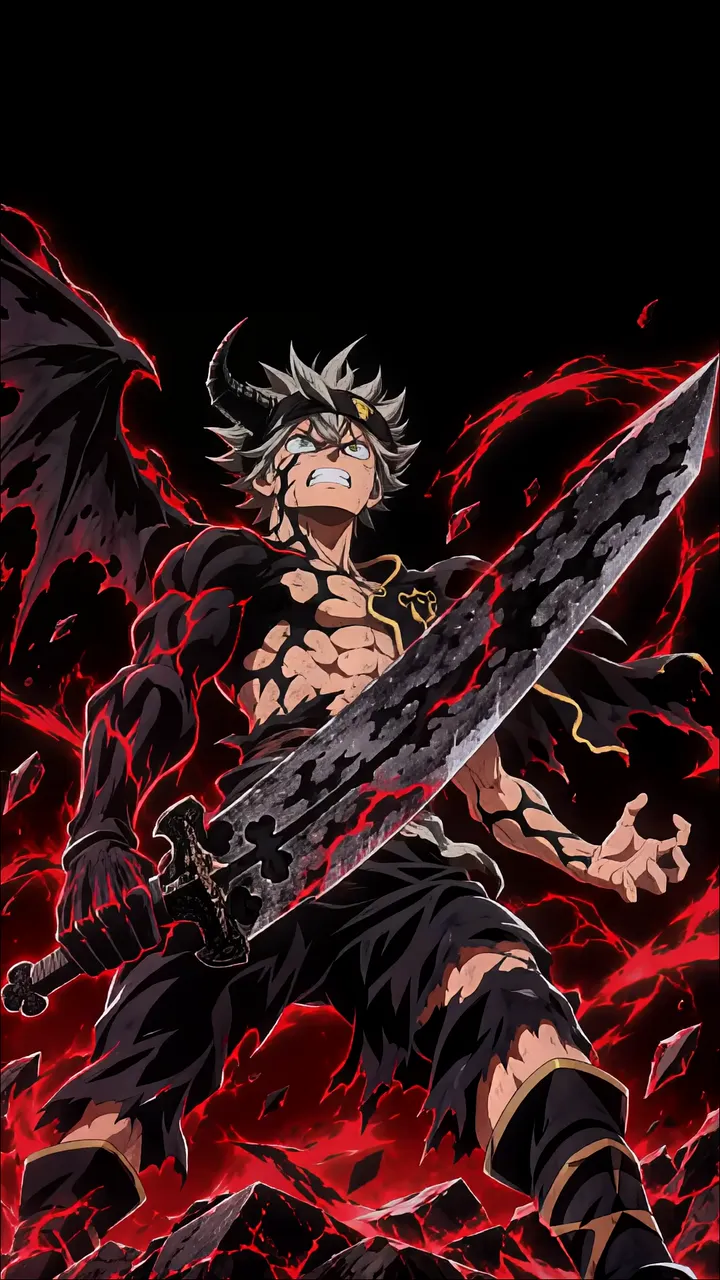
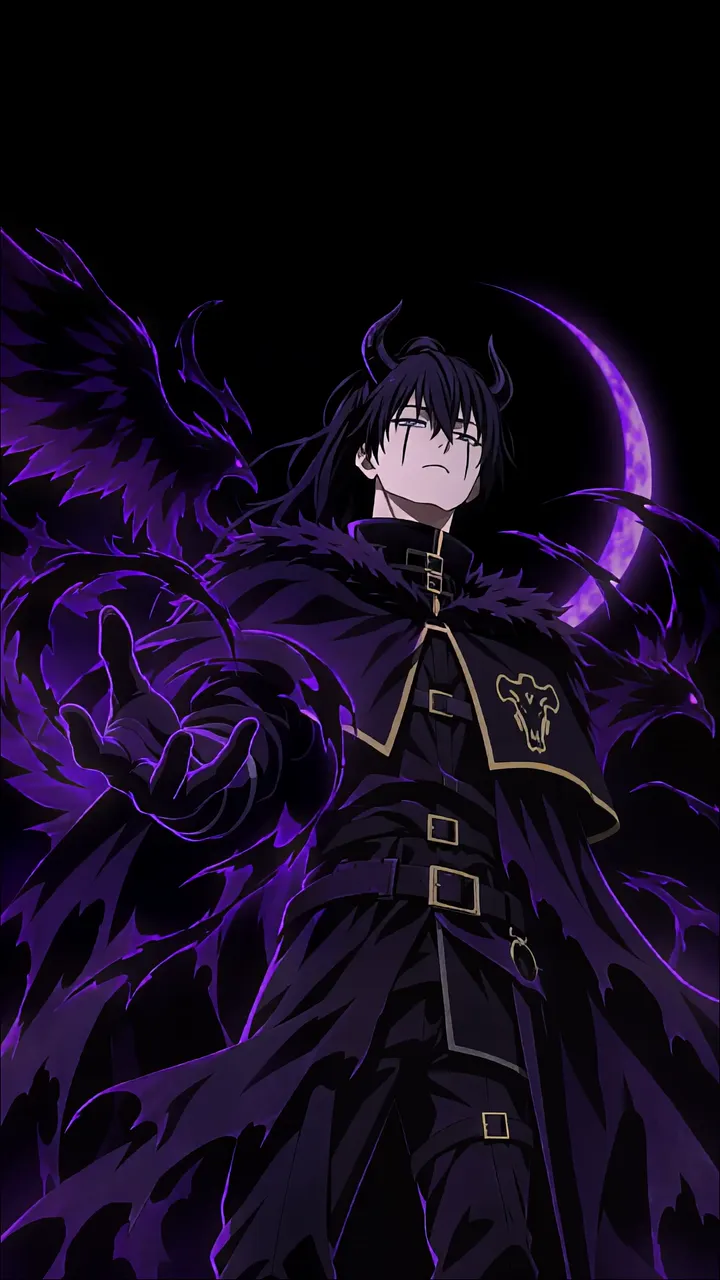
Kizuna with Demon Wings and Purple Aura live wallpaper
How to set it as wallpaper
iPhone
For a still wallpaper, save the cropped JPG to Photos and choose it in Settings → Wallpaper. For an animated Lock Screen on supported models, convert the MP4 to a Live Photo with a compatible app and select it in the wallpaper picker.
Android
For a still wallpaper, open the JPG in your gallery and choose Set as wallpaper. For the MP4, look for a video wallpaper option in your gallery or wallpaper settings. A compatible live wallpaper app can help if your phone has no built-in option.
After saving the converted Live Photo to Photos, open Settings, then Wallpaper, then Add New Wallpaper. Tap Photos, choose Live Photo, select the saved image, turn on the Live Photo effect, and tap Add to apply it to your Lock Screen.
Kizuna, the demon lord from Black Clover, stands in a commanding pose against a deep purple backdrop, his black cloak billowing as he channels dark magic. Behind him, demonic wings and a swirling purple aura with glowing red accents form a menacing silhouette. His hand is extended, casting a glowing circular spell over a cracked, energy-lit ground. The scene is saturated with dark purples and blacks, emphasizing his demonic form and the mystical, ominous atmosphere of his power.
- Format
- MP4 live wallpaper
- Resolution
- 720P, 1080P
- Duration
- 00:08
- File size
- 2.9 MB
- Category
- Black Clover, Kizuna, Demon Wings