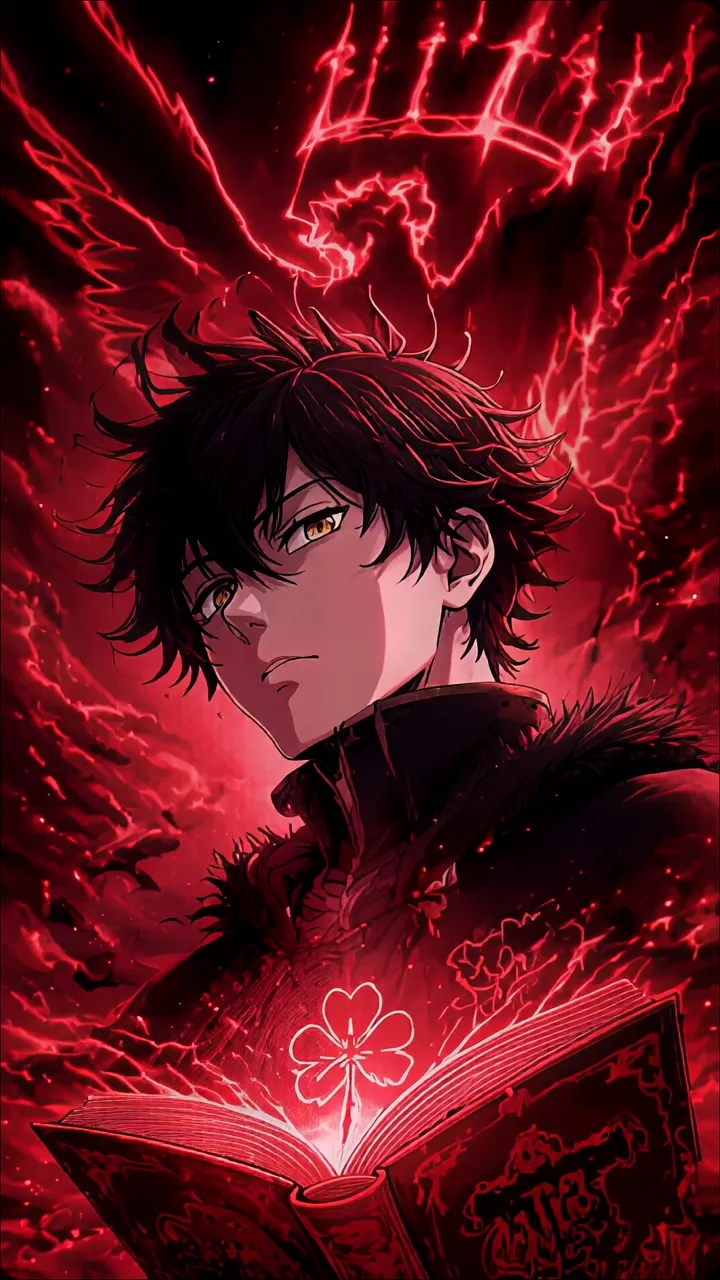
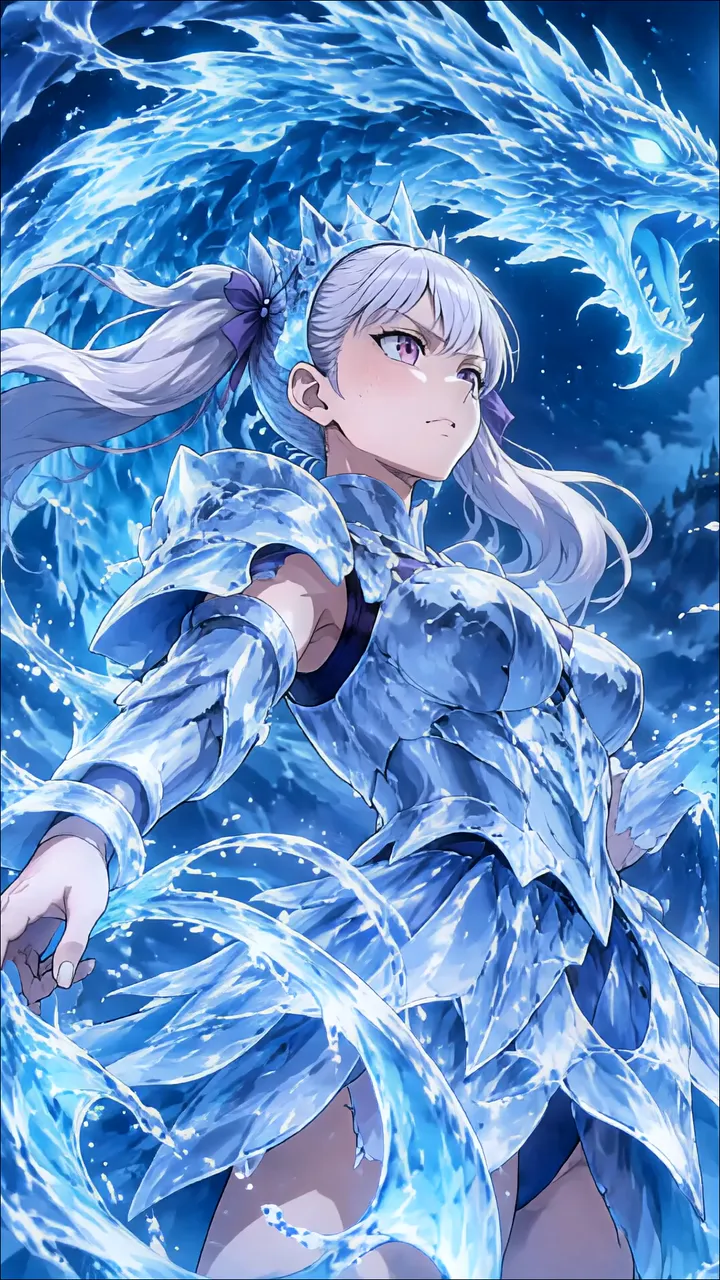
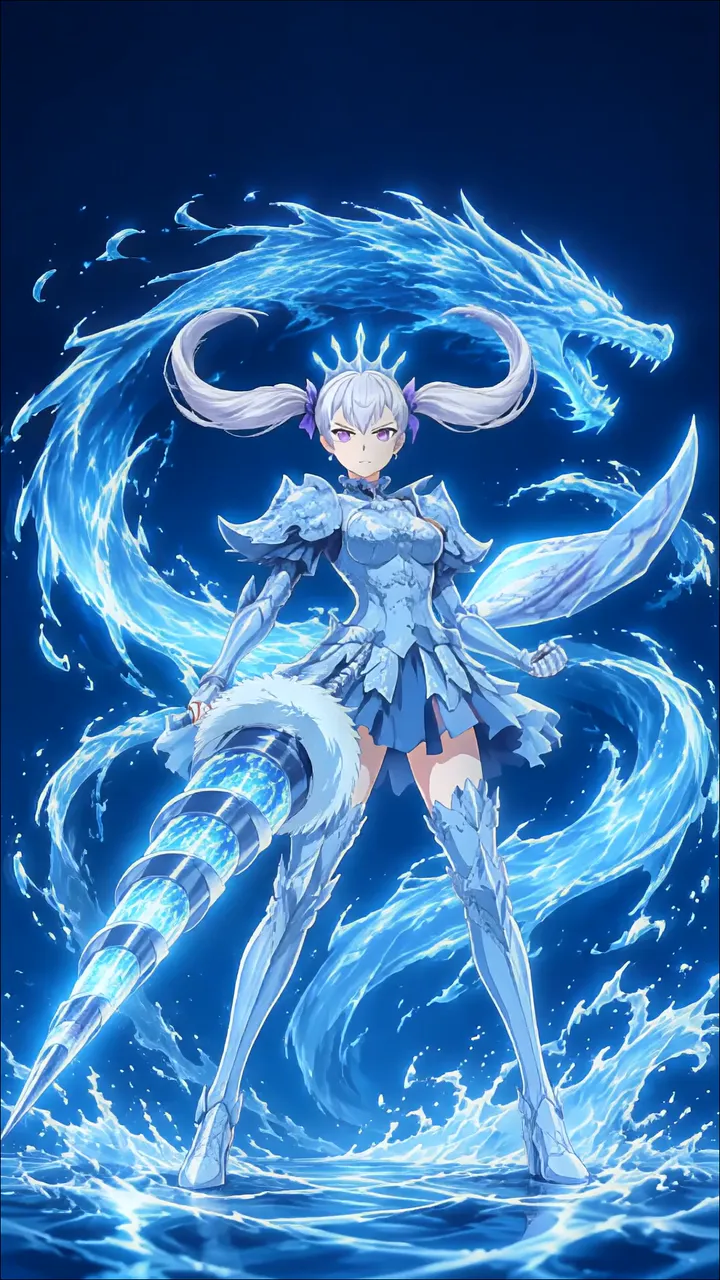
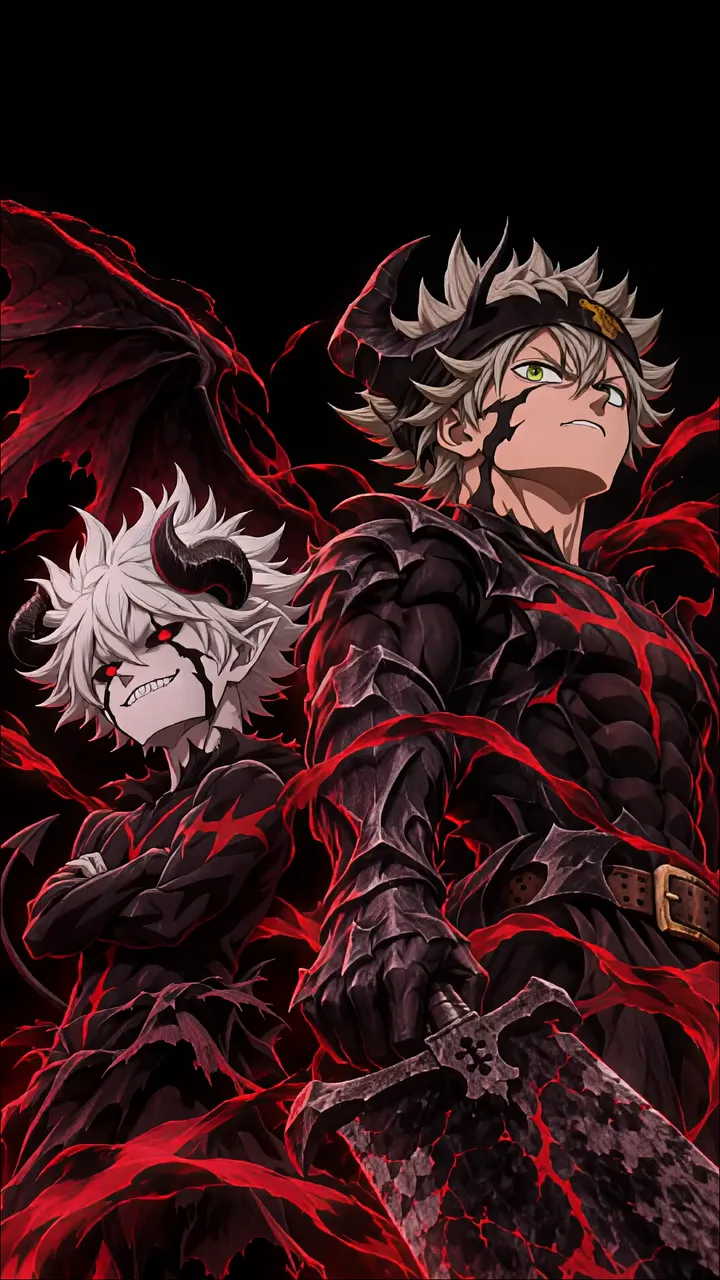
Yami Sukehiro Under Crimson Moon live wallpaper
How to set it as wallpaper
iPhone
For a still wallpaper, save the cropped JPG to Photos and choose it in Settings → Wallpaper. For an animated Lock Screen on supported models, convert the MP4 to a Live Photo with a compatible app and select it in the wallpaper picker.
Android
For a still wallpaper, open the JPG in your gallery and choose Set as wallpaper. For the MP4, look for a video wallpaper option in your gallery or wallpaper settings. A compatible live wallpaper app can help if your phone has no built-in option.
After saving the converted Live Photo to Photos, open Settings, then Wallpaper, then Add New Wallpaper. Tap Photos, choose Live Photo, select the saved image, turn on the Live Photo effect, and tap Add to apply it to your Lock Screen.
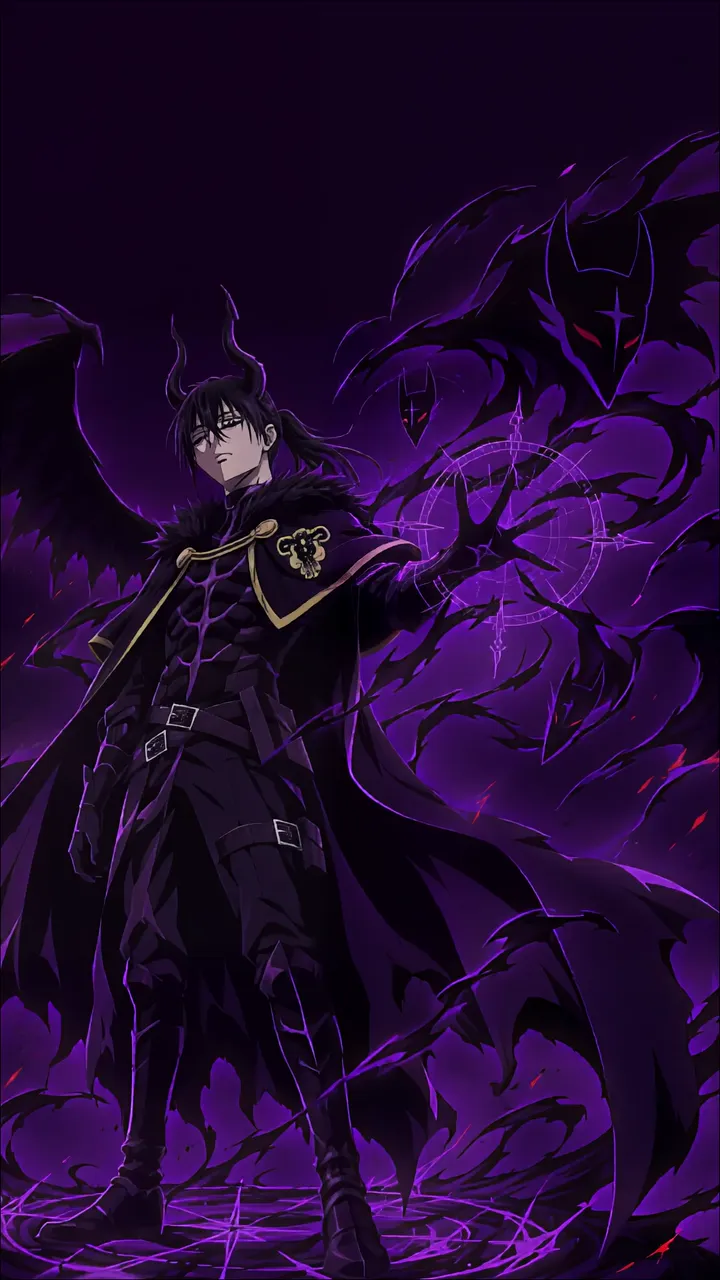
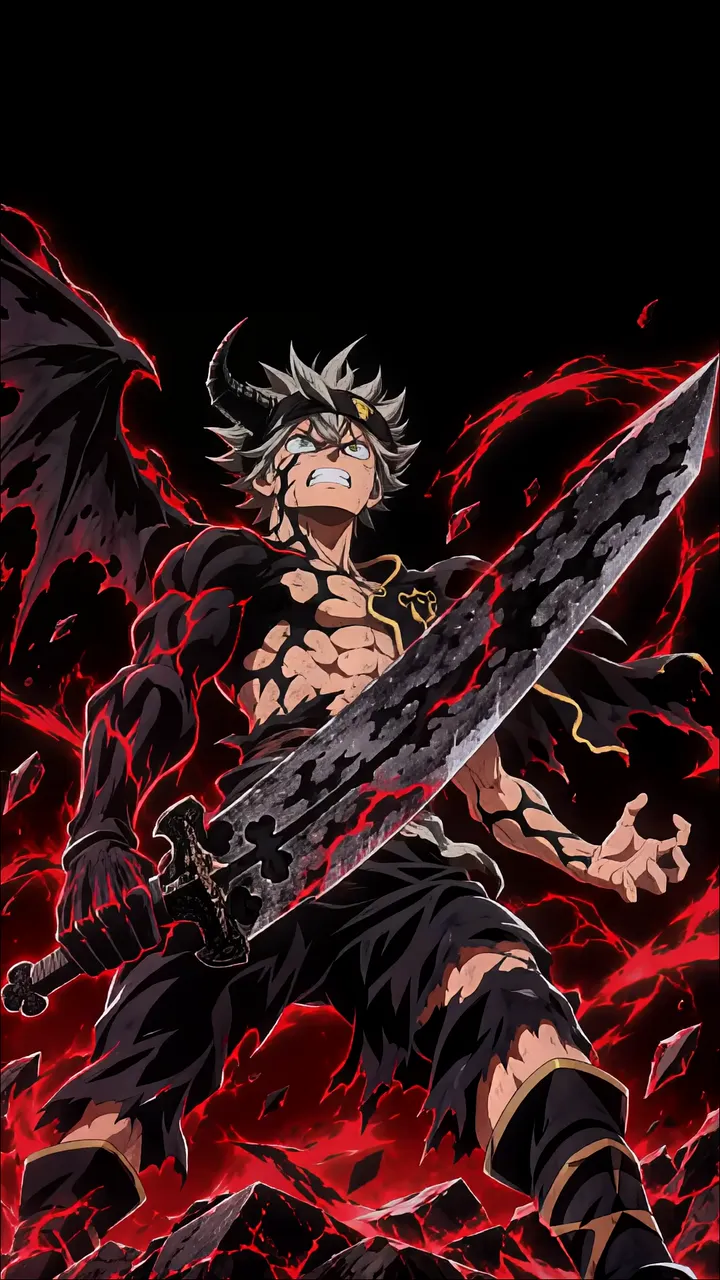
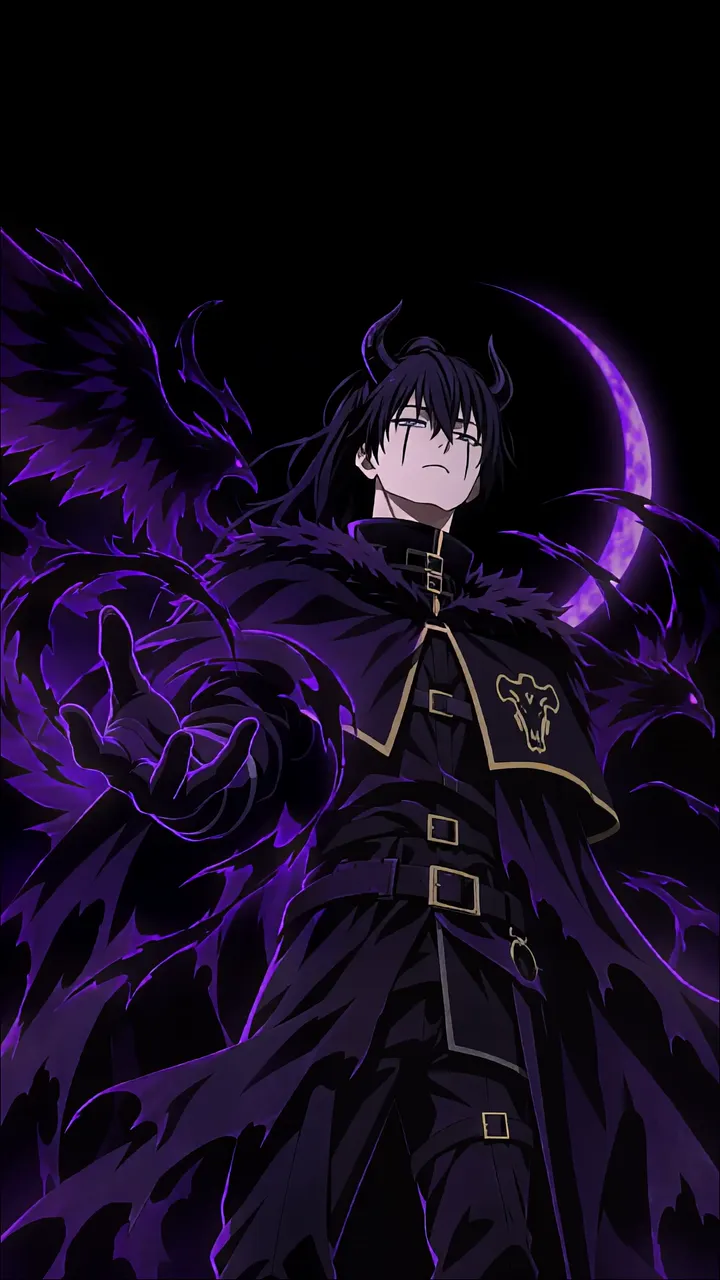
Yami Sukehiro, the Black Clover knight, stands in a dramatic profile against a blood-red sky dominated by a massive crimson moon bearing a four-leaf clover. His spiky black hair and stern gaze are illuminated by the eerie glow, while a sword rests diagonally across his torso and a dark cloak with a golden bull emblem drapes over his shoulders. The atmosphere is heavy and intense, with swirling red clouds enhancing the scene’s ominous tone. His cigarette adds a gritty, rebellious detail to his warrior stance, grounding the supernatural setting in a moment of quiet defiance.
- Format
- MP4 live wallpaper
- Resolution
- 720P, 1080P
- Duration
- 00:08
- File size
- 5 MB
- Category
- Black Clover, Yami Sukehiro, Red Moon