Aquamarine Dragon Princess Amidst Frosty Waves live wallpaper
How to set it as wallpaper
iPhone
For a still wallpaper, save the cropped JPG to Photos and choose it in Settings → Wallpaper. For an animated Lock Screen on supported models, convert the MP4 to a Live Photo with a compatible app and select it in the wallpaper picker.
Android
For a still wallpaper, open the JPG in your gallery and choose Set as wallpaper. For the MP4, look for a video wallpaper option in your gallery or wallpaper settings. A compatible live wallpaper app can help if your phone has no built-in option.
After saving the converted Live Photo to Photos, open Settings, then Wallpaper, then Add New Wallpaper. Tap Photos, choose Live Photo, select the saved image, turn on the Live Photo effect, and tap Add to apply it to your Lock Screen.
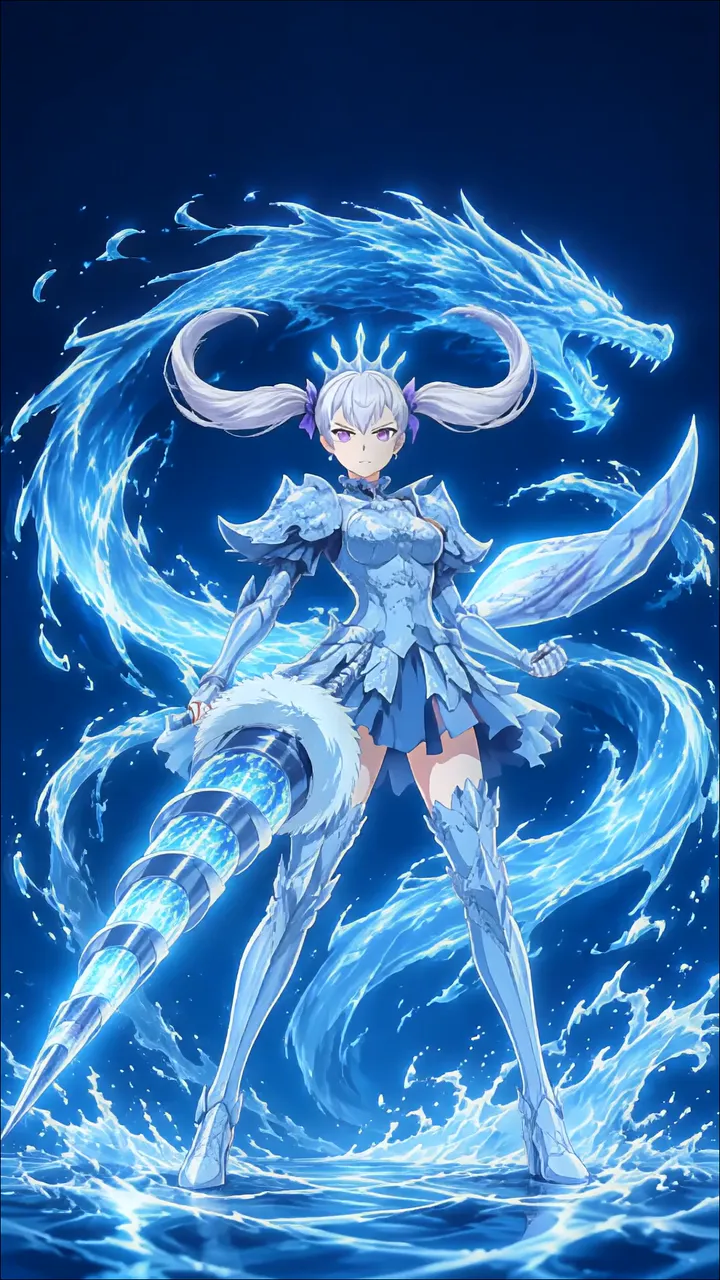
An anime girl with silver hair and purple eyes stands confidently in a shimmering blue ice armor, surrounded by swirling water magic and a majestic ice dragon with glowing eyes. The scene is set against a dark, starry night sky with distant silhouettes of trees, creating a mystical and powerful atmosphere. Her expression is determined, and the dynamic flow of water and ice around her suggests immense magical energy. The composition emphasizes her central role, with the dragon positioned behind her, reinforcing her connection to elemental power. The cool blue tones dominate the palette, enhancing the icy, enchanted ambiance of the scene.
- Format
- MP4 live wallpaper
- Resolution
- 720P, 1080P
- Duration
- 00:10
- File size
- 12.9 MB
- Category
- Black Clover, Aquamarine Dragon Princess, Ice Dragon