Beerus Holding a Purple Black Hole live wallpaper
How to set it as wallpaper
iPhone
For a still wallpaper, save the cropped JPG to Photos and choose it in Settings → Wallpaper. For an animated Lock Screen on supported models, convert the MP4 to a Live Photo with a compatible app and select it in the wallpaper picker.
Android
For a still wallpaper, open the JPG in your gallery and choose Set as wallpaper. For the MP4, look for a video wallpaper option in your gallery or wallpaper settings. A compatible live wallpaper app can help if your phone has no built-in option.
After saving the converted Live Photo to Photos, open Settings, then Wallpaper, then Add New Wallpaper. Tap Photos, choose Live Photo, select the saved image, turn on the Live Photo effect, and tap Add to apply it to your Lock Screen.
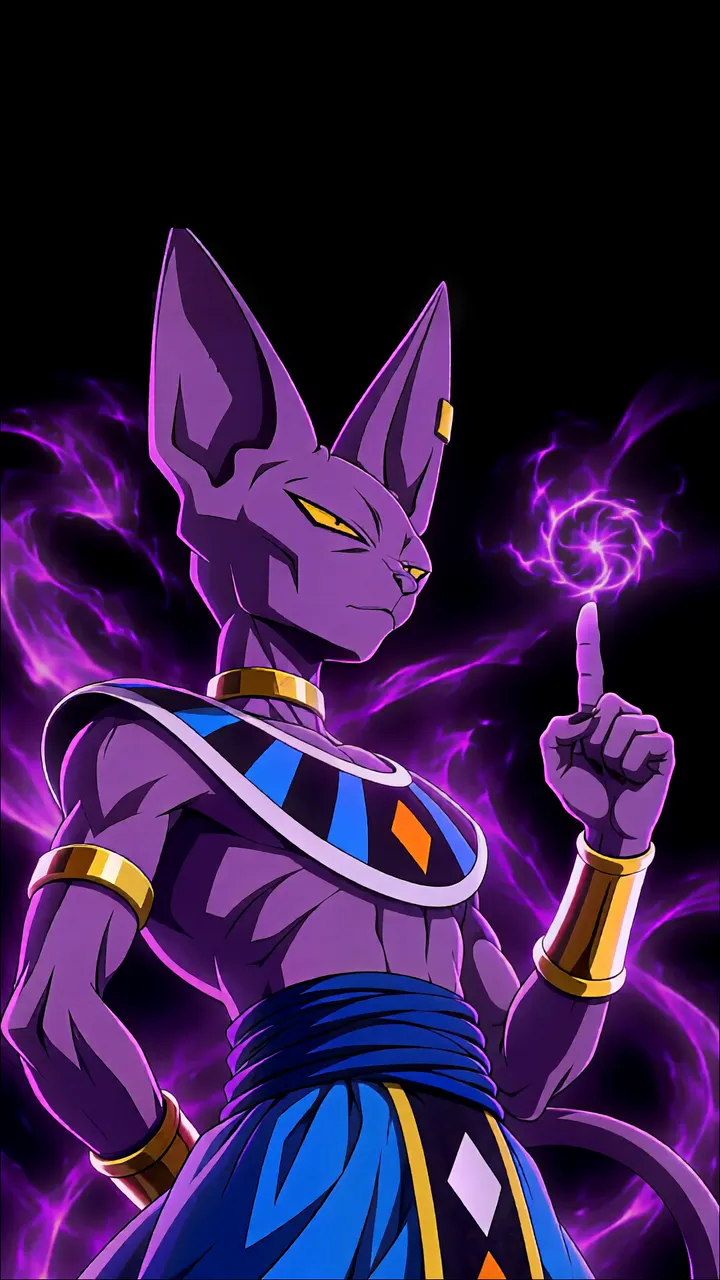
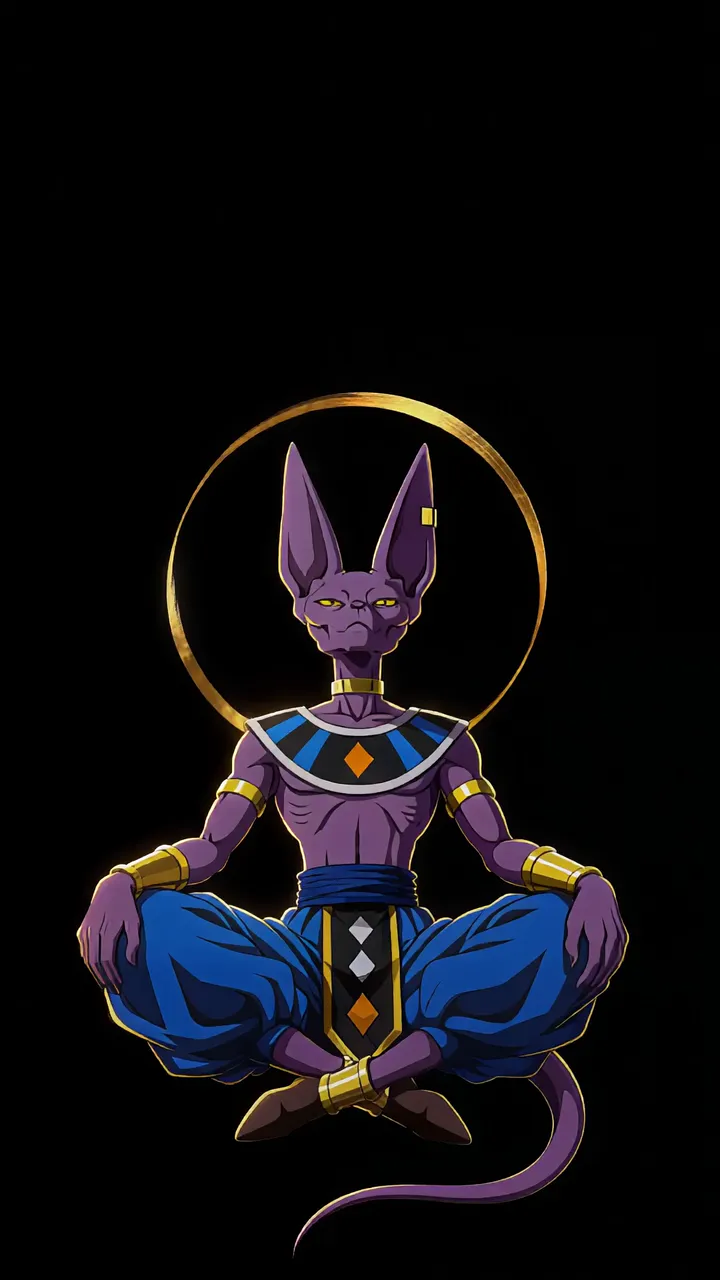
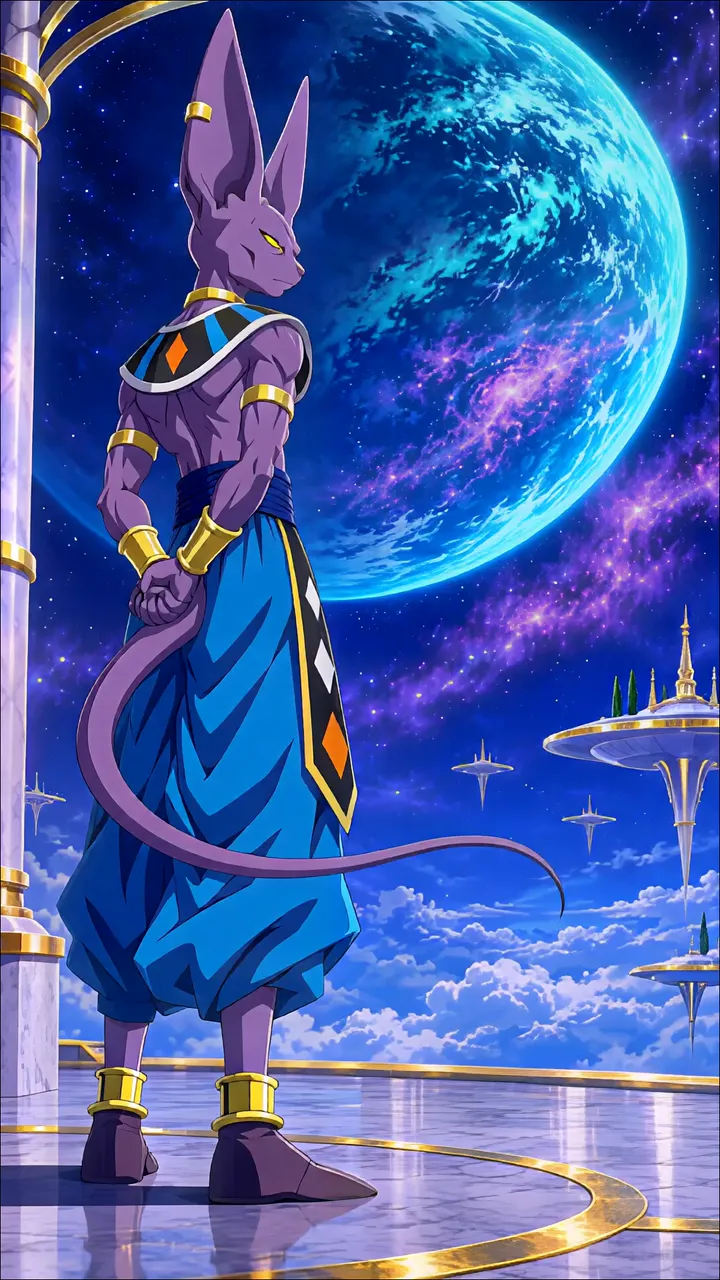
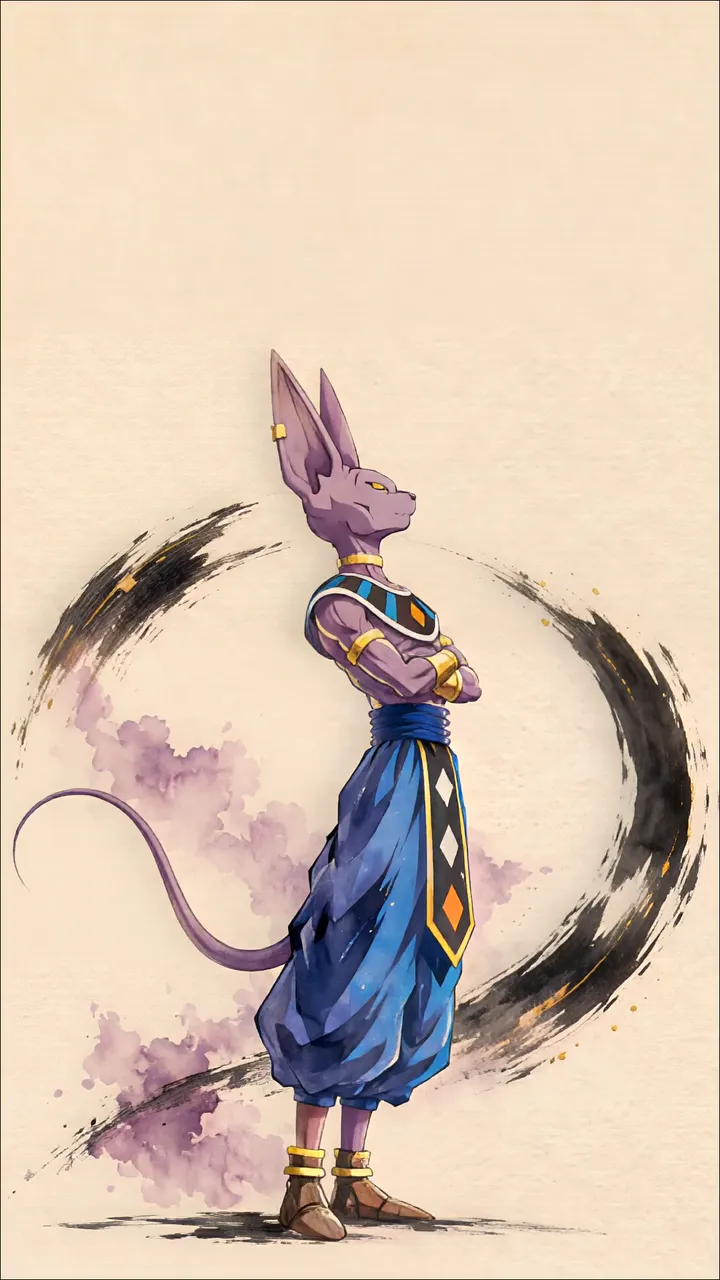
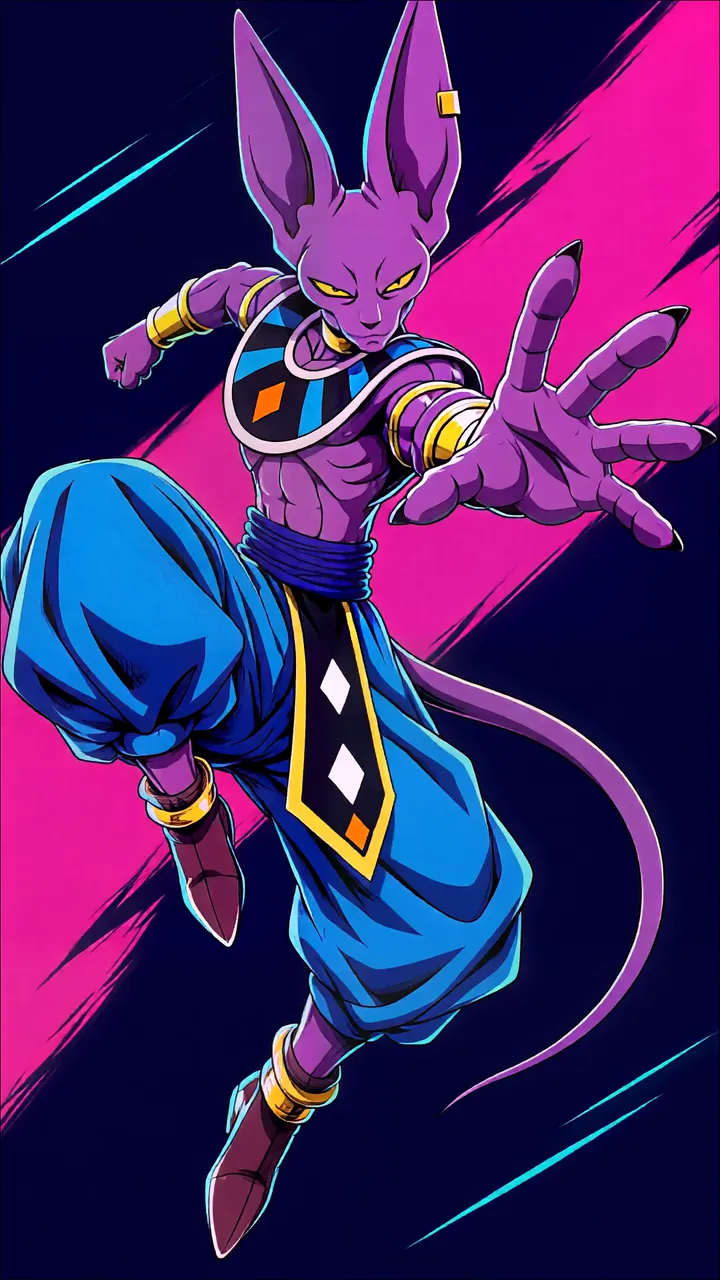
The image features Beerus, the God of Destruction from Dragon Ball Super, depicted in a close-up with a stern expression. His purple fur and golden collar are prominent, and he holds a swirling purple black hole in his hands. Purple lightning crackles around him against a dark background with floating debris. His yellow eyes are intense, and his long ears are detailed with gold accents. The composition centers on his face and hands, emphasizing his divine power and commanding presence in a dramatic, high-contrast scene.
- Format
- MP4 live wallpaper
- Resolution
- 720P, 1080P
- Duration
- 00:08
- File size
- 3.5 MB
- Category
- Dragon Ball Super Beerus, Beerus, Dragon Ball Super