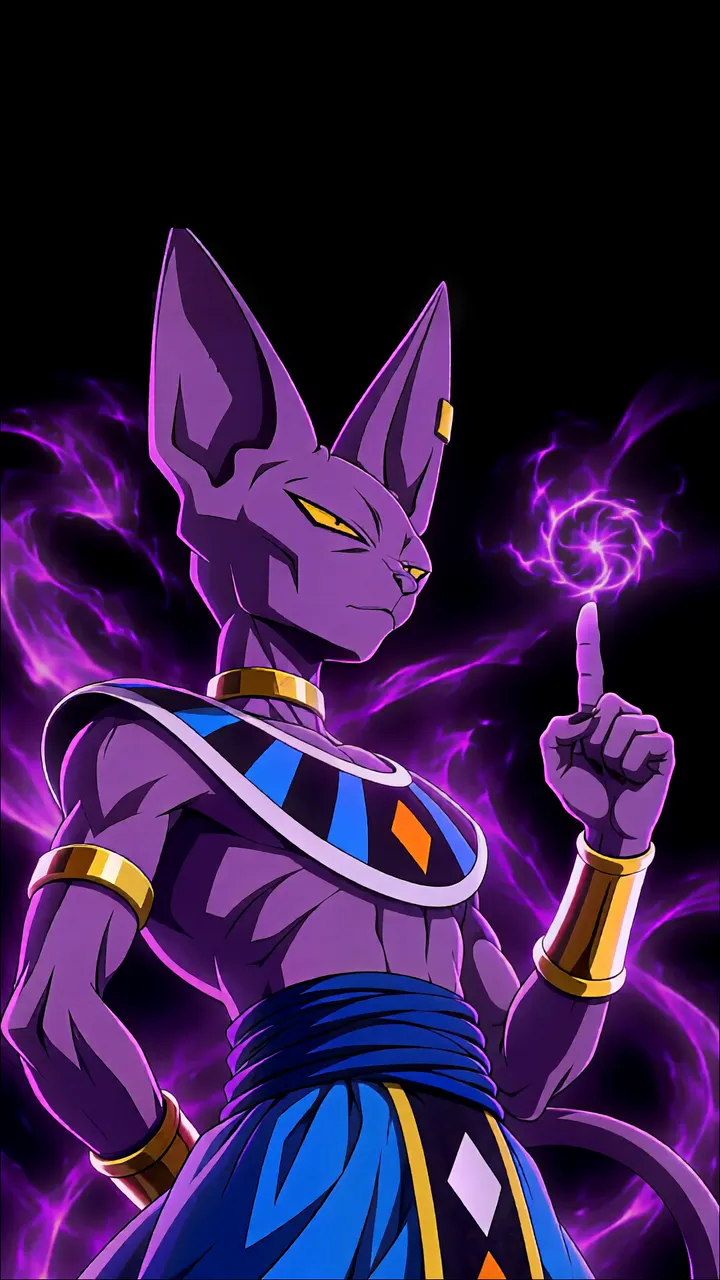
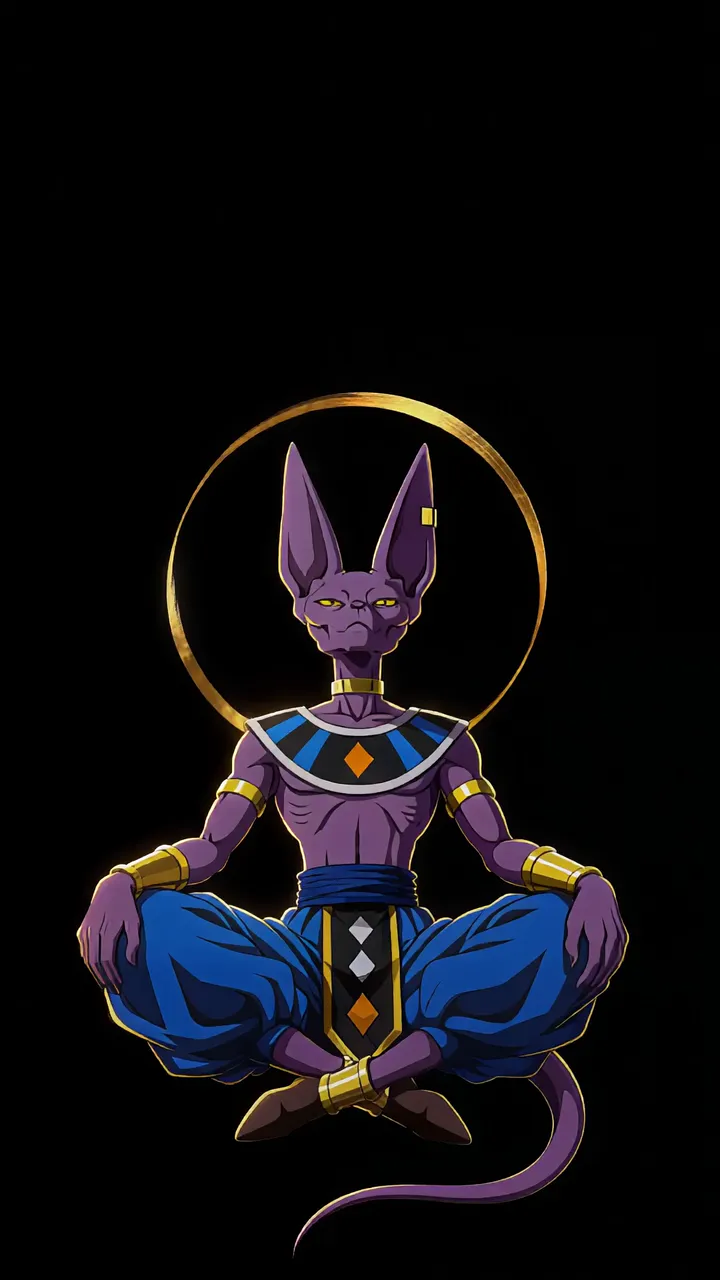
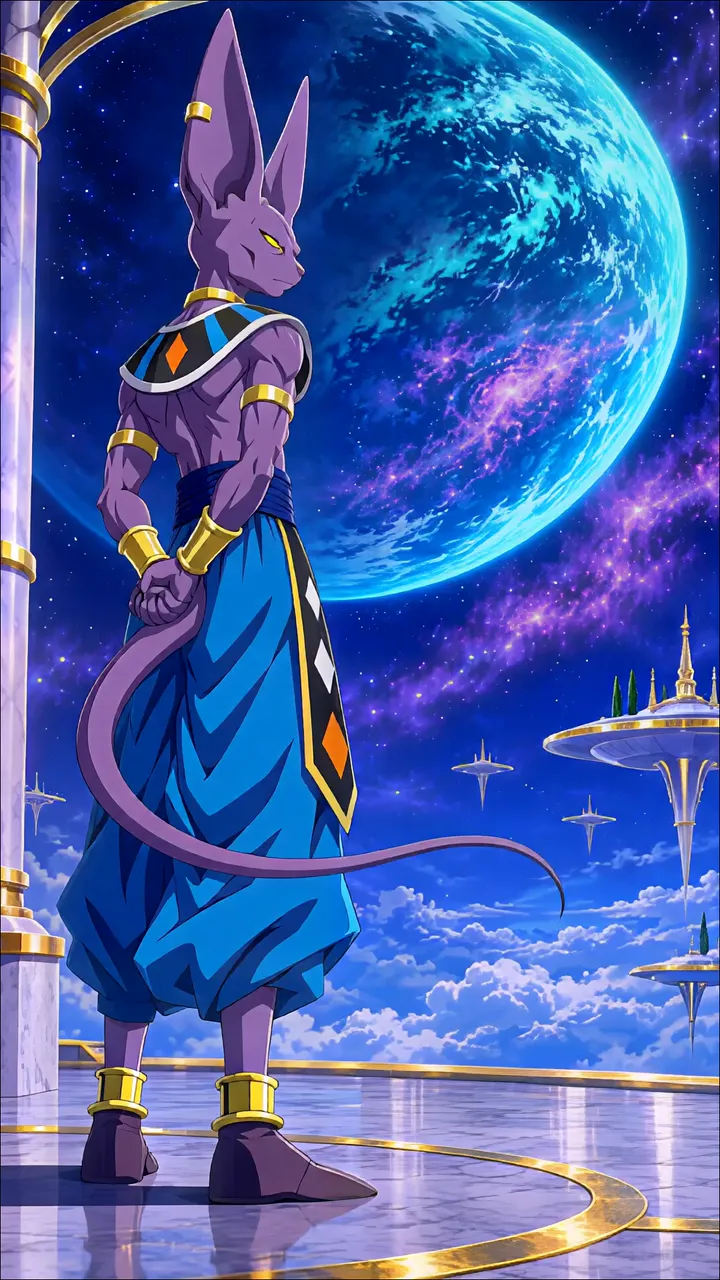
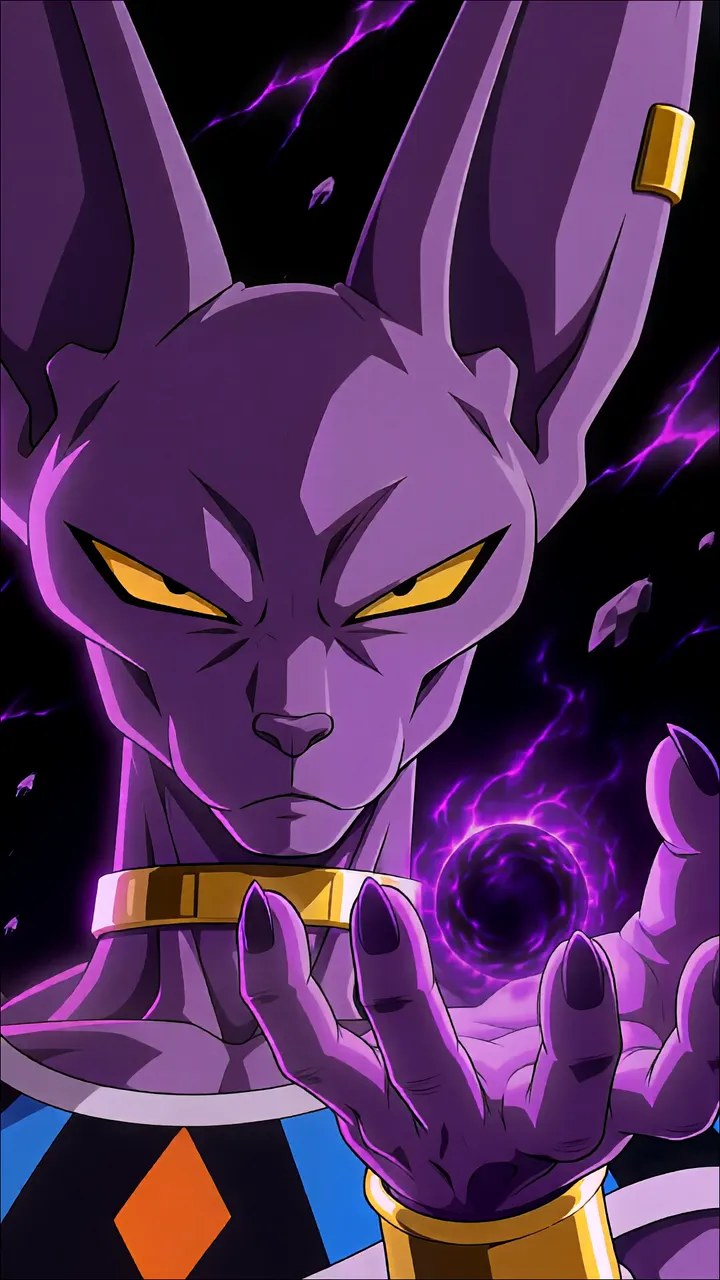
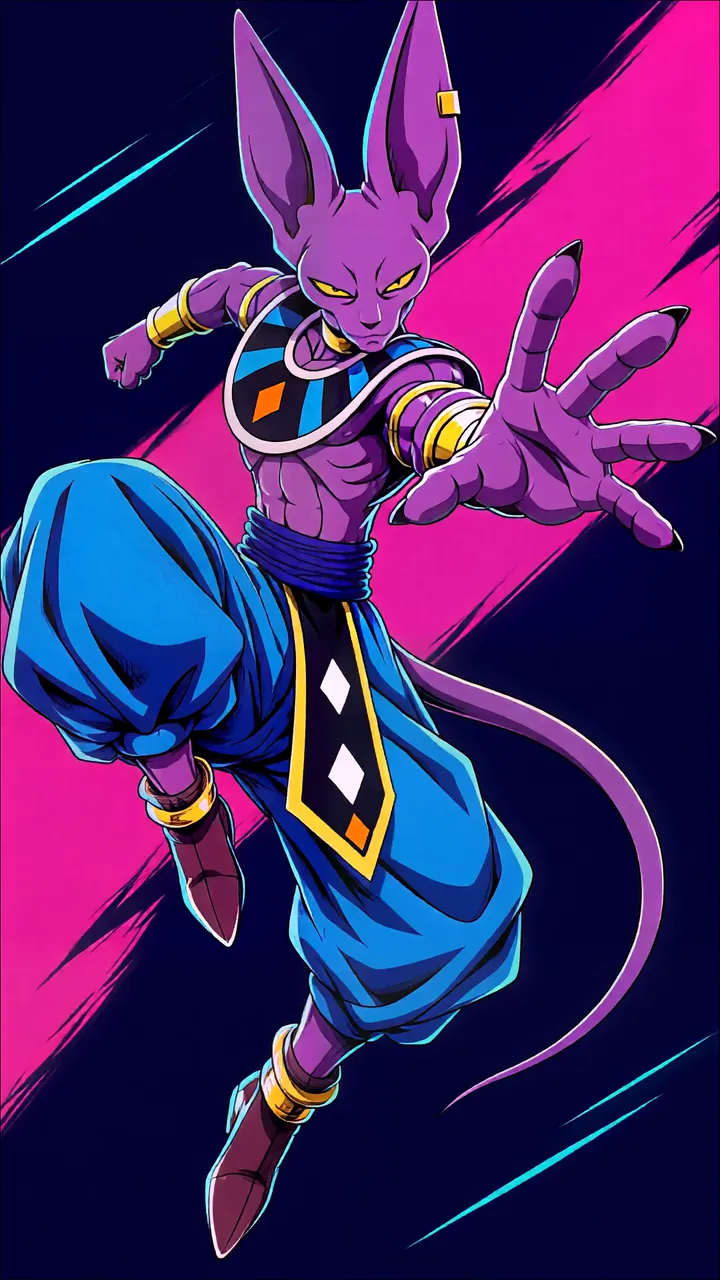
Beerus the God of Destruction in Watercolor Style live wallpaper
How to set it as wallpaper
iPhone
For a still wallpaper, save the cropped JPG to Photos and choose it in Settings → Wallpaper. For an animated Lock Screen on supported models, convert the MP4 to a Live Photo with a compatible app and select it in the wallpaper picker.
Android
For a still wallpaper, open the JPG in your gallery and choose Set as wallpaper. For the MP4, look for a video wallpaper option in your gallery or wallpaper settings. A compatible live wallpaper app can help if your phone has no built-in option.
After saving the converted Live Photo to Photos, open Settings, then Wallpaper, then Add New Wallpaper. Tap Photos, choose Live Photo, select the saved image, turn on the Live Photo effect, and tap Add to apply it to your Lock Screen.
Beerus, the God of Destruction from Dragon Ball Super, stands confidently with arms crossed, depicted in a stylized watercolor illustration. His purple feline form, complete with pointed ears, golden accessories, and a blue robe with diamond patterns, contrasts against a textured beige background. Behind him, a large, expressive black ink brushstroke forms a circular motif, blending with soft purple watercolor splashes that suggest energy or aura. The composition uses a full-body, slightly angled perspective, emphasizing his regal posture and the artistic, painterly quality of the piece, which evokes traditional ink wash techniques with modern anime character design.
- Format
- MP4 live wallpaper
- Resolution
- 720P, 1080P
- Duration
- 00:08
- File size
- 5.1 MB
- Category
- Dragon Ball Super Beerus, Beerus, Dragon Ball Super