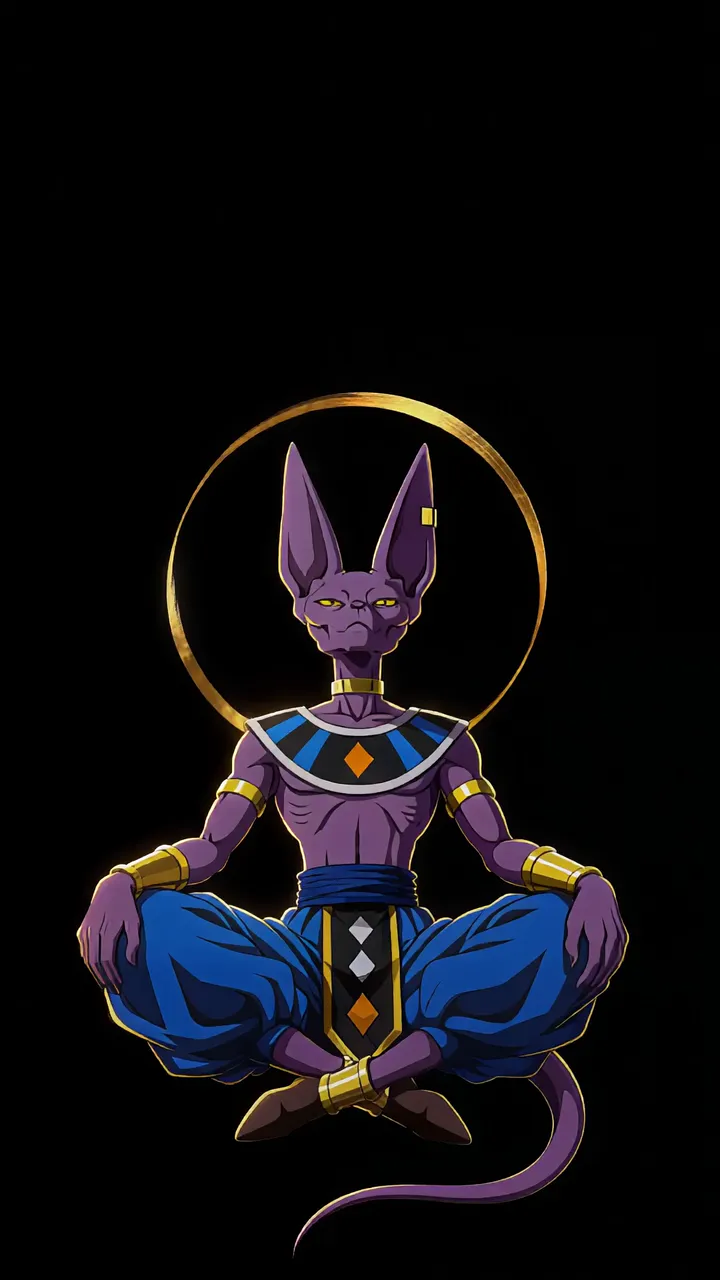
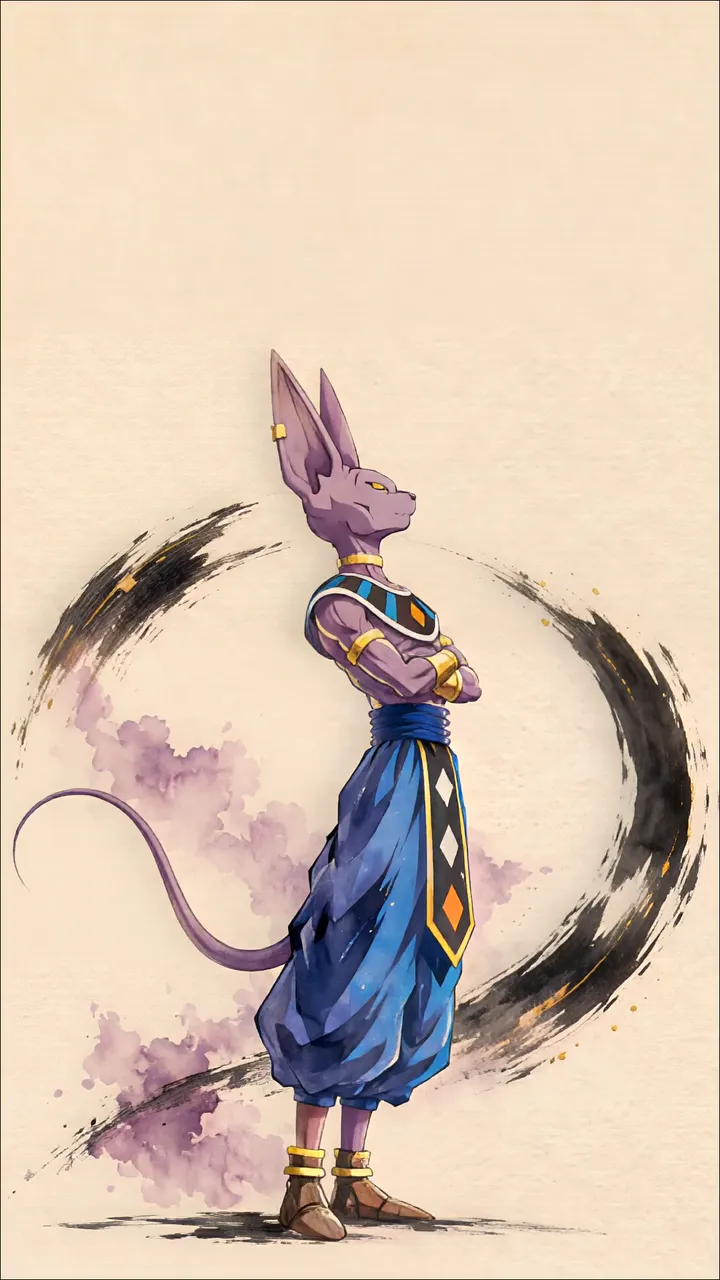
Beerus Standing on Celestial Platform Against Cosmic Sky live wallpaper
How to set it as wallpaper
iPhone
For a still wallpaper, save the cropped JPG to Photos and choose it in Settings → Wallpaper. For an animated Lock Screen on supported models, convert the MP4 to a Live Photo with a compatible app and select it in the wallpaper picker.
Android
For a still wallpaper, open the JPG in your gallery and choose Set as wallpaper. For the MP4, look for a video wallpaper option in your gallery or wallpaper settings. A compatible live wallpaper app can help if your phone has no built-in option.
After saving the converted Live Photo to Photos, open Settings, then Wallpaper, then Add New Wallpaper. Tap Photos, choose Live Photo, select the saved image, turn on the Live Photo effect, and tap Add to apply it to your Lock Screen.
Beerus, the purple-skinned God of Destruction from Dragon Ball Super, stands in profile on a circular golden platform, his long tail trailing behind him. He is framed by a marble pillar to the left and a vast cosmic sky filled with stars, nebulae, and a massive blue planet. In the distance, floating golden spires and futuristic structures hover above a cloud layer. His traditional blue and gold attire contrasts with the deep purples and blues of the celestial backdrop, emphasizing his regal presence in this otherworldly setting.
- Format
- MP4 live wallpaper
- Resolution
- 720P, 1080P
- Duration
- 00:08
- File size
- 6.2 MB
- Category
- Dragon Ball Super Beerus, Beerus, Dragon Ball Super