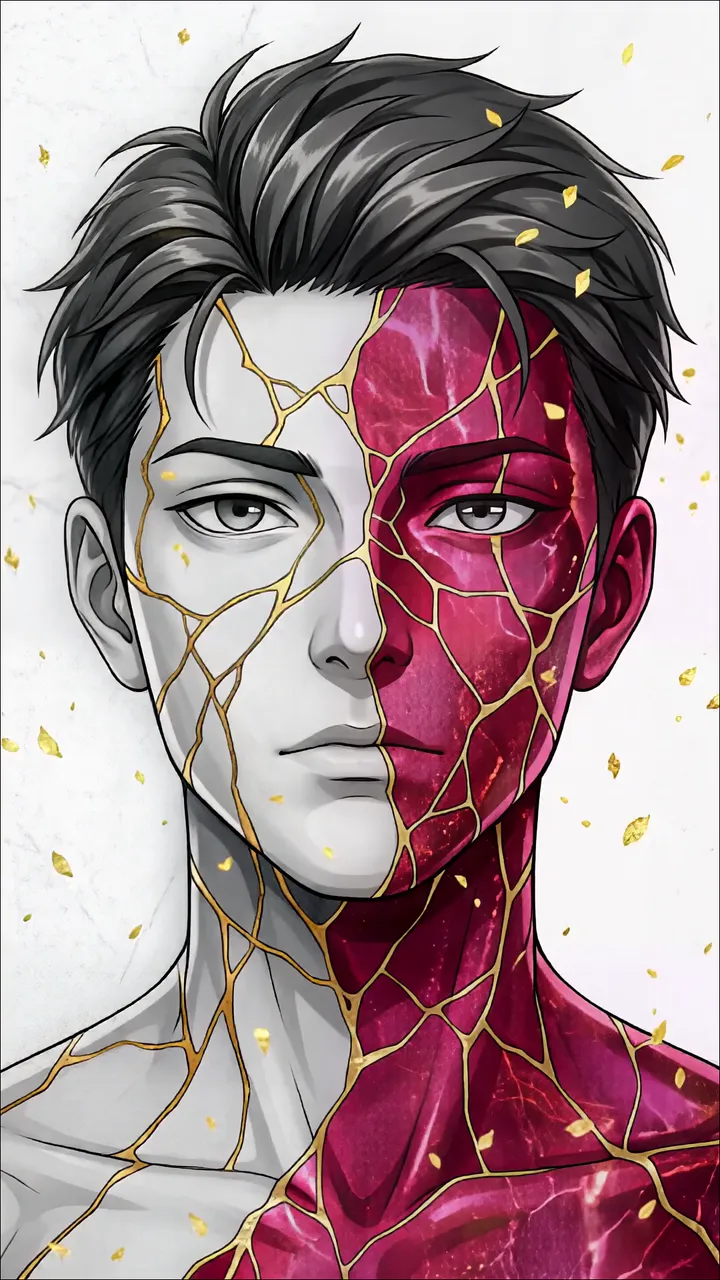
Overgeared Swordsmith in Forged Flame live wallpaper
How to set it as wallpaper
iPhone
For a still wallpaper, save the cropped JPG to Photos and choose it in Settings → Wallpaper. For an animated Lock Screen on supported models, convert the MP4 to a Live Photo with a compatible app and select it in the wallpaper picker.
Android
For a still wallpaper, open the JPG in your gallery and choose Set as wallpaper. For the MP4, look for a video wallpaper option in your gallery or wallpaper settings. A compatible live wallpaper app can help if your phone has no built-in option.
After saving the converted Live Photo to Photos, open Settings, then Wallpaper, then Add New Wallpaper. Tap Photos, choose Live Photo, select the saved image, turn on the Live Photo effect, and tap Add to apply it to your Lock Screen.
A confident anime boy with vibrant red hair, clad in a blacksmith’s apron and gloves, proudly holds a glowing sword over a fiery forge. Behind him, a stone archway frames the blaze, while a banner bearing crossed hammers and an anvil emblem hangs to the side. Sparks fly from the heated metal as he stands in a workshop setting, the warm orange glow illuminating his determined expression and the detailed textures of his leather gear and the sword’s blade. The scene captures the essence of a skilled swordsmith at work, surrounded by the tools and atmosphere of his craft.
- Format
- MP4 live wallpaper
- Resolution
- 720P, 1080P
- Duration
- 00:08
- File size
- 5 MB
- Category
- Overgeared, Anime Boy, Swordsmith