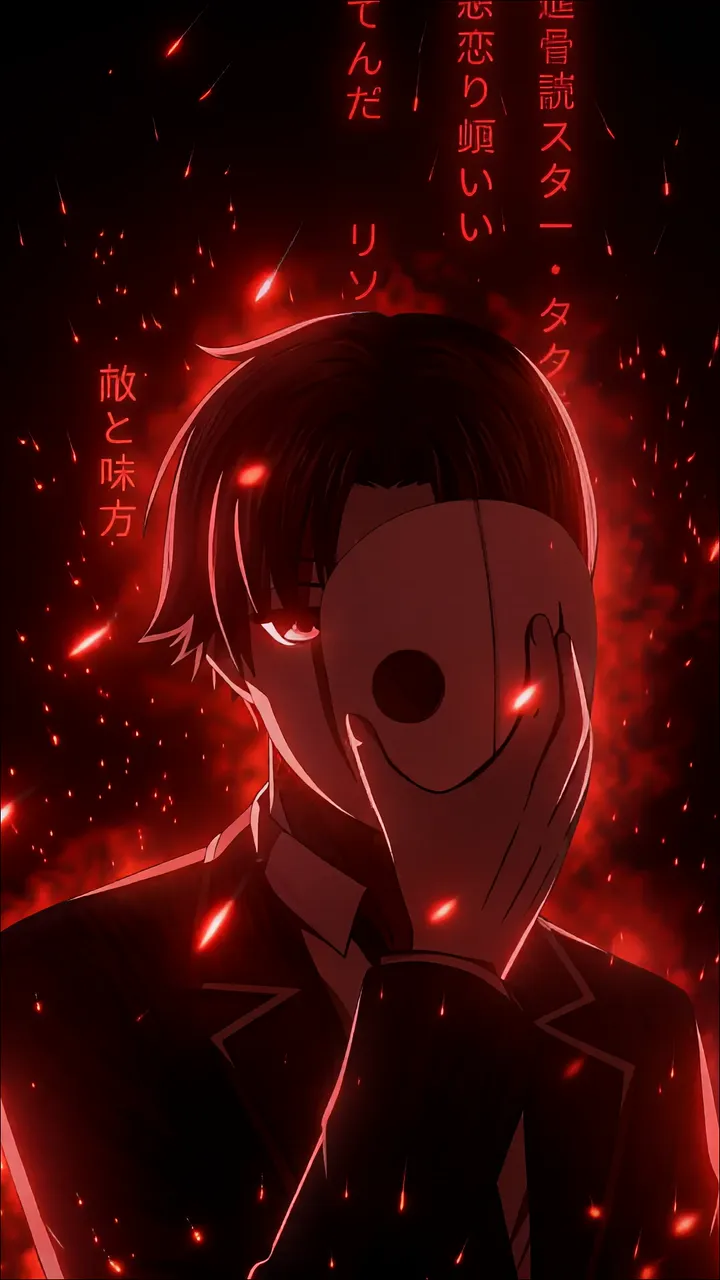
Moonlit Swordsman in White Robes live wallpaper
How to set it as wallpaper
iPhone
For a still wallpaper, save the cropped JPG to Photos and choose it in Settings → Wallpaper. For an animated Lock Screen on supported models, convert the MP4 to a Live Photo with a compatible app and select it in the wallpaper picker.
Android
For a still wallpaper, open the JPG in your gallery and choose Set as wallpaper. For the MP4, look for a video wallpaper option in your gallery or wallpaper settings. A compatible live wallpaper app can help if your phone has no built-in option.
After saving the converted Live Photo to Photos, open Settings, then Wallpaper, then Add New Wallpaper. Tap Photos, choose Live Photo, select the saved image, turn on the Live Photo effect, and tap Add to apply it to your Lock Screen.
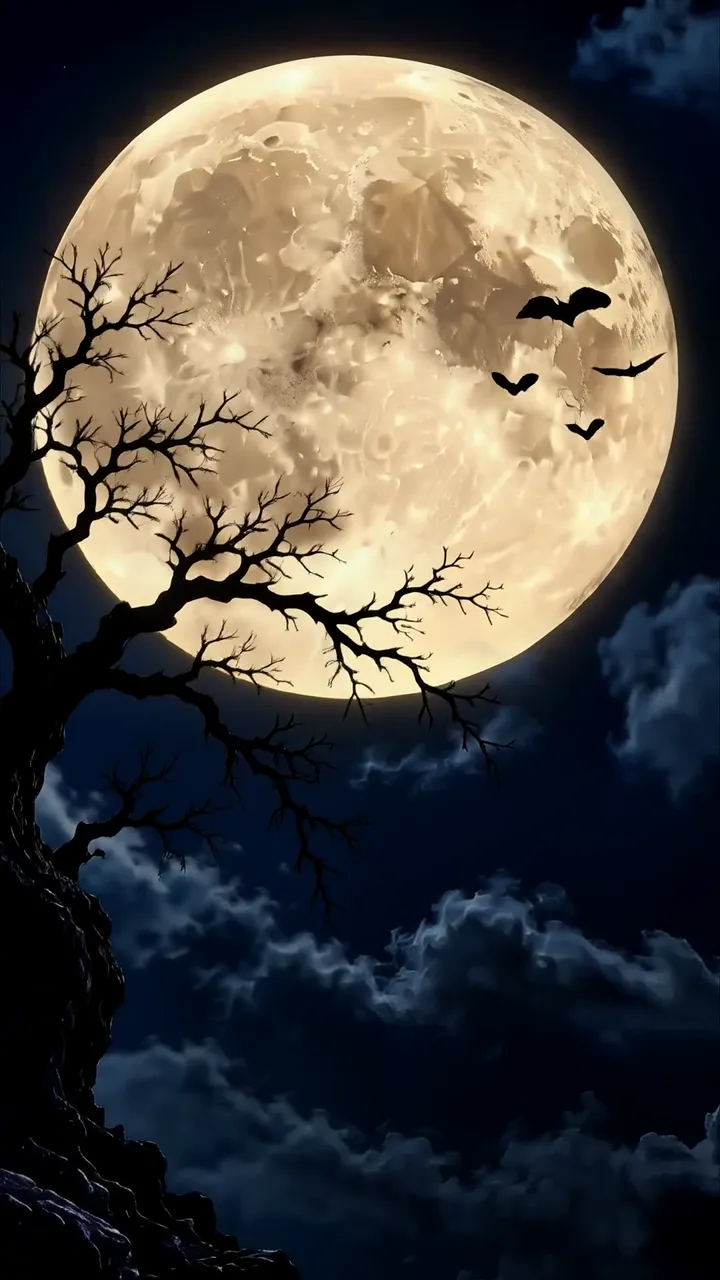
An anime boy with long black hair stands in a serene night scene, clad in flowing white robes with intricate gray patterns, holding a sword at his side. Behind him, a luminous full moon dominates the dark blue sky, casting a soft glow over his figure. Delicate petals drift through the air, adding a touch of ethereal motion to the still composition. The character’s calm expression and poised stance convey quiet strength, while the moon’s radiance highlights the texture of his garments and the metallic sheen of his weapon. The overall atmosphere is tranquil and mystical, emphasizing the harmony between the lone figure and the celestial backdrop.
- Format
- MP4 live wallpaper
- Resolution
- 720P, 1080P
- Duration
- 00:08
- File size
- 5.5 MB
- Category
- Overgeared, Anime Boy, White Robes