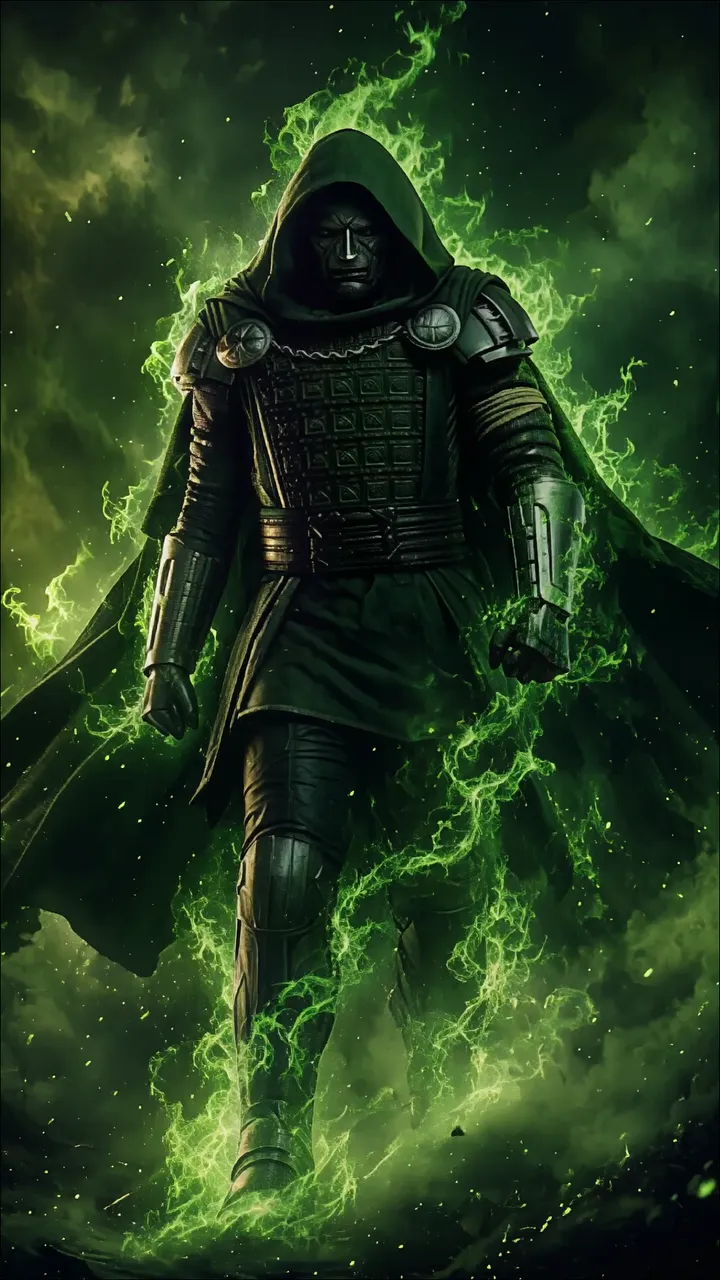
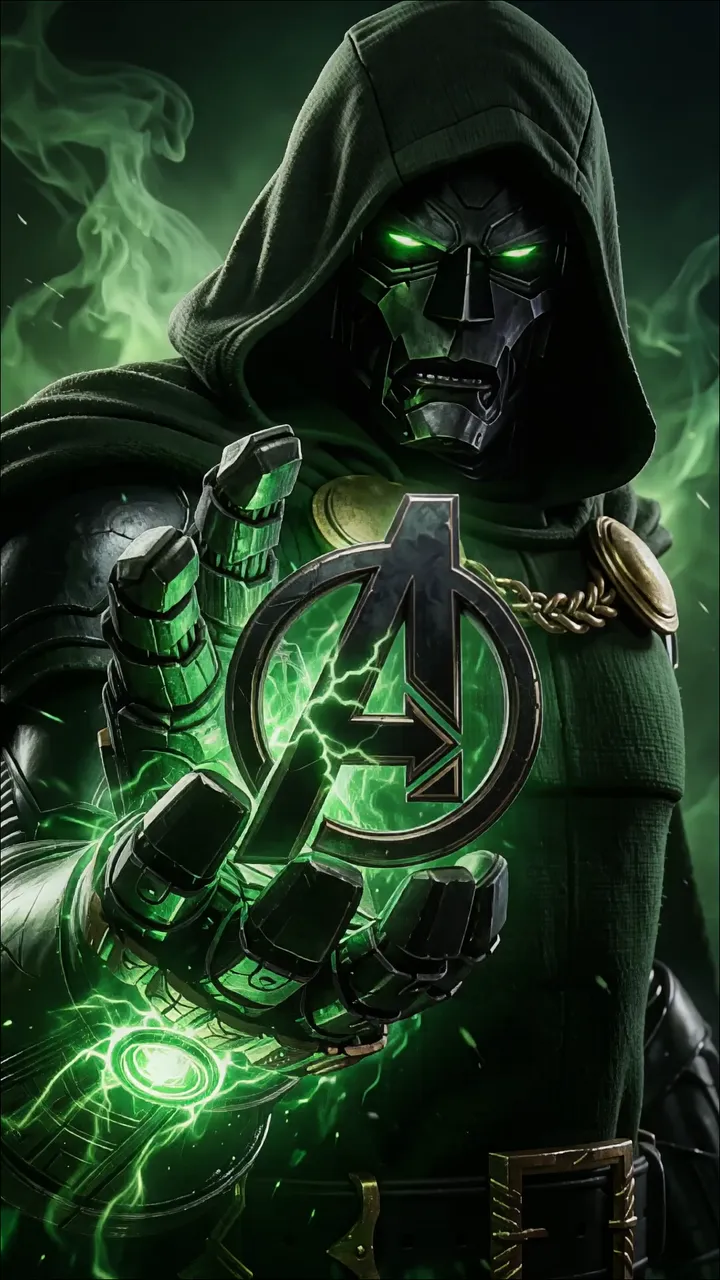
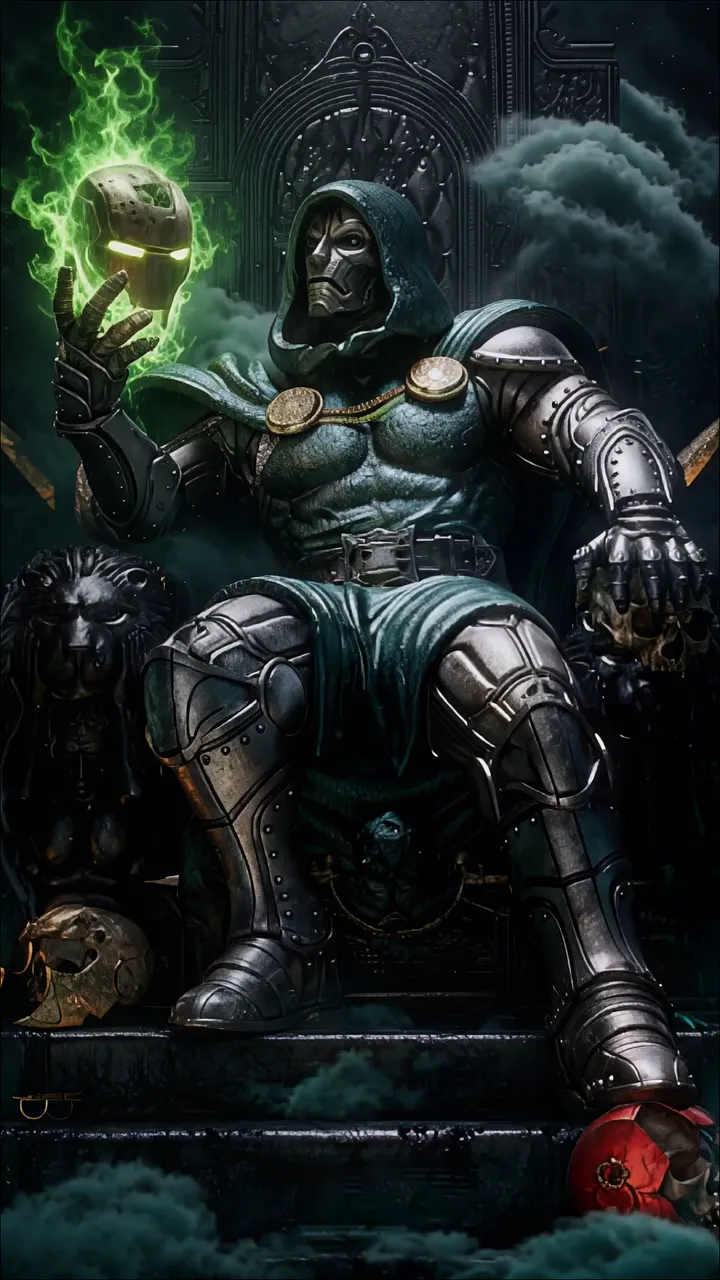
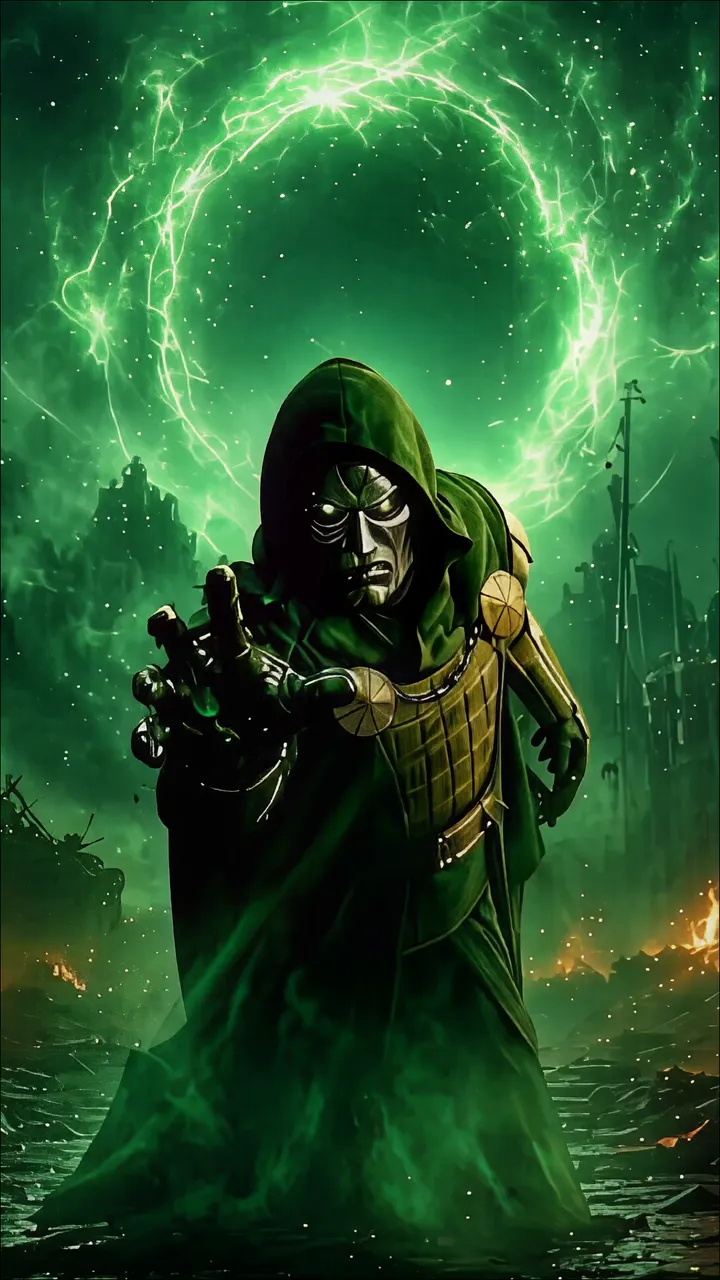
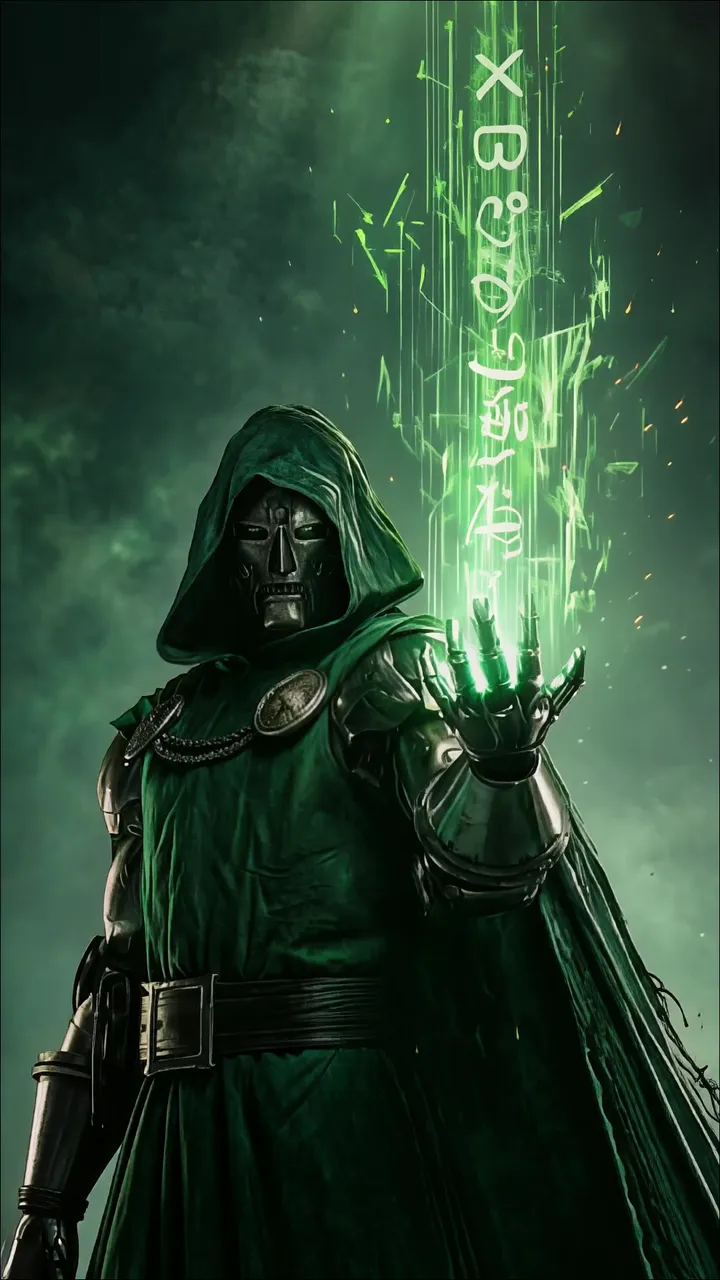
Doctor Doom Projecting Green Energy in Cosmic Storm live wallpaper
How to set it as wallpaper
iPhone
For a still wallpaper, save the cropped JPG to Photos and choose it in Settings → Wallpaper. For an animated Lock Screen on supported models, convert the MP4 to a Live Photo with a compatible app and select it in the wallpaper picker.
Android
For a still wallpaper, open the JPG in your gallery and choose Set as wallpaper. For the MP4, look for a video wallpaper option in your gallery or wallpaper settings. A compatible live wallpaper app can help if your phone has no built-in option.
After saving the converted Live Photo to Photos, open Settings, then Wallpaper, then Add New Wallpaper. Tap Photos, choose Live Photo, select the saved image, turn on the Live Photo effect, and tap Add to apply it to your Lock Screen.
Doctor Doom stands imposingly against a swirling cosmic storm, his metallic silver armor gleaming under the glow of vibrant green energy emanating from his outstretched hand. His iconic green hooded cloak flows around him, adorned with ornate golden medallions and a detailed chain. The background is a deep, star-speckled void animated by luminous green nebulae, enhancing the dramatic, otherworldly atmosphere. His stern, masked face and commanding posture convey immense power and control, while the energy crackling around his fingers suggests an imminent display of formidable force. The composition centers on his figure, emphasizing his dominance over the chaotic cosmic environment.
- Format
- MP4 live wallpaper
- Resolution
- 720P, 1080P
- Duration
- 00:08
- File size
- 10.5 MB
- Category
- Avengers, Doomsday, Doctor Doom