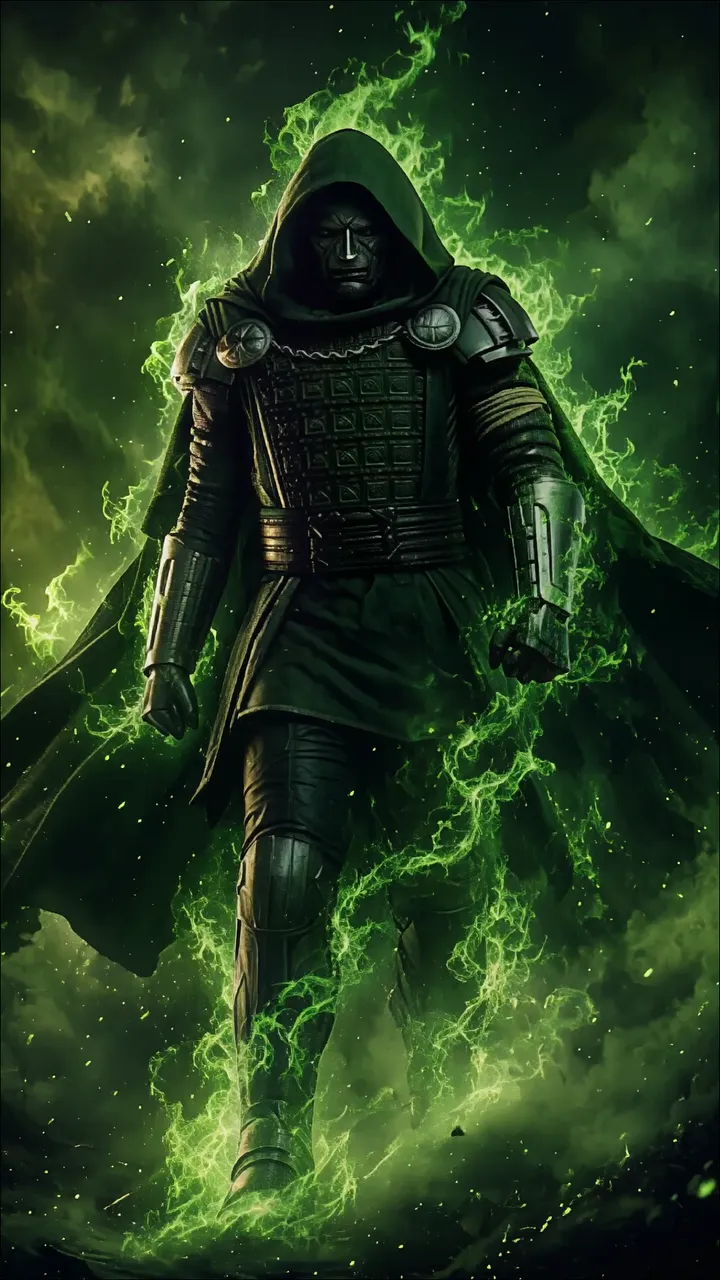
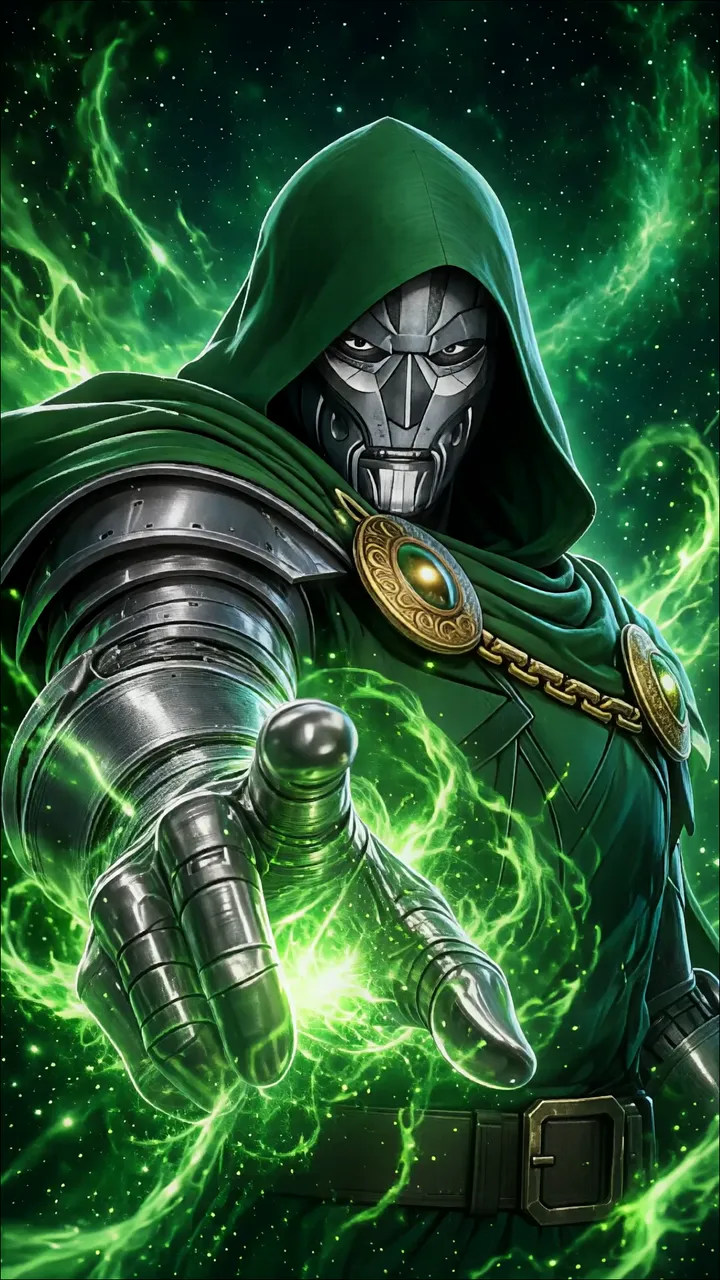
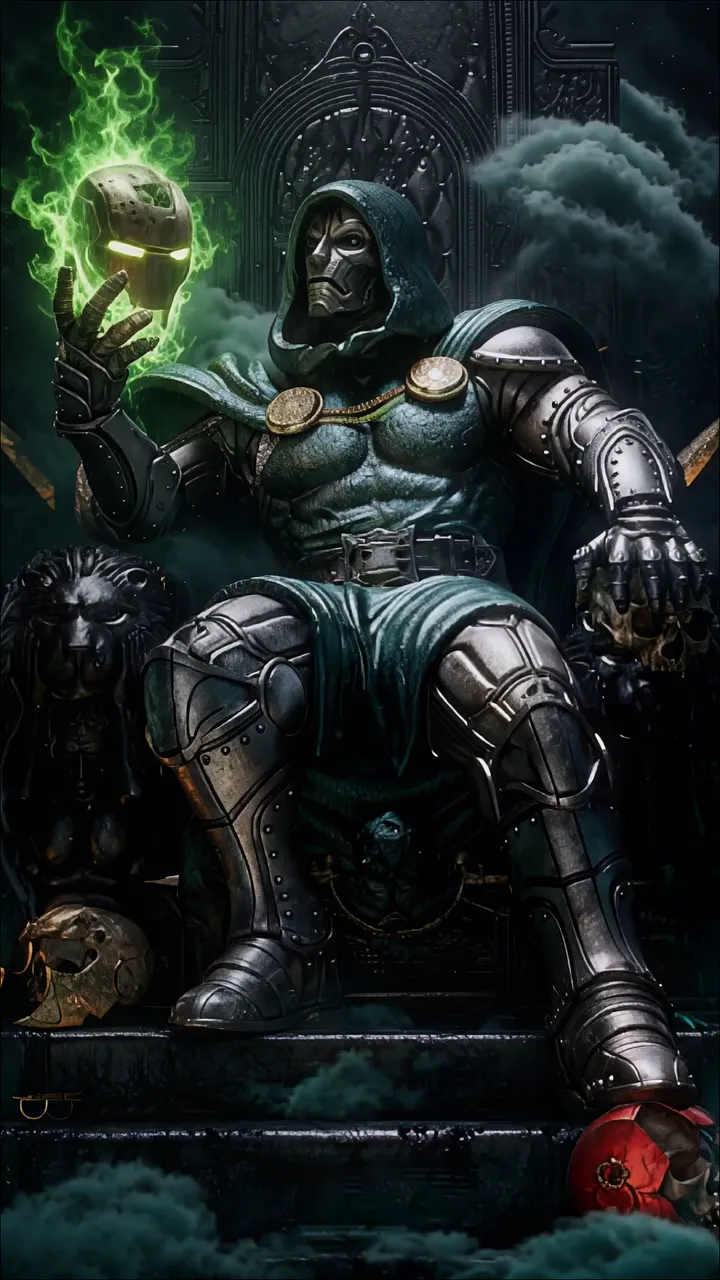
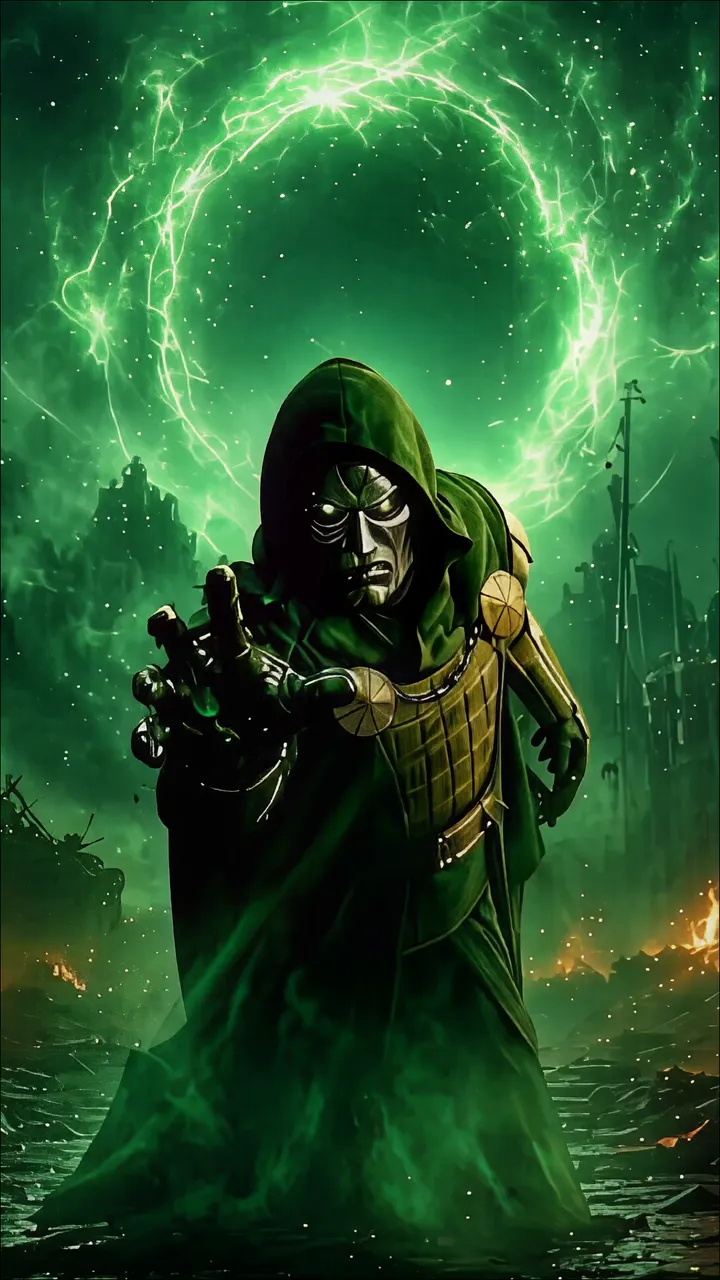
Doctor Doom Holding Cracked Avengers Logo live wallpaper
How to set it as wallpaper
iPhone
For a still wallpaper, save the cropped JPG to Photos and choose it in Settings → Wallpaper. For an animated Lock Screen on supported models, convert the MP4 to a Live Photo with a compatible app and select it in the wallpaper picker.
Android
For a still wallpaper, open the JPG in your gallery and choose Set as wallpaper. For the MP4, look for a video wallpaper option in your gallery or wallpaper settings. A compatible live wallpaper app can help if your phone has no built-in option.
After saving the converted Live Photo to Photos, open Settings, then Wallpaper, then Add New Wallpaper. Tap Photos, choose Live Photo, select the saved image, turn on the Live Photo effect, and tap Add to apply it to your Lock Screen.
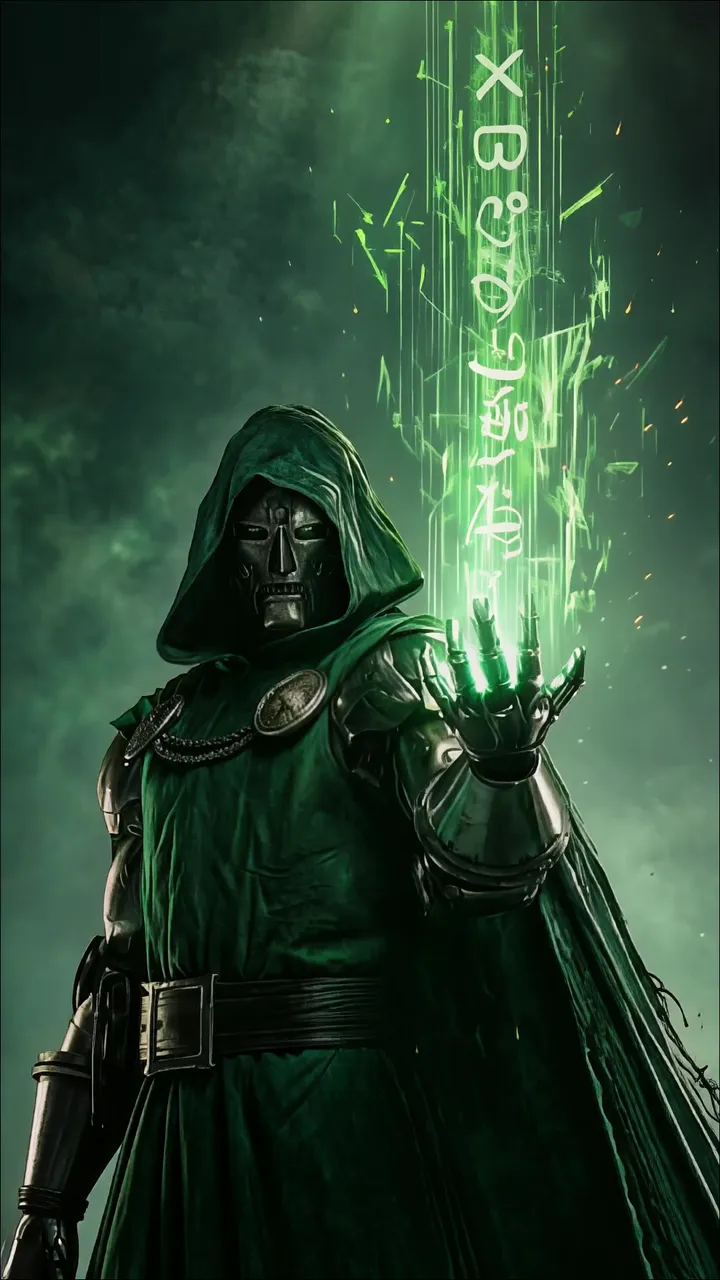
Doctor Doom, clad in his signature dark green hooded robe and metallic armor, stands menacingly against a smoky, dark background. His glowing green eyes pierce through the gloom as he holds the Avengers logo in his gloved hand, which crackles with vibrant green energy. The emblem, rendered in a stylized metallic finish, is visibly fractured, suggesting power or destruction. Green electrical sparks and wisps of smoke swirl around his figure, enhancing the ominous, cinematic atmosphere. His posture is commanding, and the composition centers on the dramatic interplay between the villain and the fractured symbol of the superhero team.
- Format
- MP4 live wallpaper
- Resolution
- 720P, 1080P
- Duration
- 00:08
- File size
- 8.7 MB
- Category
- Avengers, Doomsday, Doctor Doom