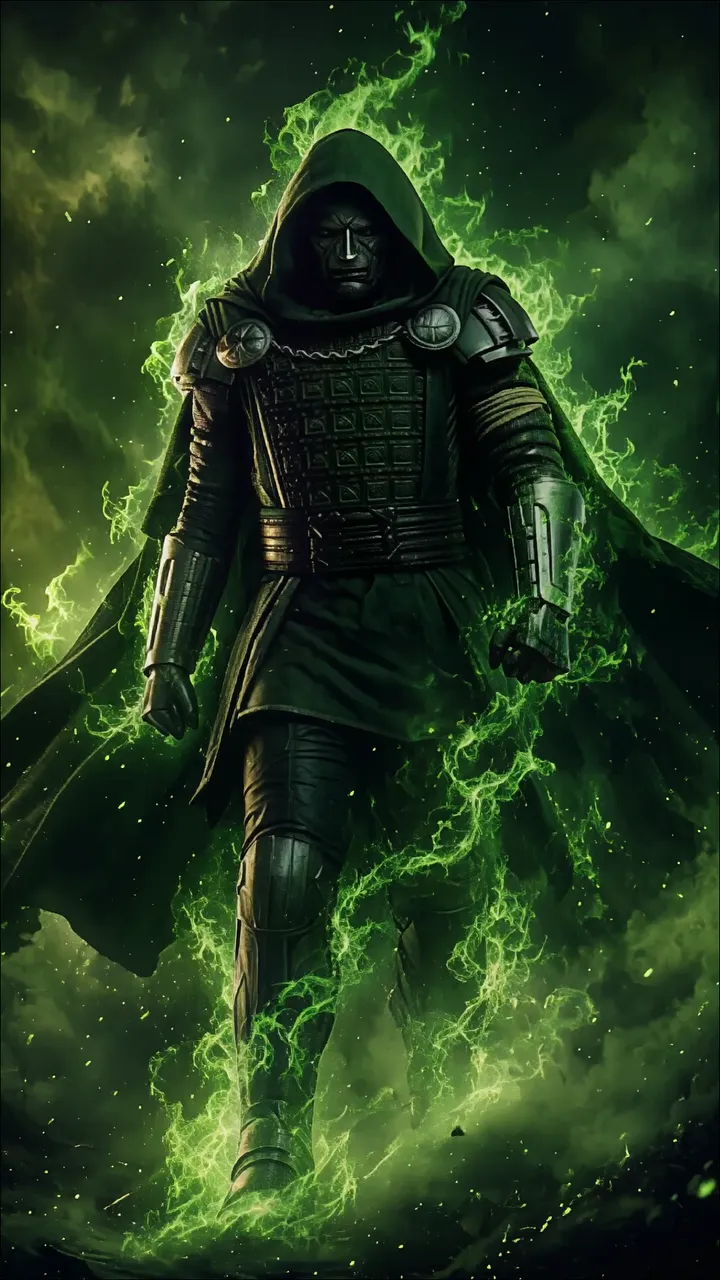
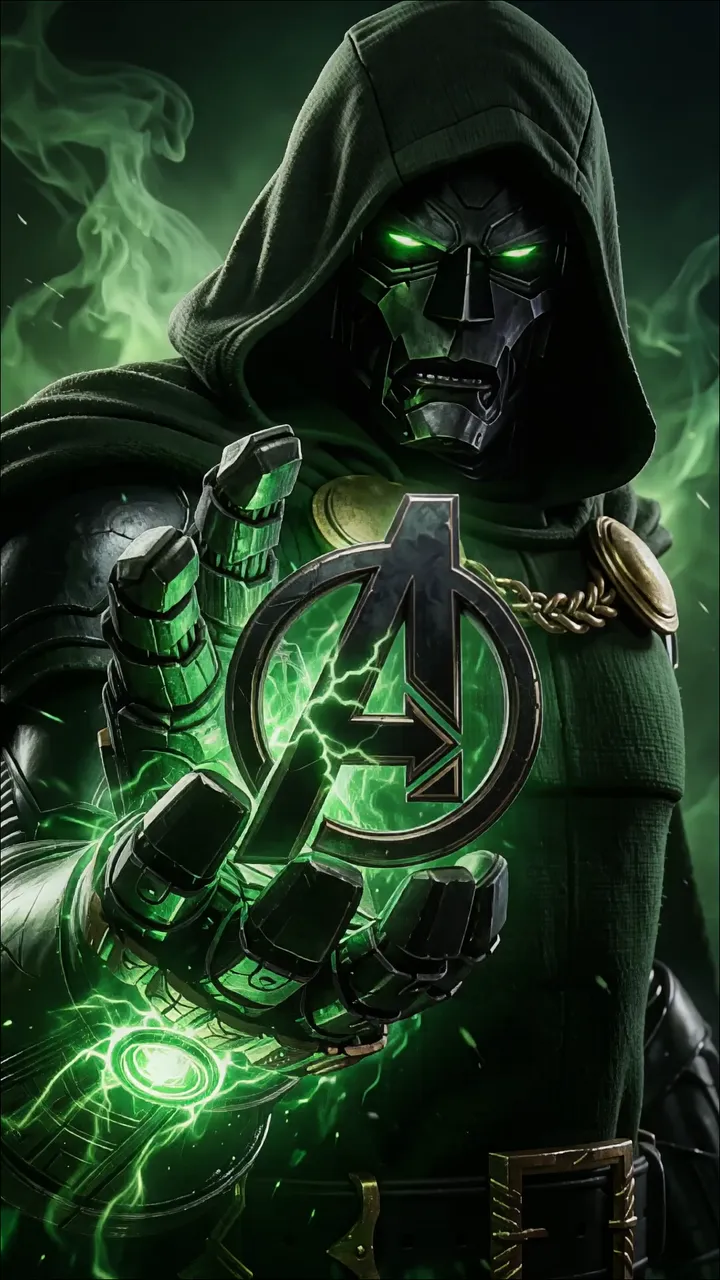
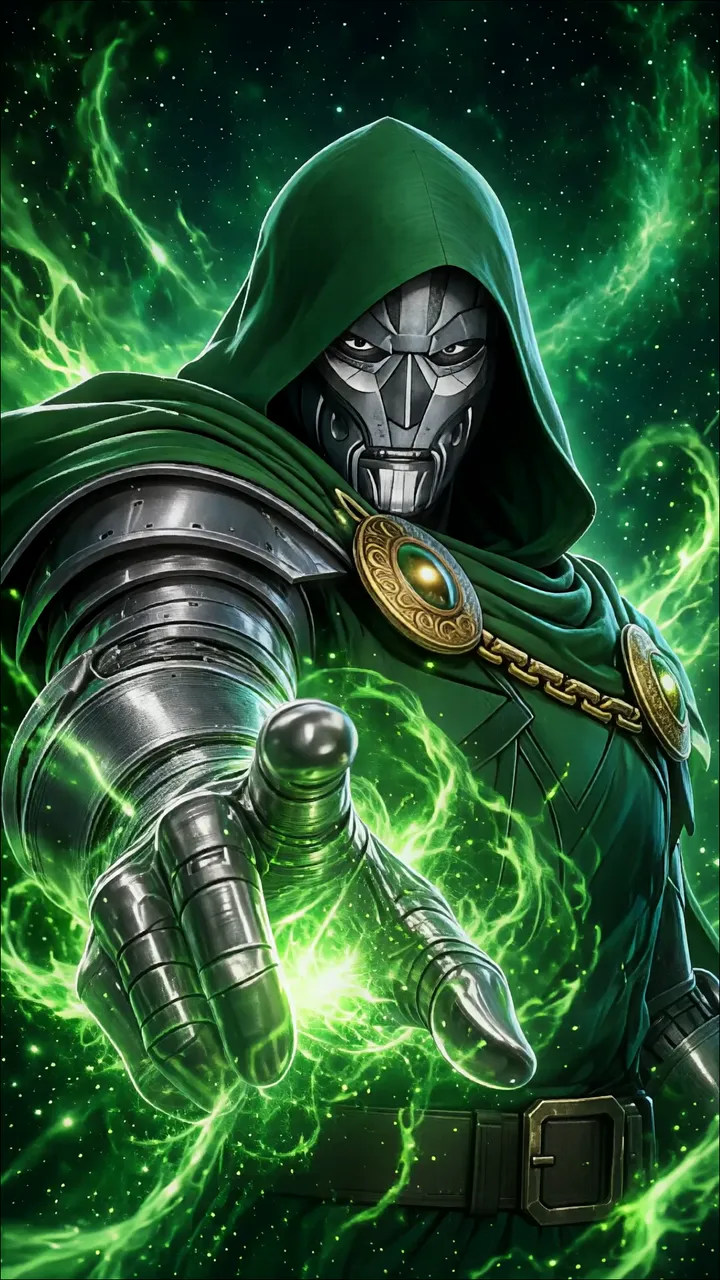
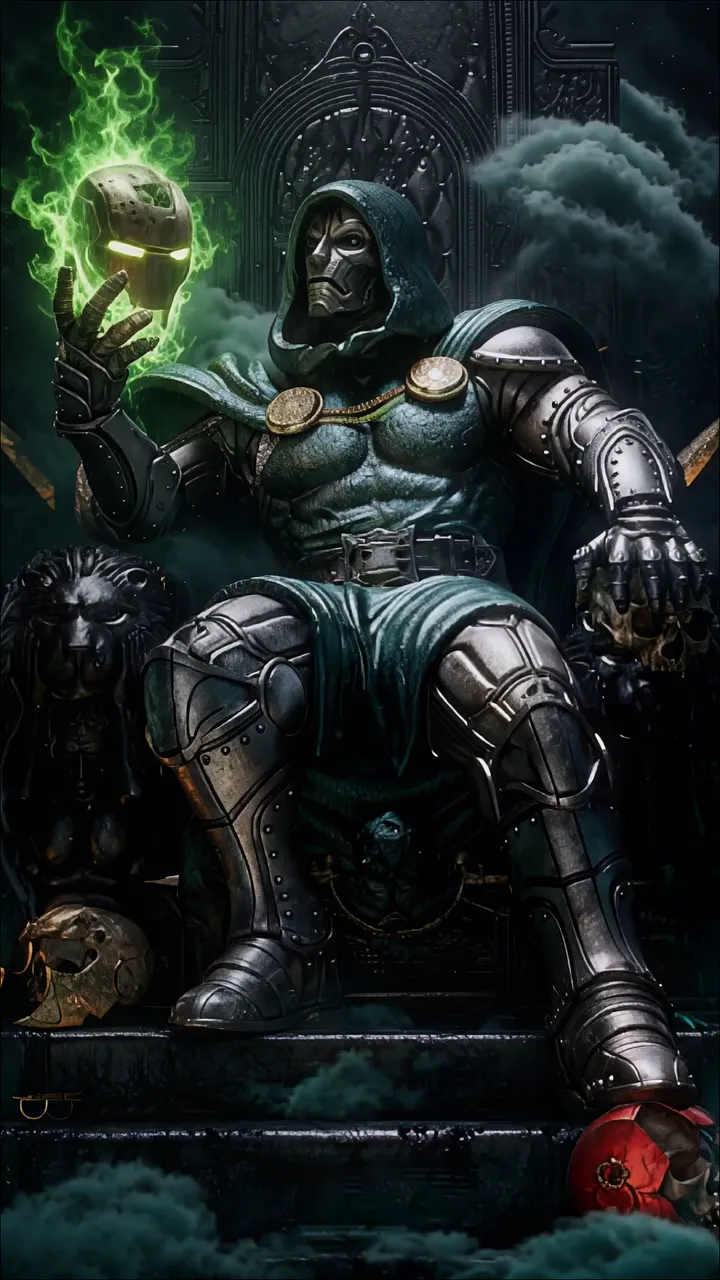
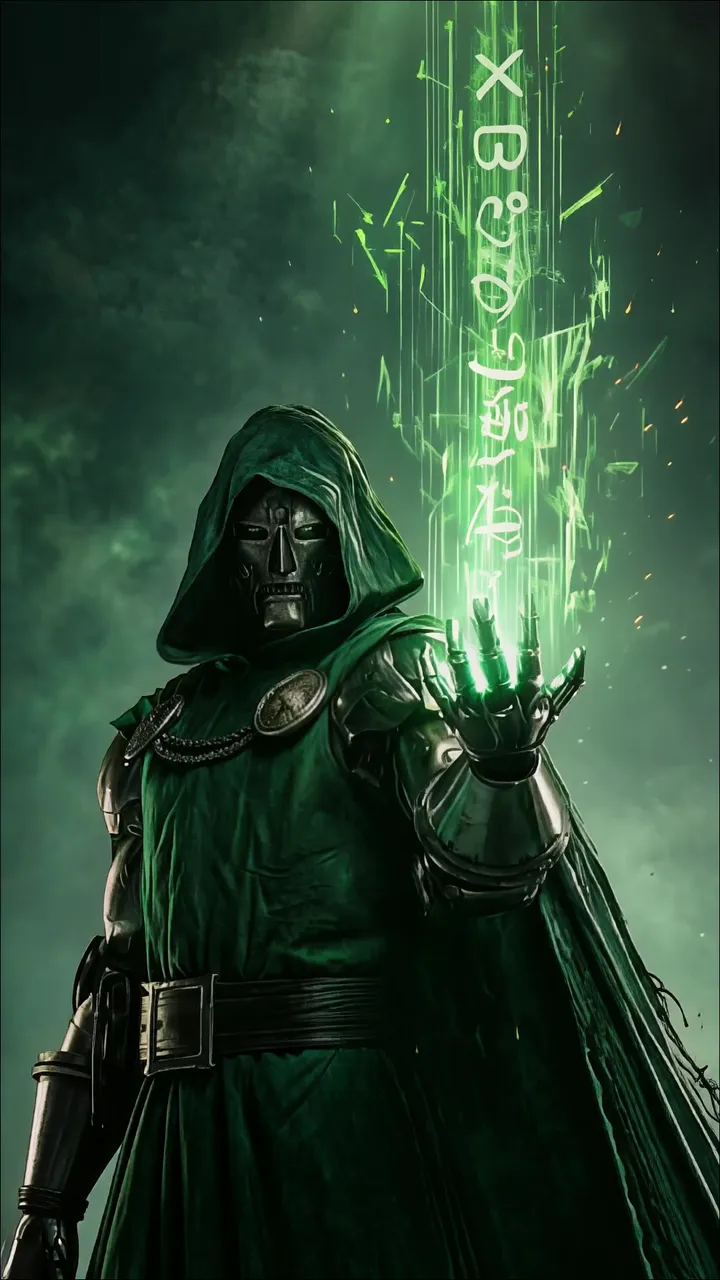
Doctor Doom Commanding a Green Energy Portal live wallpaper
How to set it as wallpaper
iPhone
For a still wallpaper, save the cropped JPG to Photos and choose it in Settings → Wallpaper. For an animated Lock Screen on supported models, convert the MP4 to a Live Photo with a compatible app and select it in the wallpaper picker.
Android
For a still wallpaper, open the JPG in your gallery and choose Set as wallpaper. For the MP4, look for a video wallpaper option in your gallery or wallpaper settings. A compatible live wallpaper app can help if your phone has no built-in option.
After saving the converted Live Photo to Photos, open Settings, then Wallpaper, then Add New Wallpaper. Tap Photos, choose Live Photo, select the saved image, turn on the Live Photo effect, and tap Add to apply it to your Lock Screen.
Doctor Doom stands dominantly in a ruined urban landscape, his iconic green hooded cloak billowing as he channels a massive, crackling green energy portal behind him. The portal emits intense, electric-green light that illuminates his metallic mask and armored chest plate, casting dramatic shadows across the desolate, fire-lit ruins. In the background, crumbling skyscrapers and broken infrastructure suggest a city in collapse, while the overall atmosphere is one of ominous power and impending destruction. The scene is saturated with green hues, emphasizing the villain’s control over chaotic energy and his commanding presence over the devastated environment.
- Format
- MP4 live wallpaper
- Resolution
- 720P, 1080P
- Duration
- 00:08
- File size
- 8.3 MB
- Category
- Avengers, Doomsday, Doctor Doom