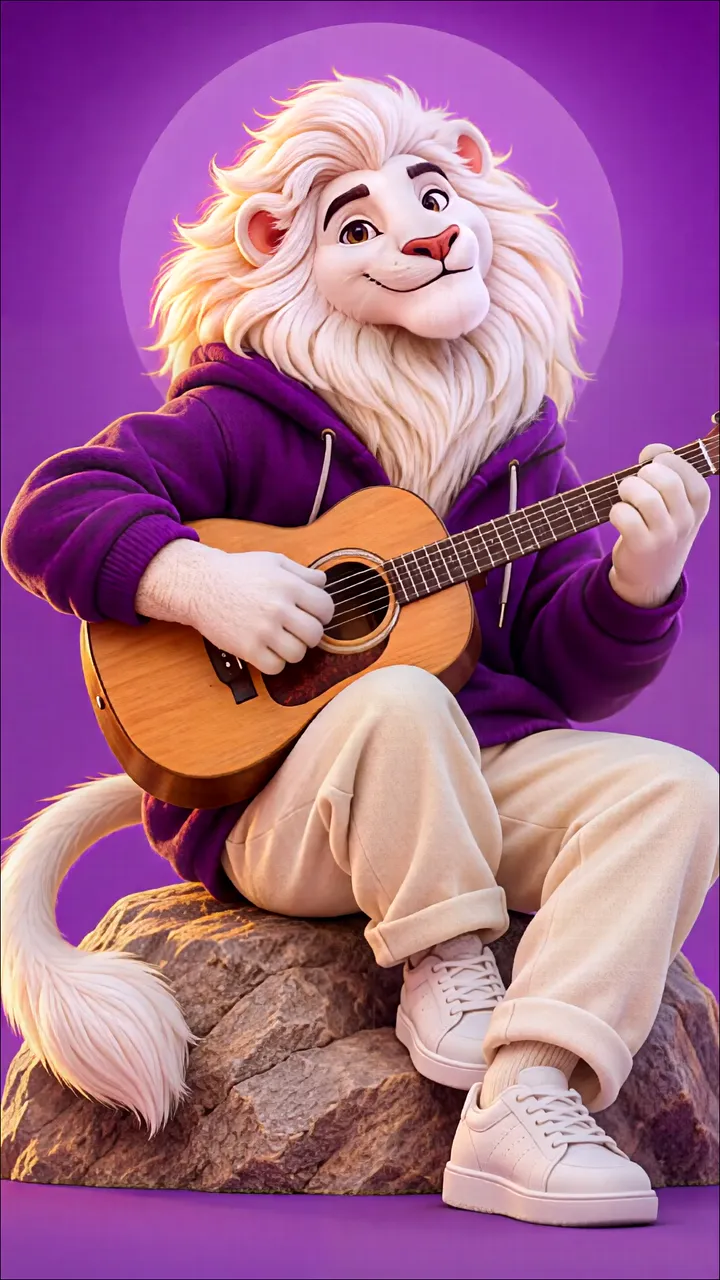
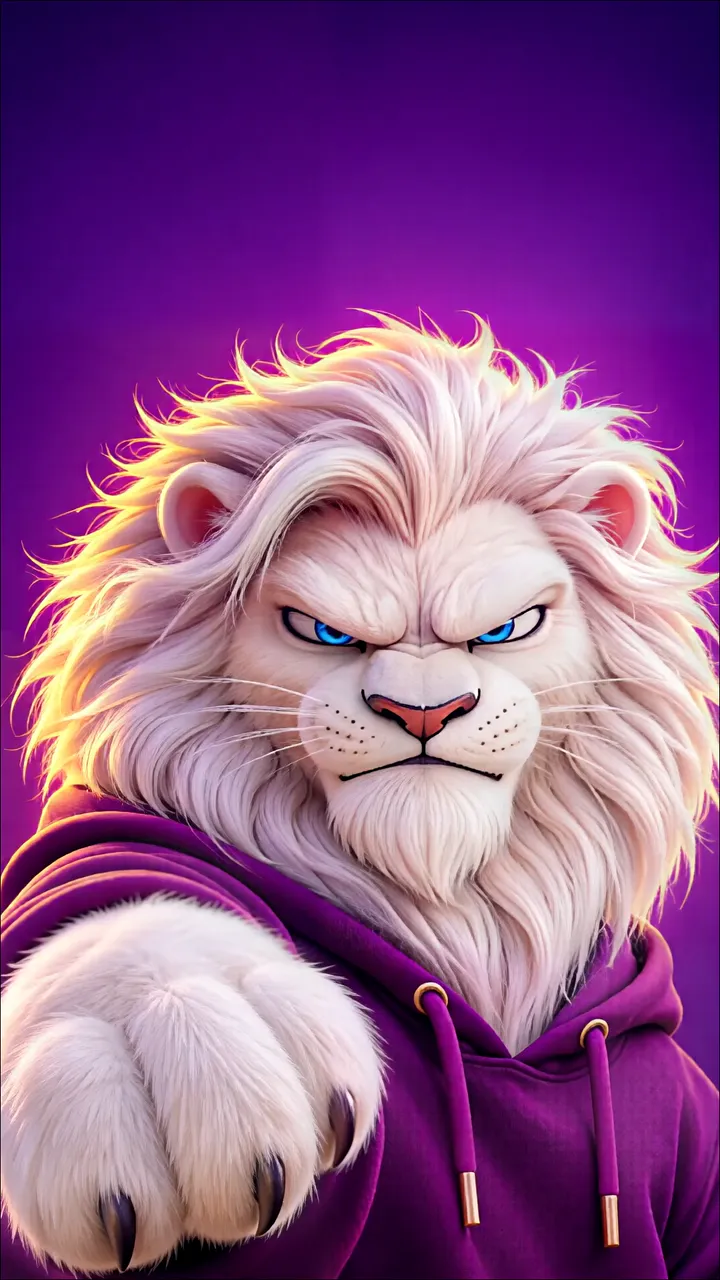
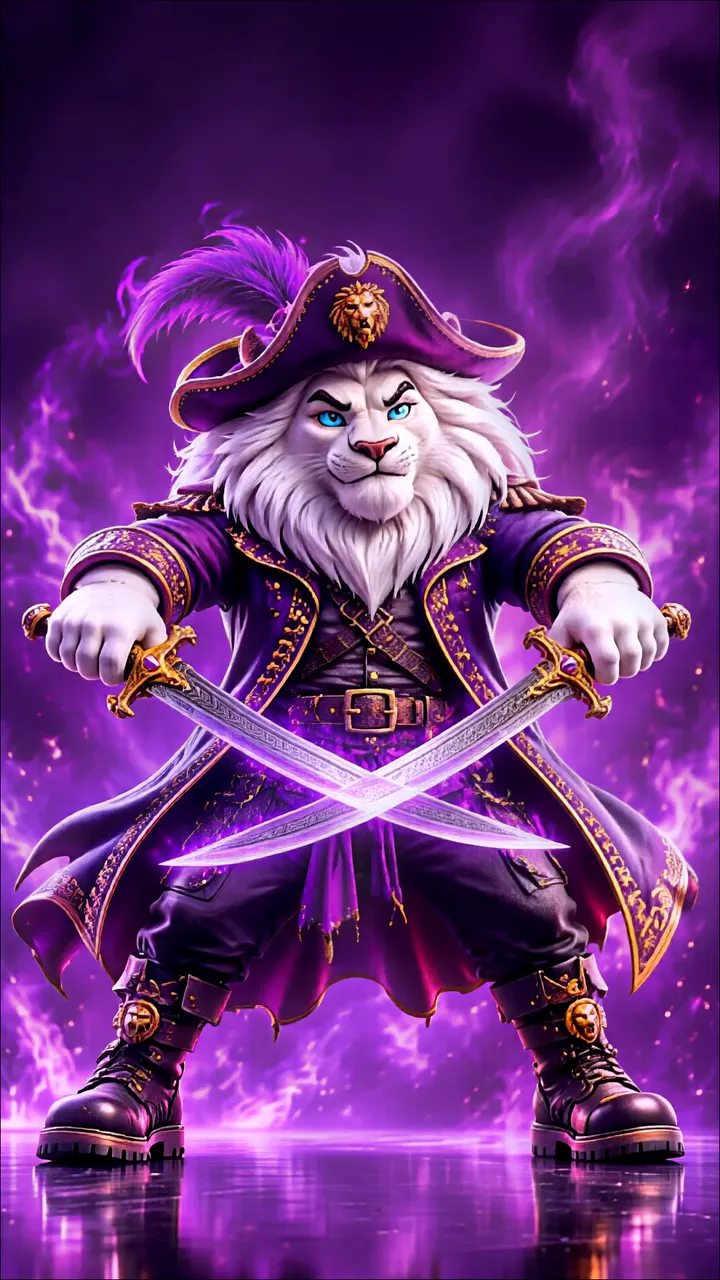
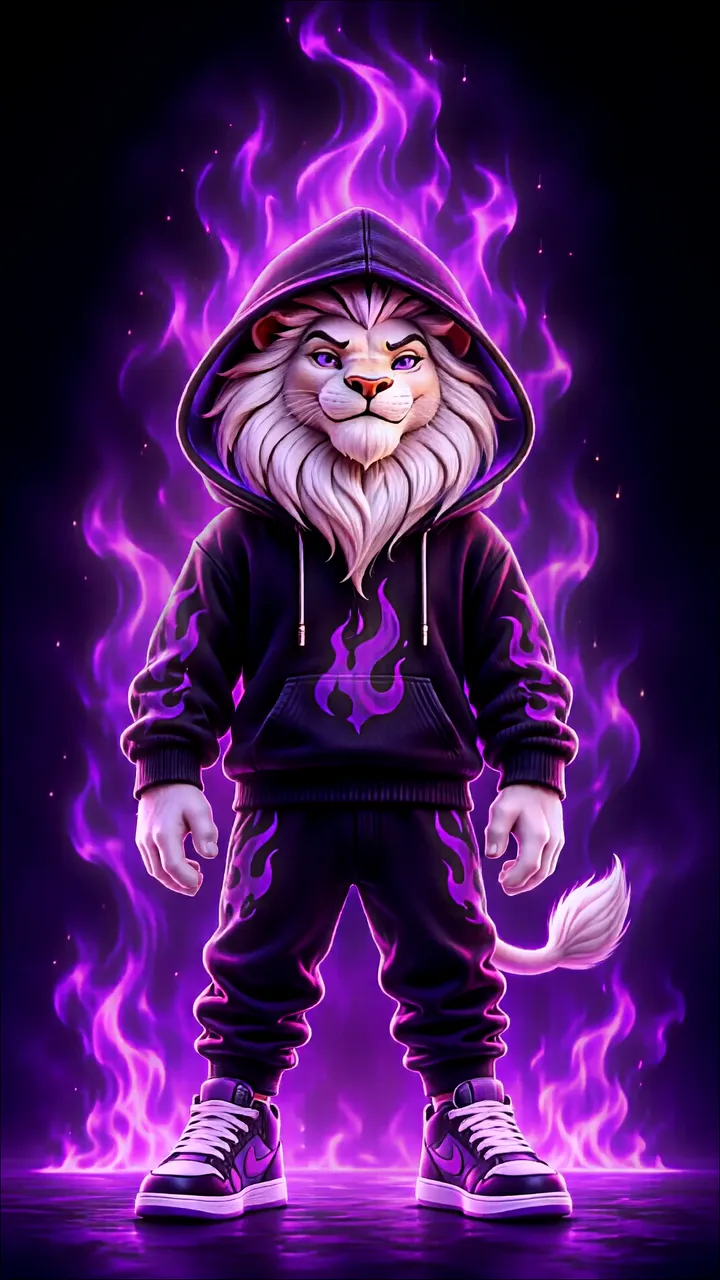
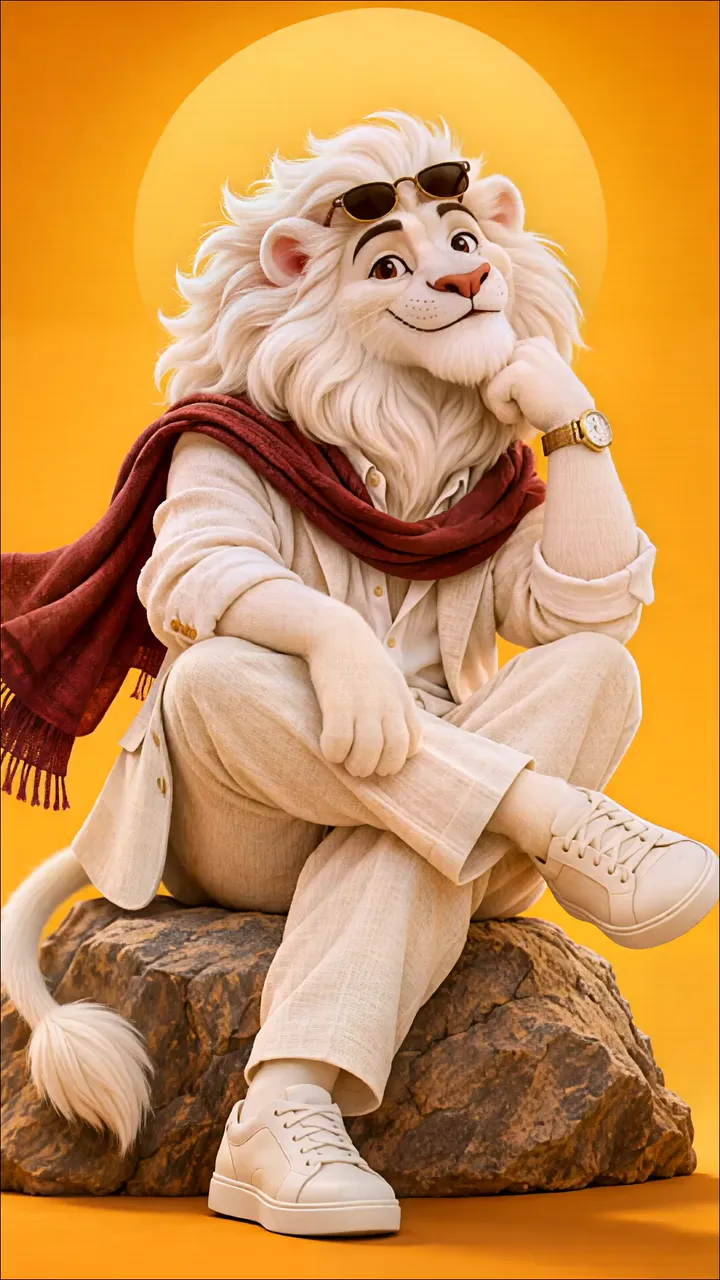
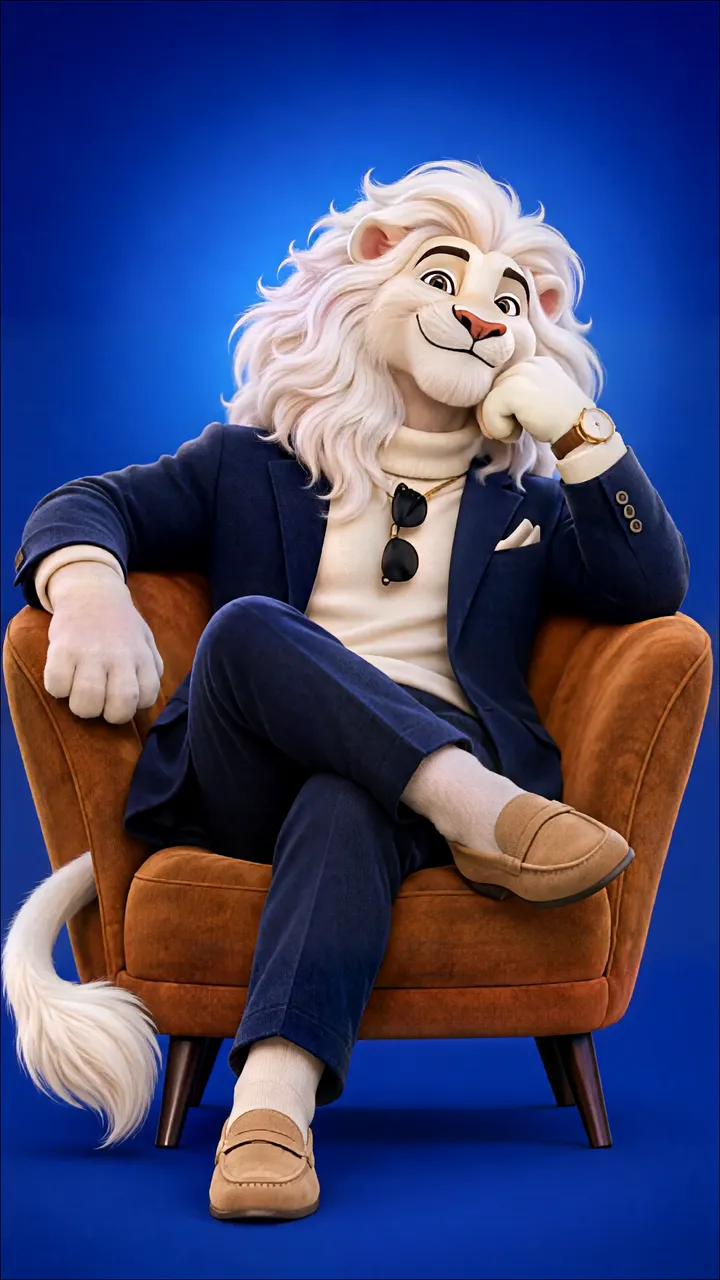
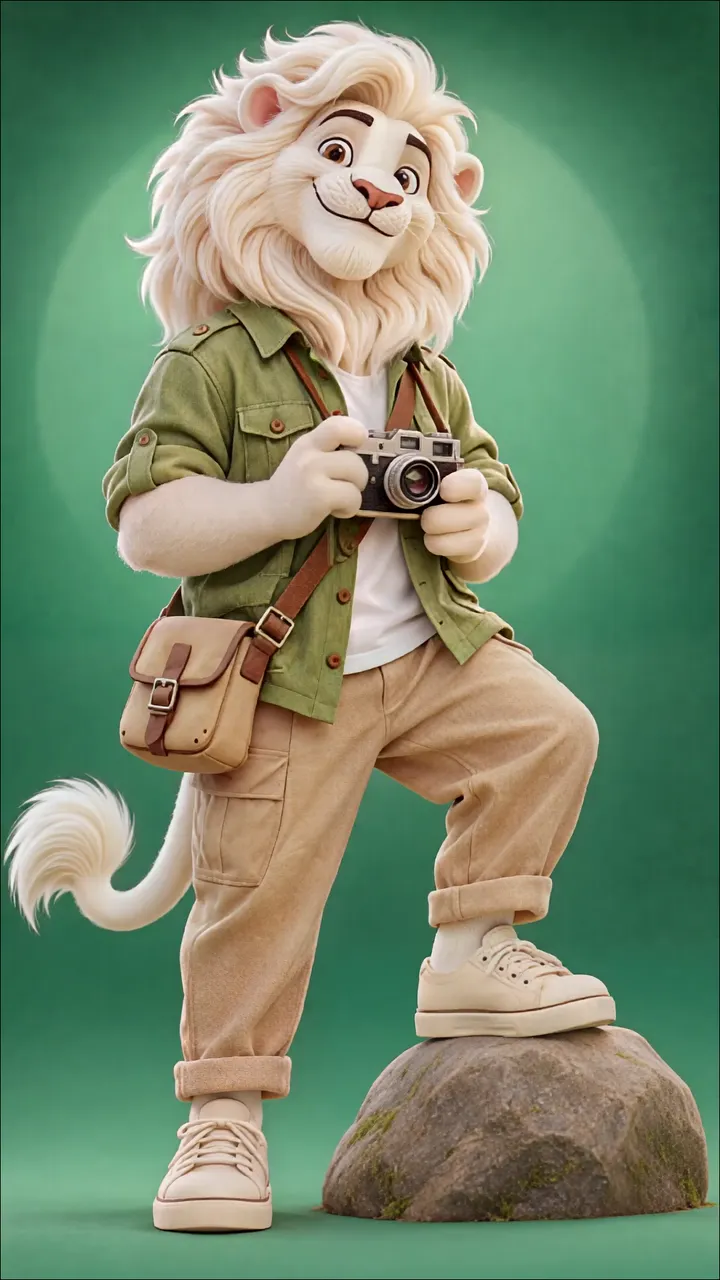
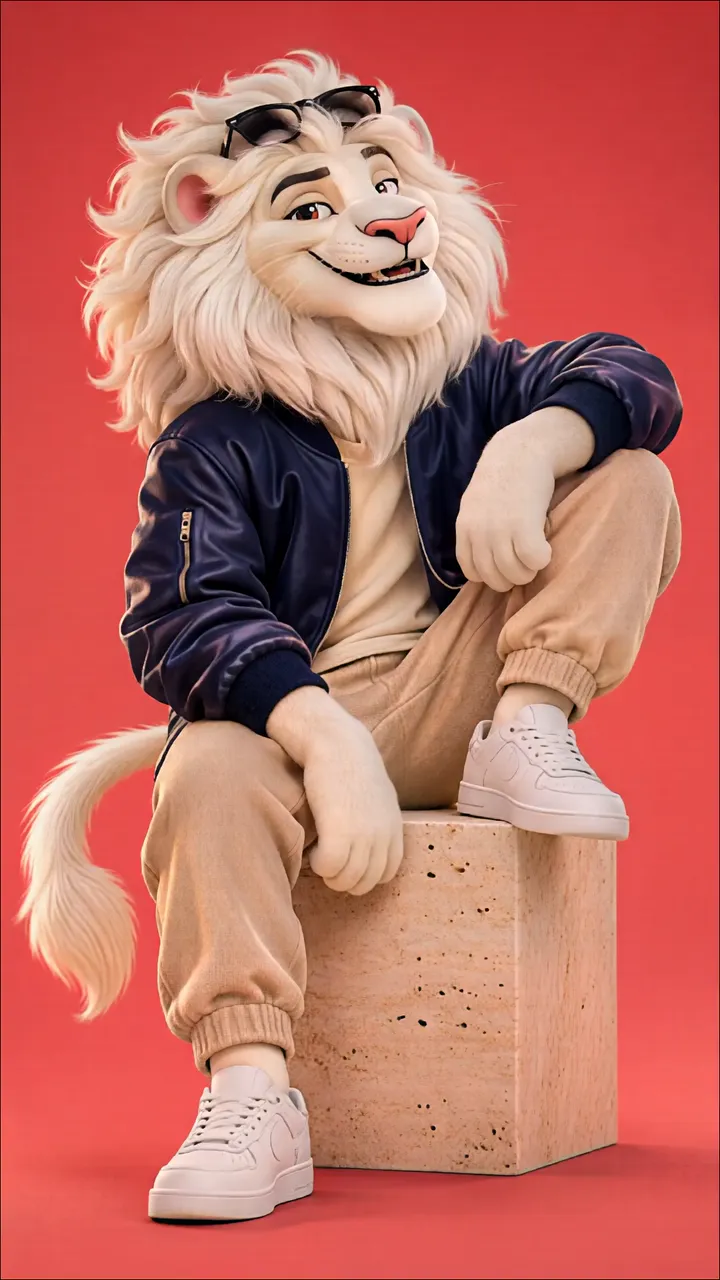
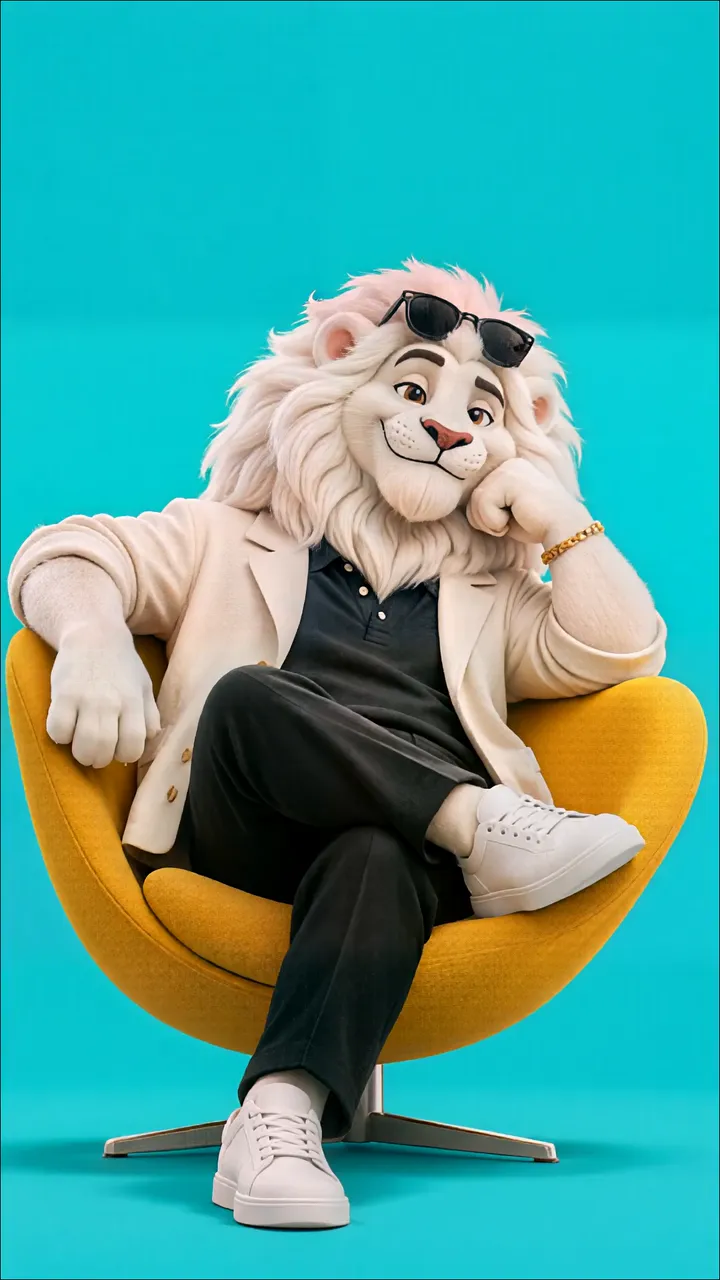
White Lion King in Electric Blue Aura live wallpaper
How to set it as wallpaper
iPhone
For a still wallpaper, save the cropped JPG to Photos and choose it in Settings → Wallpaper. For an animated Lock Screen on supported models, convert the MP4 to a Live Photo with a compatible app and select it in the wallpaper picker.
Android
For a still wallpaper, open the JPG in your gallery and choose Set as wallpaper. For the MP4, look for a video wallpaper option in your gallery or wallpaper settings. A compatible live wallpaper app can help if your phone has no built-in option.
After saving the converted Live Photo to Photos, open Settings, then Wallpaper, then Add New Wallpaper. Tap Photos, choose Live Photo, select the saved image, turn on the Live Photo effect, and tap Add to apply it to your Lock Screen.
A majestic white lion, styled as an anime character, sits confidently on an ornate black throne with silver detailing, wearing a white hoodie, sweatpants, and sneakers. Behind him, a larger, glowing blue-white lion head emerges from swirling electric blue energy, creating a powerful aura. The scene is bathed in intense blue lighting, casting reflections on the glossy floor. The lion’s hoodie features a glowing lion emblem, and accessories like a watch and chain add to the urban, regal aesthetic. The composition emphasizes dominance and mystique, blending fantasy with streetwear culture in a digitally rendered, high-contrast environment.
- Format
- MP4 live wallpaper
- Resolution
- 720P, 1080P
- Duration
- 00:08
- File size
- 11.7 MB
- Category
- Sheru Bhai, White Lion, Anime Lion