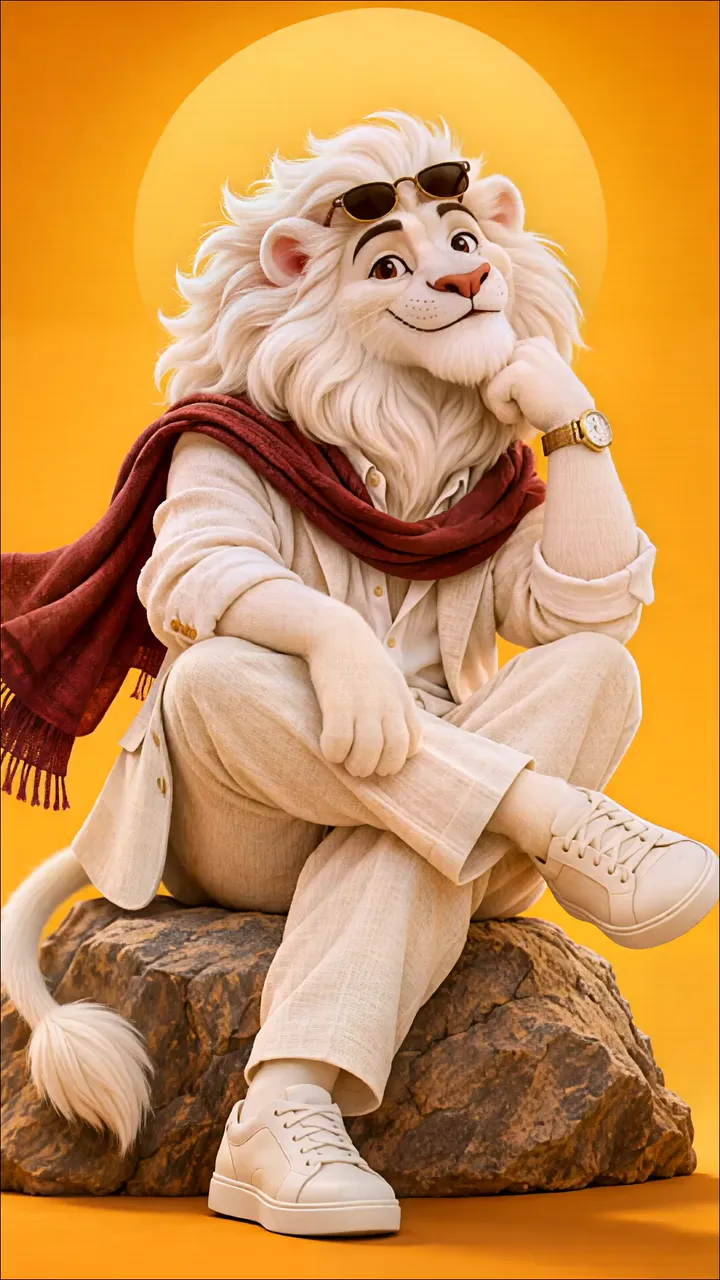
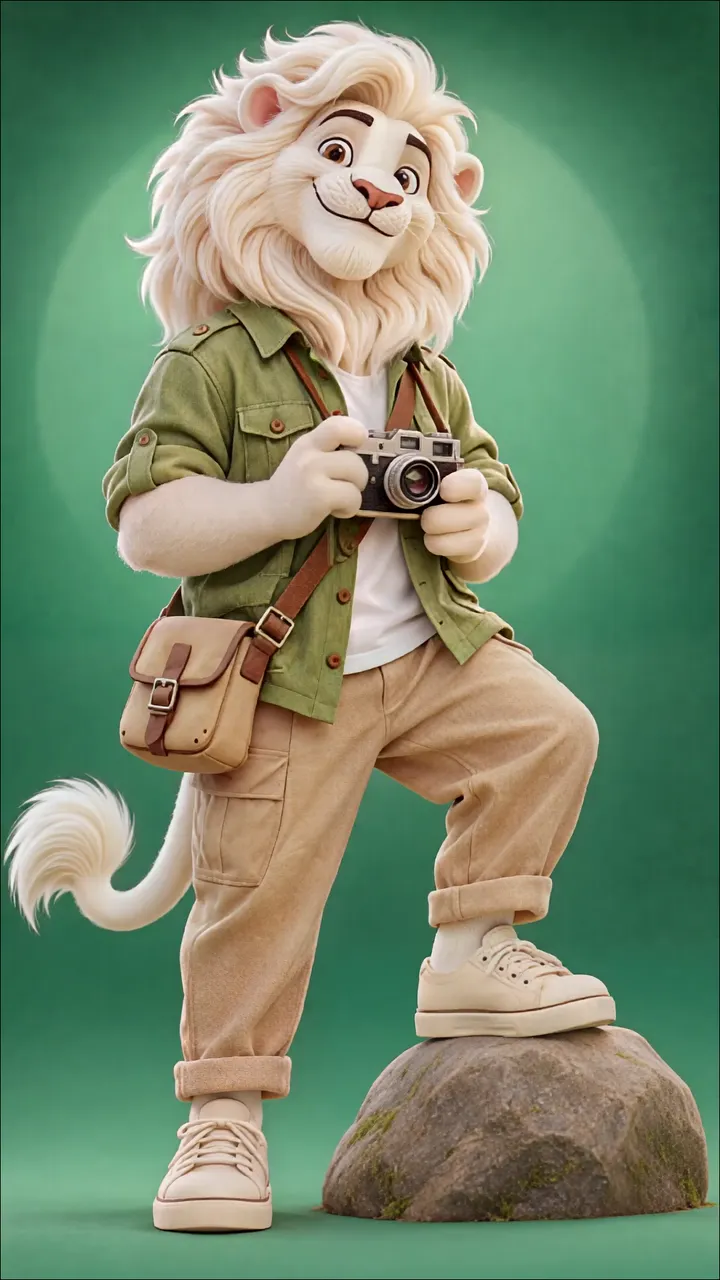
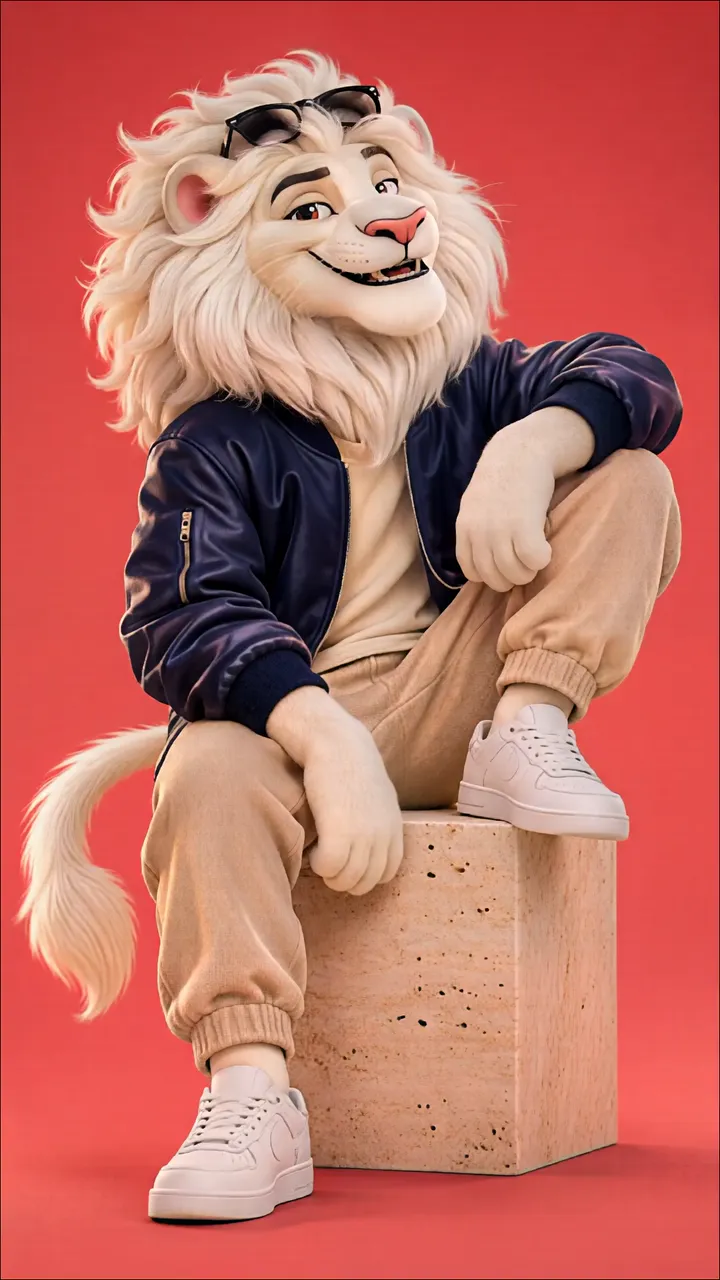
Sheru Bhai, The Cool White Lion In A Yellow Chair live wallpaper
How to set it as wallpaper
iPhone
For a still wallpaper, save the cropped JPG to Photos and choose it in Settings → Wallpaper. For an animated Lock Screen on supported models, convert the MP4 to a Live Photo with a compatible app and select it in the wallpaper picker.
Android
For a still wallpaper, open the JPG in your gallery and choose Set as wallpaper. For the MP4, look for a video wallpaper option in your gallery or wallpaper settings. A compatible live wallpaper app can help if your phone has no built-in option.
After saving the converted Live Photo to Photos, open Settings, then Wallpaper, then Add New Wallpaper. Tap Photos, choose Live Photo, select the saved image, turn on the Live Photo effect, and tap Add to apply it to your Lock Screen.
Sheru Bhai, a stylish white lion with a confident expression, lounges comfortably in a vibrant yellow armchair. He wears a beige blazer, black pants, white sneakers, and dark sunglasses, accessorized with a gold chain. His relaxed pose, with one hand resting on his chin, exudes coolness against a solid turquoise background. The scene combines a cute animal character with a modern, casual aesthetic, highlighted by the bold color contrast between the lion’s white fur, the chair, and the background. The composition is clean and focused, emphasizing Sheru Bhai’s fashionable look and laid-back demeanor.
- Format
- MP4 live wallpaper
- Resolution
- 720P, 1080P
- Duration
- 00:08
- File size
- 3.1 MB
- Category
- Sheru Bhai, White Lion, Yellow Chair