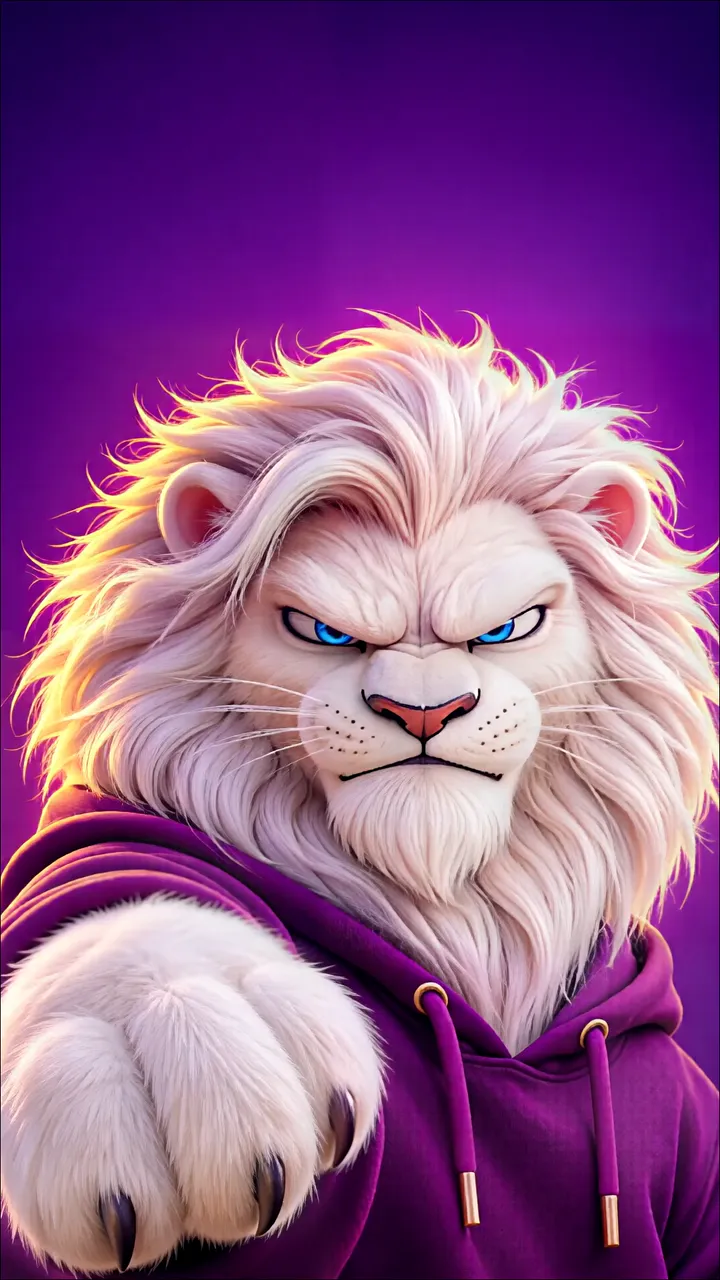
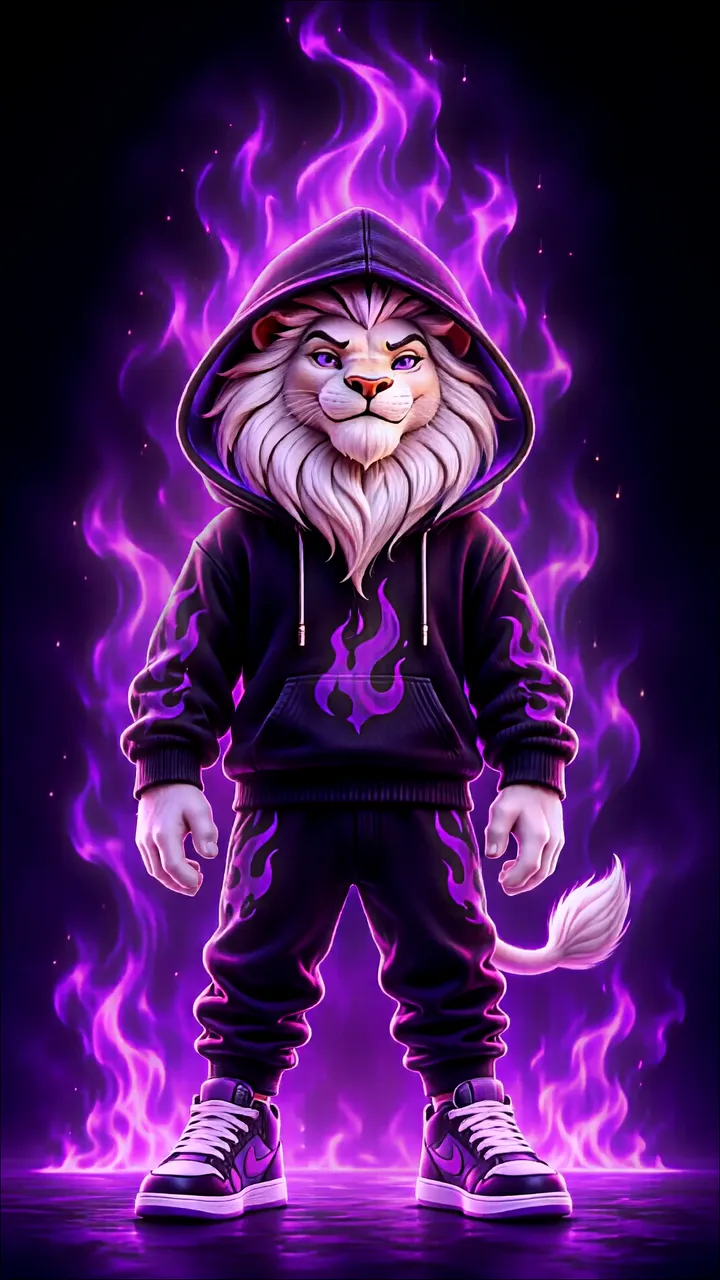
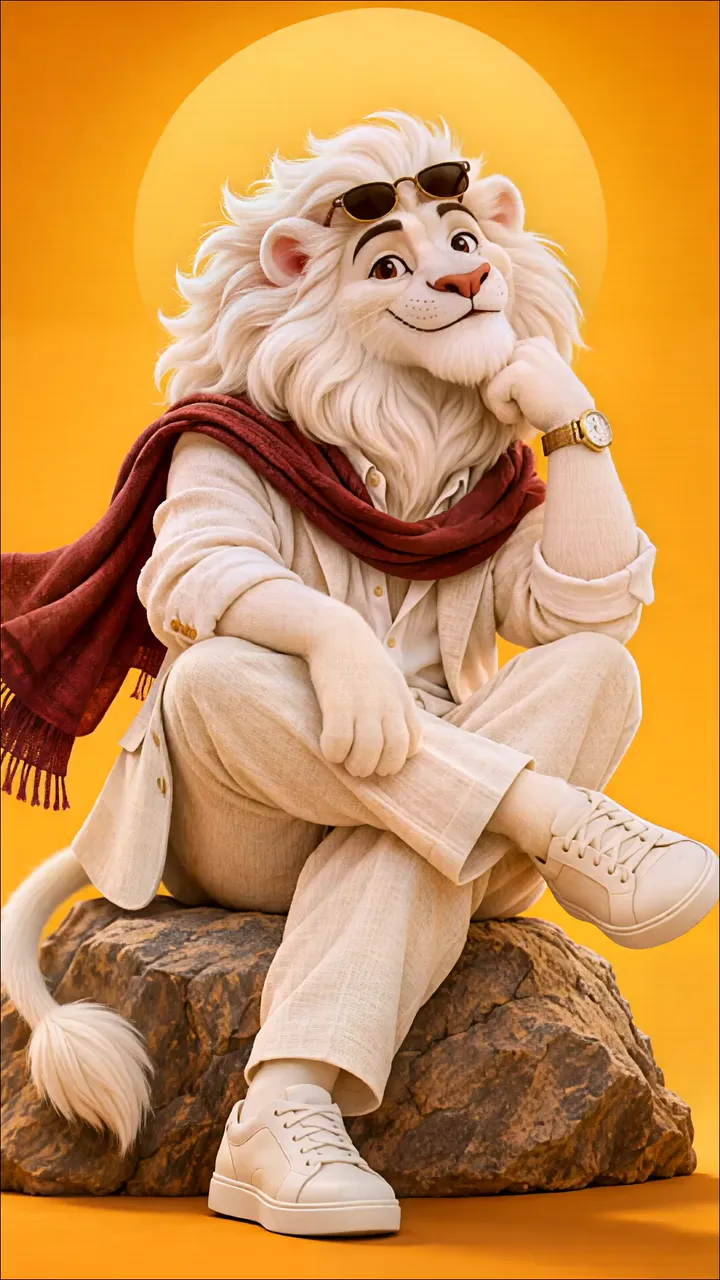
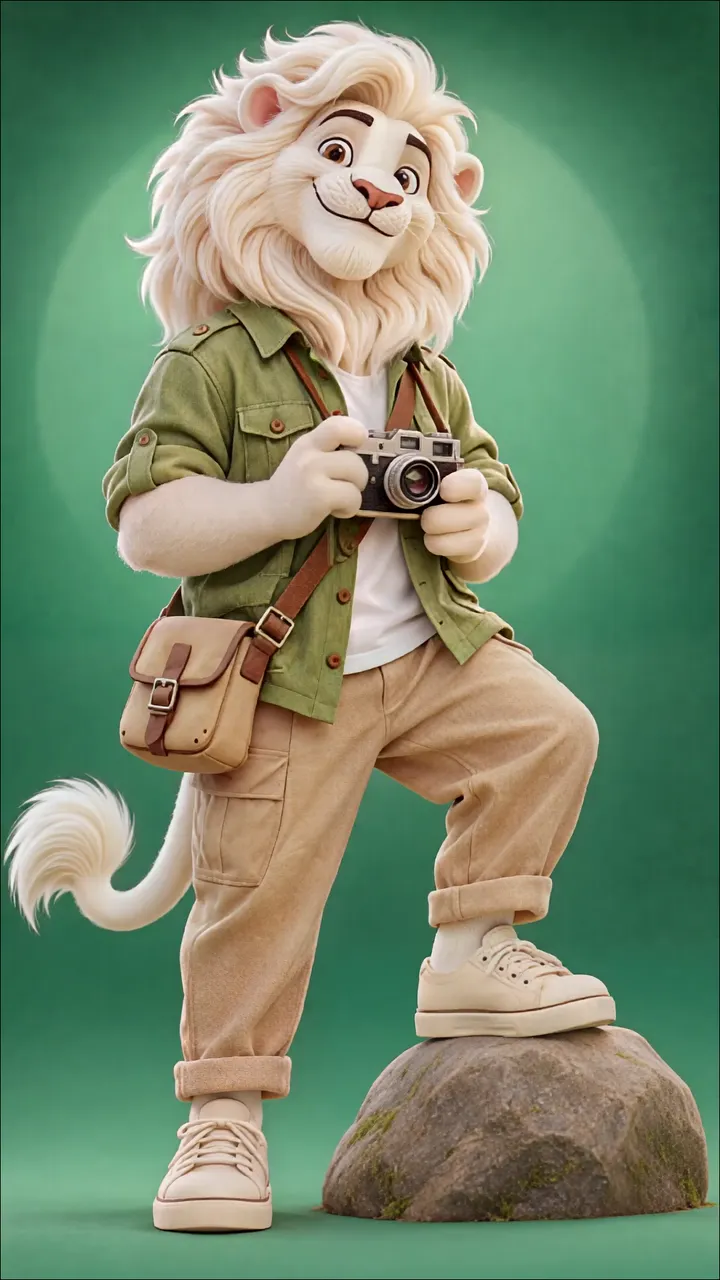
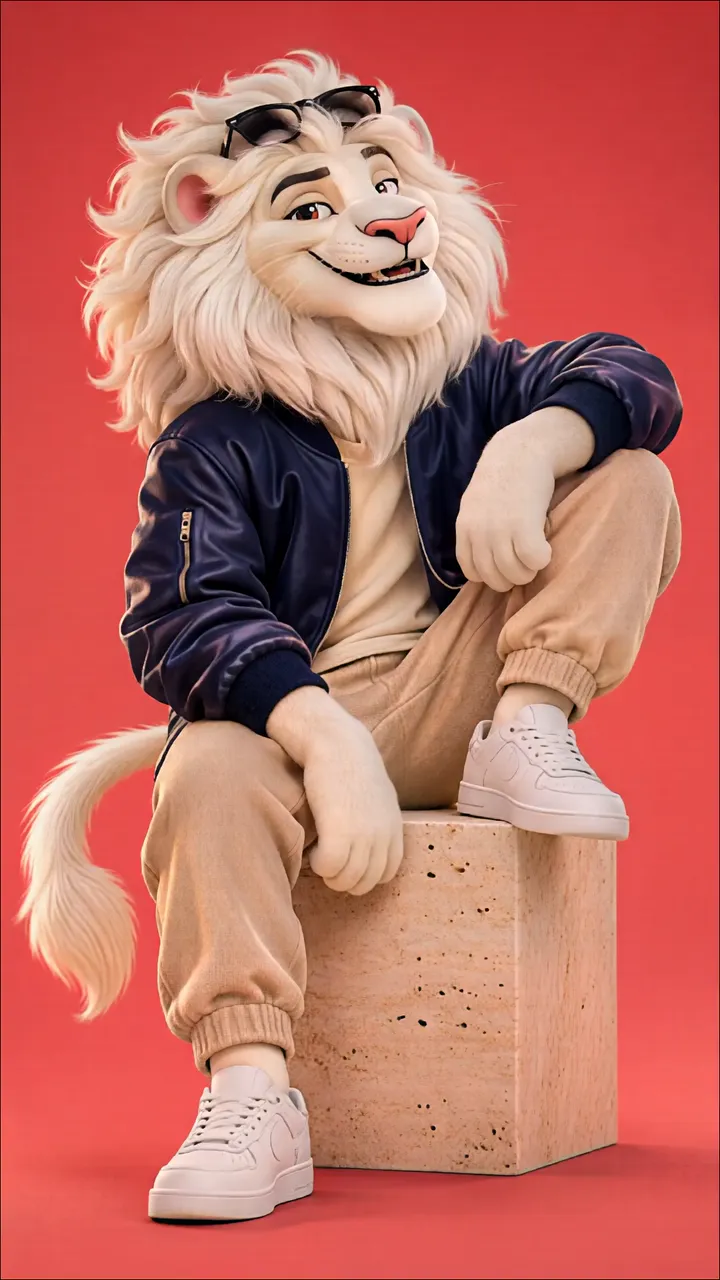
Sheru Bhai, The Cool White Lion In A Blue Suit live wallpaper
How to set it as wallpaper
iPhone
For a still wallpaper, save the cropped JPG to Photos and choose it in Settings → Wallpaper. For an animated Lock Screen on supported models, convert the MP4 to a Live Photo with a compatible app and select it in the wallpaper picker.
Android
For a still wallpaper, open the JPG in your gallery and choose Set as wallpaper. For the MP4, look for a video wallpaper option in your gallery or wallpaper settings. A compatible live wallpaper app can help if your phone has no built-in option.
After saving the converted Live Photo to Photos, open Settings, then Wallpaper, then Add New Wallpaper. Tap Photos, choose Live Photo, select the saved image, turn on the Live Photo effect, and tap Add to apply it to your Lock Screen.
Sheru Bhai, a charming white lion with a fluffy mane, sits confidently in a brown velvet armchair against a vibrant blue background. Dressed in a stylish navy blue suit, cream turtleneck, and tan loafers, he exudes a cool, relaxed vibe. His sunglasses hang from his collar, and he rests his chin on his paw, looking thoughtful. The scene combines a whimsical animal character with a sophisticated human-inspired outfit, creating a playful yet elegant composition. The solid blue backdrop enhances the subject, making the lion’s white fur and attire stand out with striking contrast and visual clarity.
- Format
- MP4 live wallpaper
- Resolution
- 720P, 1080P
- Duration
- 00:08
- File size
- 3.9 MB
- Category
- Sheru Bhai, White Lion, Blue Suit