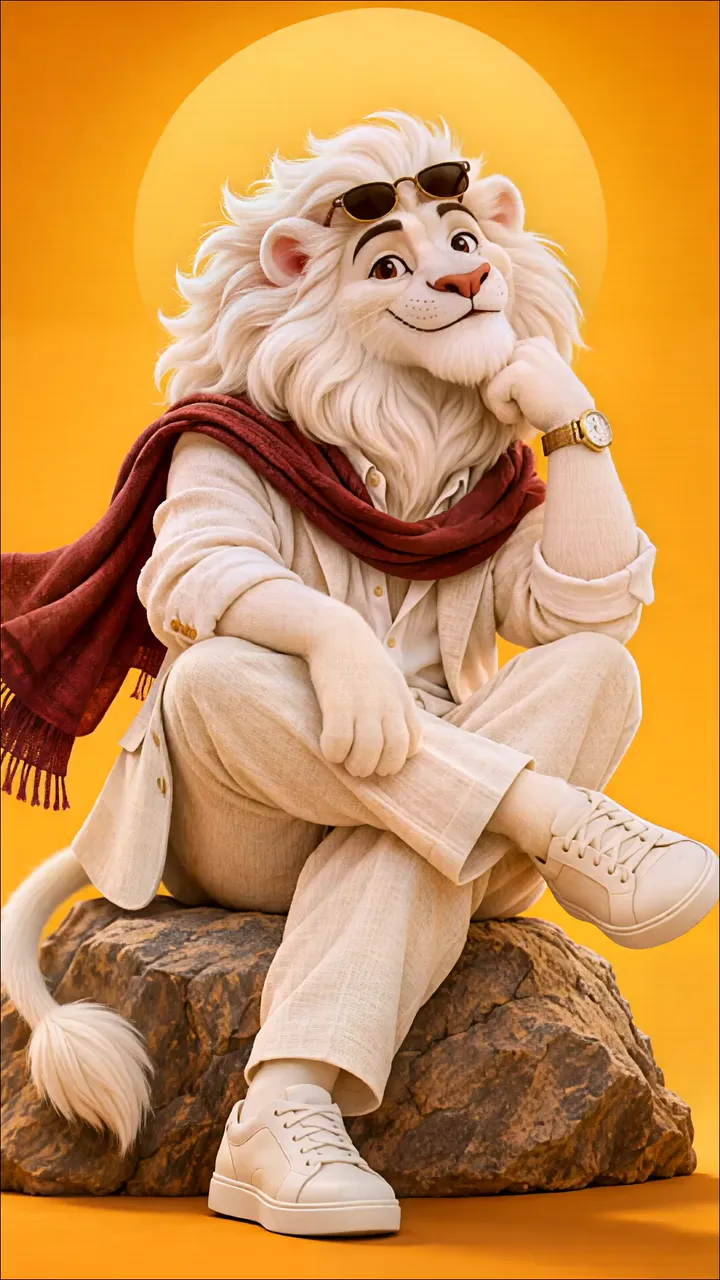
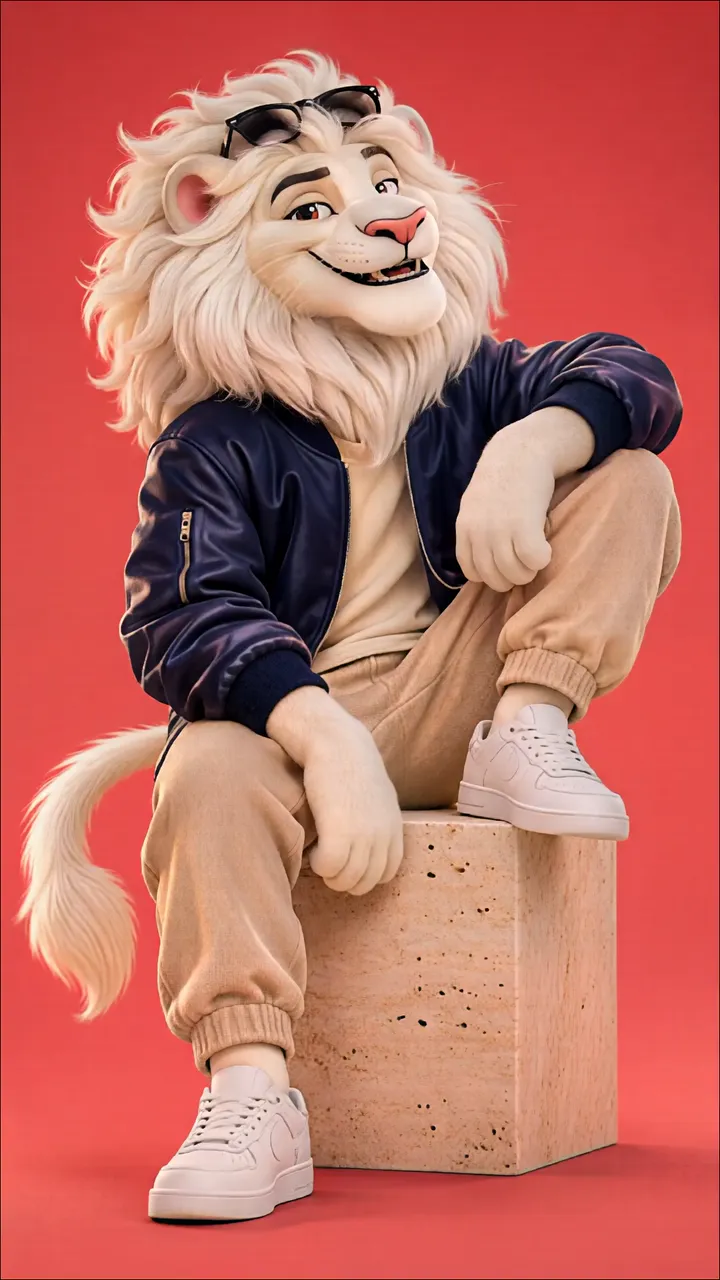
Sheru Bhai The Explorer Lion With Vintage Camera live wallpaper
How to set it as wallpaper
iPhone
For a still wallpaper, save the cropped JPG to Photos and choose it in Settings → Wallpaper. For an animated Lock Screen on supported models, convert the MP4 to a Live Photo with a compatible app and select it in the wallpaper picker.
Android
For a still wallpaper, open the JPG in your gallery and choose Set as wallpaper. For the MP4, look for a video wallpaper option in your gallery or wallpaper settings. A compatible live wallpaper app can help if your phone has no built-in option.
After saving the converted Live Photo to Photos, open Settings, then Wallpaper, then Add New Wallpaper. Tap Photos, choose Live Photo, select the saved image, turn on the Live Photo effect, and tap Add to apply it to your Lock Screen.
Sheru Bhai, a charming white lion with a fluffy mane, stands confidently atop a mossy rock, holding a vintage camera. Dressed in a green safari jacket, beige pants, and matching sneakers, he exudes an adventurous spirit. A small leather satchel hangs from his shoulder, complementing his explorer look. The soft green background enhances the cheerful, playful mood, while his bright expression and relaxed pose suggest a joyful journey. The scene combines cute animal character design with a classic travel aesthetic, making it ideal for fans of whimsical wildlife adventures.
- Format
- MP4 live wallpaper
- Resolution
- 720P, 1080P
- Duration
- 00:08
- File size
- 3.7 MB
- Category
- Sheru Bhai, Explorer Lion, Vintage Camera