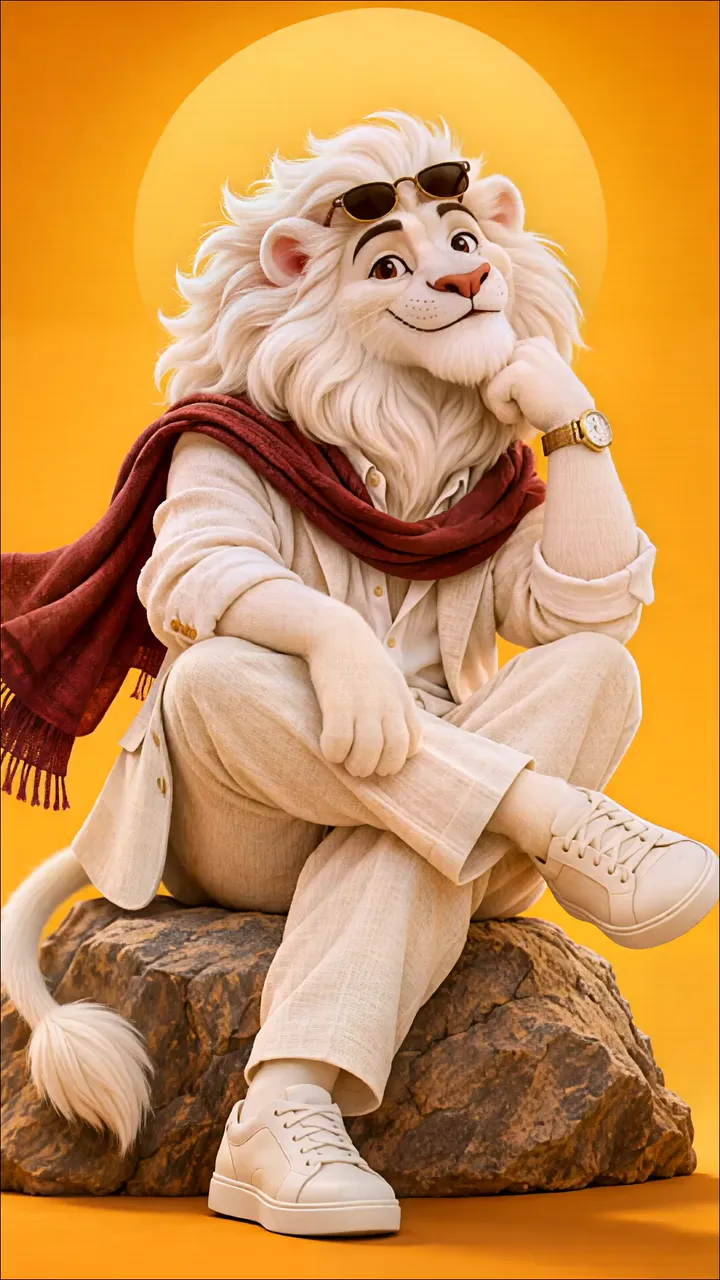
Sheru Bhai Playing Acoustic Guitar On A Purple Rock live wallpaper
How to set it as wallpaper
iPhone
For a still wallpaper, save the cropped JPG to Photos and choose it in Settings → Wallpaper. For an animated Lock Screen on supported models, convert the MP4 to a Live Photo with a compatible app and select it in the wallpaper picker.
Android
For a still wallpaper, open the JPG in your gallery and choose Set as wallpaper. For the MP4, look for a video wallpaper option in your gallery or wallpaper settings. A compatible live wallpaper app can help if your phone has no built-in option.
After saving the converted Live Photo to Photos, open Settings, then Wallpaper, then Add New Wallpaper. Tap Photos, choose Live Photo, select the saved image, turn on the Live Photo effect, and tap Add to apply it to your Lock Screen.
Sheru Bhai, an anime-style white-haired lion, sits casually on a textured rock while playing an acoustic guitar. He wears a purple hoodie, beige pants, and white sneakers, creating a relaxed, street-style look. The scene is set against a vibrant purple background with a glowing circular light behind his head, enhancing the whimsical, modern aesthetic. His cheerful expression and the warm wood tones of the guitar contrast with the cool purple hues, creating a balanced and visually engaging composition. The overall mood is playful and laid-back, capturing a moment of musical expression in a stylized, contemporary setting.
- Format
- MP4 live wallpaper
- Resolution
- 720P, 1080P
- Duration
- 00:08
- File size
- 5.8 MB
- Category
- Sheru Bhai, Anime Lion, Acoustic Guitar