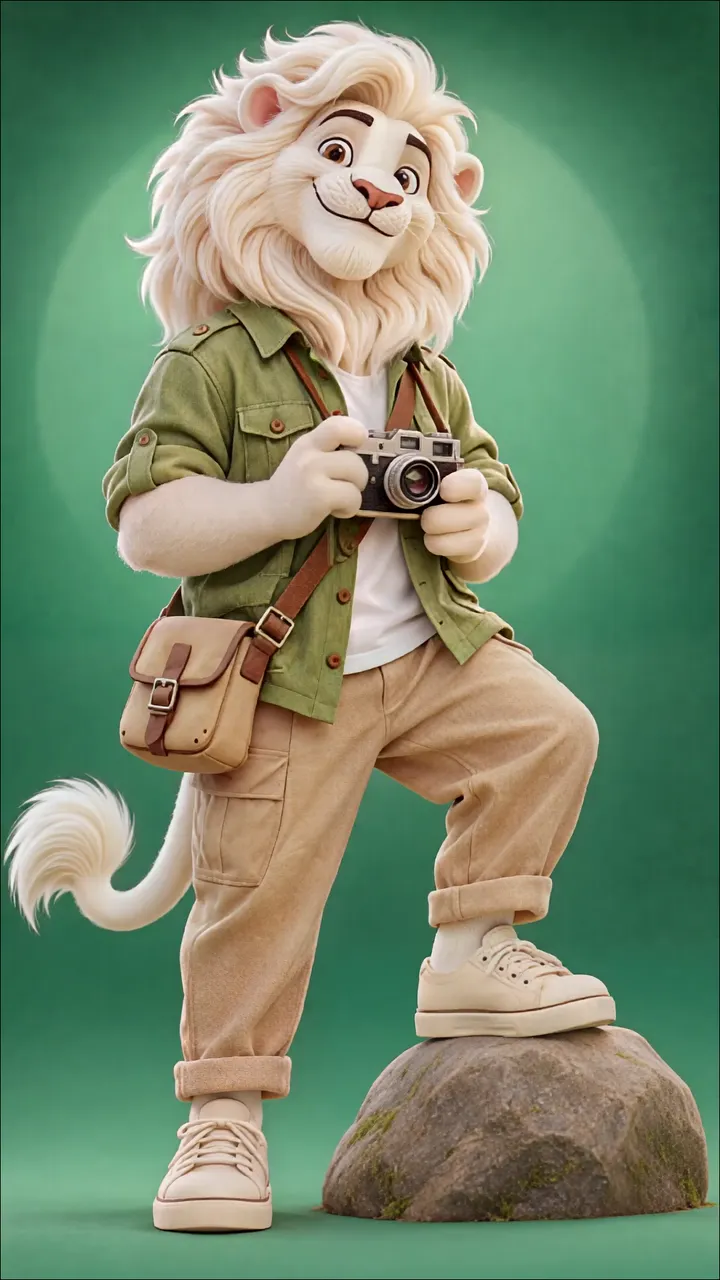
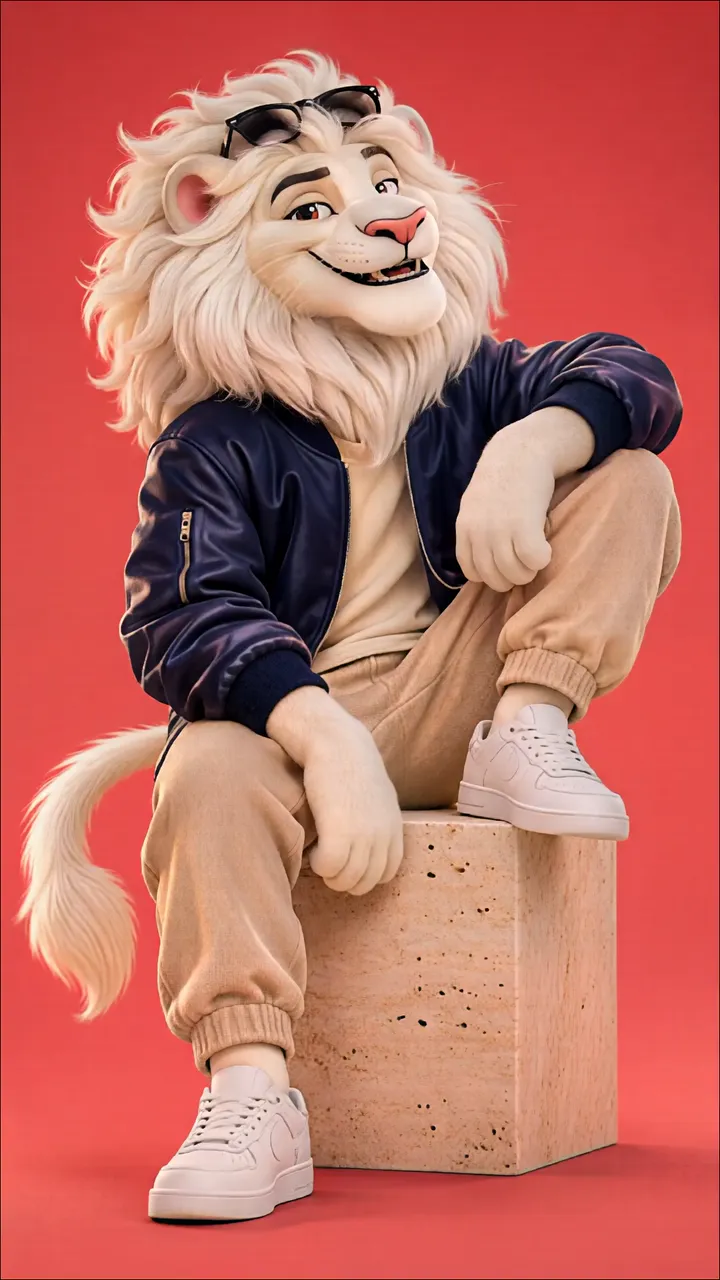
Sheru Bhai, The Cool White Lion With Sunglasses And Scarf live wallpaper
How to set it as wallpaper
iPhone
For a still wallpaper, save the cropped JPG to Photos and choose it in Settings → Wallpaper. For an animated Lock Screen on supported models, convert the MP4 to a Live Photo with a compatible app and select it in the wallpaper picker.
Android
For a still wallpaper, open the JPG in your gallery and choose Set as wallpaper. For the MP4, look for a video wallpaper option in your gallery or wallpaper settings. A compatible live wallpaper app can help if your phone has no built-in option.
After saving the converted Live Photo to Photos, open Settings, then Wallpaper, then Add New Wallpaper. Tap Photos, choose Live Photo, select the saved image, turn on the Live Photo effect, and tap Add to apply it to your Lock Screen.
Sheru Bhai, a charming white lion with a confident, relaxed pose, sits casually on a rugged rock. He wears stylish sunglasses, a red scarf, a beige linen suit, and white sneakers, exuding a cool, laid-back vibe. The background is a warm, solid orange, with a large circular sun behind him, enhancing the cheerful, sunny atmosphere. His fluffy mane and thoughtful expression add personality to the scene, making this a distinctive and visually appealing character portrait with a modern, fashion-forward aesthetic.
- Format
- MP4 live wallpaper
- Resolution
- 720P, 1080P
- Duration
- 00:08
- File size
- 5.1 MB
- Category
- Sheru Bhai, White Lion, Sunglasses