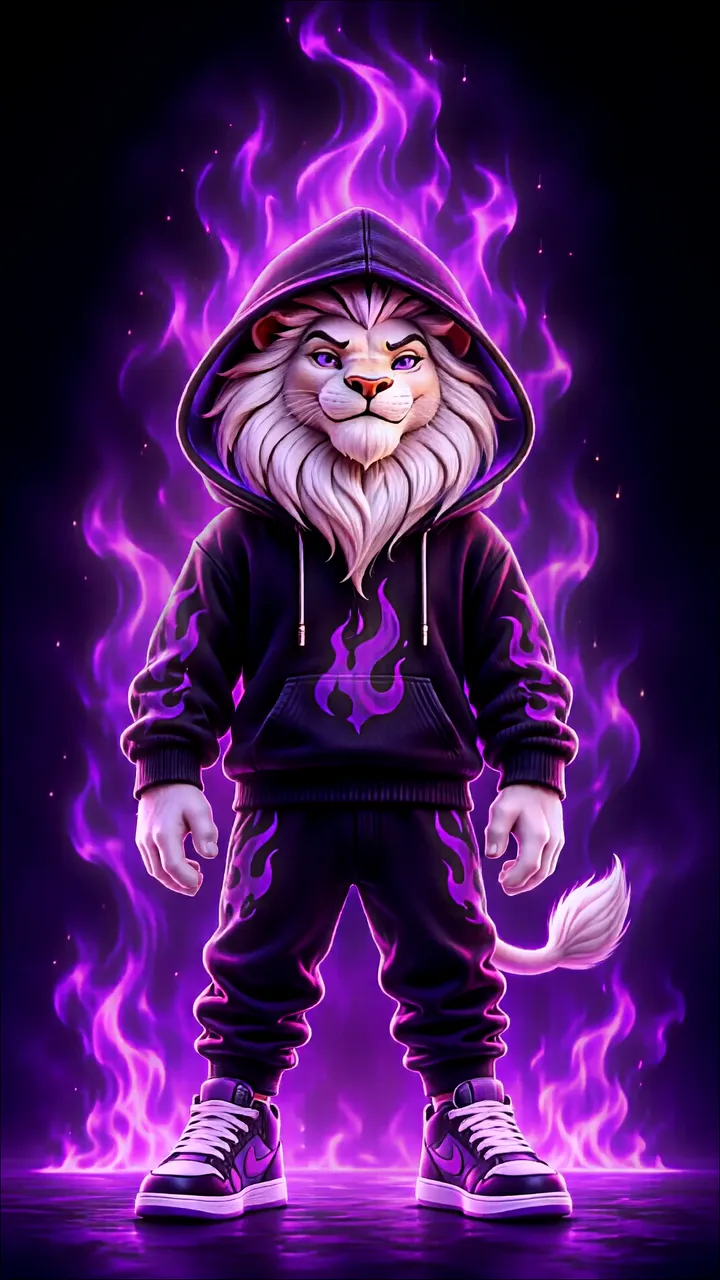
White Lion in Purple Hoodie Against Violet Glow live wallpaper
How to set it as wallpaper
iPhone
For a still wallpaper, save the cropped JPG to Photos and choose it in Settings → Wallpaper. For an animated Lock Screen on supported models, convert the MP4 to a Live Photo with a compatible app and select it in the wallpaper picker.
Android
For a still wallpaper, open the JPG in your gallery and choose Set as wallpaper. For the MP4, look for a video wallpaper option in your gallery or wallpaper settings. A compatible live wallpaper app can help if your phone has no built-in option.
After saving the converted Live Photo to Photos, open Settings, then Wallpaper, then Add New Wallpaper. Tap Photos, choose Live Photo, select the saved image, turn on the Live Photo effect, and tap Add to apply it to your Lock Screen.
A stylized white lion with a voluminous mane and piercing blue eyes stares intensely forward, its right paw extended toward the viewer. The lion wears a vibrant purple hoodie with gold drawstrings, contrasting sharply with its fluffy white fur. The background is a solid, glowing violet, enhancing the dramatic lighting that highlights the lion’s facial features and fur texture. The composition is a tight portrait, emphasizing the character’s fierce yet cute demeanor, with the hoodie’s casual style adding a modern, streetwear aesthetic to the fantastical animal subject.
- Format
- MP4 live wallpaper
- Resolution
- 720P, 1080P
- Duration
- 00:08
- File size
- 8.3 MB
- Category
- Sheru Bhai, White Lion, Purple Hoodie