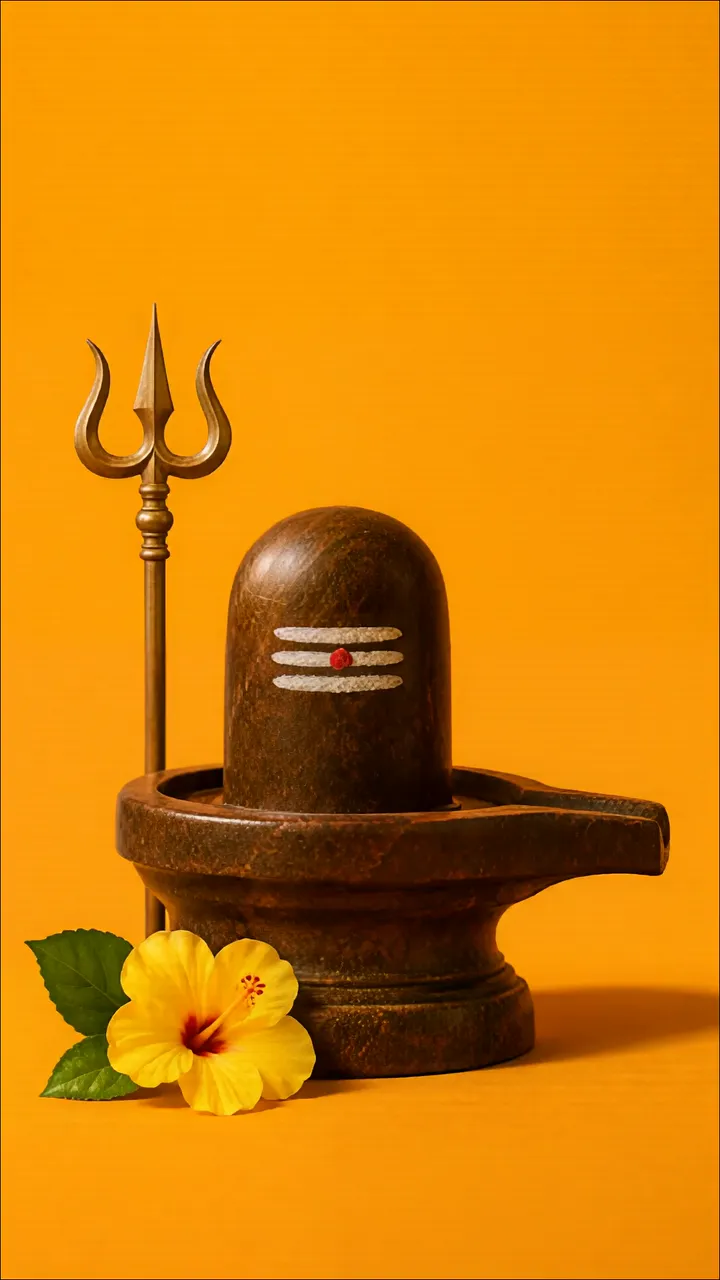
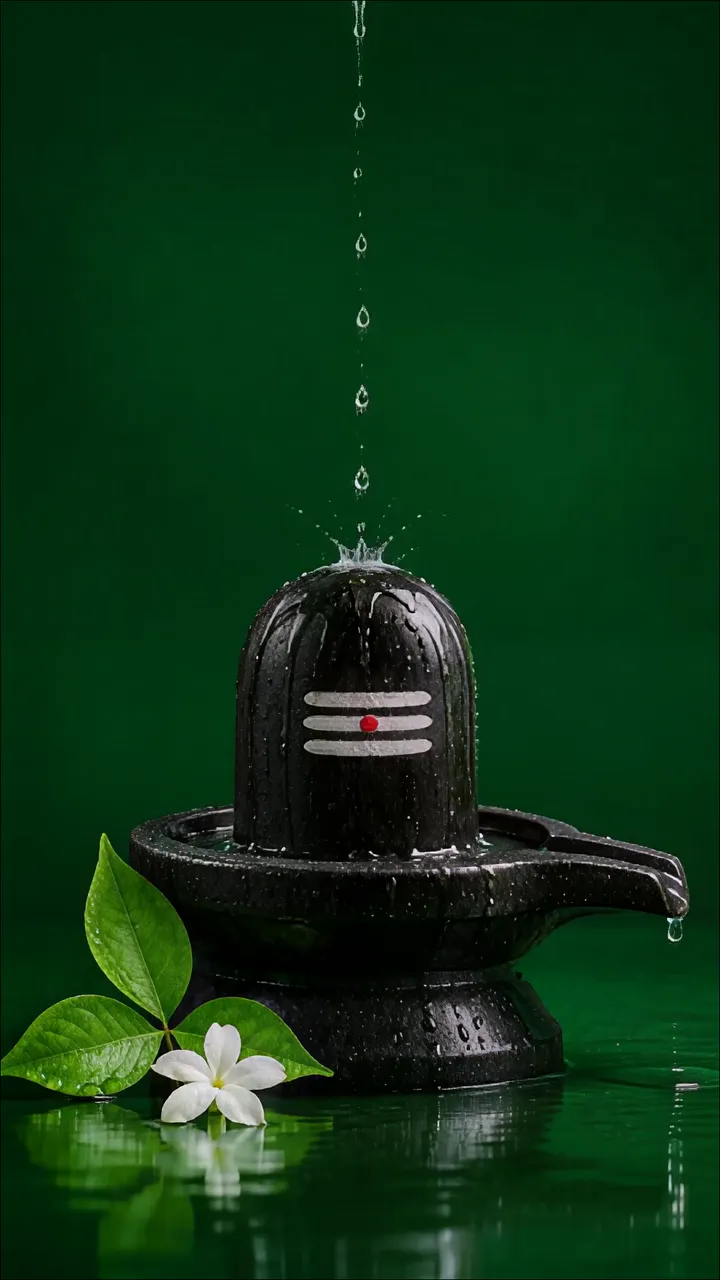
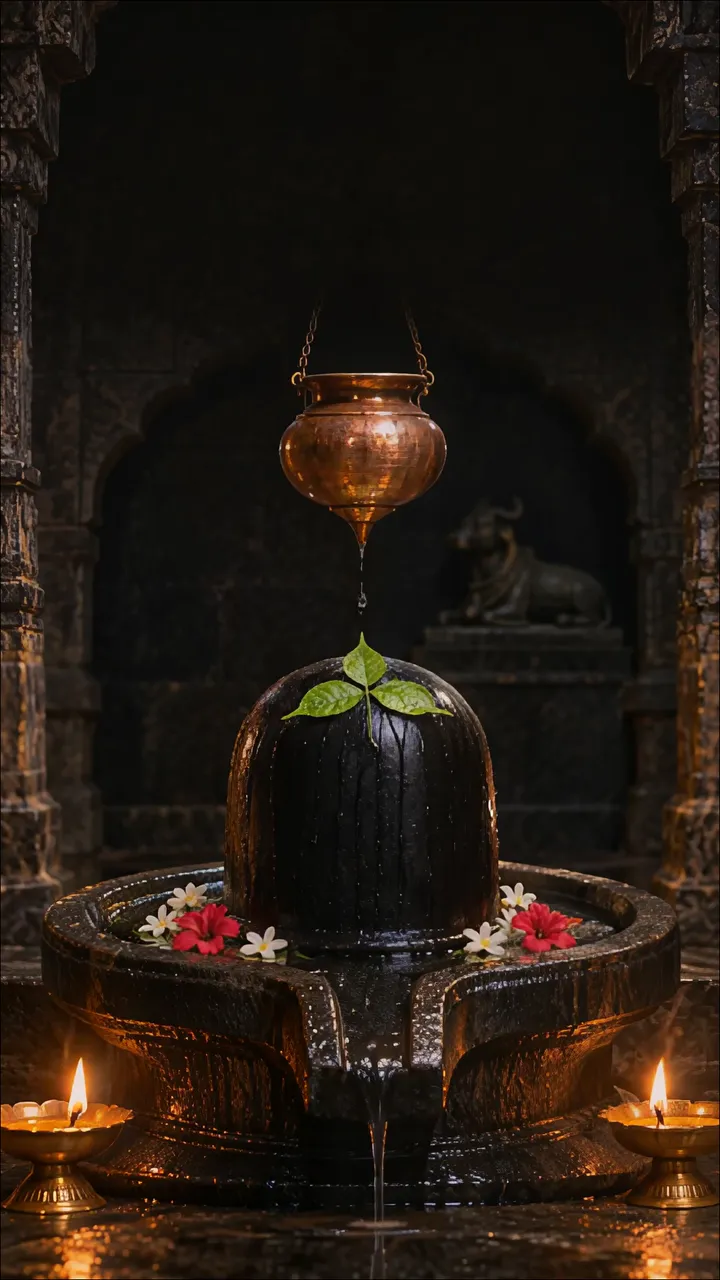
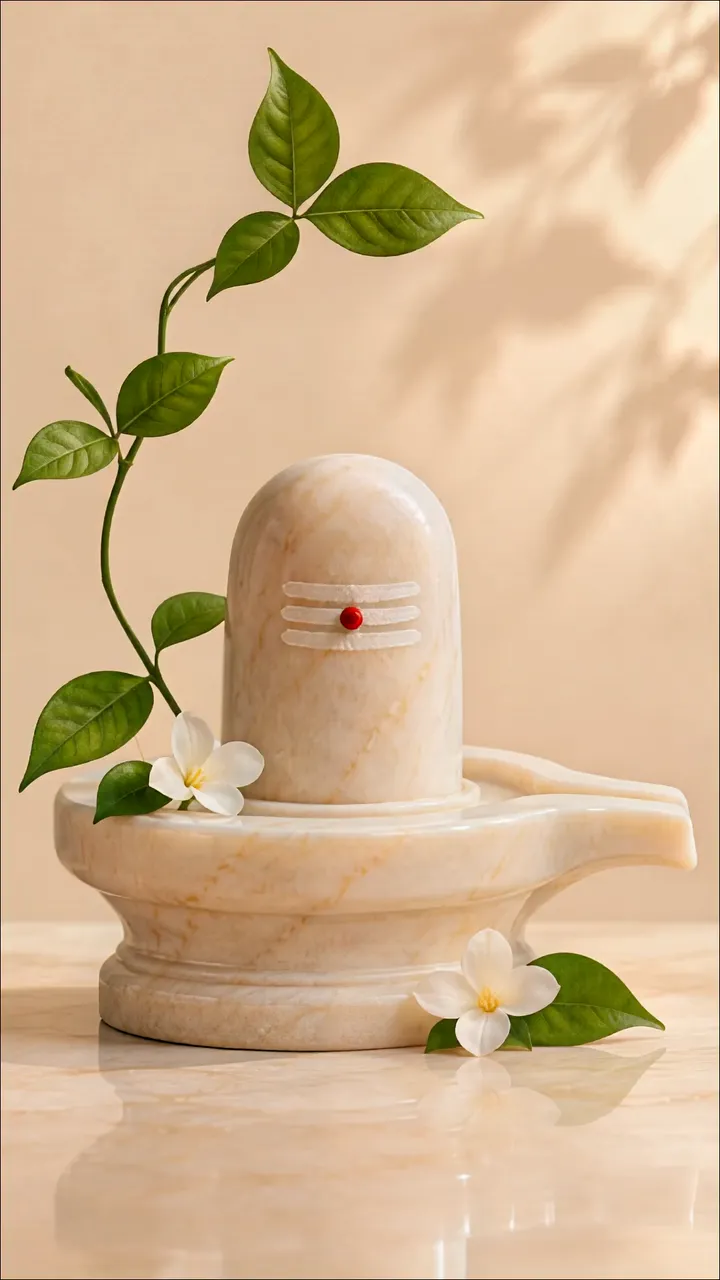
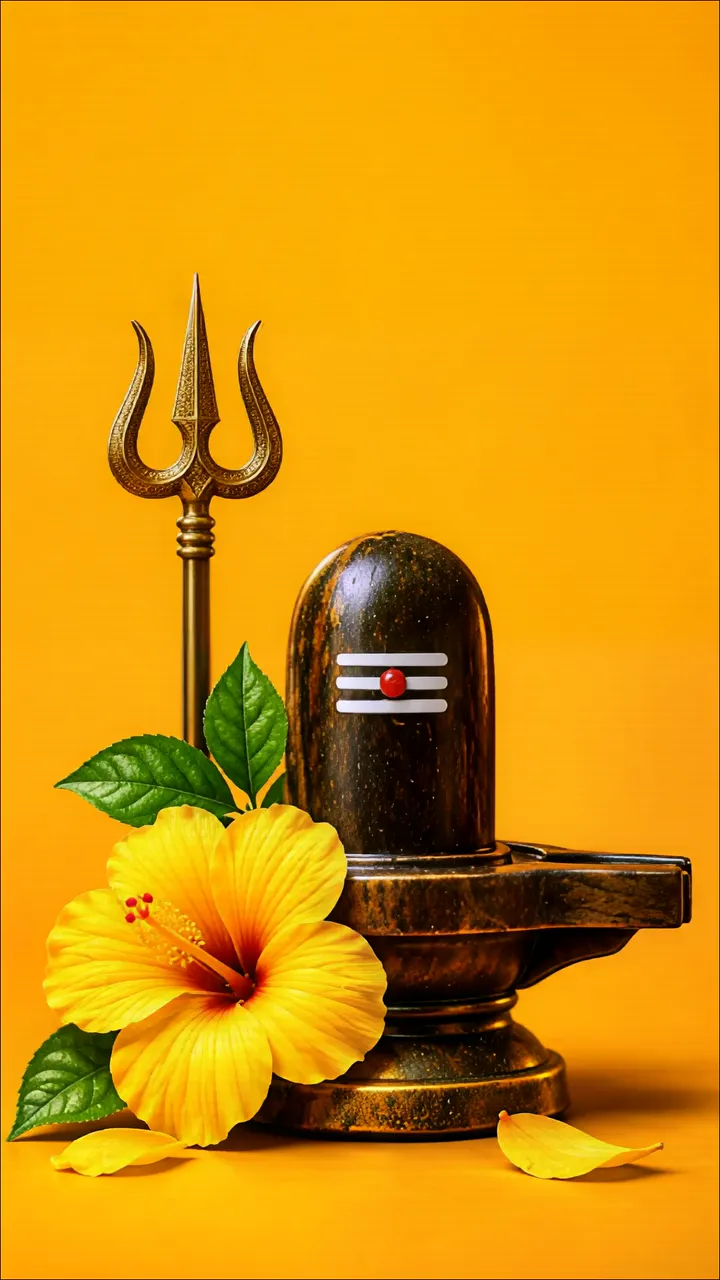
Download "Shiva Lingam with Tulsi Leaf and White Flower" live wallpaper

Verify that you are human to download high quality live wallpapes.

How to set live wallpaper on your phone Setup tutorial

On Android Phones

  1. Save the downloaded MP4 file to your phone.
  2. Open your phone's Gallery, Files, or Wallpaper app.
  3. Choose the video, tap Set as wallpaper, then apply it to your home screen or lock screen.

On iPhone

  1. Save the MP4 file to Photos.
  2. iPhone requires a Live Photo, convert the video with a live wallpaper app first.
  3. Open Settings > Wallpaper, select the saved Live Photo, then apply it.
You may also like:

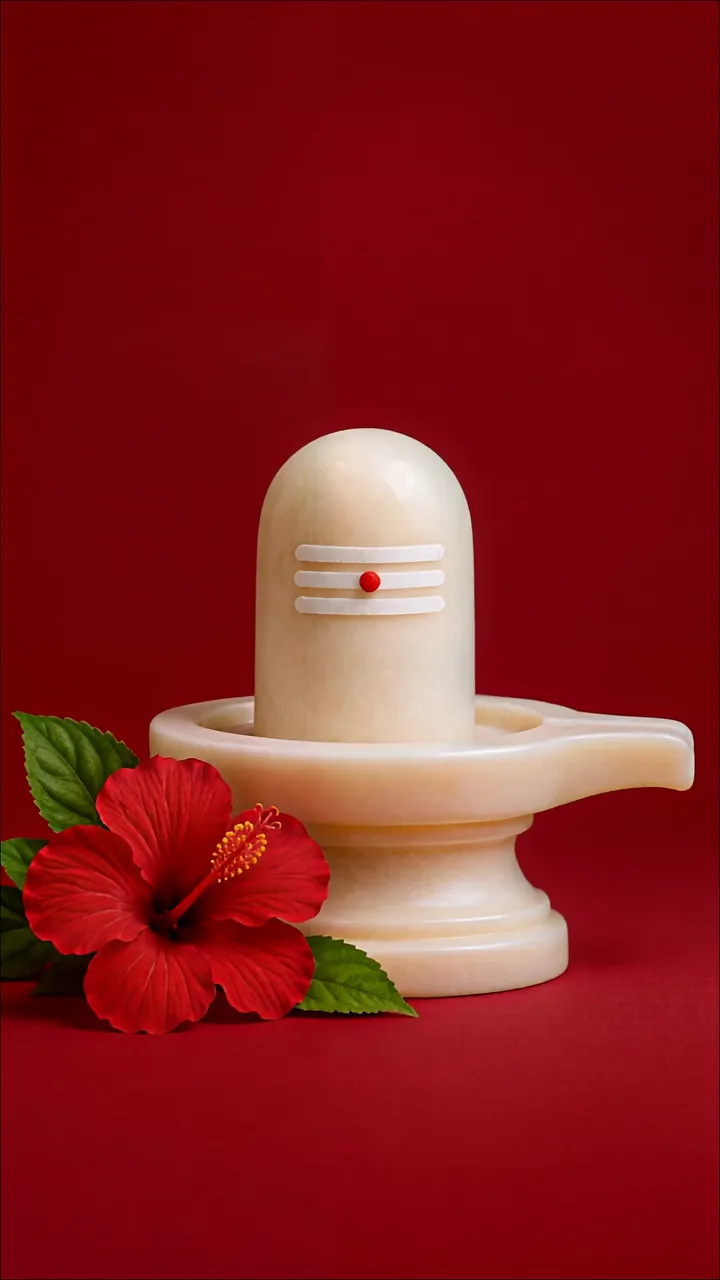
Shiva Lingam with Red Hibiscus on Crimson Background Shiva Lingam with Red Hibiscus on Crimson Background Shiva Lingam with Trishul and Hibiscus on Orange Background Shiva Lingam with Trishul and Hibiscus on Orange Background Shiva Lingam With Waterfall and Jasmine Shiva Lingam With Waterfall and Jasmine Shiva Lingam With Dropping Water And Red Flowers Shiva Lingam With Dropping Water And Red Flowers Shiva Lingam with Jasmine and Leaves Shiva Lingam with Jasmine and Leaves Shiva Lingam Under Rainy Light Shiva Lingam Under Rainy Light Shiva Lingam With Trishul And Yellow Hibiscus Flower Shiva Lingam With Trishul And Yellow Hibiscus Flower Blue-Skinned Hindu God Krishna Playing Flute With Peacock Feathers Blue-Skinned Hindu God Krishna Playing Flute With Peacock Feathers Shiva With Trishul Standing Amidst Golden Sunset Mountains Shiva With Trishul Standing Amidst Golden Sunset Mountains

Report wallpaper

Select the reason that best describes the issue.