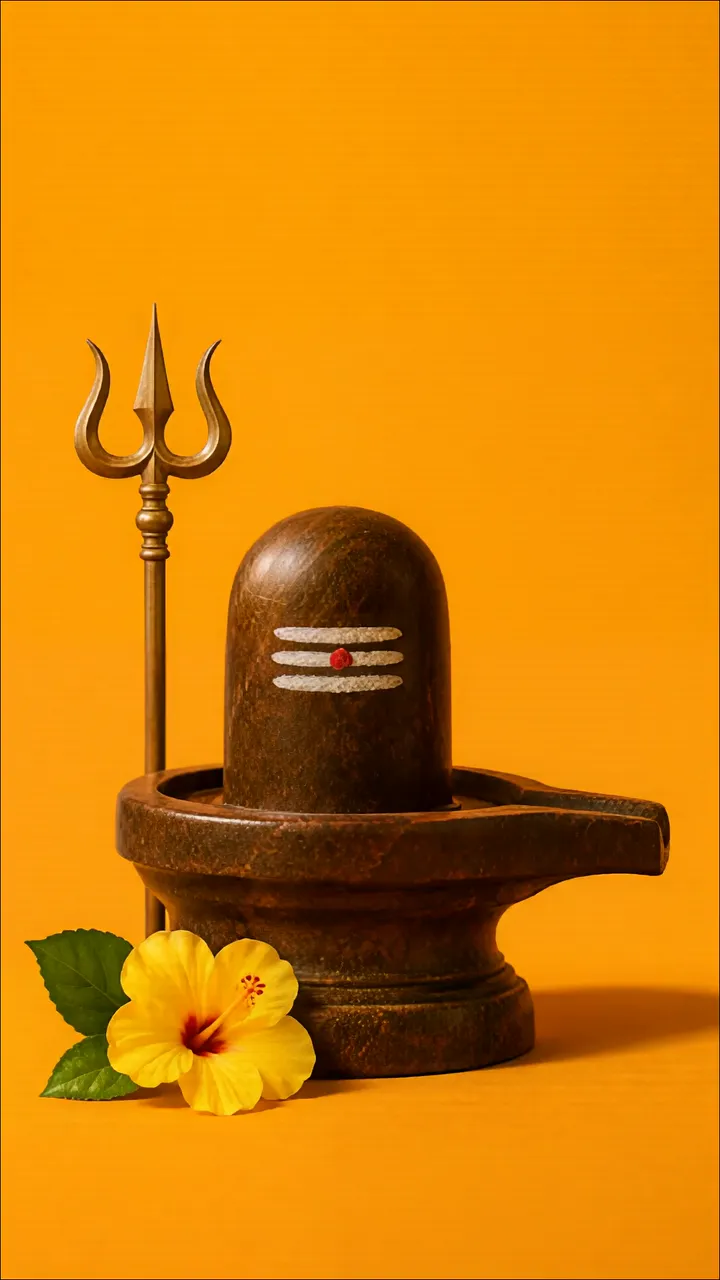
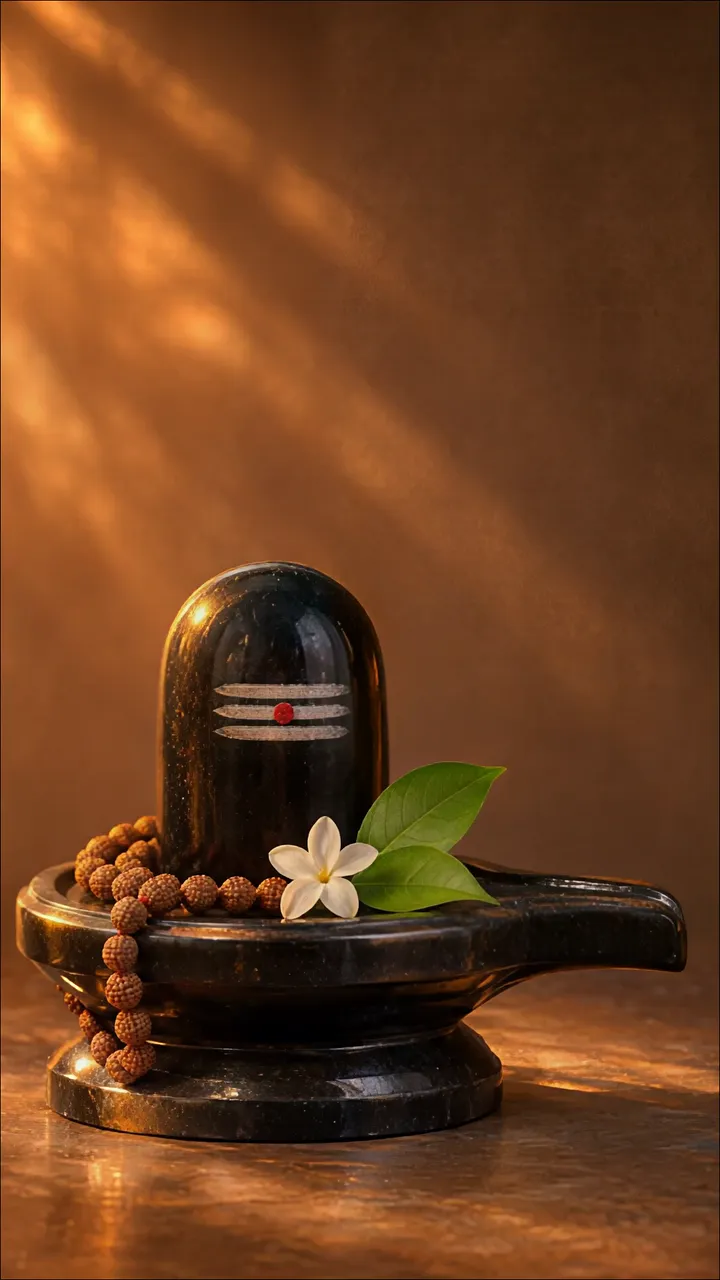
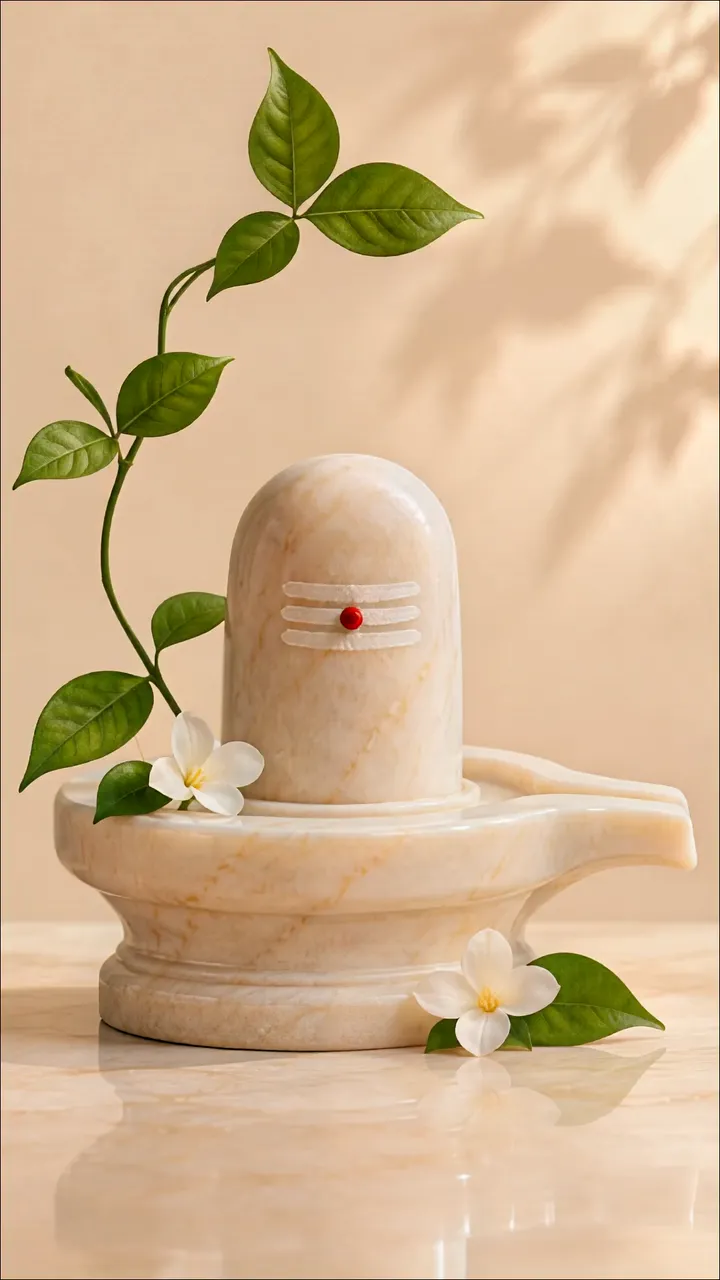
Shiva Lingam With Trishul And Yellow Hibiscus Flower live wallpaper
How to set it as wallpaper
iPhone
For a still wallpaper, save the cropped JPG to Photos and choose it in Settings → Wallpaper. For an animated Lock Screen on supported models, convert the MP4 to a Live Photo with a compatible app and select it in the wallpaper picker.
Android
For a still wallpaper, open the JPG in your gallery and choose Set as wallpaper. For the MP4, look for a video wallpaper option in your gallery or wallpaper settings. A compatible live wallpaper app can help if your phone has no built-in option.
After saving the converted Live Photo to Photos, open Settings, then Wallpaper, then Add New Wallpaper. Tap Photos, choose Live Photo, select the saved image, turn on the Live Photo effect, and tap Add to apply it to your Lock Screen.
A dark stone Shiva Lingam with white horizontal stripes and a red bindi stands prominently against a vibrant golden background, accompanied by a golden Trishul. A bright yellow hibiscus flower with green leaves rests beside the base, adding natural contrast. The composition is symmetrical and serene, emphasizing sacred Hindu symbolism. The warm, radiant lighting enhances the spiritual atmosphere, while the clean, minimalist arrangement highlights the divine objects without distraction. The scene evokes reverence and devotion through its rich colors and iconic religious artifacts.
- Format
- MP4 live wallpaper
- Resolution
- 720P, 1080P
- Duration
- 00:08
- File size
- 3.4 MB
- Category
- Shiva Lingam, Trishul, Yellow Hibiscus