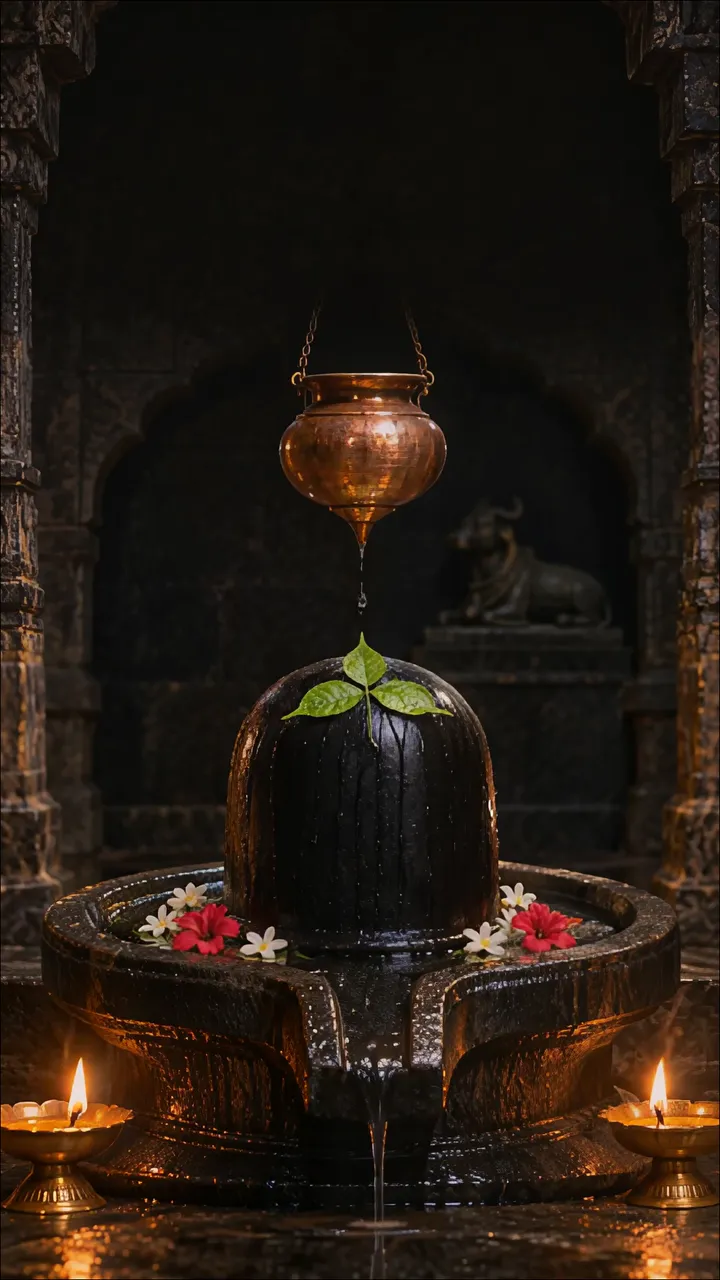
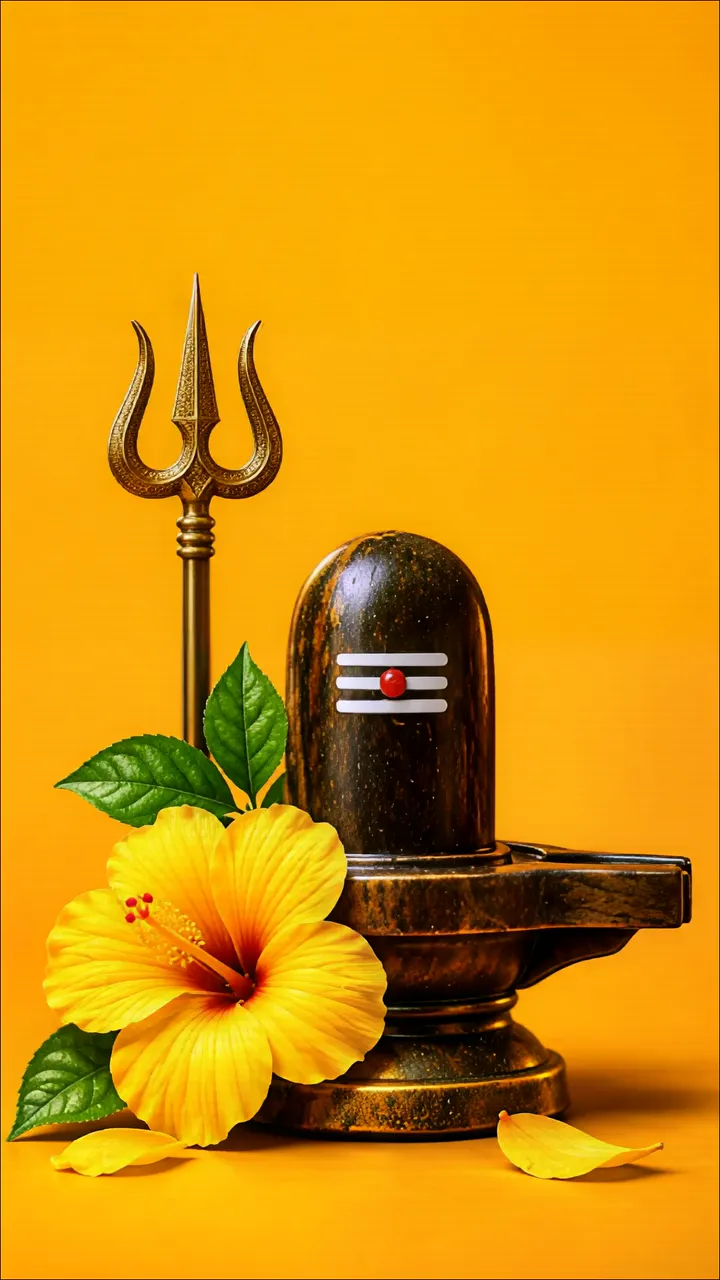
Shiva Lingam Under Rainy Light live wallpaper
How to set it as wallpaper
iPhone
For a still wallpaper, save the cropped JPG to Photos and choose it in Settings → Wallpaper. For an animated Lock Screen on supported models, convert the MP4 to a Live Photo with a compatible app and select it in the wallpaper picker.
Android
For a still wallpaper, open the JPG in your gallery and choose Set as wallpaper. For the MP4, look for a video wallpaper option in your gallery or wallpaper settings. A compatible live wallpaper app can help if your phone has no built-in option.
After saving the converted Live Photo to Photos, open Settings, then Wallpaper, then Add New Wallpaper. Tap Photos, choose Live Photo, select the saved image, turn on the Live Photo effect, and tap Add to apply it to your Lock Screen.
A black Shiva Lingam, adorned with a red bindi and white trishul markings, stands centered on a wet stone base under a dark, rainy sky. A single white jasmine flower and green leaves rest beside it, glistening with raindrops. A beam of light pierces the gloom from above, illuminating falling rain and casting reflections on the wet surface. The composition emphasizes the sacred object against a moody, atmospheric backdrop, with the rain enhancing the sense of reverence and tranquility.
- Format
- MP4 live wallpaper
- Resolution
- 720P, 1080P
- Duration
- 00:08
- File size
- 3.1 MB
- Category
- Shiva Lingam, Hindu God, Rain Scene