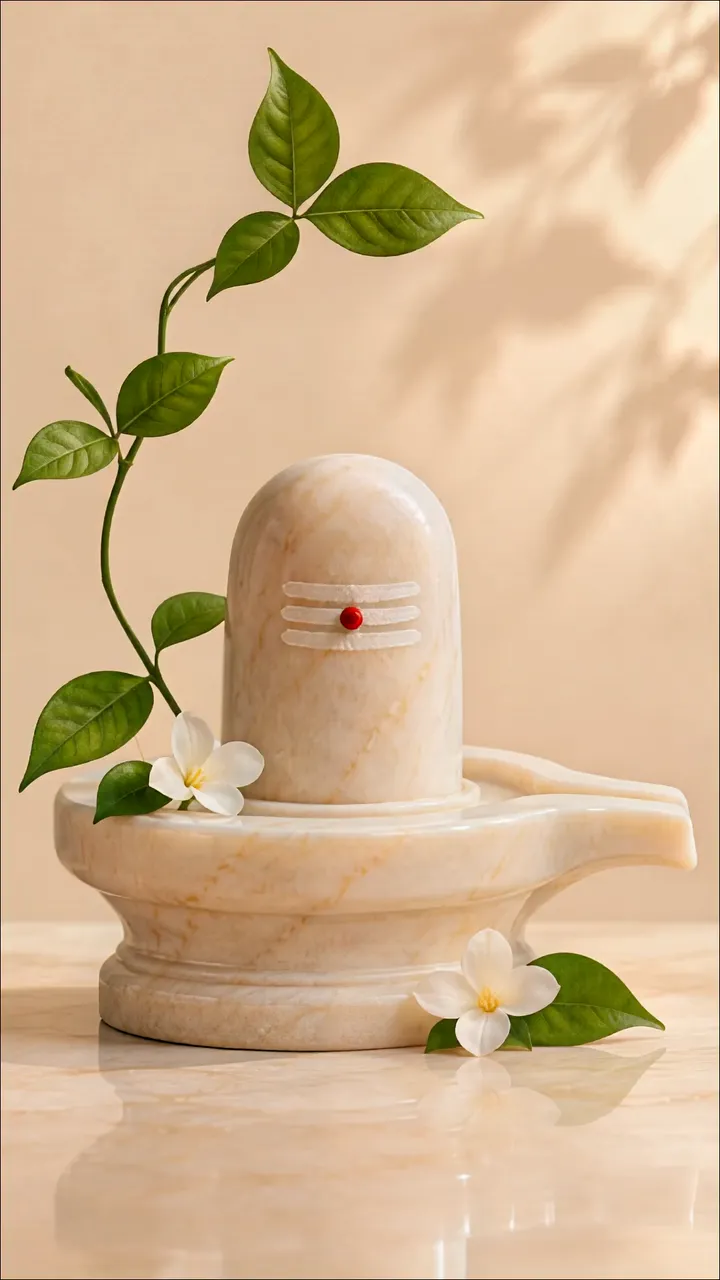
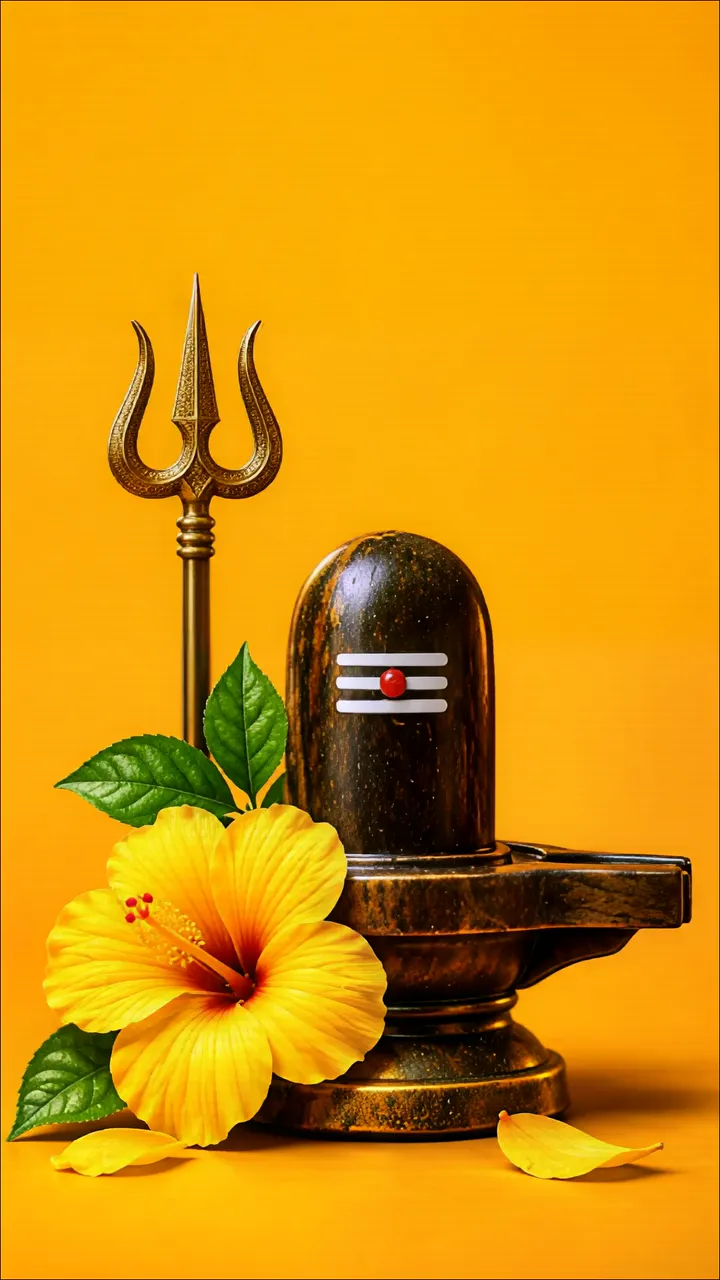
Shiva Lingam With Waterfall and Jasmine live wallpaper
How to set it as wallpaper
iPhone
For a still wallpaper, save the cropped JPG to Photos and choose it in Settings → Wallpaper. For an animated Lock Screen on supported models, convert the MP4 to a Live Photo with a compatible app and select it in the wallpaper picker.
Android
For a still wallpaper, open the JPG in your gallery and choose Set as wallpaper. For the MP4, look for a video wallpaper option in your gallery or wallpaper settings. A compatible live wallpaper app can help if your phone has no built-in option.
After saving the converted Live Photo to Photos, open Settings, then Wallpaper, then Add New Wallpaper. Tap Photos, choose Live Photo, select the saved image, turn on the Live Photo effect, and tap Add to apply it to your Lock Screen.
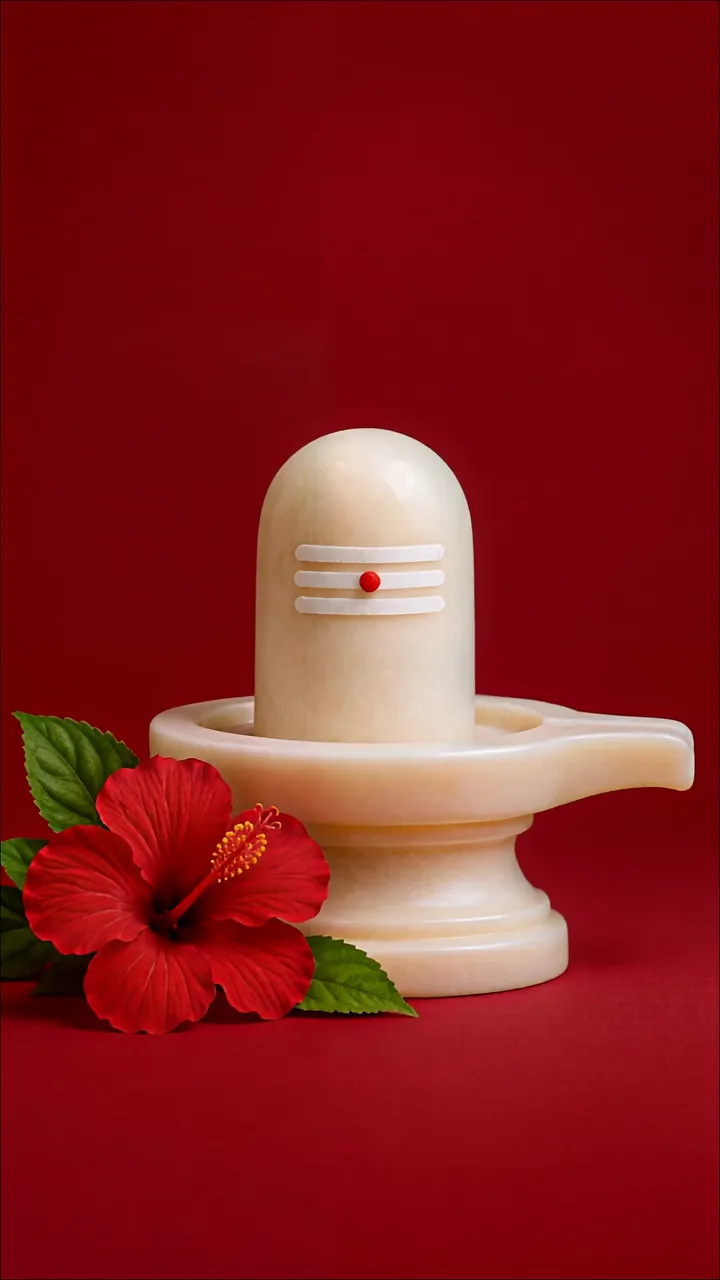
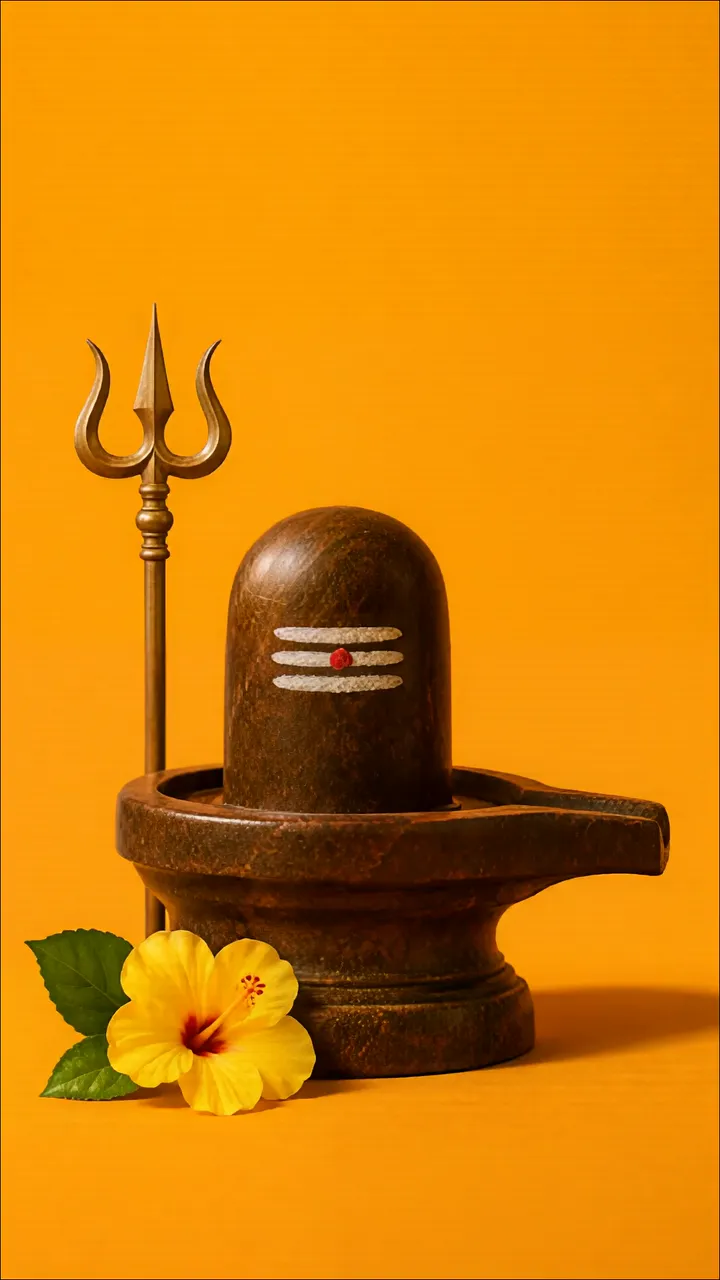
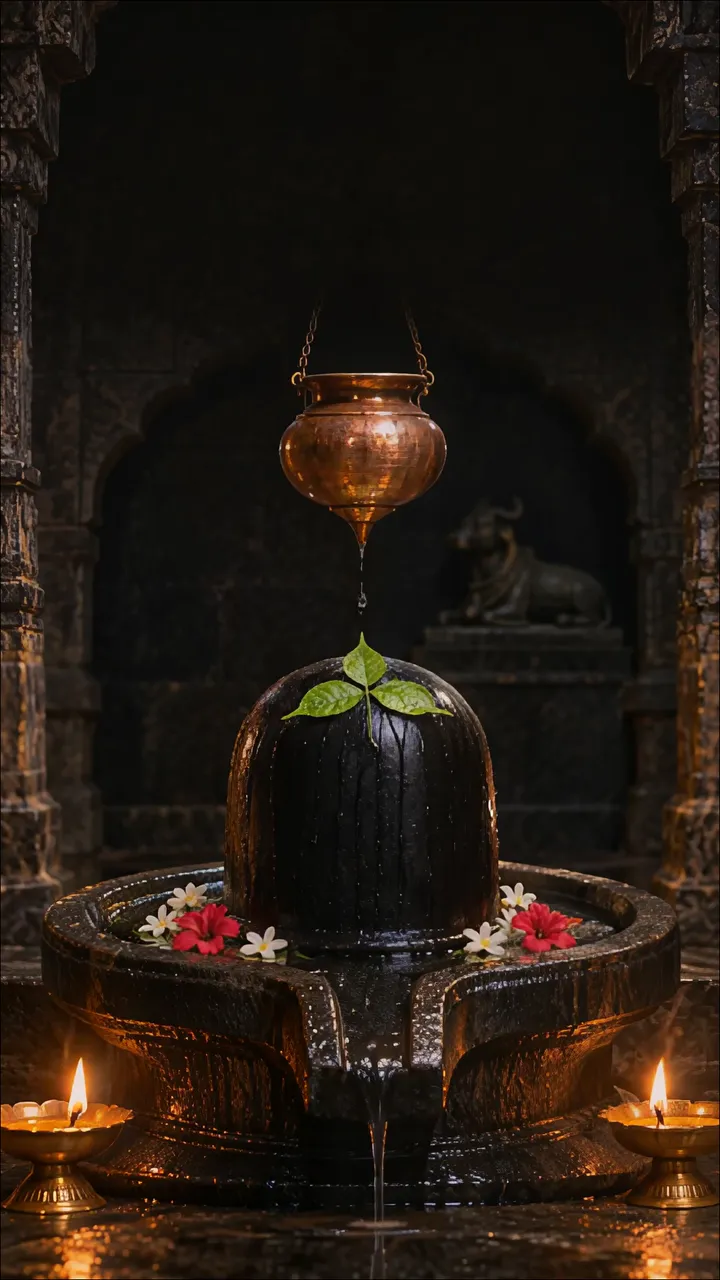
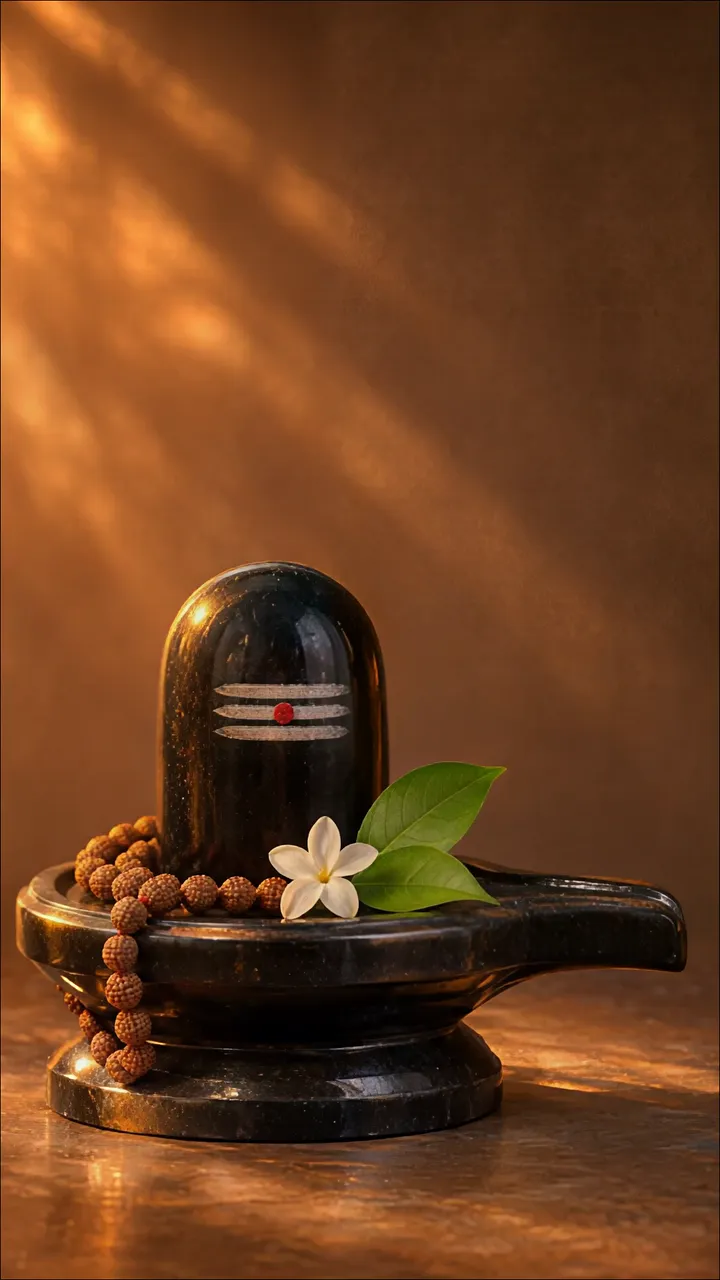
A black Shiva Lingam, adorned with white horizontal stripes and a red dot, stands centered on a reflective green water surface. Water cascades from its apex in a continuous stream, creating a dynamic splash at the base. Beside it, a single white jasmine flower with green leaves rests on the water, its reflection visible. The entire scene is set against a deep green backdrop, emphasizing the sacred geometry of the Lingam and the tranquil, meditative atmosphere of the composition.
- Format
- MP4 live wallpaper
- Resolution
- 720P, 1080P
- Duration
- 00:08
- File size
- 3.6 MB
- Category
- Shiva Lingam, Hindu God, Water Droplet