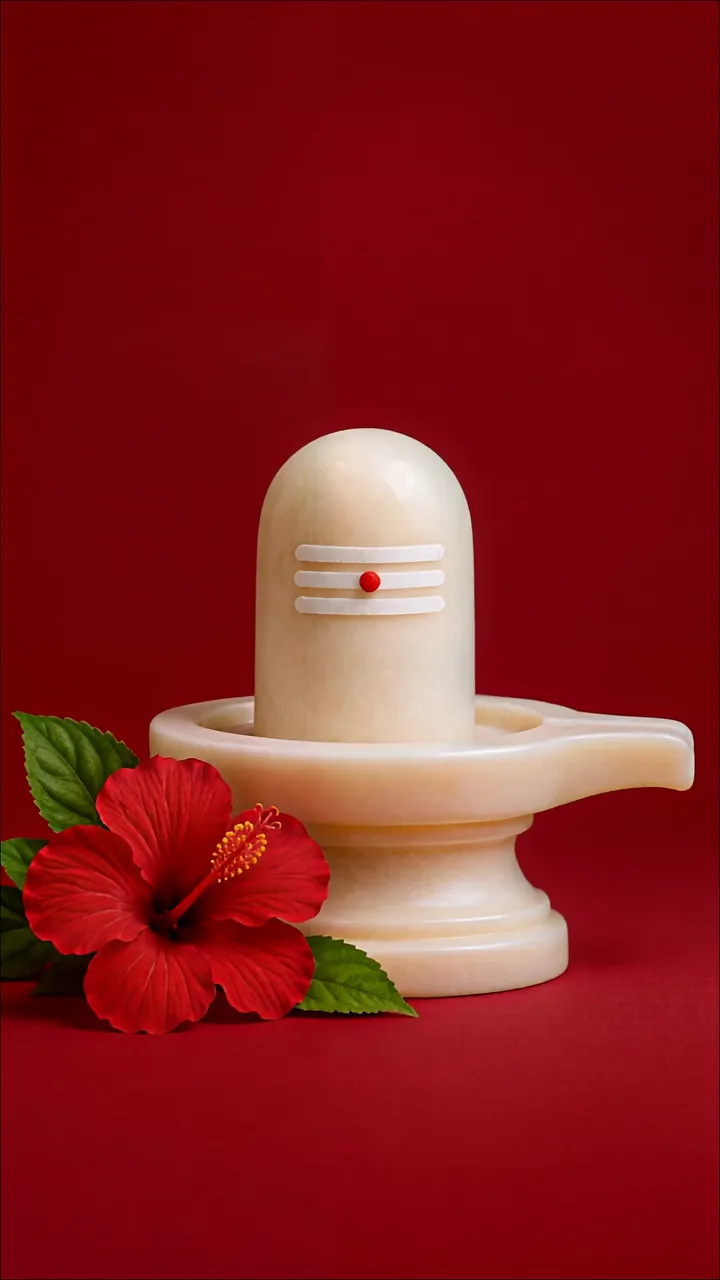
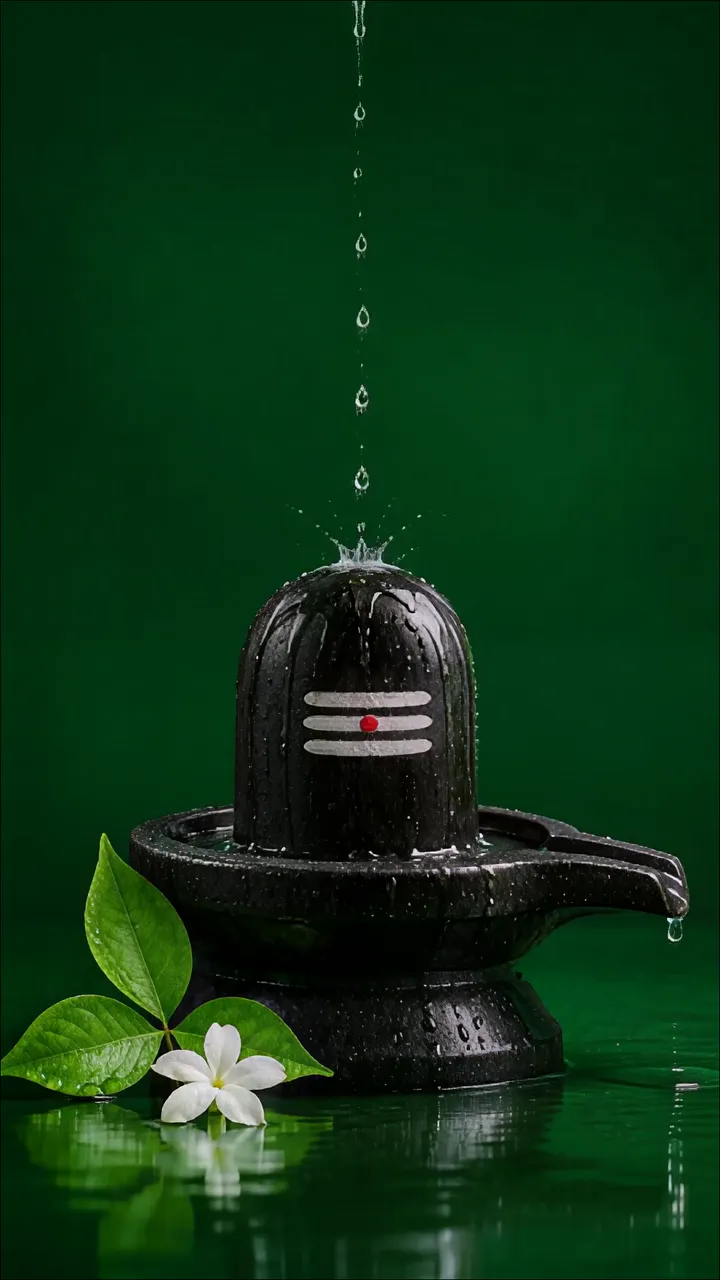
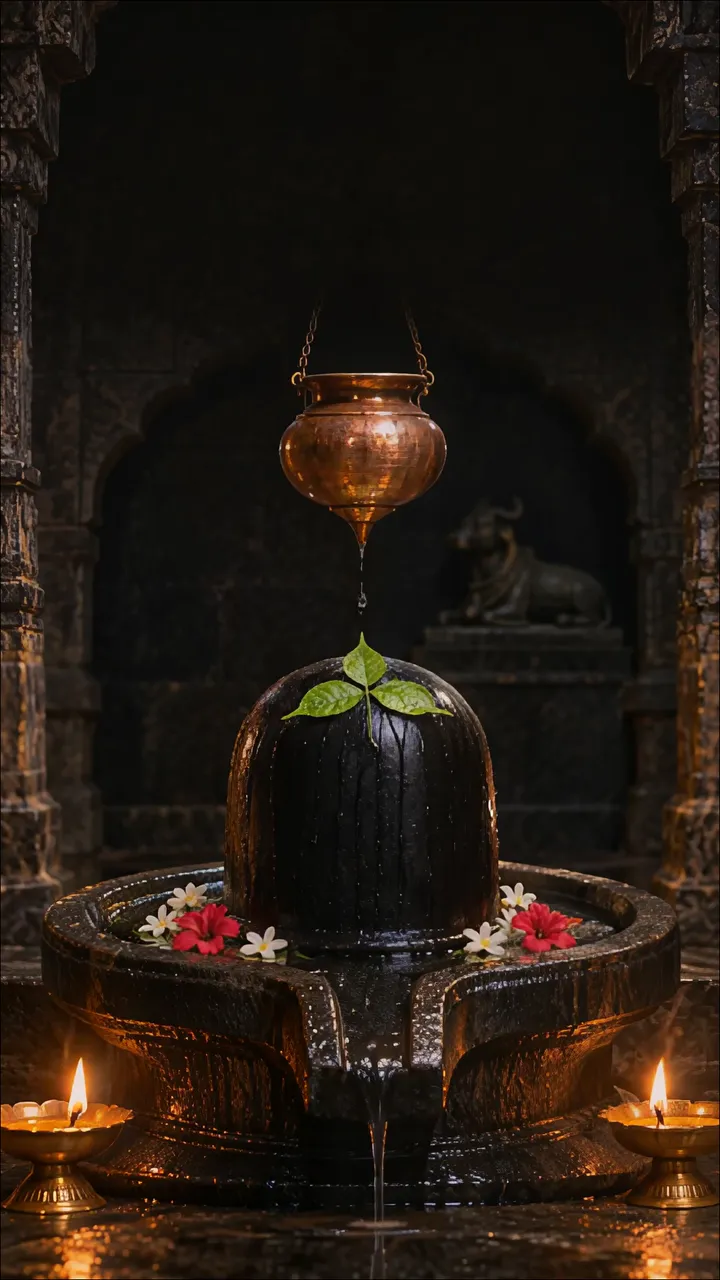
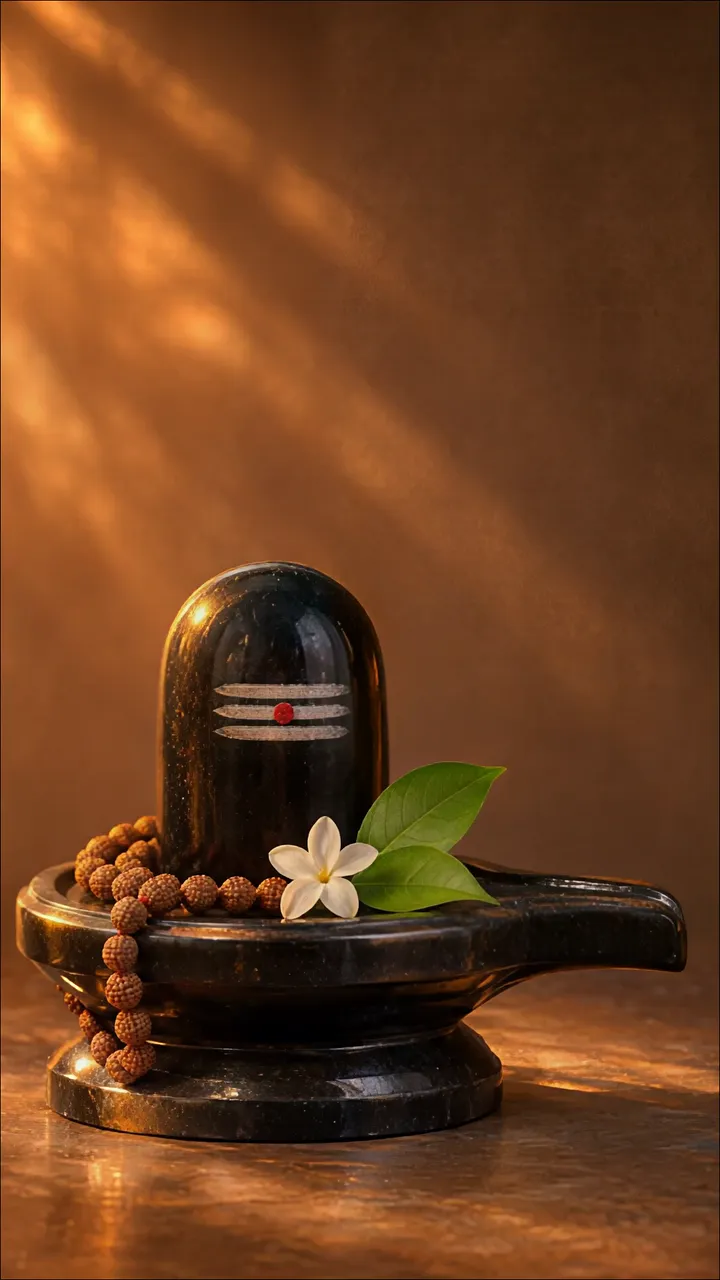
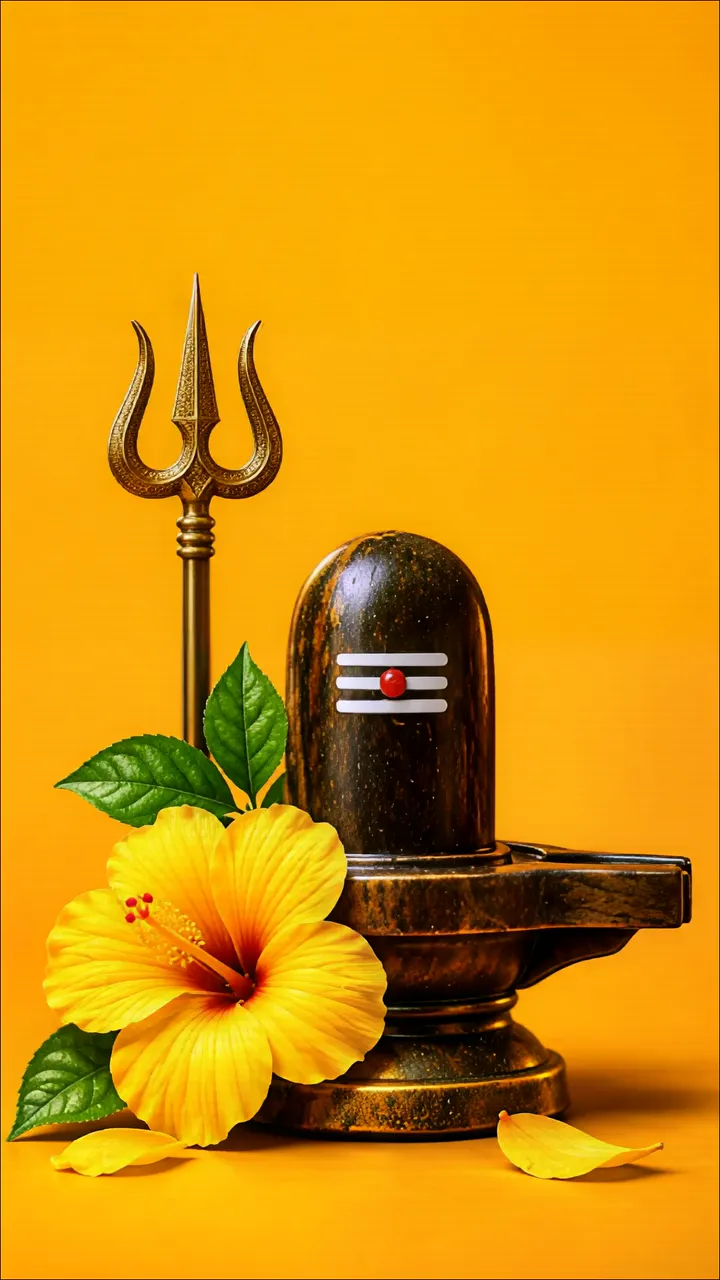
Shiva Lingam with Trishul and Hibiscus on Orange Background live wallpaper
How to set it as wallpaper
iPhone
For a still wallpaper, save the cropped JPG to Photos and choose it in Settings → Wallpaper. For an animated Lock Screen on supported models, convert the MP4 to a Live Photo with a compatible app and select it in the wallpaper picker.
Android
For a still wallpaper, open the JPG in your gallery and choose Set as wallpaper. For the MP4, look for a video wallpaper option in your gallery or wallpaper settings. A compatible live wallpaper app can help if your phone has no built-in option.
After saving the converted Live Photo to Photos, open Settings, then Wallpaper, then Add New Wallpaper. Tap Photos, choose Live Photo, select the saved image, turn on the Live Photo effect, and tap Add to apply it to your Lock Screen.
A dark brown stone Shiva Lingam, adorned with white horizontal stripes and a red bindi, rests in a matching stone base against a vibrant orange background. Beside it stands a golden Trishul, the divine trident, and a bright yellow hibiscus flower with green leaves lies at the base. The composition is static and centered, emphasizing the sacred geometry of the Lingam and the symbolic presence of the Trishul and flower. The warm, saturated orange backdrop enhances the spiritual and devotional atmosphere, highlighting the textures of the stone and metal, and the vivid color of the bloom.
- Format
- MP4 live wallpaper
- Resolution
- 720P, 1080P
- Duration
- 00:08
- File size
- 3.3 MB
- Category
- Shiva Lingam, Trishul, Hindu God Shiva