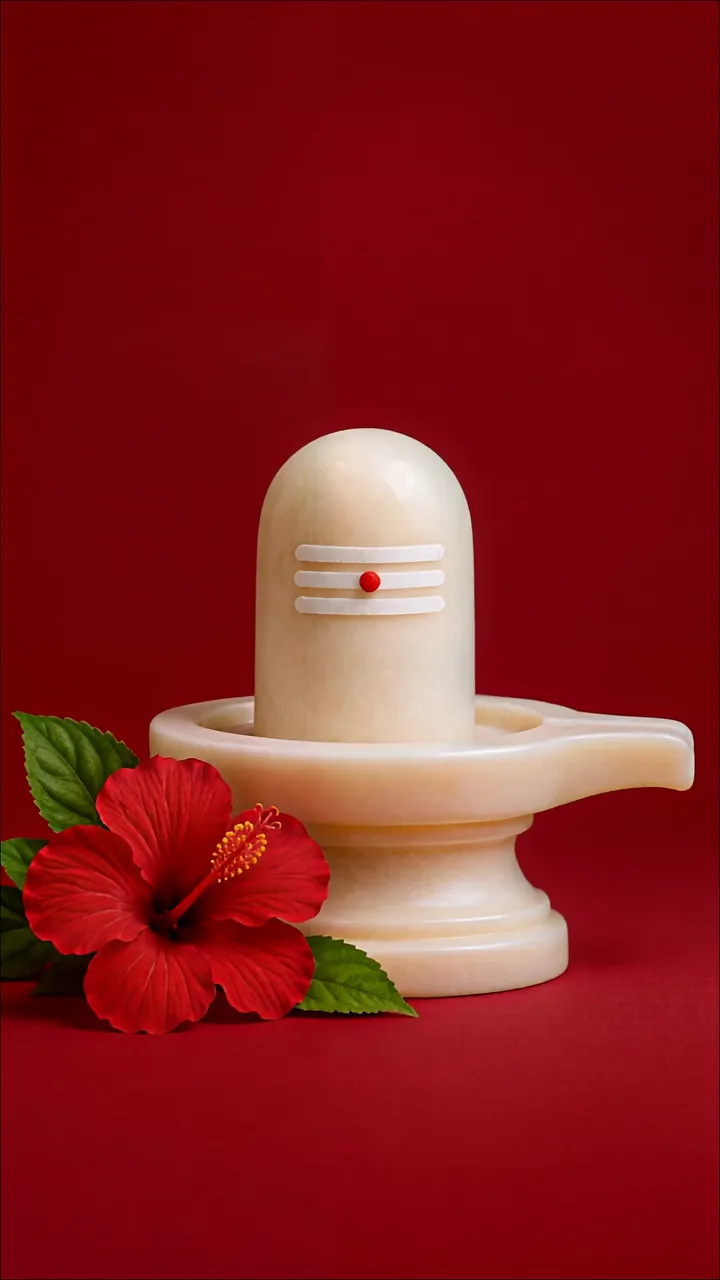
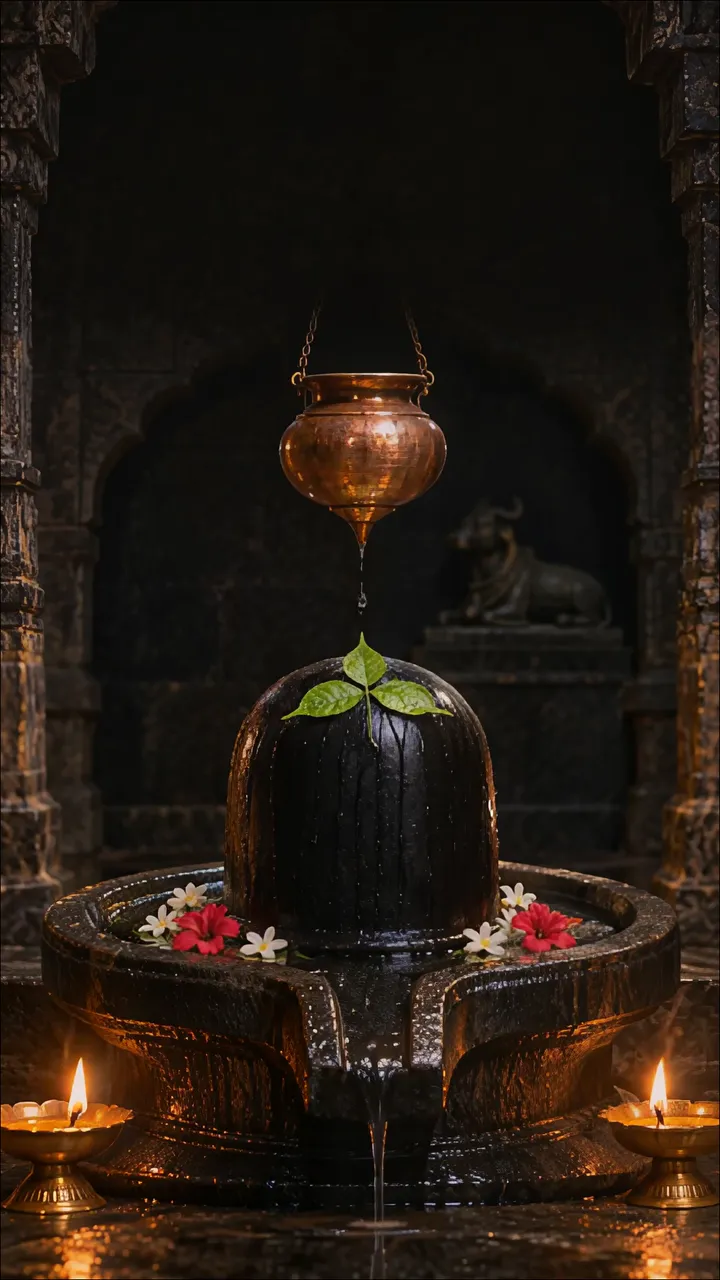
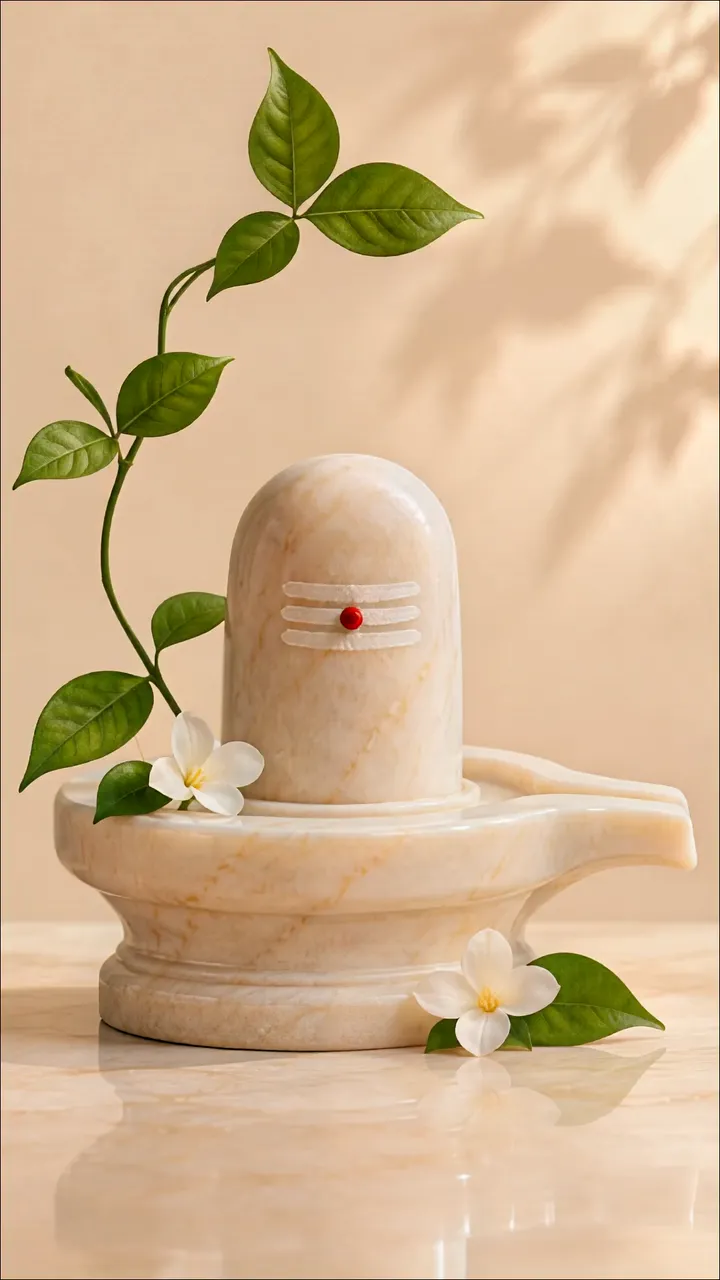
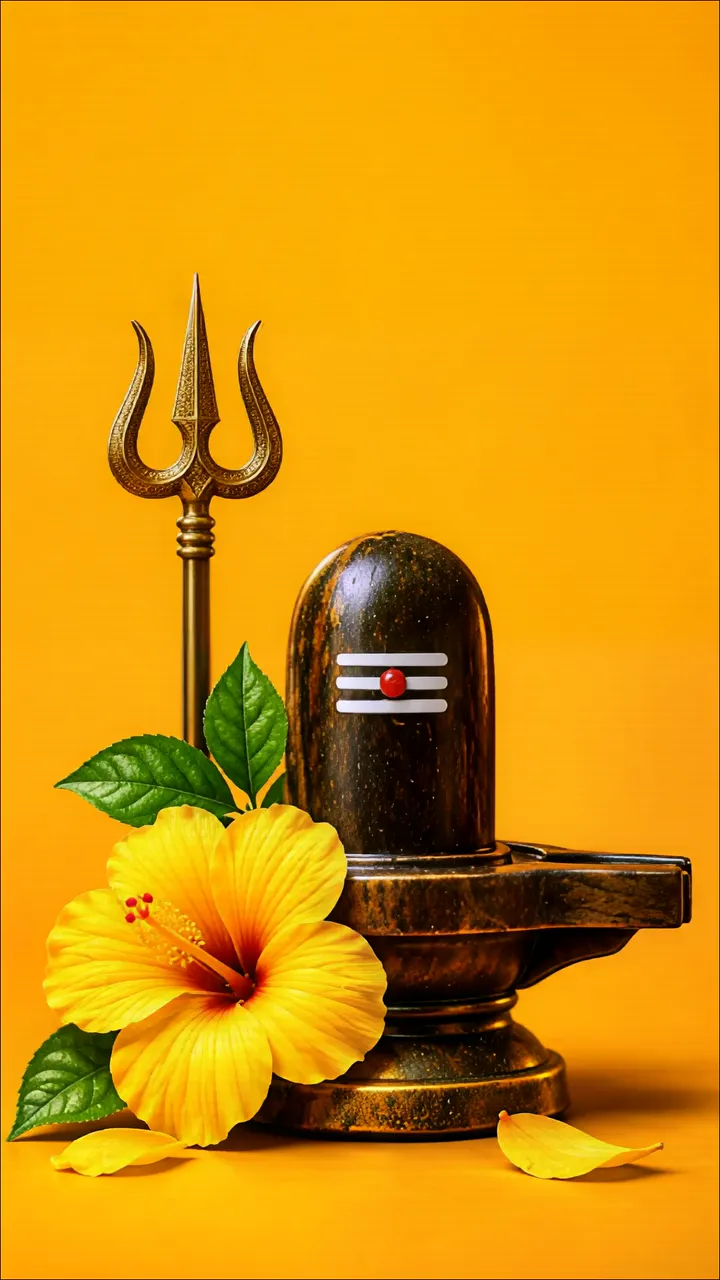
Shiva Lingam with Tulsi Leaf and White Flower live wallpaper
How to set it as wallpaper
iPhone
For a still wallpaper, save the cropped JPG to Photos and choose it in Settings → Wallpaper. For an animated Lock Screen on supported models, convert the MP4 to a Live Photo with a compatible app and select it in the wallpaper picker.
Android
For a still wallpaper, open the JPG in your gallery and choose Set as wallpaper. For the MP4, look for a video wallpaper option in your gallery or wallpaper settings. A compatible live wallpaper app can help if your phone has no built-in option.
After saving the converted Live Photo to Photos, open Settings, then Wallpaper, then Add New Wallpaper. Tap Photos, choose Live Photo, select the saved image, turn on the Live Photo effect, and tap Add to apply it to your Lock Screen.
A sacred Shiva Lingam, carved from dark stone, rests on a polished base, adorned with a white flower and a green Tulsi leaf. A string of prayer beads coils around its base. Warm, golden sunlight streams through leaves, casting soft, diagonal rays across the scene. The background is a muted, earthy brown, enhancing the spiritual focus on the central idol. The composition is still and reverent, emphasizing the symbolic elements of devotion and purity through natural materials and serene lighting.
- Format
- MP4 live wallpaper
- Resolution
- 720P, 1080P
- Duration
- 00:08
- File size
- 4.4 MB
- Category
- Shiva Lingam, Hindu God, Shiva Lingam with Tulsi Leaf