Shiva Lingam with Jasmine and Leaves live wallpaper
How to set it as wallpaper
iPhone
For a still wallpaper, save the cropped JPG to Photos and choose it in Settings → Wallpaper. For an animated Lock Screen on supported models, convert the MP4 to a Live Photo with a compatible app and select it in the wallpaper picker.
Android
For a still wallpaper, open the JPG in your gallery and choose Set as wallpaper. For the MP4, look for a video wallpaper option in your gallery or wallpaper settings. A compatible live wallpaper app can help if your phone has no built-in option.
After saving the converted Live Photo to Photos, open Settings, then Wallpaper, then Add New Wallpaper. Tap Photos, choose Live Photo, select the saved image, turn on the Live Photo effect, and tap Add to apply it to your Lock Screen.
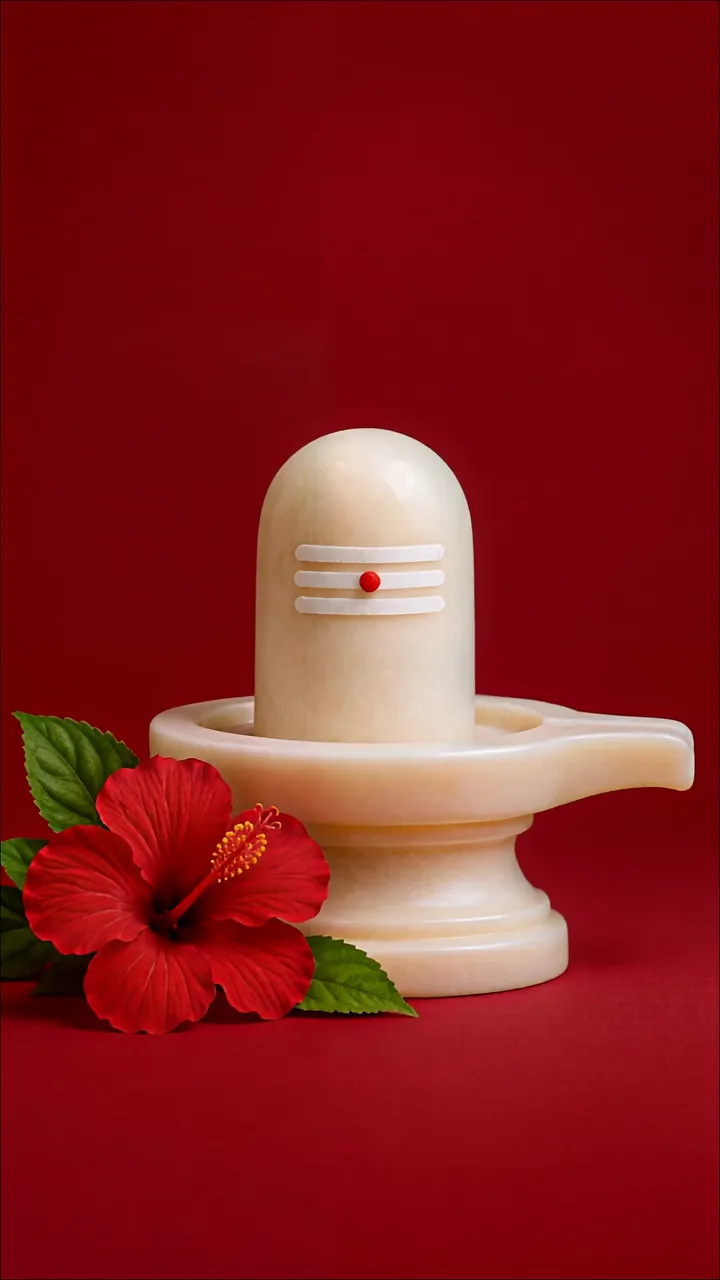
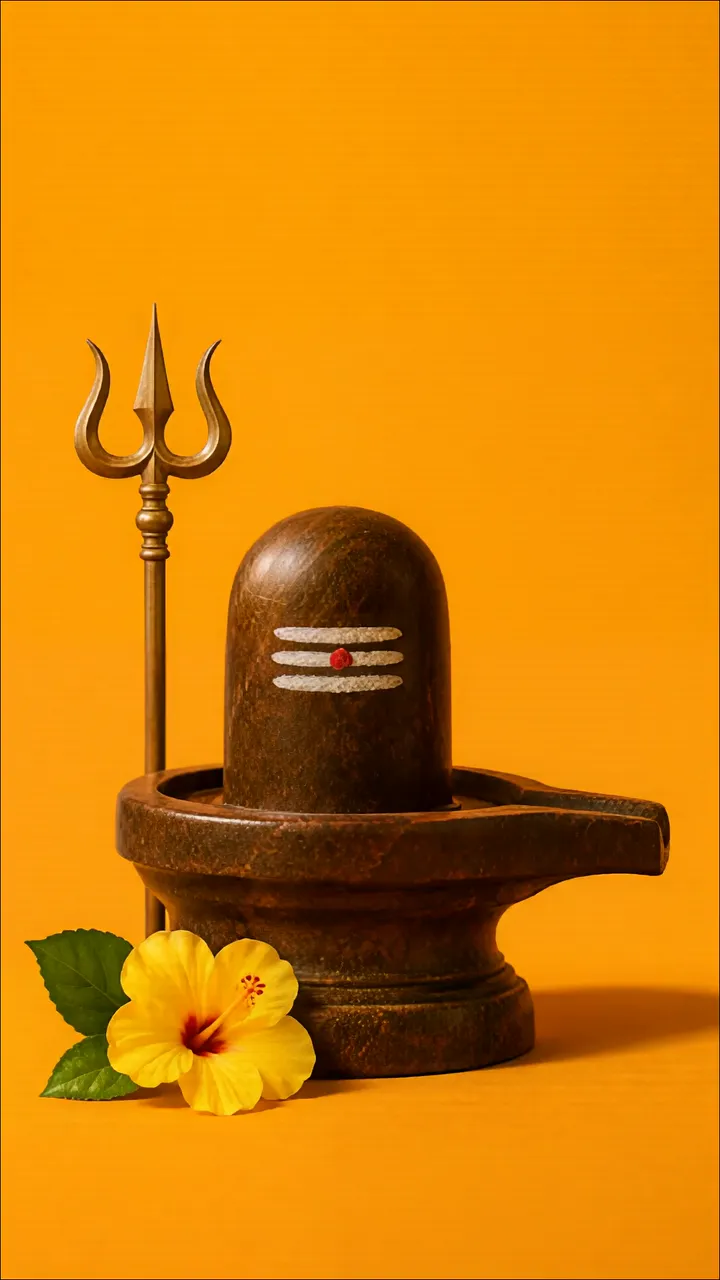
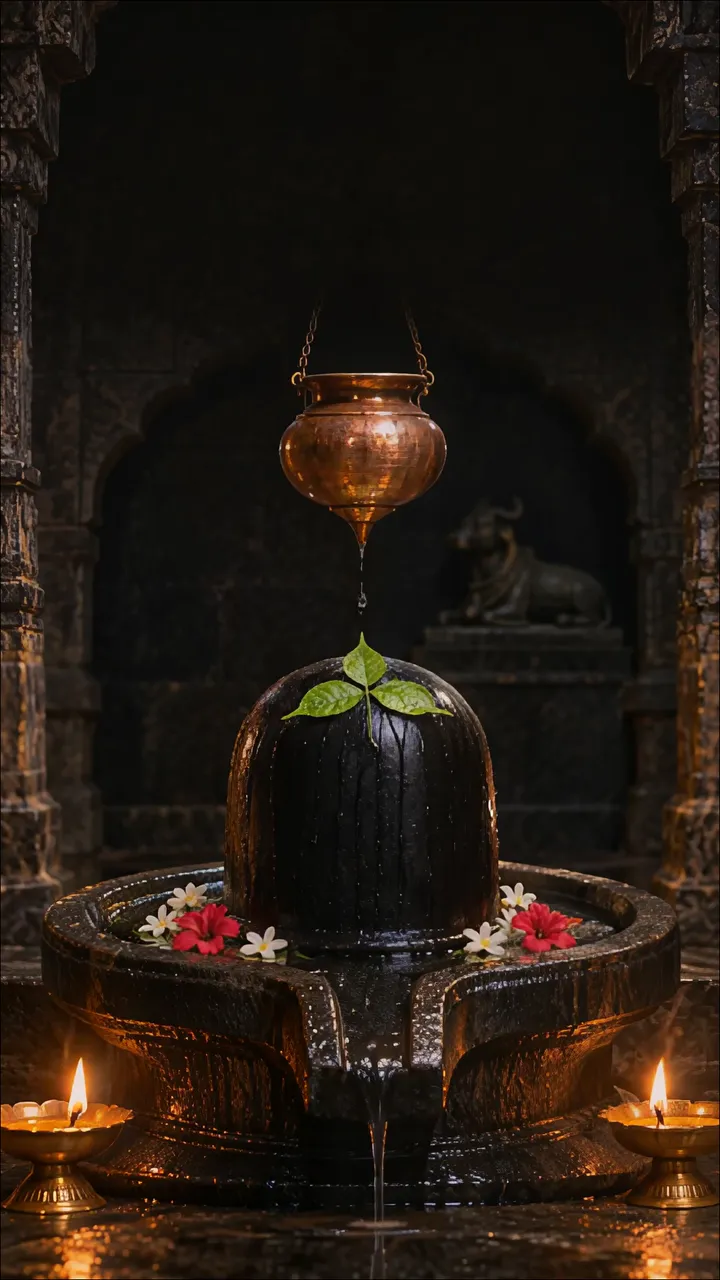
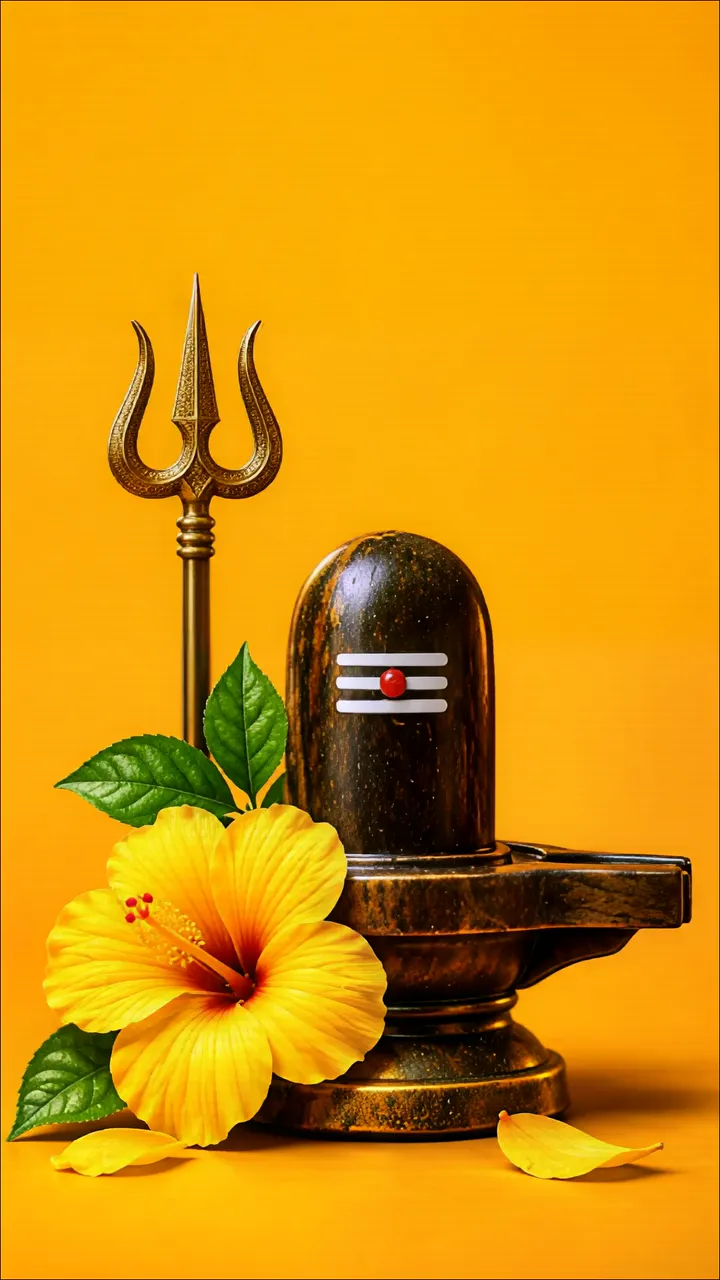
A serene, devotional scene features a polished marble Shiva Lingam, its smooth surface adorned with a red bindi and white Trishul symbol. Delicate jasmine flowers and vibrant green leaves are artfully arranged around its base, casting soft shadows on a reflective marble surface. The composition is bathed in warm, natural light, creating a tranquil atmosphere that emphasizes the sacred geometry of the lingam and the organic beauty of the flora. The background is a softly lit, neutral-toned wall, enhancing the focus on the central spiritual object and its surrounding elements.
- Format
- MP4 live wallpaper
- Resolution
- 720P, 1080P
- Duration
- 00:08
- File size
- 2.3 MB
- Category
- Shiva Lingam, Hindu God, Jasmine Flower