Roblox Character Holding Green Balloon On Orange Bridge live wallpaper
How to set it as wallpaper
iPhone
For a still wallpaper, save the cropped JPG to Photos and choose it in Settings → Wallpaper. For an animated Lock Screen on supported models, convert the MP4 to a Live Photo with a compatible app and select it in the wallpaper picker.
Android
For a still wallpaper, open the JPG in your gallery and choose Set as wallpaper. For the MP4, look for a video wallpaper option in your gallery or wallpaper settings. A compatible live wallpaper app can help if your phone has no built-in option.
After saving the converted Live Photo to Photos, open Settings, then Wallpaper, then Add New Wallpaper. Tap Photos, choose Live Photo, select the saved image, turn on the Live Photo effect, and tap Add to apply it to your Lock Screen.
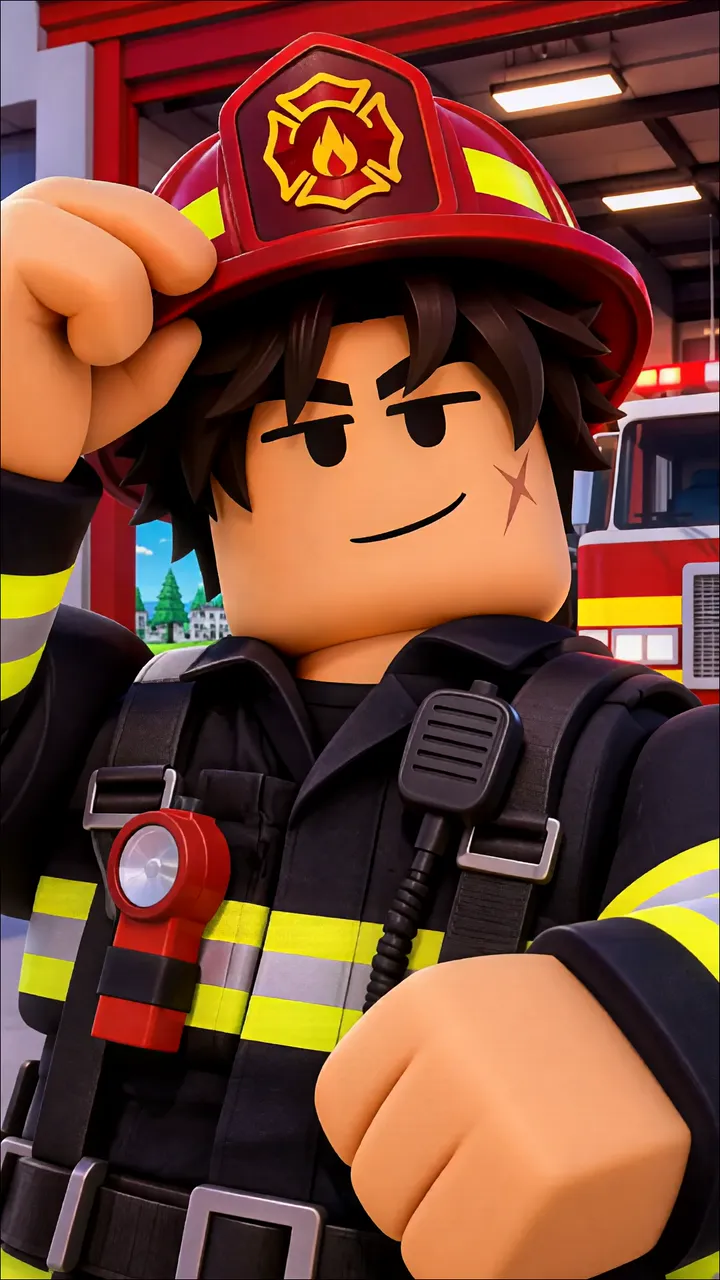
A Roblox character with brown hair and a blue jacket holds a green balloon while standing on an orange bridge structure. In the background, other Roblox avatars are visible on a multi-level platform, with a distant ocean and island under a clear blue sky. The scene is bright and colorful, with the blocky Roblox aesthetic clearly visible in the character design and environment. The character’s expression is neutral to slightly annoyed, adding personality to the scene. The composition emphasizes the character in the foreground while showcasing the game’s open-world environment and vibrant color palette.
- Format
- MP4 live wallpaper
- Resolution
- 720P, 1080P
- Duration
- 00:07
- File size
- 4.3 MB
- Category
- Roblox, Roblox Character, Green Balloon