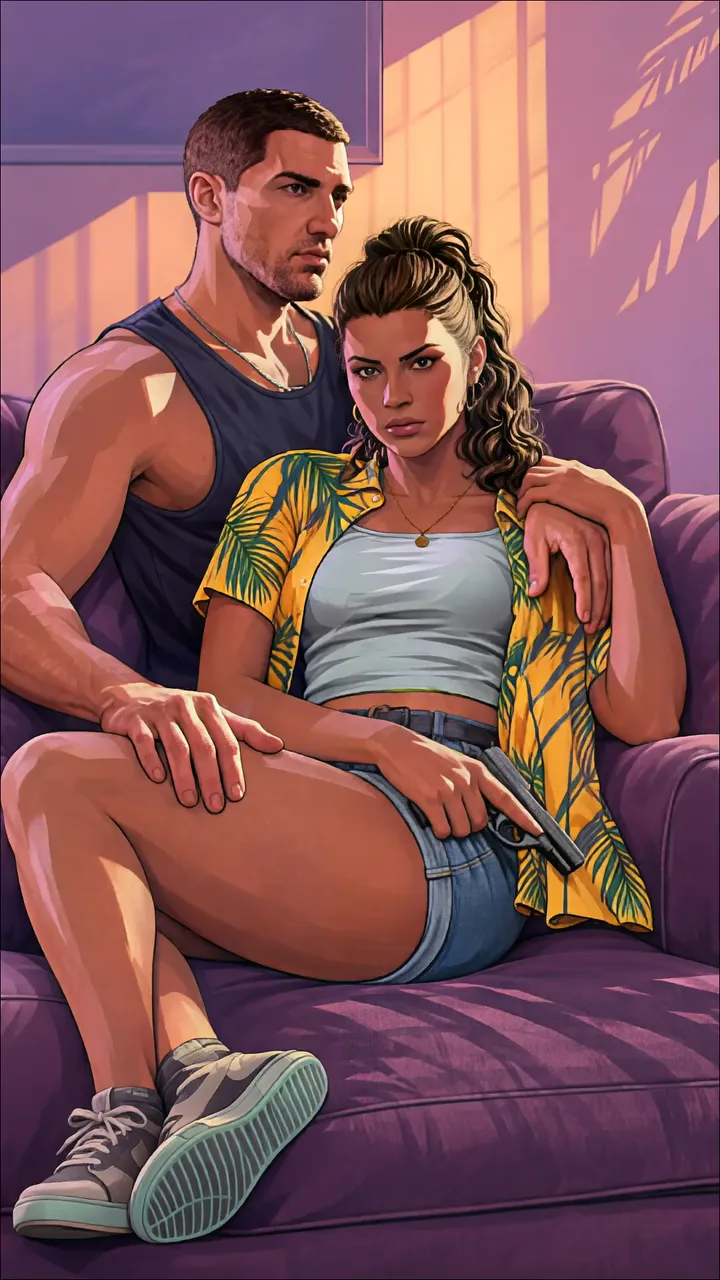
Luxury Sports Cars Line Miami Beach At Sunset live wallpaper
How to set it as wallpaper
iPhone
For a still wallpaper, save the cropped JPG to Photos and choose it in Settings → Wallpaper. For an animated Lock Screen on supported models, convert the MP4 to a Live Photo with a compatible app and select it in the wallpaper picker.
Android
For a still wallpaper, open the JPG in your gallery and choose Set as wallpaper. For the MP4, look for a video wallpaper option in your gallery or wallpaper settings. A compatible live wallpaper app can help if your phone has no built-in option.
After saving the converted Live Photo to Photos, open Settings, then Wallpaper, then Add New Wallpaper. Tap Photos, choose Live Photo, select the saved image, turn on the Live Photo effect, and tap Add to apply it to your Lock Screen.
A vibrant sunset bathes Miami Beach in warm orange and pink hues, casting long shadows across a bustling street lined with luxury sports cars. Palm trees frame the scene, separating the road from the sandy beach where people stroll. On the right, colorful Art Deco buildings house outdoor cafes with red umbrellas, while the ocean waves roll in under the glowing sky. The composition highlights the contrast between the sleek, vibrant vehicles and the lively coastal atmosphere, creating a dynamic and visually rich urban beachfront experience.
- Format
- MP4 live wallpaper
- Resolution
- 720P, 1080P
- Duration
- 00:08
- File size
- 11.4 MB
- Category
- GTA 6, Sports Cars, Miami Beach