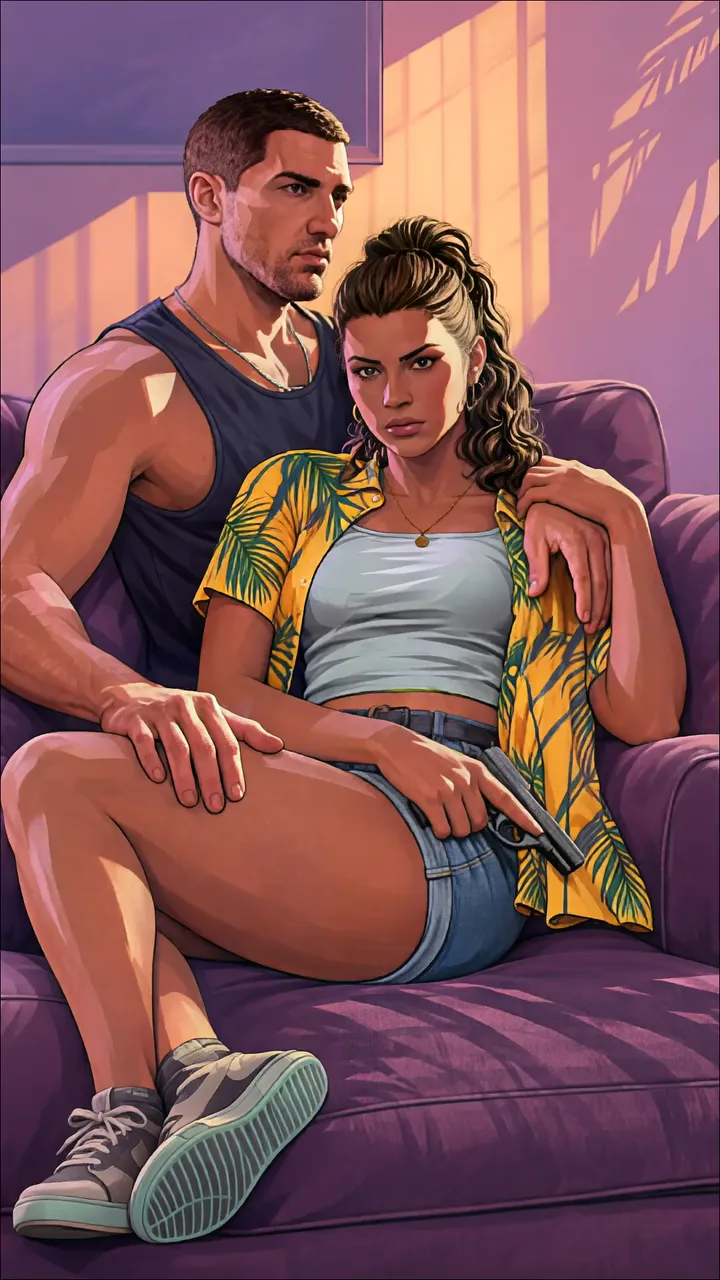
GTA 6 Couple Holding Gun Near City Waterfront live wallpaper
How to set it as wallpaper
iPhone
For a still wallpaper, save the cropped JPG to Photos and choose it in Settings → Wallpaper. For an animated Lock Screen on supported models, convert the MP4 to a Live Photo with a compatible app and select it in the wallpaper picker.
Android
For a still wallpaper, open the JPG in your gallery and choose Set as wallpaper. For the MP4, look for a video wallpaper option in your gallery or wallpaper settings. A compatible live wallpaper app can help if your phone has no built-in option.
After saving the converted Live Photo to Photos, open Settings, then Wallpaper, then Add New Wallpaper. Tap Photos, choose Live Photo, select the saved image, turn on the Live Photo effect, and tap Add to apply it to your Lock Screen.
A couple stands close together near a waterfront, with the woman holding a purple gun against the man’s shoulder. The man wears a white tank top and has a tattoo on his arm, while the woman wears a black top and jeans. Behind them, a city skyline glows under a vibrant purple sunset, with palm trees silhouetted against the horizon. The scene blends romantic intimacy with gritty urban tension, enhanced by the warm, saturated lighting and reflective water. The composition emphasizes their connection while hinting at the game’s action-packed narrative and atmospheric setting.
- Format
- MP4 live wallpaper
- Resolution
- 720P, 1080P
- Duration
- 00:08
- File size
- 3.4 MB
- Category
- GTA 6, Couple, Gun