GTA 6 Mandy Standing On A Neon Miami Beach Boardwalk live wallpaper
How to set it as wallpaper
iPhone
For a still wallpaper, save the cropped JPG to Photos and choose it in Settings → Wallpaper. For an animated Lock Screen on supported models, convert the MP4 to a Live Photo with a compatible app and select it in the wallpaper picker.
Android
For a still wallpaper, open the JPG in your gallery and choose Set as wallpaper. For the MP4, look for a video wallpaper option in your gallery or wallpaper settings. A compatible live wallpaper app can help if your phone has no built-in option.
After saving the converted Live Photo to Photos, open Settings, then Wallpaper, then Add New Wallpaper. Tap Photos, choose Live Photo, select the saved image, turn on the Live Photo effect, and tap Add to apply it to your Lock Screen.
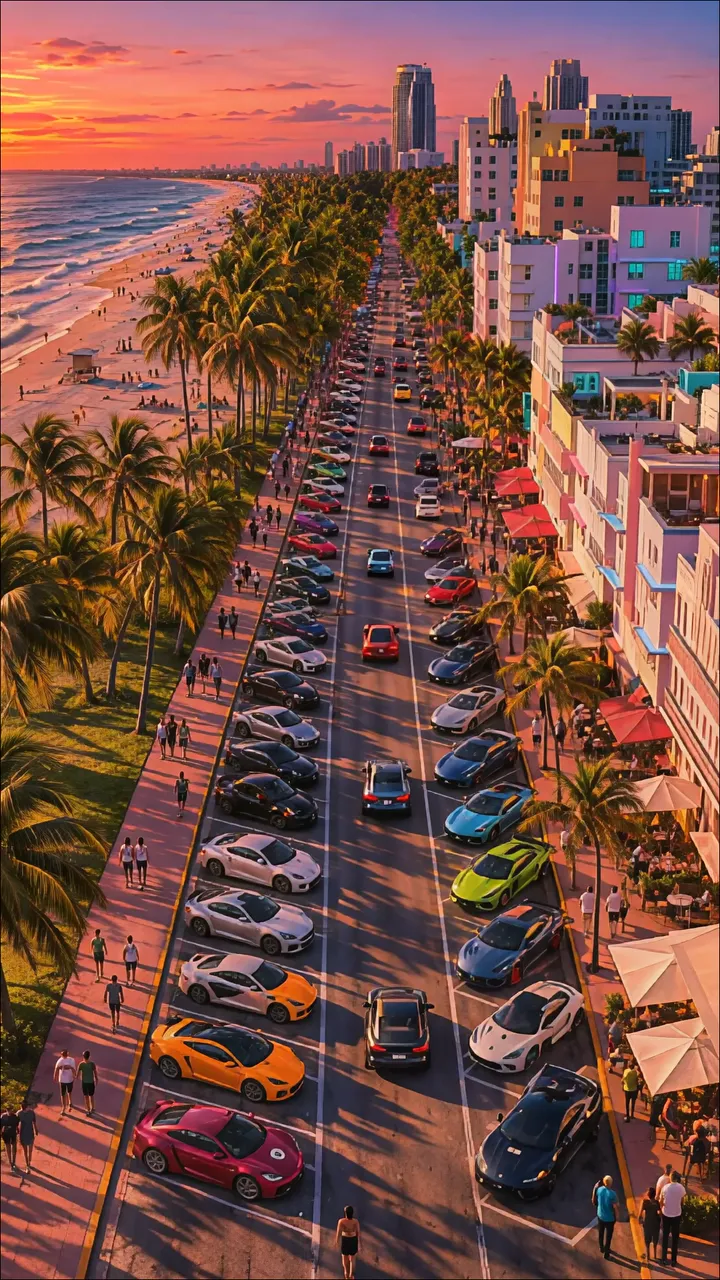
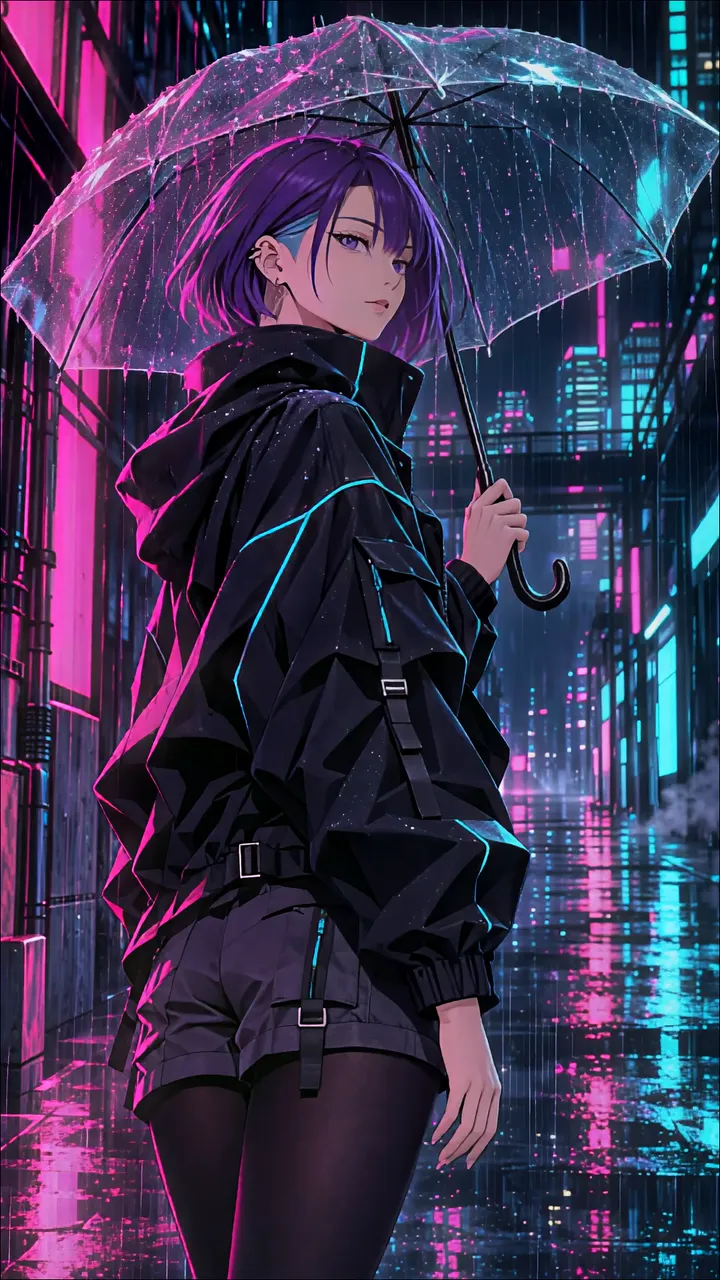
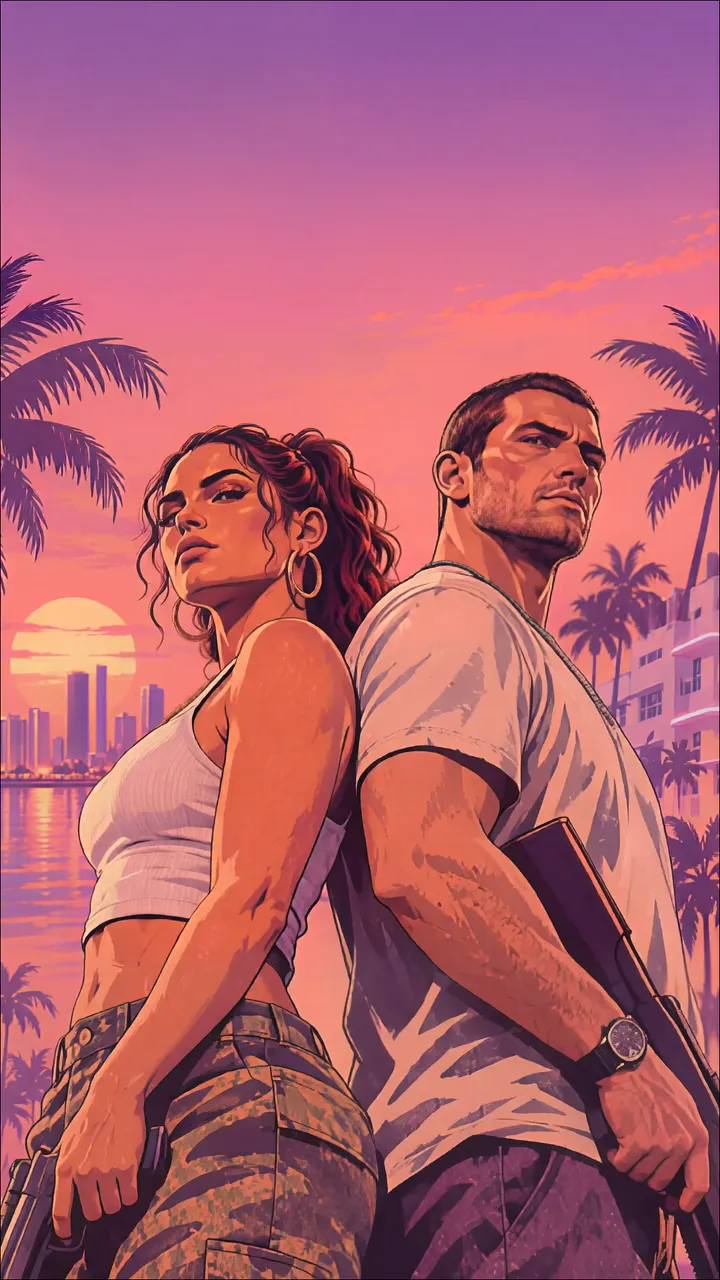
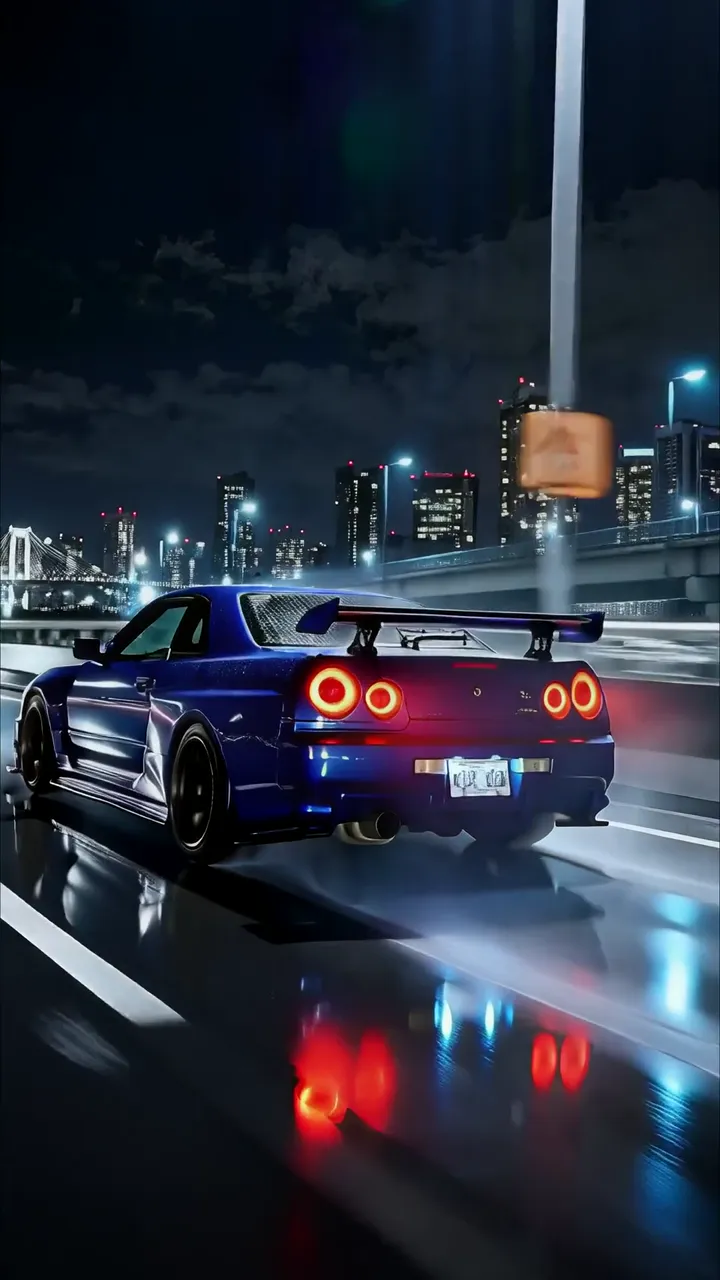
GTA 6 Mandy stands confidently on a wet Miami Beach boardwalk under a vibrant twilight sky, framed by glowing neon signs and Art Deco buildings. Her athletic figure is highlighted by the colorful ambient lighting, while a sleek sports car glows nearby on the reflective pavement. Palm trees line the walkway, and the distant city skyline adds depth to the scene. The composition blends urban nightlife with tropical scenery, creating a dynamic, cinematic atmosphere rich in saturated pink and blue neon tones that define the setting’s energetic mood.
- Format
- MP4 live wallpaper
- Resolution
- 720P, 1080P
- Duration
- 00:10
- File size
- 7.9 MB
- Category
- gta 6 mandy, gta 6, Neon Miami Beach