Curly Hair Girl In Bikini At Poolside Sunset live wallpaper
How to set it as wallpaper
iPhone
For a still wallpaper, save the cropped JPG to Photos and choose it in Settings → Wallpaper. For an animated Lock Screen on supported models, convert the MP4 to a Live Photo with a compatible app and select it in the wallpaper picker.
Android
For a still wallpaper, open the JPG in your gallery and choose Set as wallpaper. For the MP4, look for a video wallpaper option in your gallery or wallpaper settings. A compatible live wallpaper app can help if your phone has no built-in option.
After saving the converted Live Photo to Photos, open Settings, then Wallpaper, then Add New Wallpaper. Tap Photos, choose Live Photo, select the saved image, turn on the Live Photo effect, and tap Add to apply it to your Lock Screen.
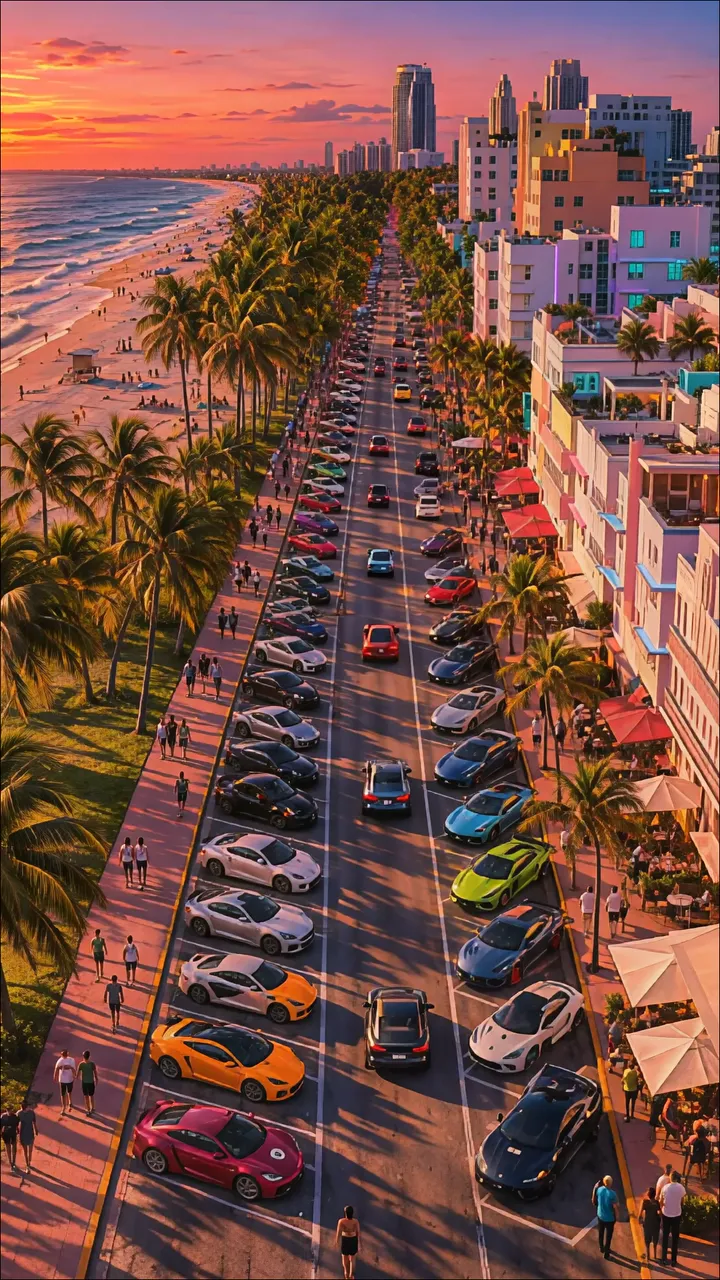
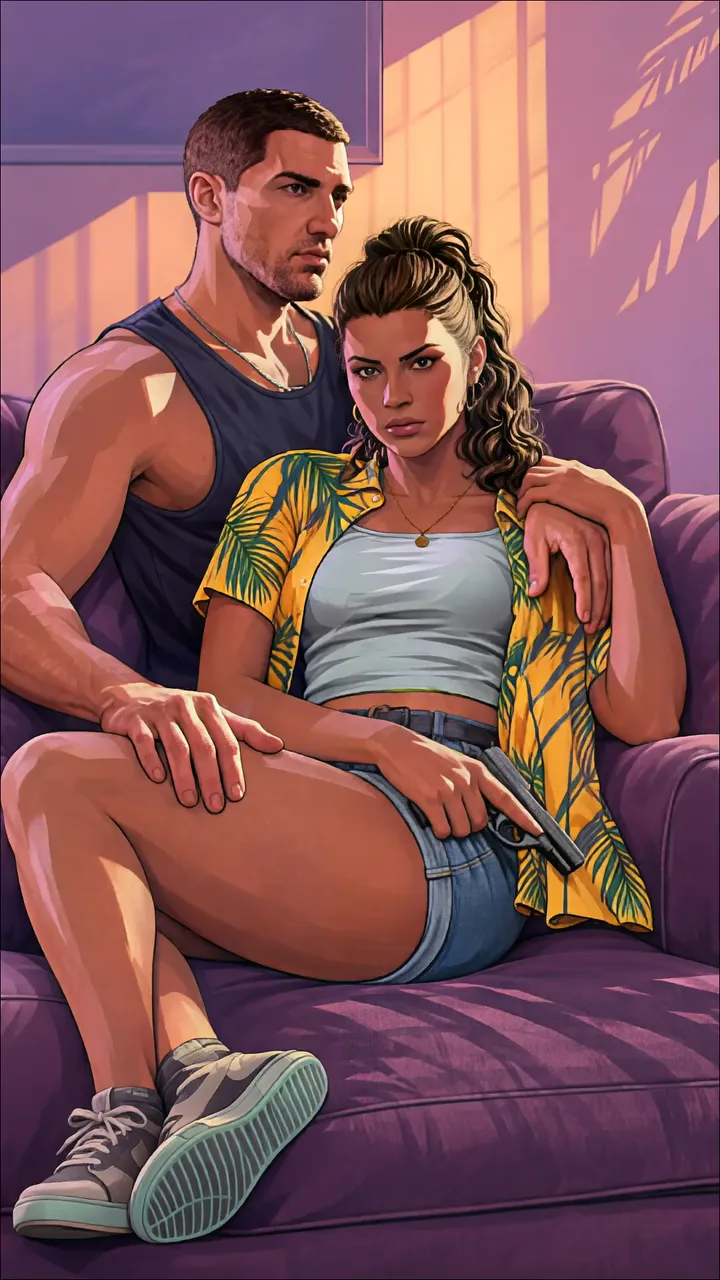
A confident curly-haired woman in a light blue bikini and green cropped tee stands by a pool at sunset, holding a can and adjusting her sunglasses. Her gold jewelry and visible tattoo add personal detail. Palm trees frame the scene against a vibrant purple and pink sky, with a distant cityscape and elevated highway visible. The warm, glowing light of dusk casts soft reflections on the water, creating a relaxed, stylish, and summery atmosphere. The composition balances the figure with the tropical urban backdrop, emphasizing the leisurely mood of the moment.
- Format
- MP4 live wallpaper
- Resolution
- 720P, 1080P
- Duration
- 00:08
- File size
- 8.6 MB
- Category
- GTA 6, Curly Hair Girl, Poolside Sunset