Black Glowing Eye Creature Peering From A Wooden Door live wallpaper
How to set it as wallpaper
iPhone
For a still wallpaper, save the cropped JPG to Photos and choose it in Settings → Wallpaper. For an animated Lock Screen on supported models, convert the MP4 to a Live Photo with a compatible app and select it in the wallpaper picker.
Android
For a still wallpaper, open the JPG in your gallery and choose Set as wallpaper. For the MP4, look for a video wallpaper option in your gallery or wallpaper settings. A compatible live wallpaper app can help if your phone has no built-in option.
After saving the converted Live Photo to Photos, open Settings, then Wallpaper, then Add New Wallpaper. Tap Photos, choose Live Photo, select the saved image, turn on the Live Photo effect, and tap Add to apply it to your Lock Screen.
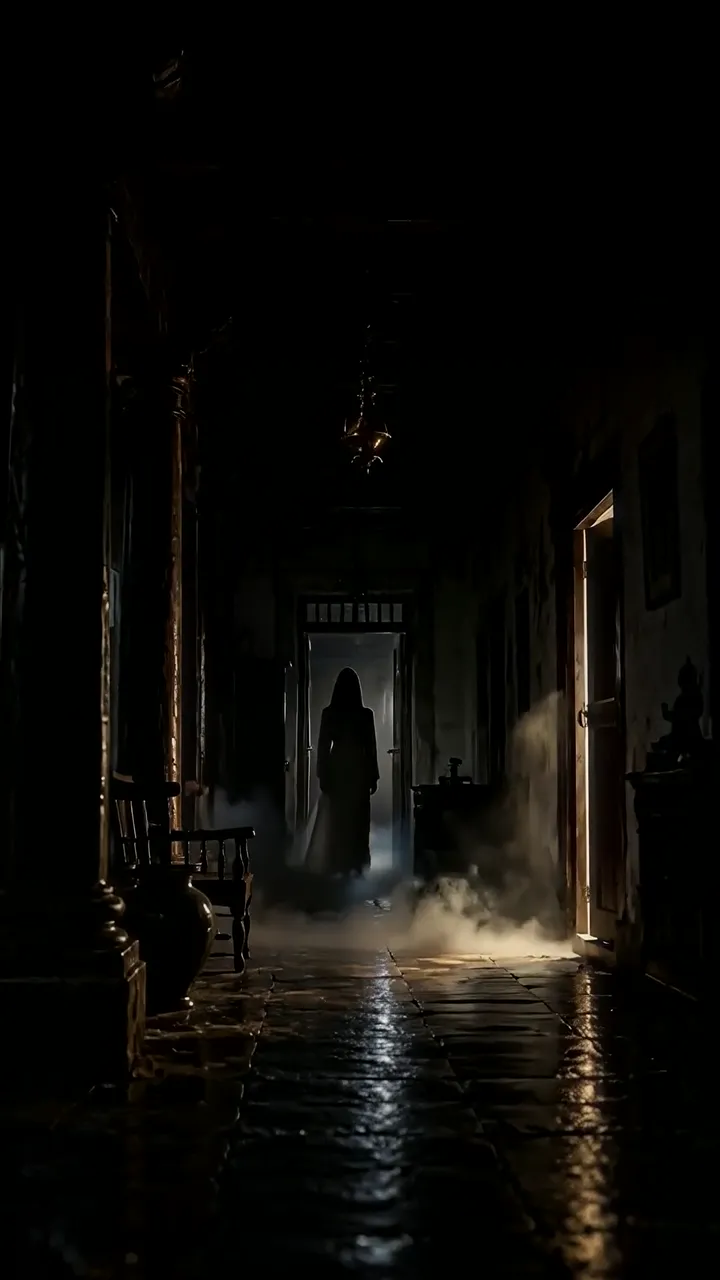
A menacing, black, glossy creature with a single, intensely glowing white eye peers from behind a wooden door into a dimly lit hallway. Its textured, reflective surface catches warm ambient light, contrasting with the creature’s dark form. The hallway features a red patterned carpet and distant chandeliers, creating a suspenseful, eerie atmosphere. The creature’s posture suggests quiet observation or impending movement, enhancing the unsettling mood. The scene combines horror aesthetics with a classic indoor setting, making the creature’s presence feel both surreal and deeply unsettling.
- Format
- MP4 live wallpaper
- Resolution
- 720P, 1080P
- Duration
- 00:08
- File size
- 3.8 MB
- Category
- Roblox, Eye Creature, Glowing Eye