Ice Dragon From Roblox Sitting In A Colorful Fantasy Park live wallpaper
How to set it as wallpaper
iPhone
For a still wallpaper, save the cropped JPG to Photos and choose it in Settings → Wallpaper. For an animated Lock Screen on supported models, convert the MP4 to a Live Photo with a compatible app and select it in the wallpaper picker.
Android
For a still wallpaper, open the JPG in your gallery and choose Set as wallpaper. For the MP4, look for a video wallpaper option in your gallery or wallpaper settings. A compatible live wallpaper app can help if your phone has no built-in option.
After saving the converted Live Photo to Photos, open Settings, then Wallpaper, then Add New Wallpaper. Tap Photos, choose Live Photo, select the saved image, turn on the Live Photo effect, and tap Add to apply it to your Lock Screen.
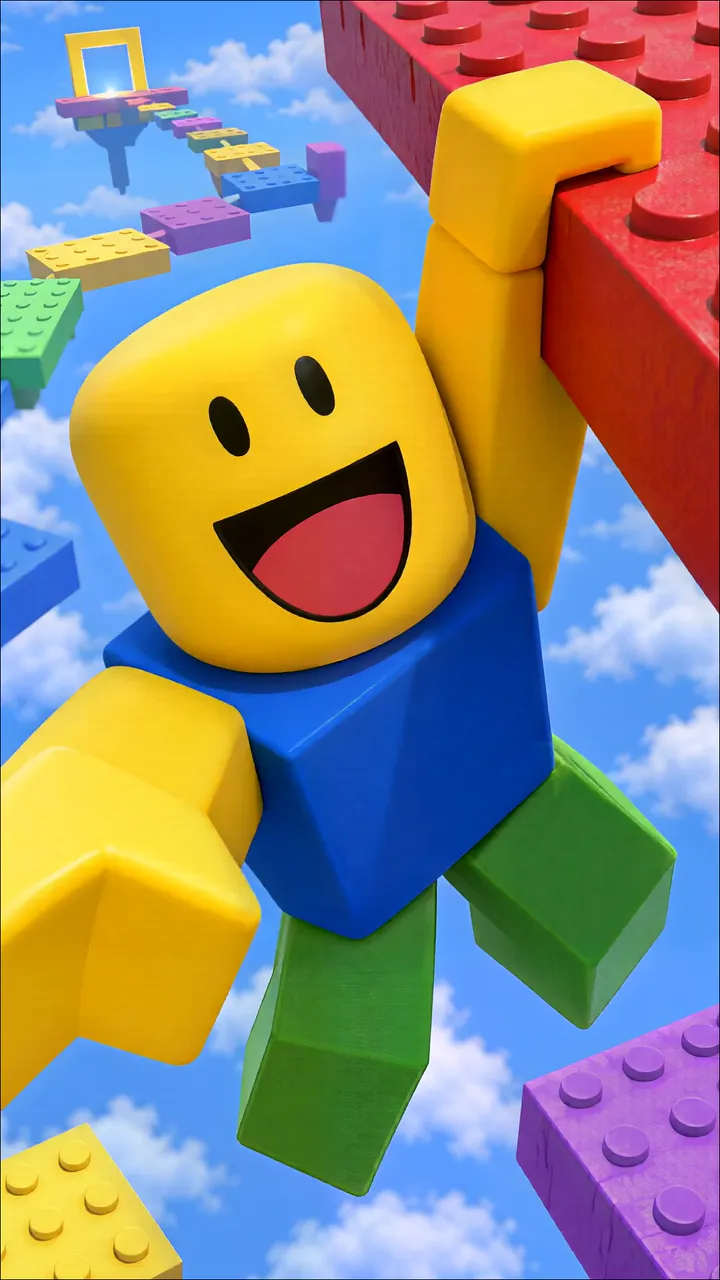
A charming low-poly ice dragon with glowing blue eyes and crystalline scales sits in a vibrant fantasy park. Its wings and claws emit a soft blue glow, contrasting with the pastel-colored surroundings. In the background, a pink building with a heart-shaped window and a red-and-white hot air balloon add whimsical charm. The scene combines playful, geometric design with magical elements, creating a bright, cheerful atmosphere perfect for a children’s game world. The dragon’s cute, stylized appearance and the vivid color palette make it a standout character in this animated setting.
- Format
- MP4 live wallpaper
- Resolution
- 720P, 1080P
- Duration
- 00:07
- File size
- 3.1 MB
- Category
- Roblox, Ice Dragon, Low Poly Style