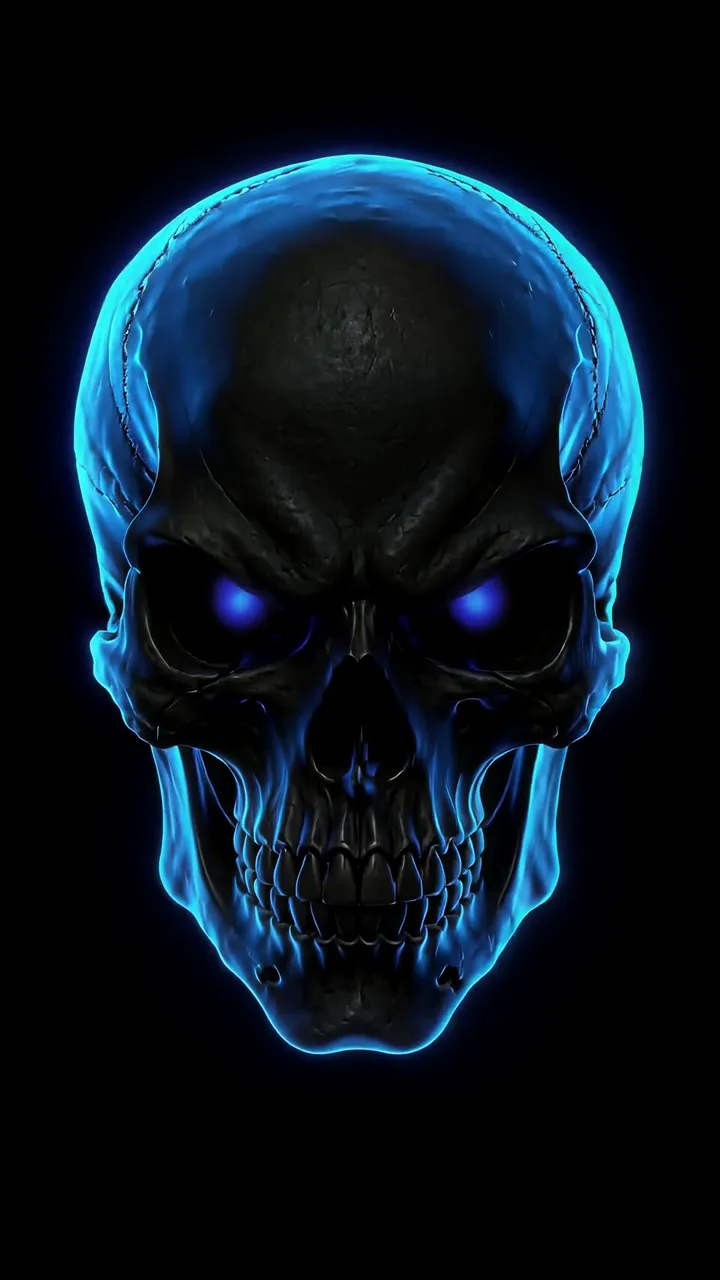
Download "Ice Dragon From Roblox Sitting In A Colorful Fantasy Park" live wallpaper

Verify that you are human to download high quality live wallpapes.

How to set live wallpaper on your phone Setup tutorial

On Android Phones

  1. Save the downloaded MP4 file to your phone.
  2. Open your phone's Gallery, Files, or Wallpaper app.
  3. Choose the video, tap Set as wallpaper, then apply it to your home screen or lock screen.

On iPhone

  1. Save the MP4 file to Photos.
  2. iPhone requires a Live Photo, convert the video with a live wallpaper app first.
  3. Open Settings > Wallpaper, select the saved Live Photo, then apply it.
You may also like:

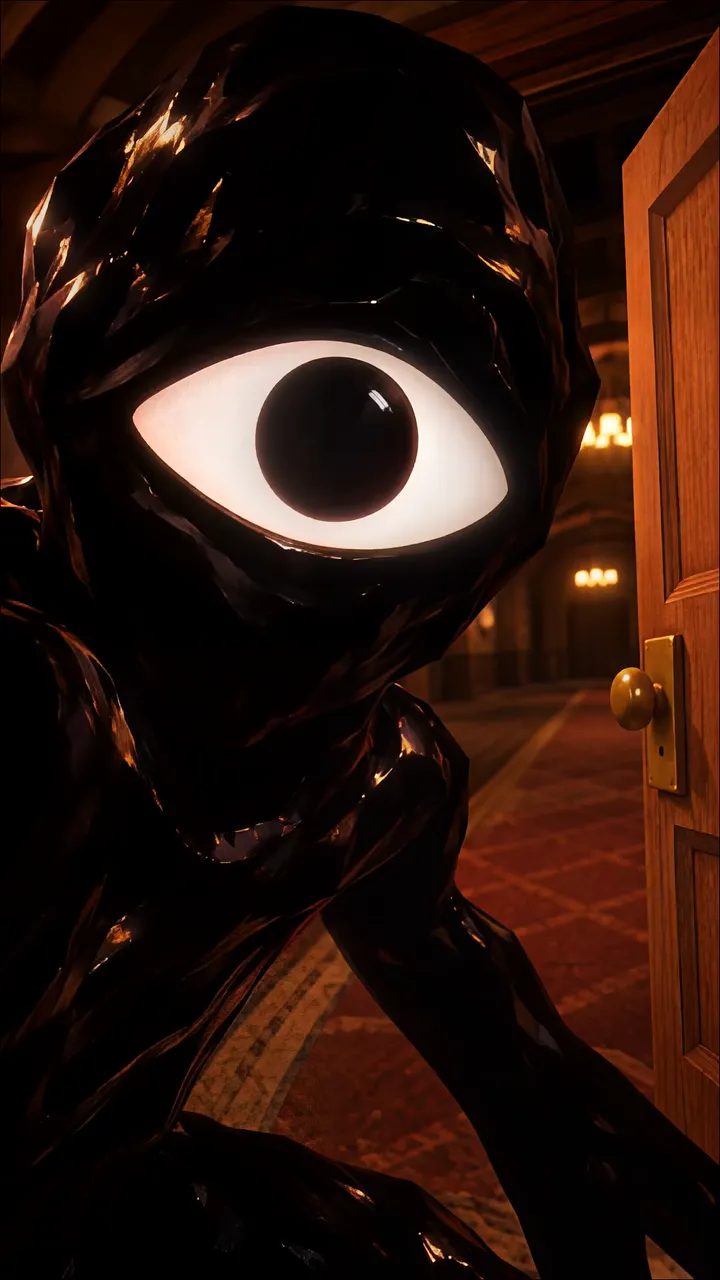
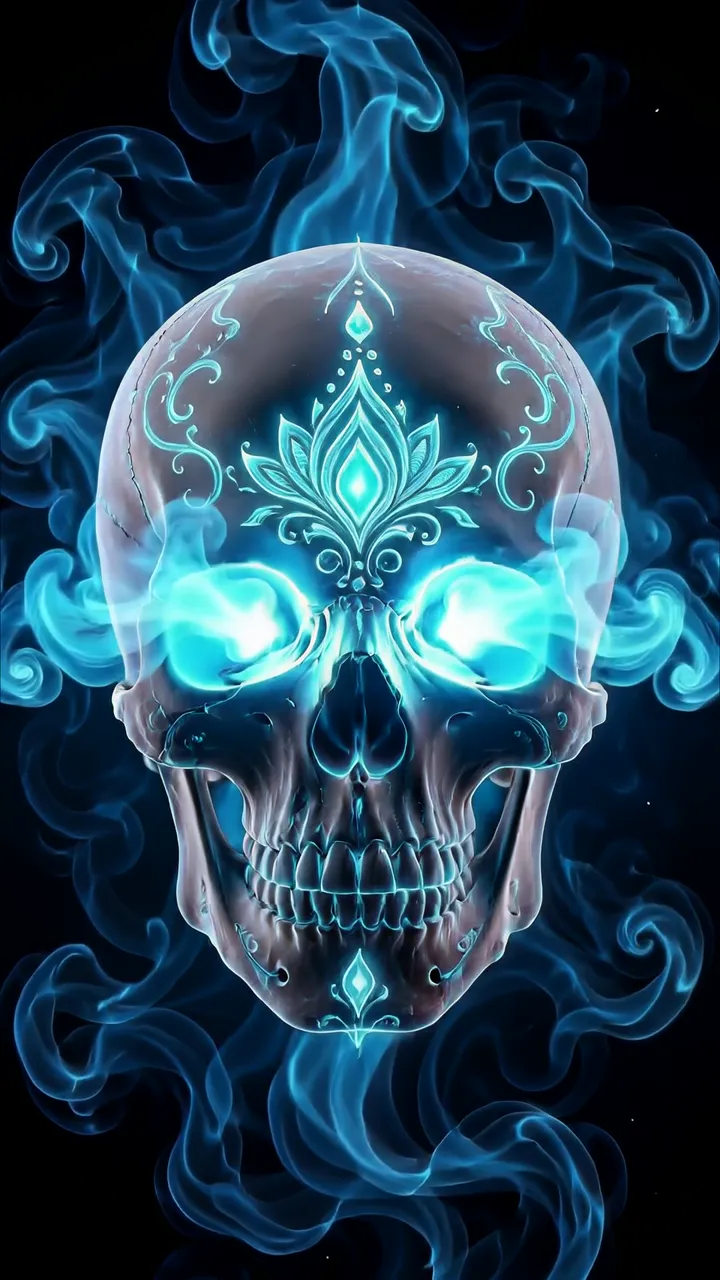
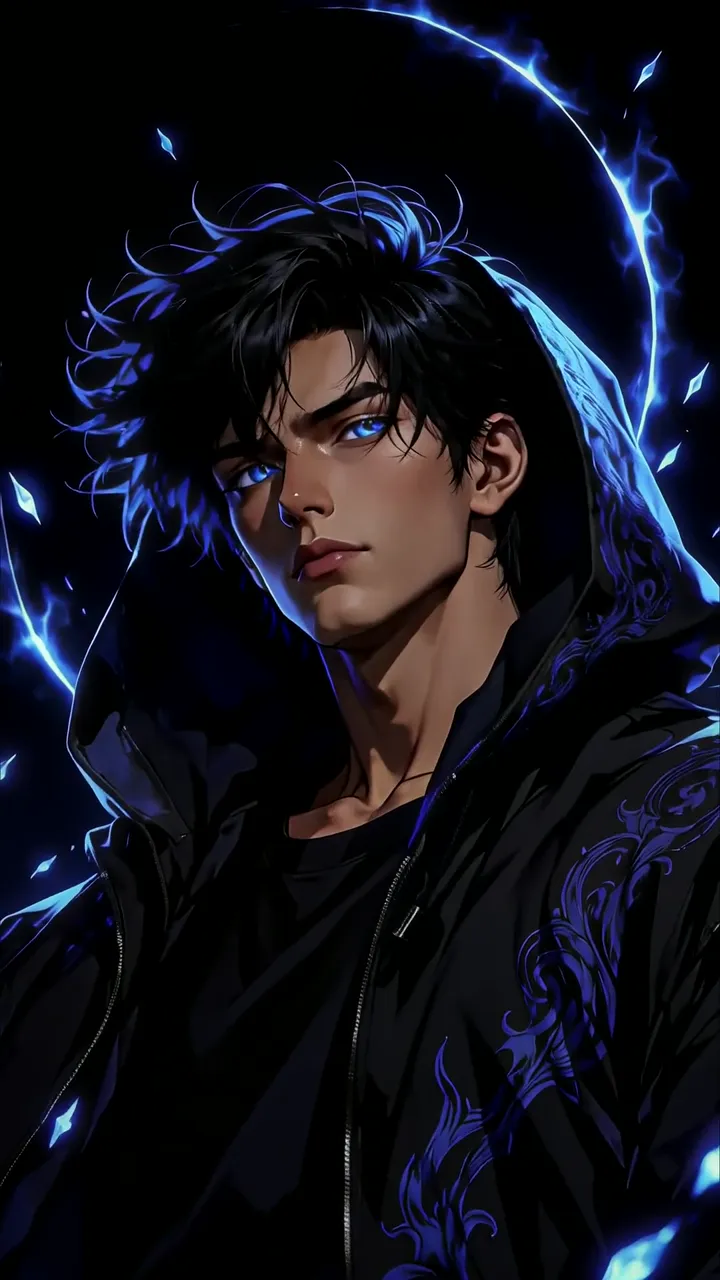
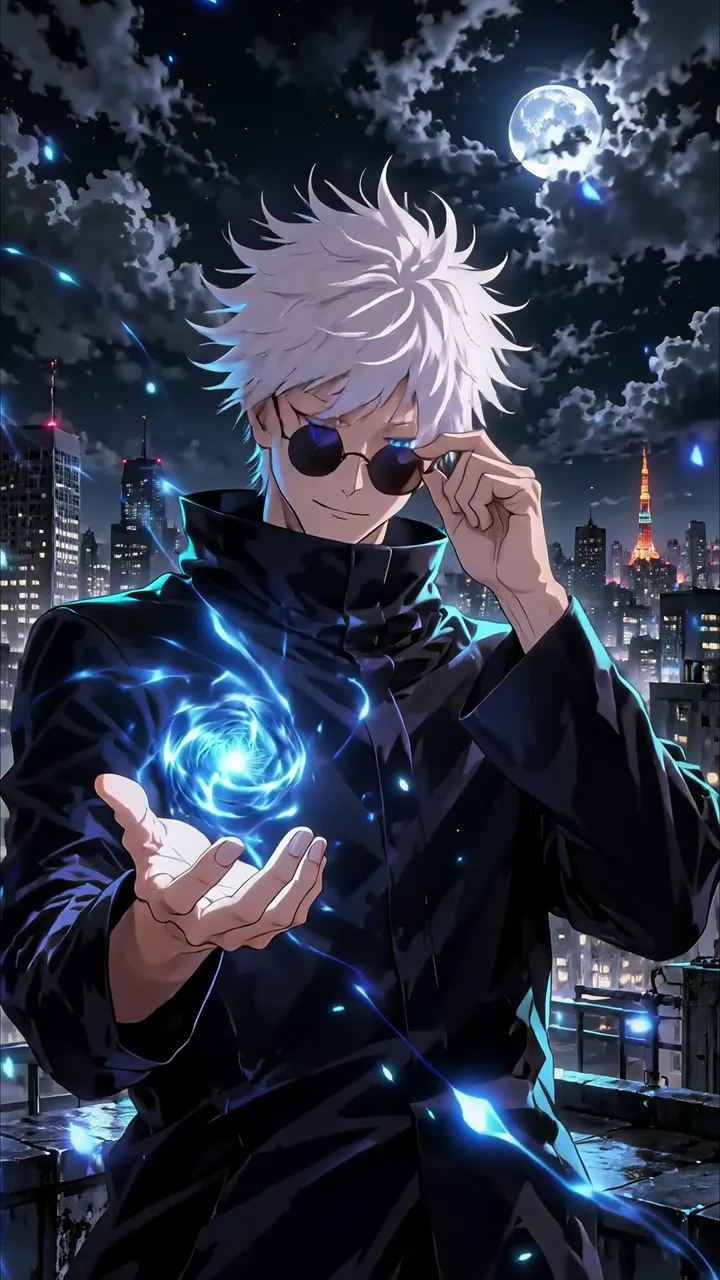
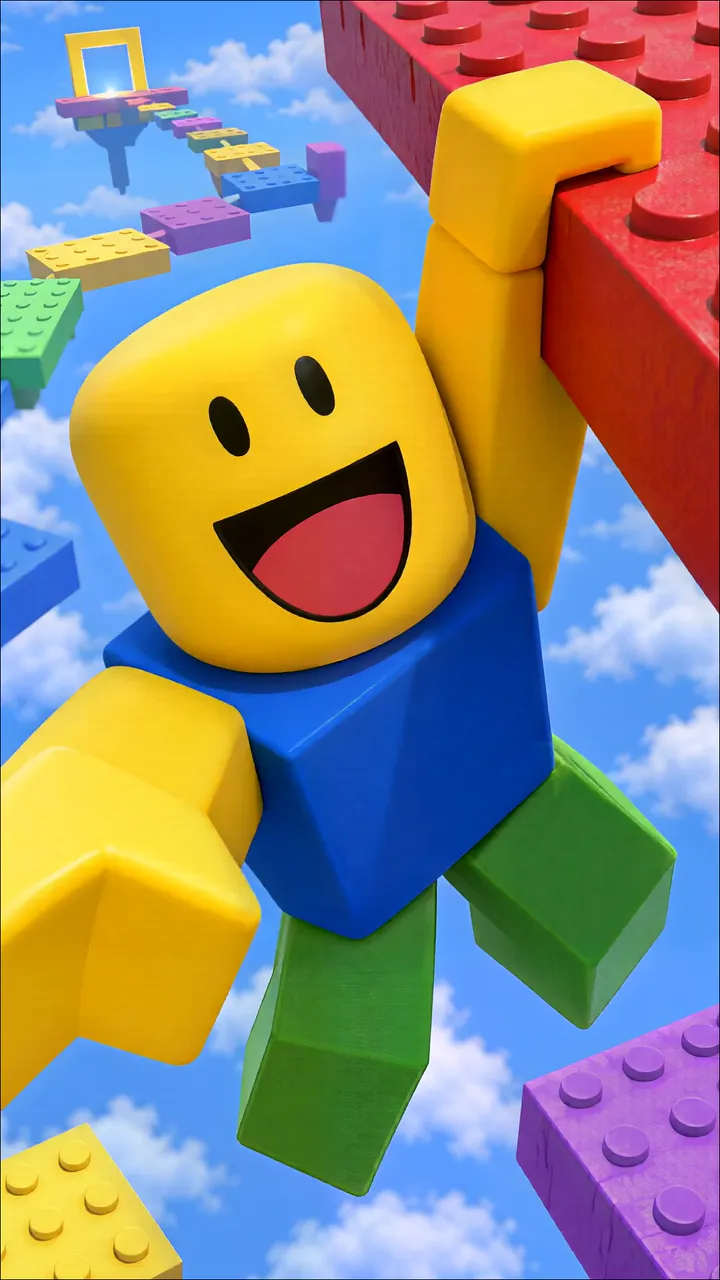
Roblox Character Climbing Colorful LEGO Blocks In The Sky Roblox Character Climbing Colorful LEGO Blocks In The Sky Roblox Glamour Queen In Black Dress And Pearl Gloves Roblox Glamour Queen In Black Dress And Pearl Gloves Roblox Firefighter Character In Fire Station Uniform Roblox Firefighter Character In Fire Station Uniform Black Glowing Eye Creature Peering From A Wooden Door Black Glowing Eye Creature Peering From A Wooden Door Roblox Character Holding Green Balloon On Orange Bridge Roblox Character Holding Green Balloon On Orange Bridge Glowing Blue Skull With Lotus Tattoo And Mystic Smoke Glowing Blue Skull With Lotus Tattoo And Mystic Smoke Mysterious Anime Boy With Blue Eyes And Electric Aura Mysterious Anime Boy With Blue Eyes And Electric Aura Gojo Satoru Holding Blue Cursed Energy In Tokyo Night Scene Gojo Satoru Holding Blue Cursed Energy In Tokyo Night Scene Glowing Blue Skull With Electric Eyes Horror Live Wallpaper Glowing Blue Skull With Electric Eyes Horror Live Wallpaper

Report wallpaper

Select the reason that best describes the issue.