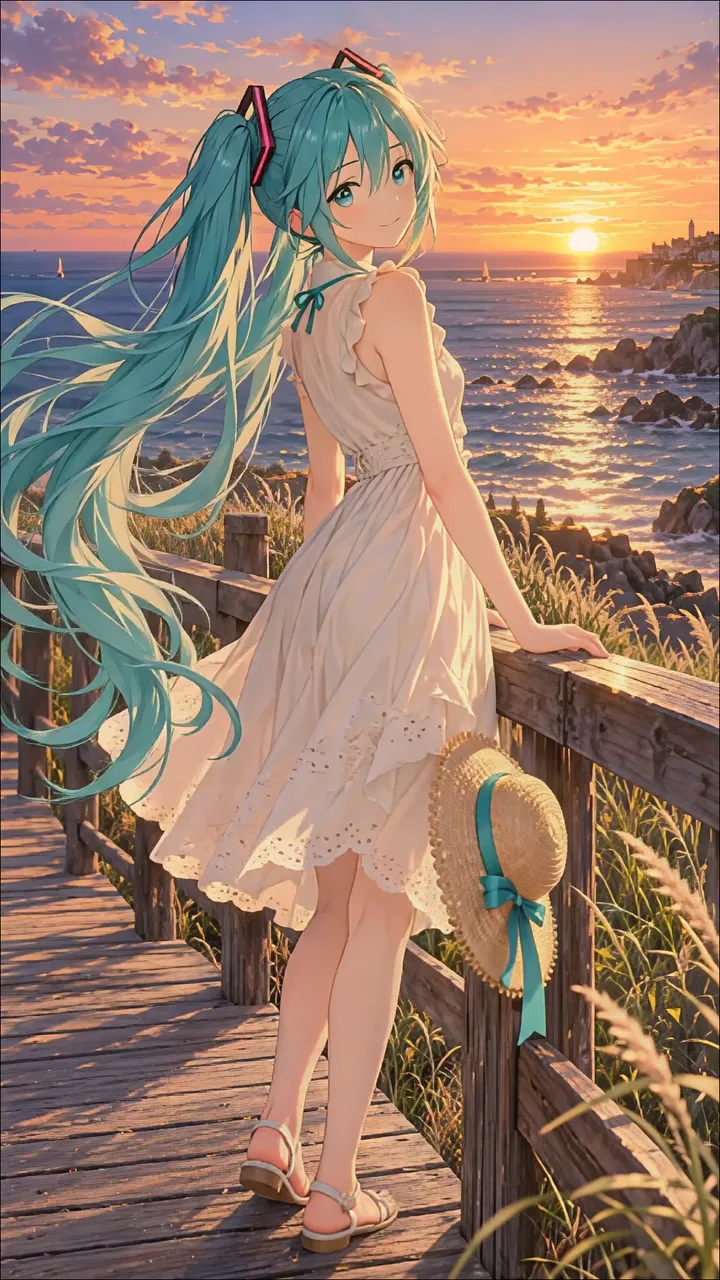
Download "Roblox Character Holding Green Balloon On Orange Bridge" live wallpaper

Verify that you are human to download high quality live wallpapes.

How to set live wallpaper on your phone Setup tutorial

On Android Phones

  1. Save the downloaded MP4 file to your phone.
  2. Open your phone's Gallery, Files, or Wallpaper app.
  3. Choose the video, tap Set as wallpaper, then apply it to your home screen or lock screen.

On iPhone

  1. Save the MP4 file to Photos.
  2. iPhone requires a Live Photo, convert the video with a live wallpaper app first.
  3. Open Settings > Wallpaper, select the saved Live Photo, then apply it.

You may also like:

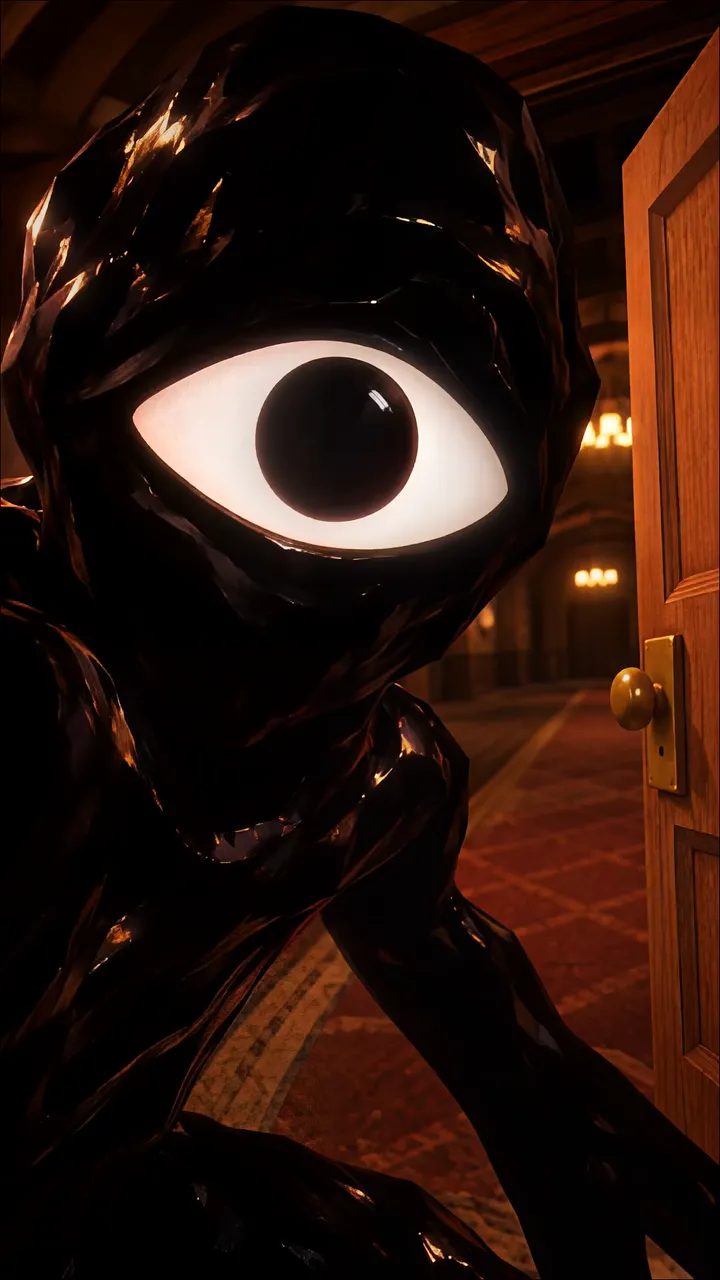
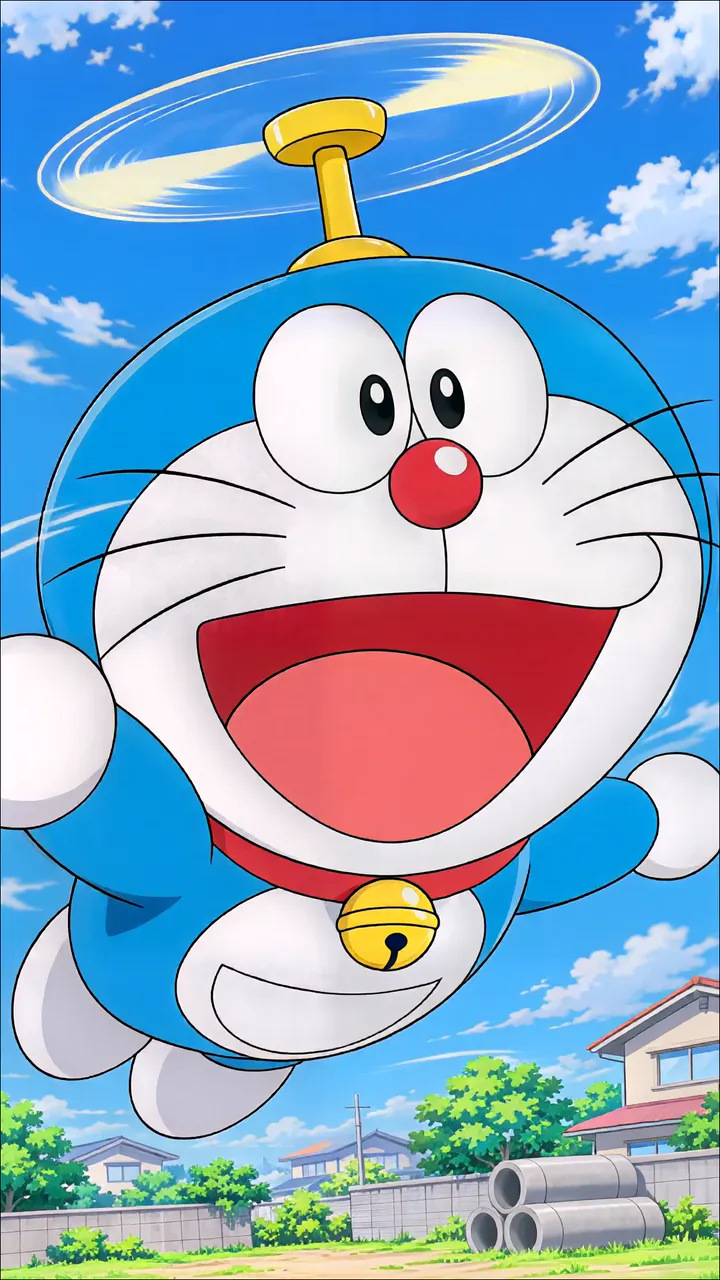
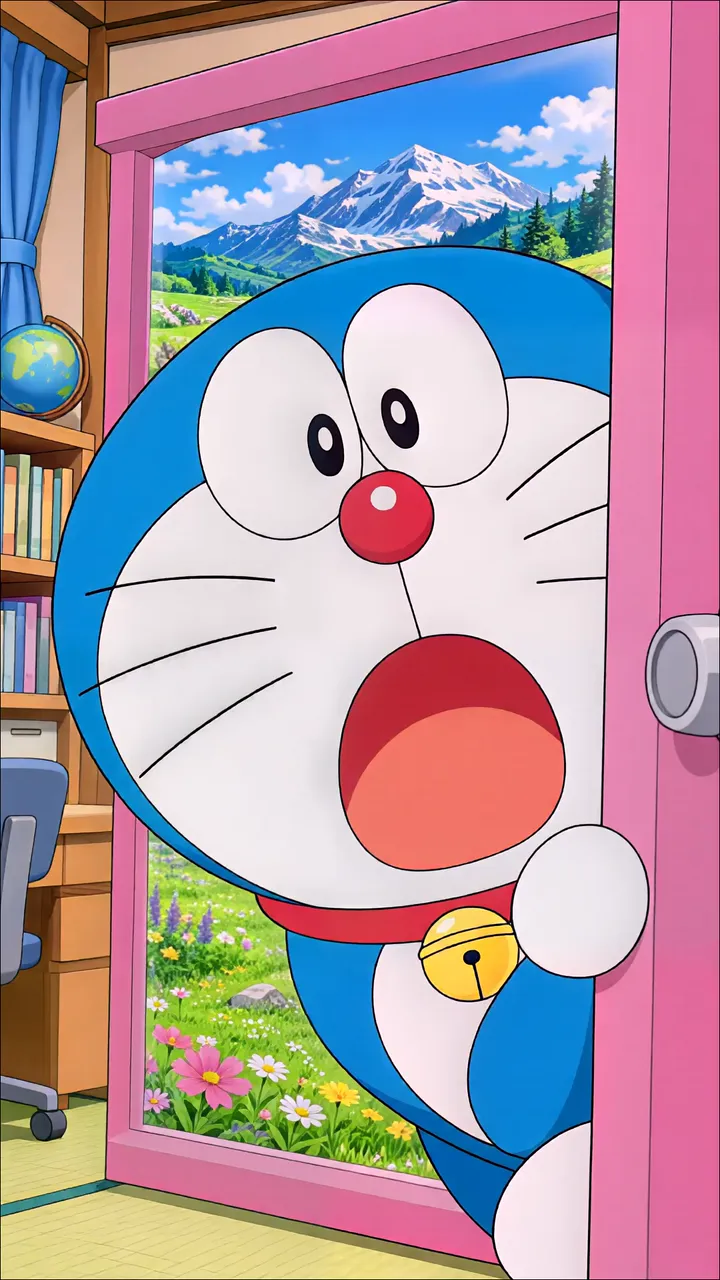
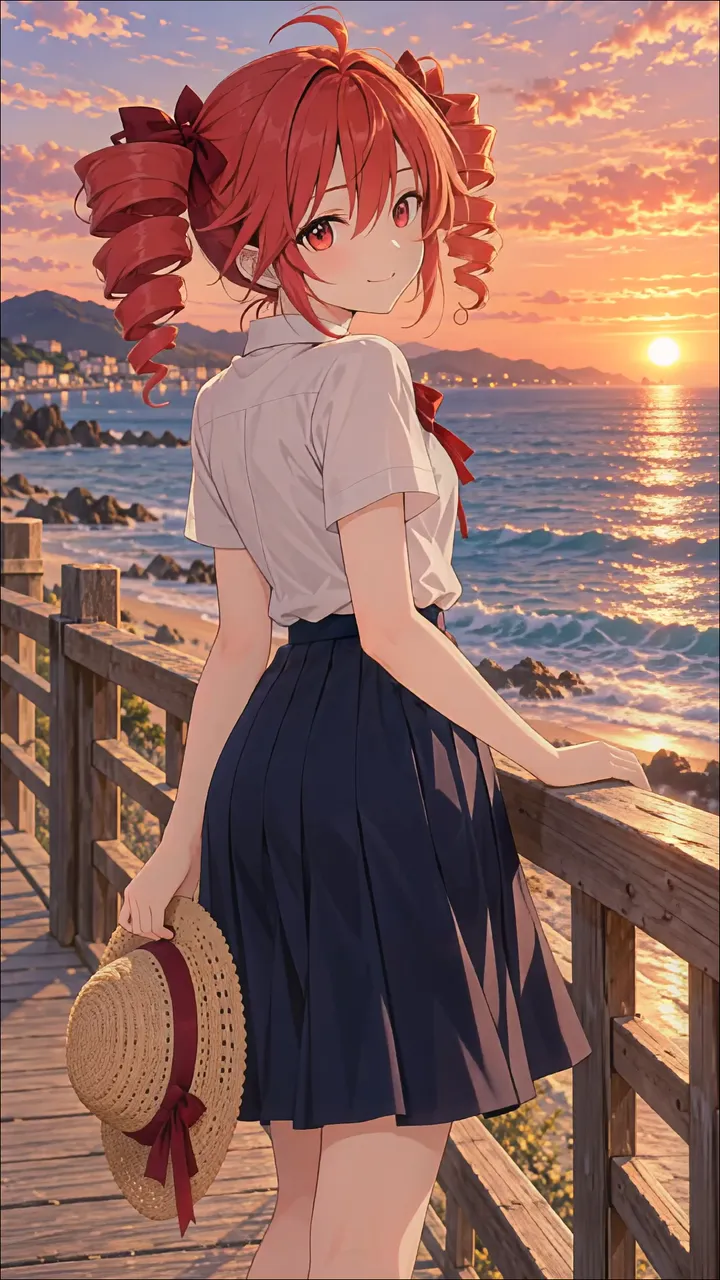
Roblox Glamour Queen In Black Dress And Pearl Gloves LIVE Roblox Firefighter Character In Fire Station Uniform LIVE Black Glowing Eye Creature Peering From A Wooden Door LIVE Doraemon Flying With Helicopter Propeller In A Blue Sky LIVE Doraemon Peering Out A Pink Door Into A Snowy Mountain Landscape LIVE Hello Kitty As A Pilot Flying A Yellow Airplane LIVE Monkey D. Luffy On A Pirate Ship With Chopper LIVE Kasane Teto At Sunset On A Wooden Boardwalk LIVE Hatsune Miku Standing On A Wooden Boardwalk At Sunset LIVE

Report wallpaper

Select the reason that best describes the issue.