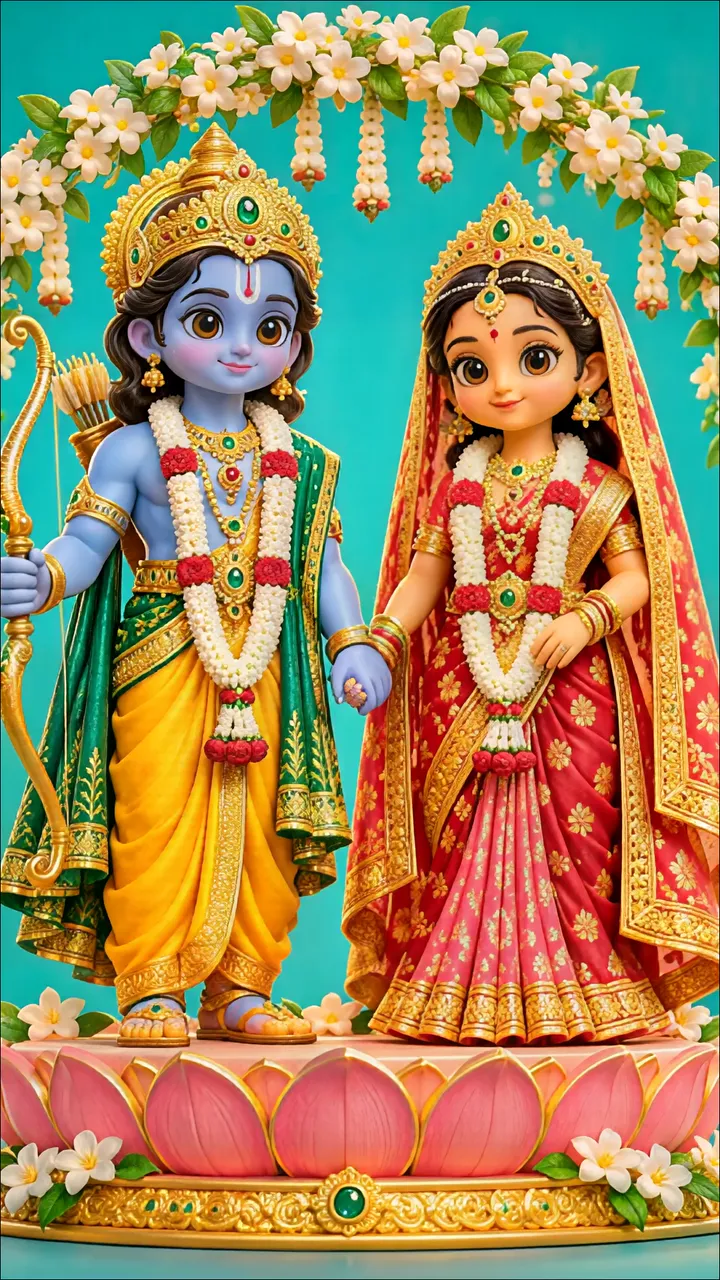
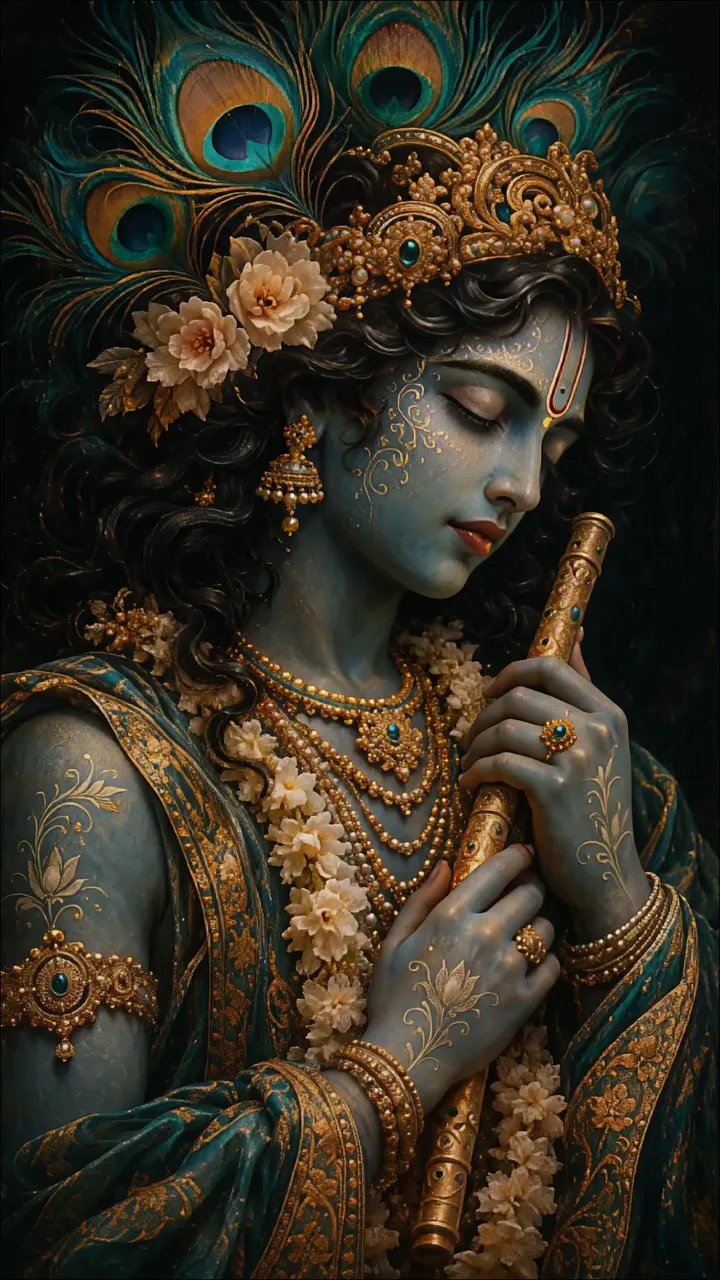
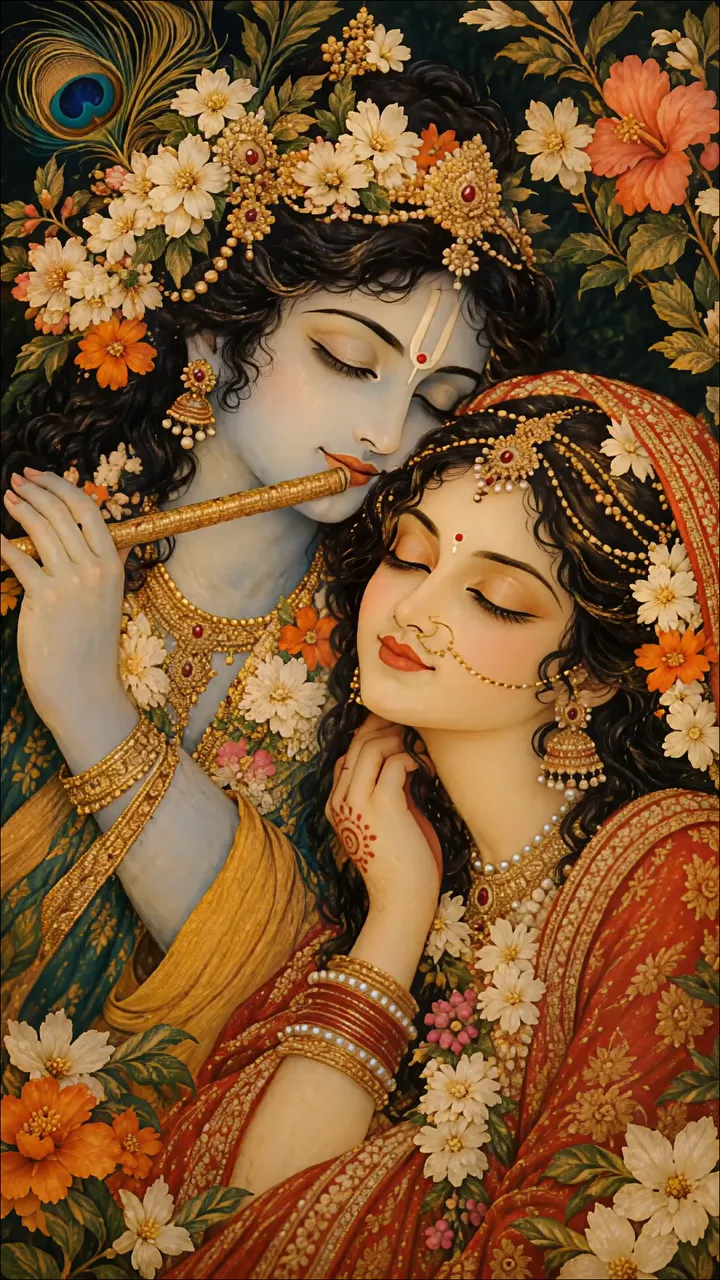
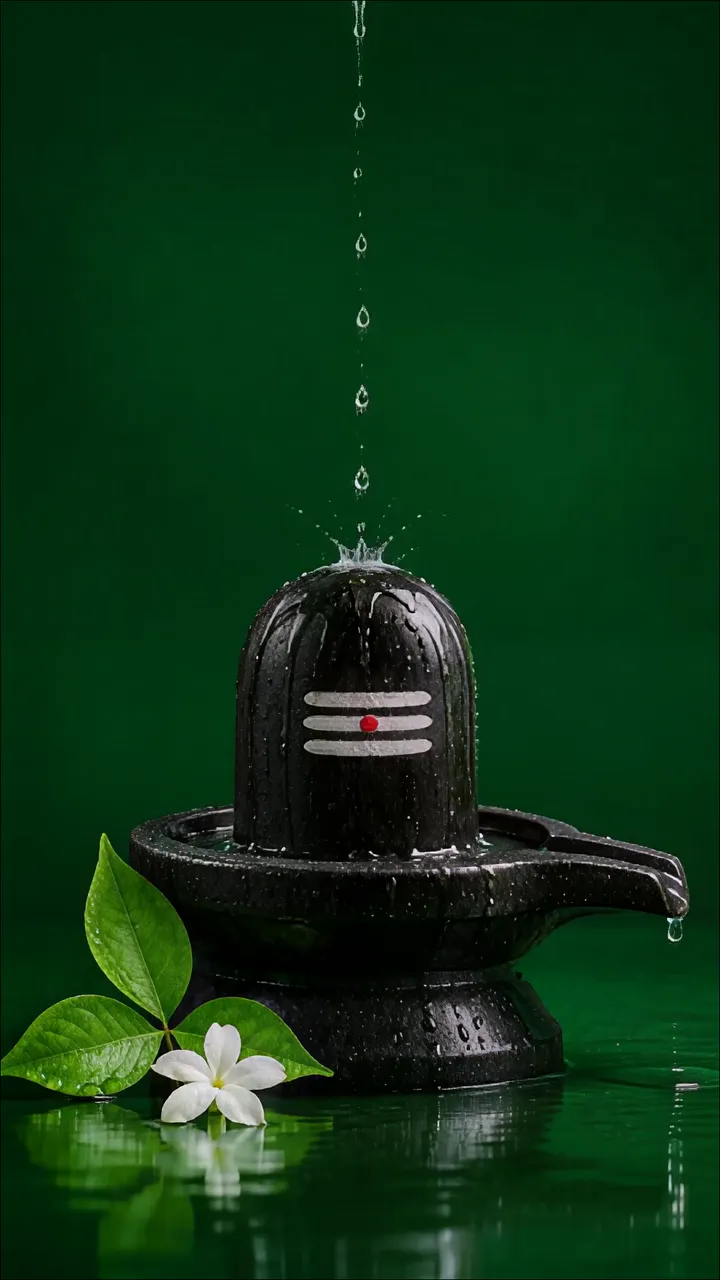
Shiva And Parvati Walking Together In A Floral Garden live wallpaper
How to set it as wallpaper
iPhone
For a still wallpaper, save the cropped JPG to Photos and choose it in Settings → Wallpaper. For an animated Lock Screen on supported models, convert the MP4 to a Live Photo with a compatible app and select it in the wallpaper picker.
Android
For a still wallpaper, open the JPG in your gallery and choose Set as wallpaper. For the MP4, look for a video wallpaper option in your gallery or wallpaper settings. A compatible live wallpaper app can help if your phone has no built-in option.
After saving the converted Live Photo to Photos, open Settings, then Wallpaper, then Add New Wallpaper. Tap Photos, choose Live Photo, select the saved image, turn on the Live Photo effect, and tap Add to apply it to your Lock Screen.
Shiva and Parvati walk hand-in-hand through a vibrant garden adorned with pink bougainvillea and lotus flowers, framed by lush foliage. The divine couple is dressed in ornate traditional attire, with Shiva holding his bow and both adorned with floral garlands. In the background, a grand architectural temple complex overlooks a tranquil pond filled with pink lotuses. The scene is bathed in warm, natural light, creating a serene and celebratory atmosphere. This depiction captures the sacred union of the Hindu deities during the Vivah Panchami festival, emphasizing harmony, devotion, and natural beauty.
- Format
- MP4 live wallpaper
- Resolution
- 720P, 1080P
- Duration
- 00:08
- File size
- 9.3 MB
- Category
- Vivah Panchami, Shiva, Parvati