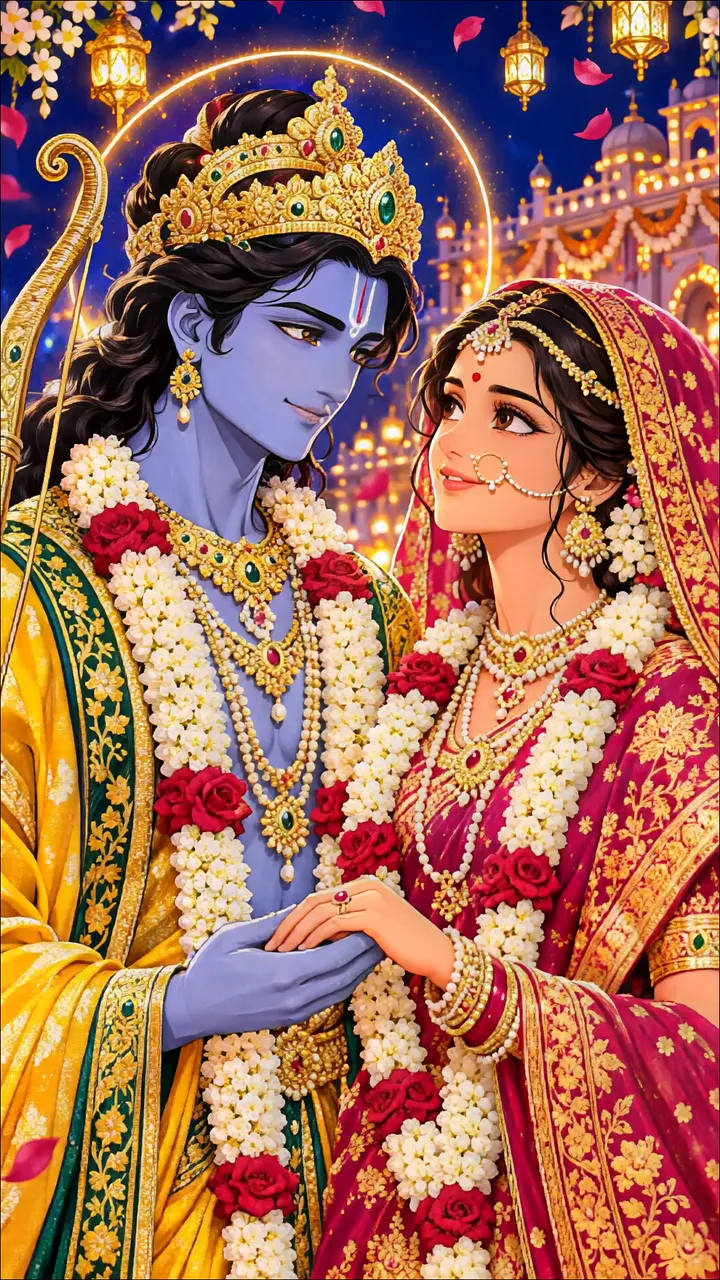
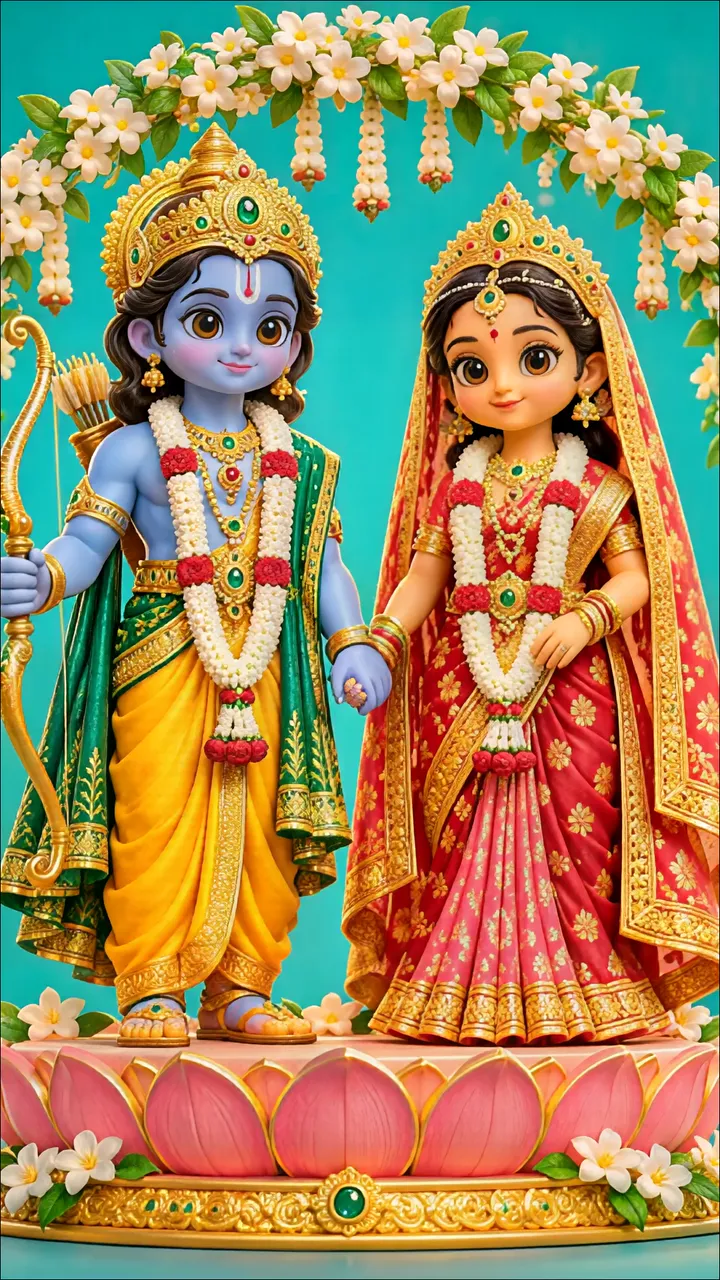
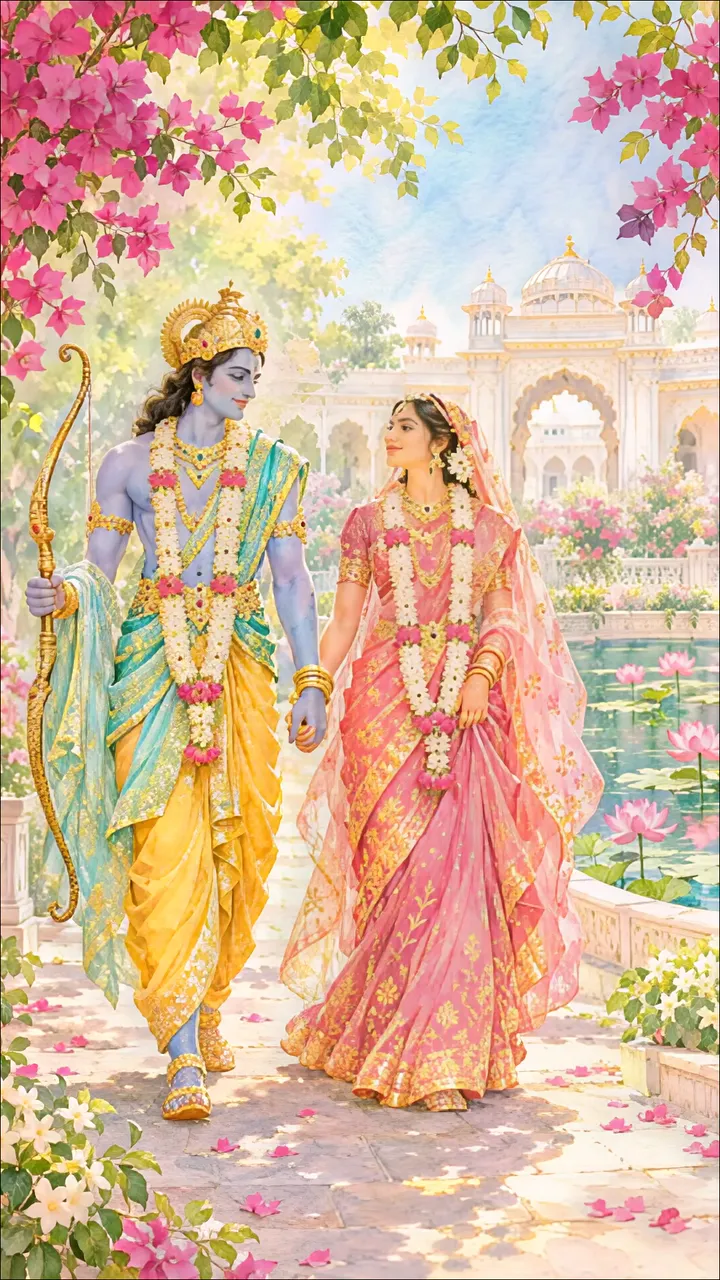
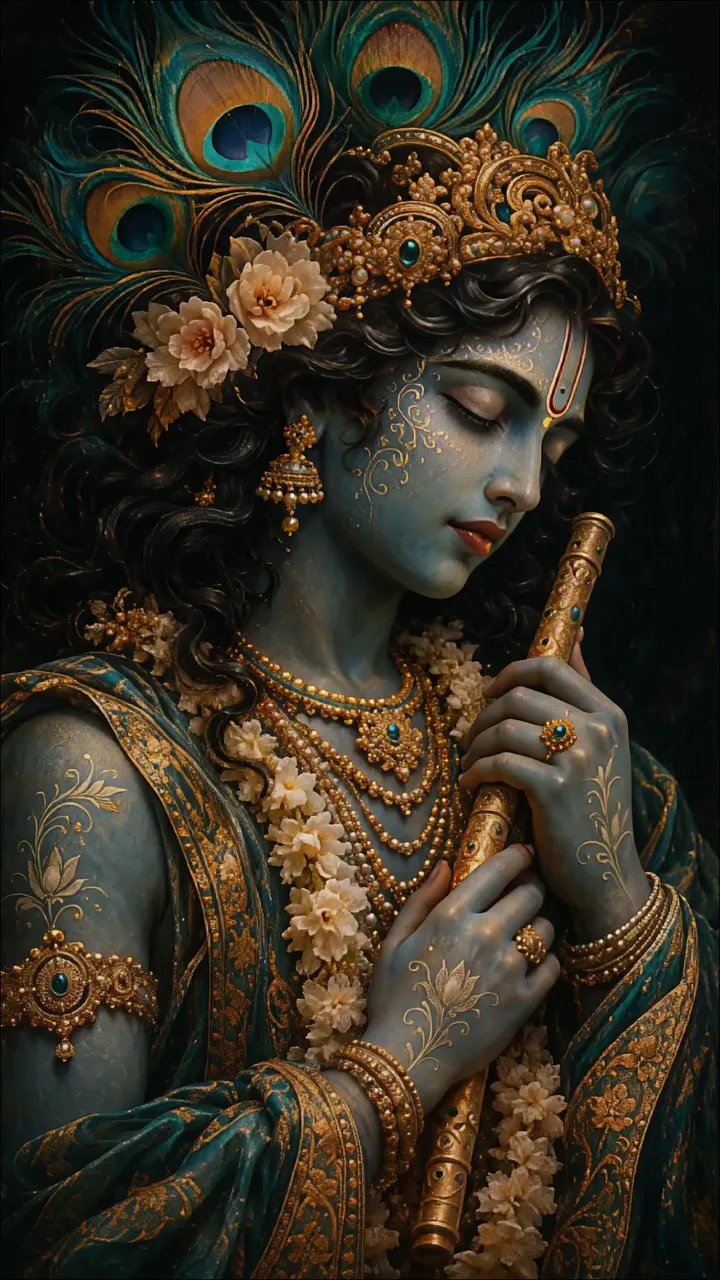
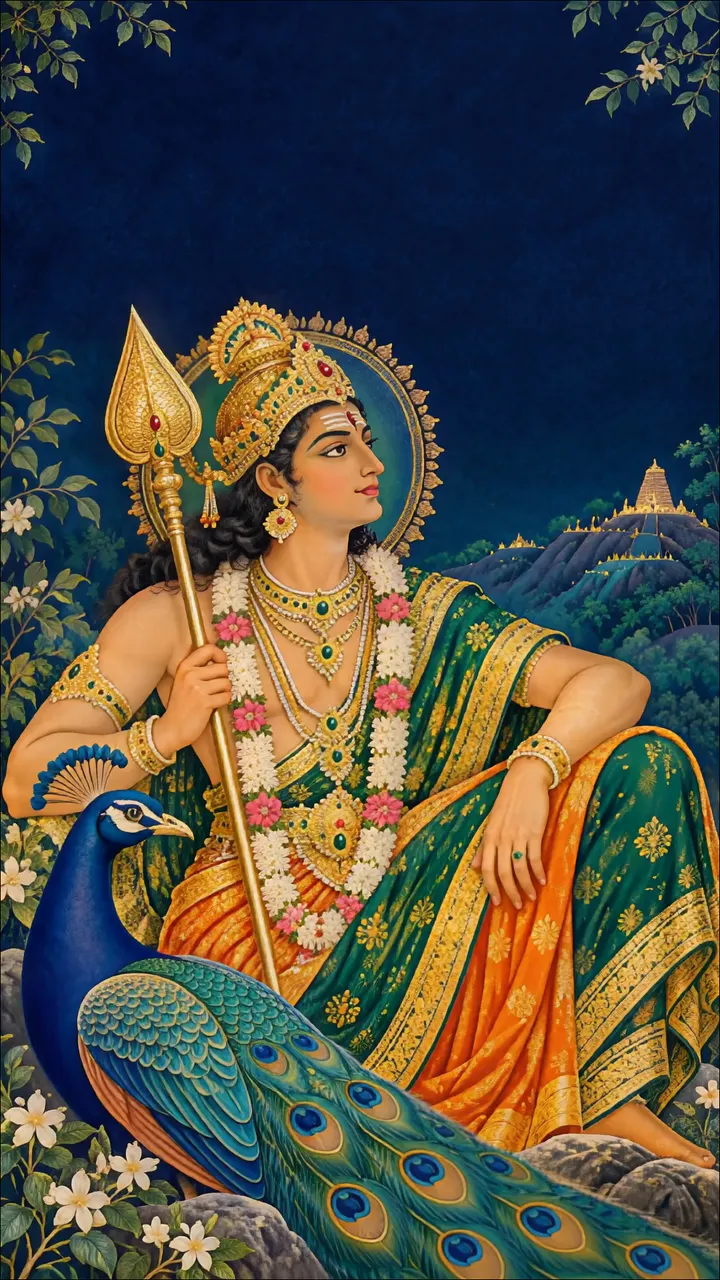
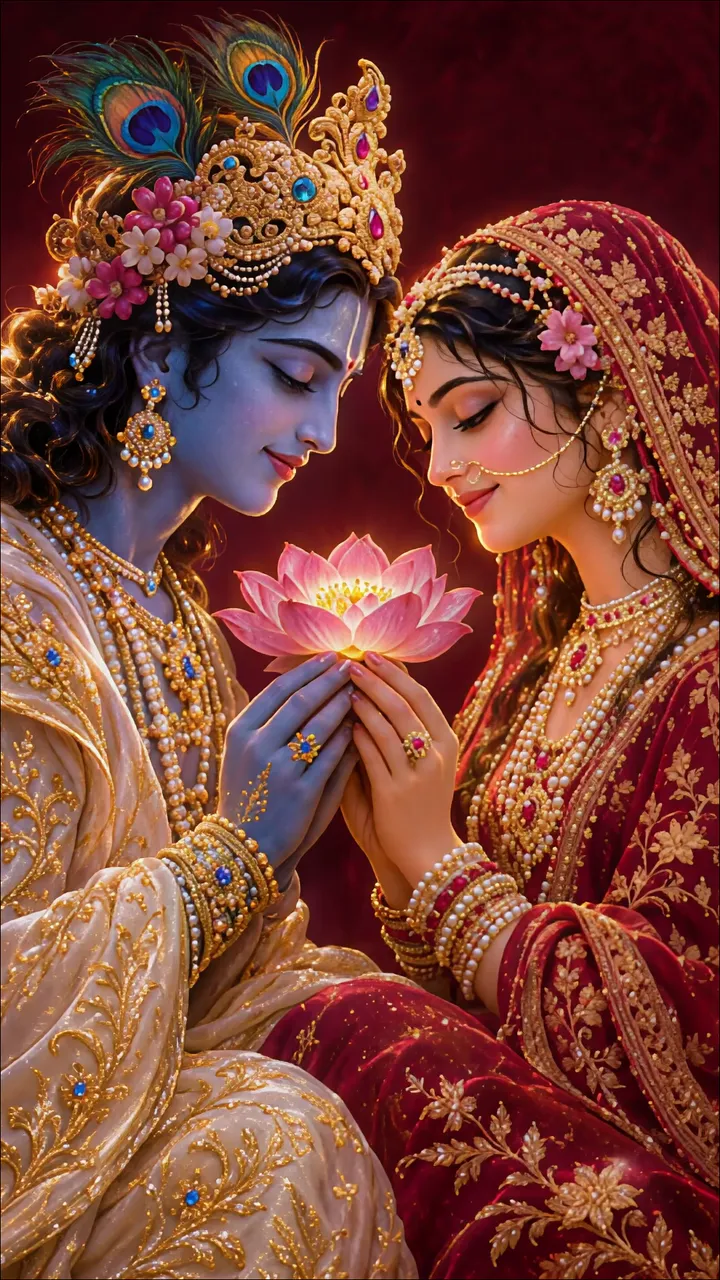
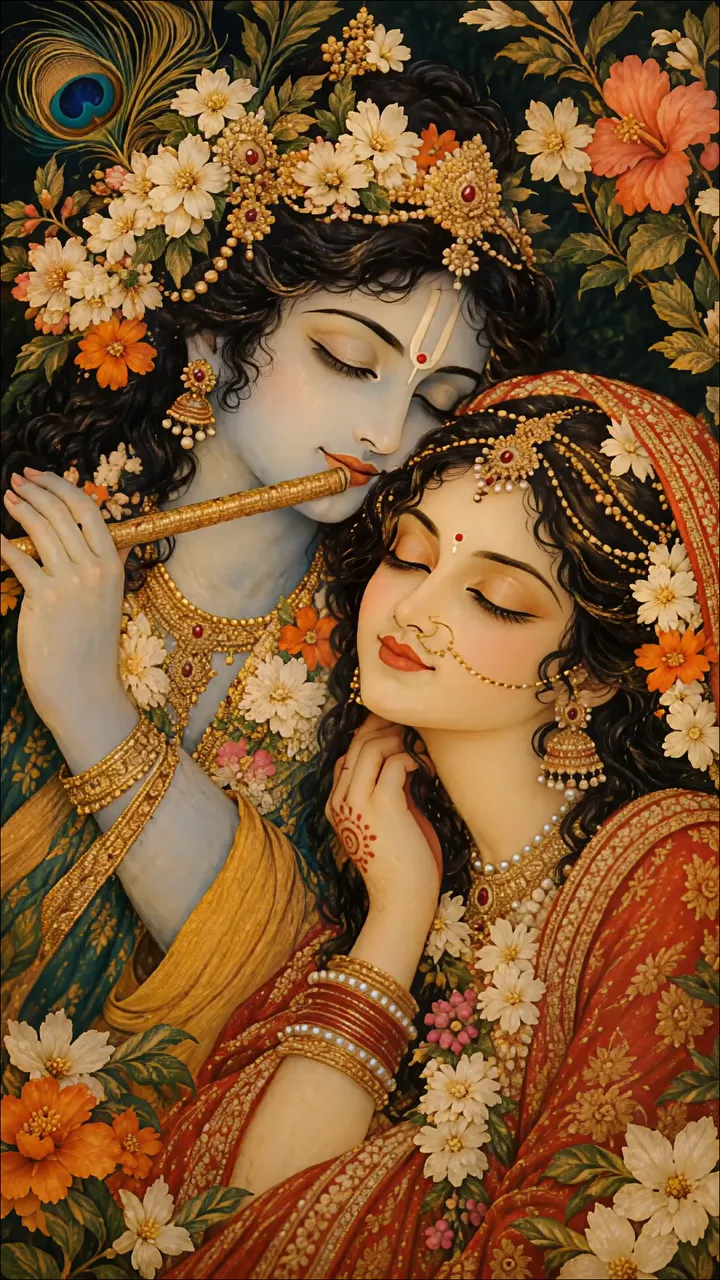
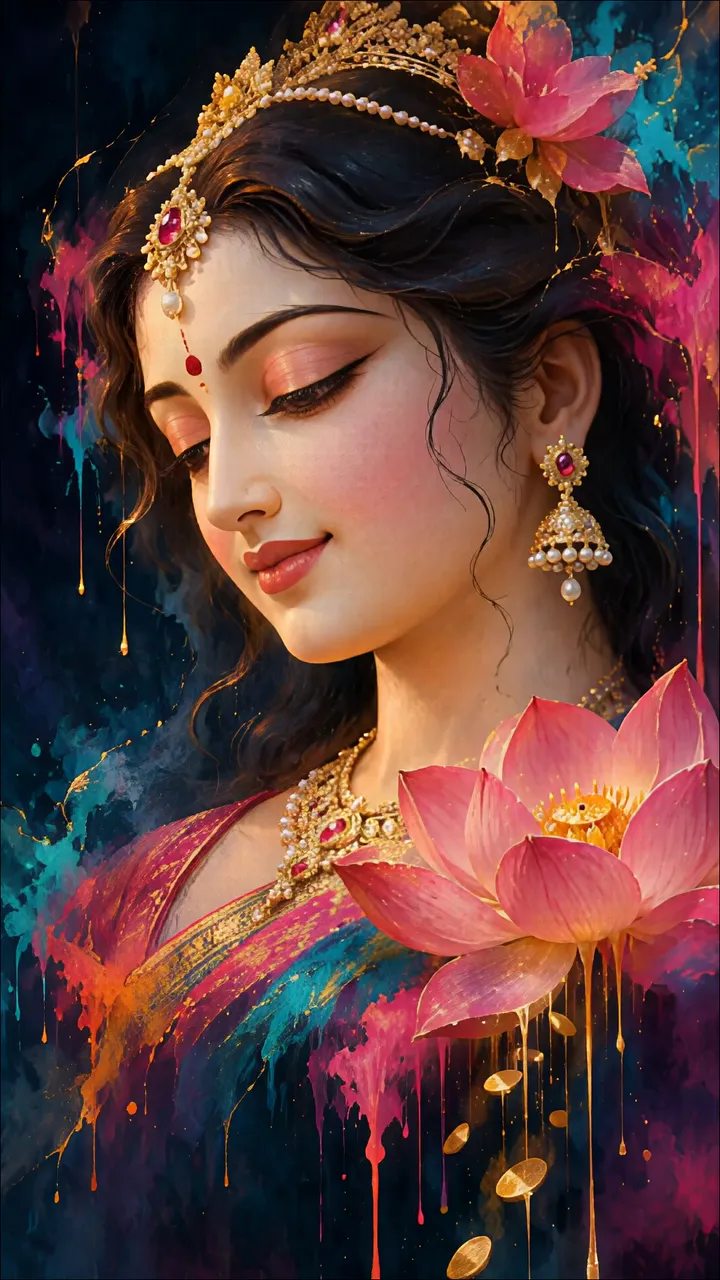
Shiva And Parvati Exchanging Garlands At Vivah Panchami live wallpaper
How to set it as wallpaper
iPhone
For a still wallpaper, save the cropped JPG to Photos and choose it in Settings → Wallpaper. For an animated Lock Screen on supported models, convert the MP4 to a Live Photo with a compatible app and select it in the wallpaper picker.
Android
For a still wallpaper, open the JPG in your gallery and choose Set as wallpaper. For the MP4, look for a video wallpaper option in your gallery or wallpaper settings. A compatible live wallpaper app can help if your phone has no built-in option.
After saving the converted Live Photo to Photos, open Settings, then Wallpaper, then Add New Wallpaper. Tap Photos, choose Live Photo, select the saved image, turn on the Live Photo effect, and tap Add to apply it to your Lock Screen.
Shiva and Parvati are depicted in a solemn, devotional scene during Vivah Panchami, exchanging a floral garland over a sacred fire. Rendered in striking black and gold, their ornate silhouettes are adorned with intricate jewelry and crowns, framed by a golden floral arch. The composition emphasizes symmetry and ritual, with the glowing fire at the base and scattered petals enhancing the ceremonial atmosphere. The dark background contrasts with the luminous gold details, creating a rich, reverent mood that highlights the divine union and spiritual significance of the moment.
- Format
- MP4 live wallpaper
- Resolution
- 720P, 1080P
- Duration
- 00:08
- File size
- 4.8 MB
- Category
- Vivah Panchami, Shiva, Parvati