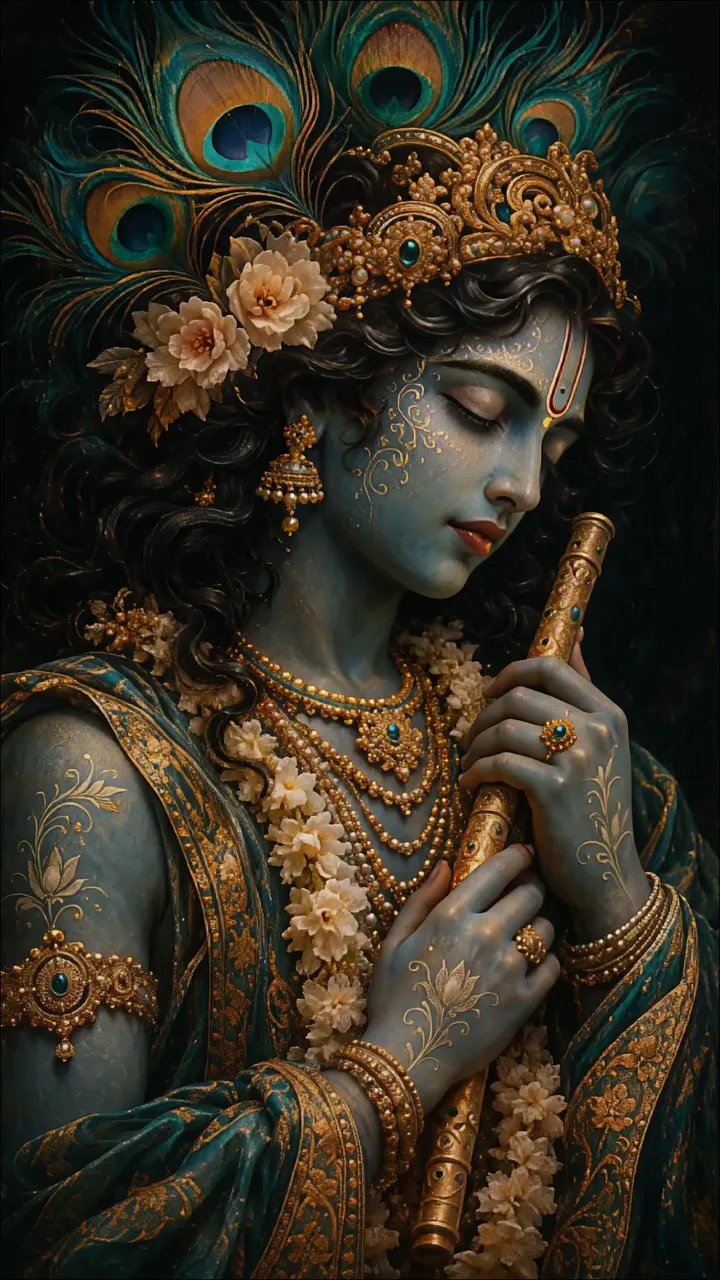
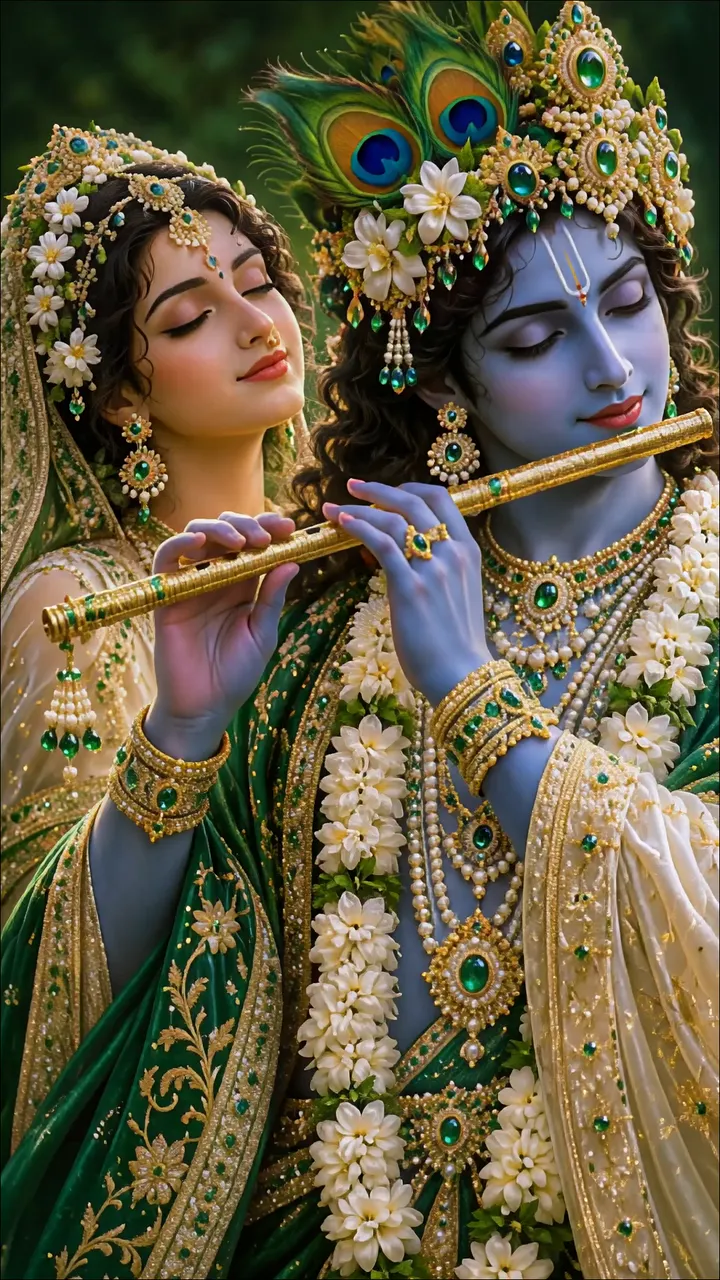
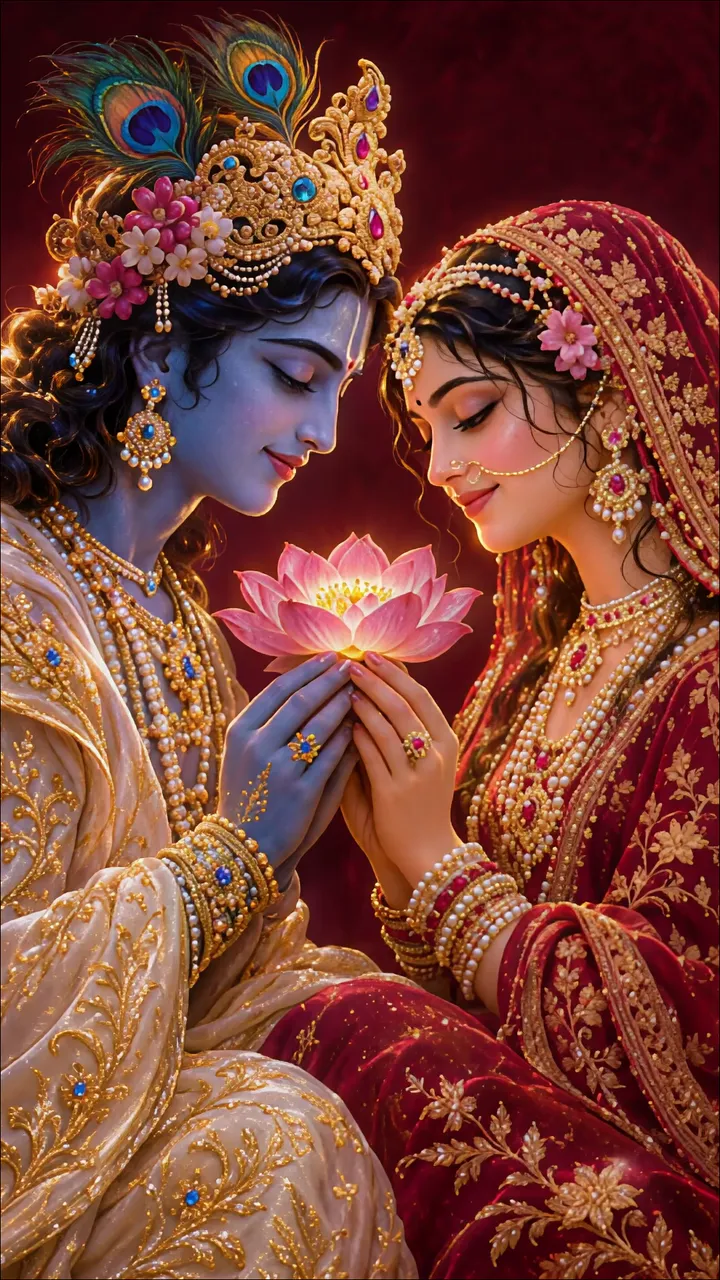
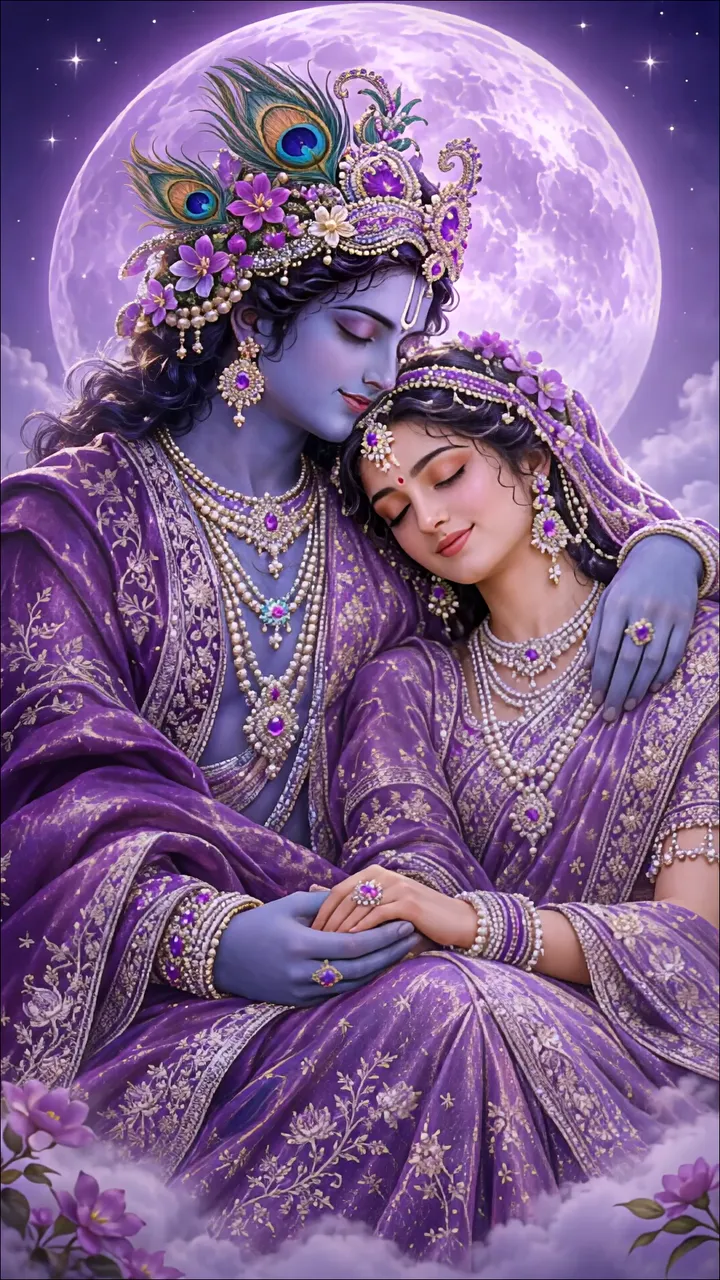
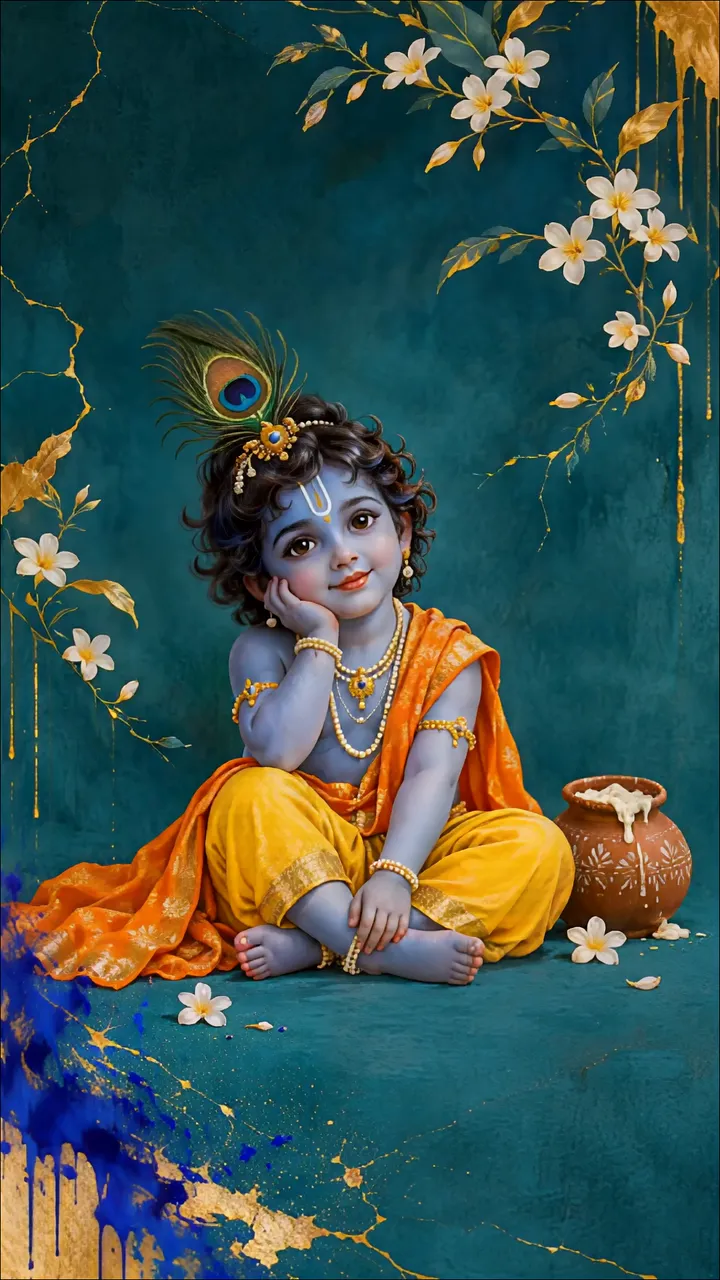
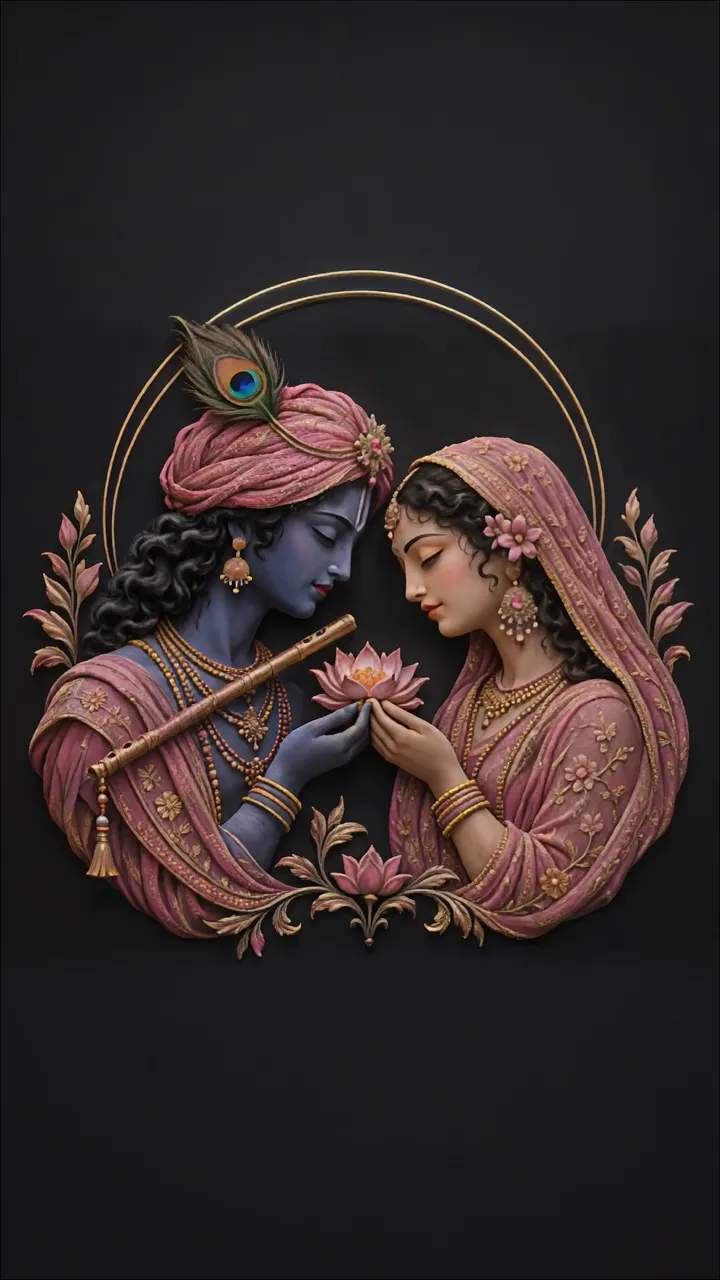
Krishna Playing Flute For Radha Amidst Floral Garden live wallpaper
How to set it as wallpaper
iPhone
For a still wallpaper, save the cropped JPG to Photos and choose it in Settings → Wallpaper. For an animated Lock Screen on supported models, convert the MP4 to a Live Photo with a compatible app and select it in the wallpaper picker.
Android
For a still wallpaper, open the JPG in your gallery and choose Set as wallpaper. For the MP4, look for a video wallpaper option in your gallery or wallpaper settings. A compatible live wallpaper app can help if your phone has no built-in option.
After saving the converted Live Photo to Photos, open Settings, then Wallpaper, then Add New Wallpaper. Tap Photos, choose Live Photo, select the saved image, turn on the Live Photo effect, and tap Add to apply it to your Lock Screen.
Krishna, with blue skin and adorned in golden jewelry, gently plays a flute while Radha rests her head against him, eyes closed in serene devotion. They are surrounded by a lush floral garden filled with orange hibiscus, white blossoms, and peacock feathers, creating a rich, textured backdrop. The intimate composition highlights their tender connection, enhanced by warm lighting and intricate traditional attire. The scene evokes a tranquil, spiritual atmosphere, capturing a timeless moment of divine love and harmony in classic devotional art style.
- Format
- MP4 live wallpaper
- Resolution
- 720P, 1080P
- Duration
- 00:07
- File size
- 10.4 MB
- Category
- Krishna, Radha, Floral Garden