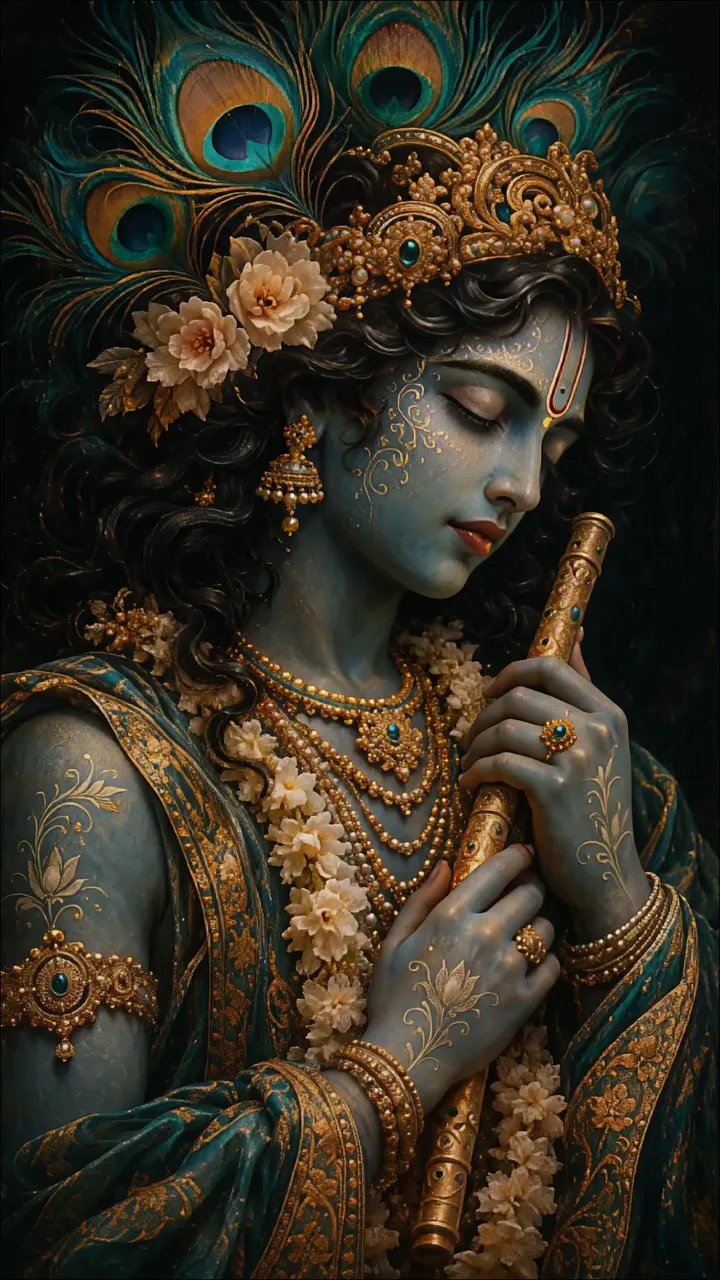
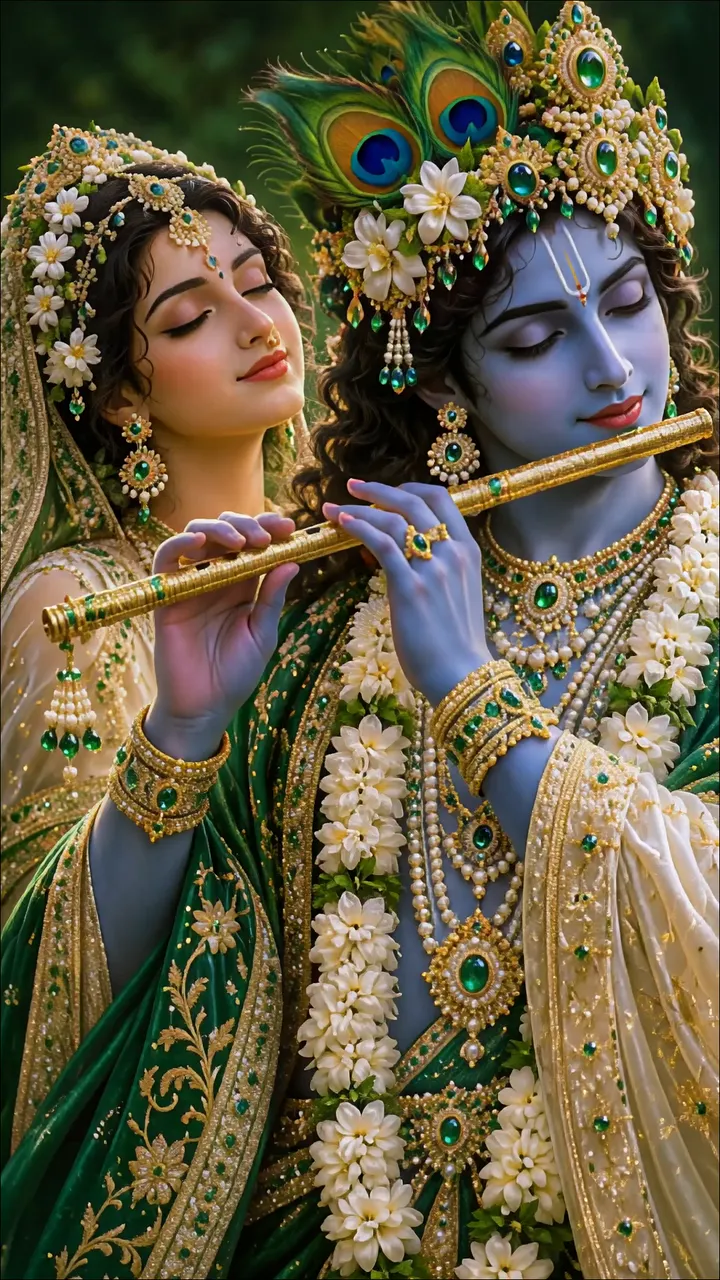
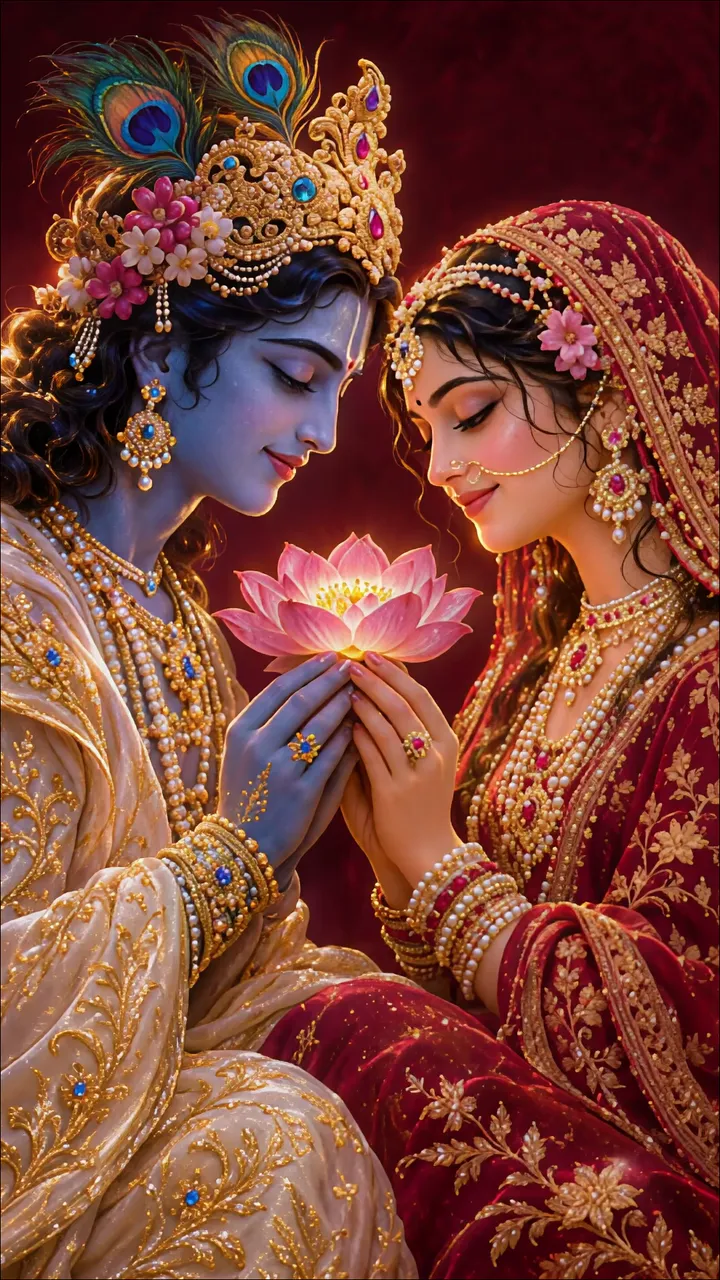
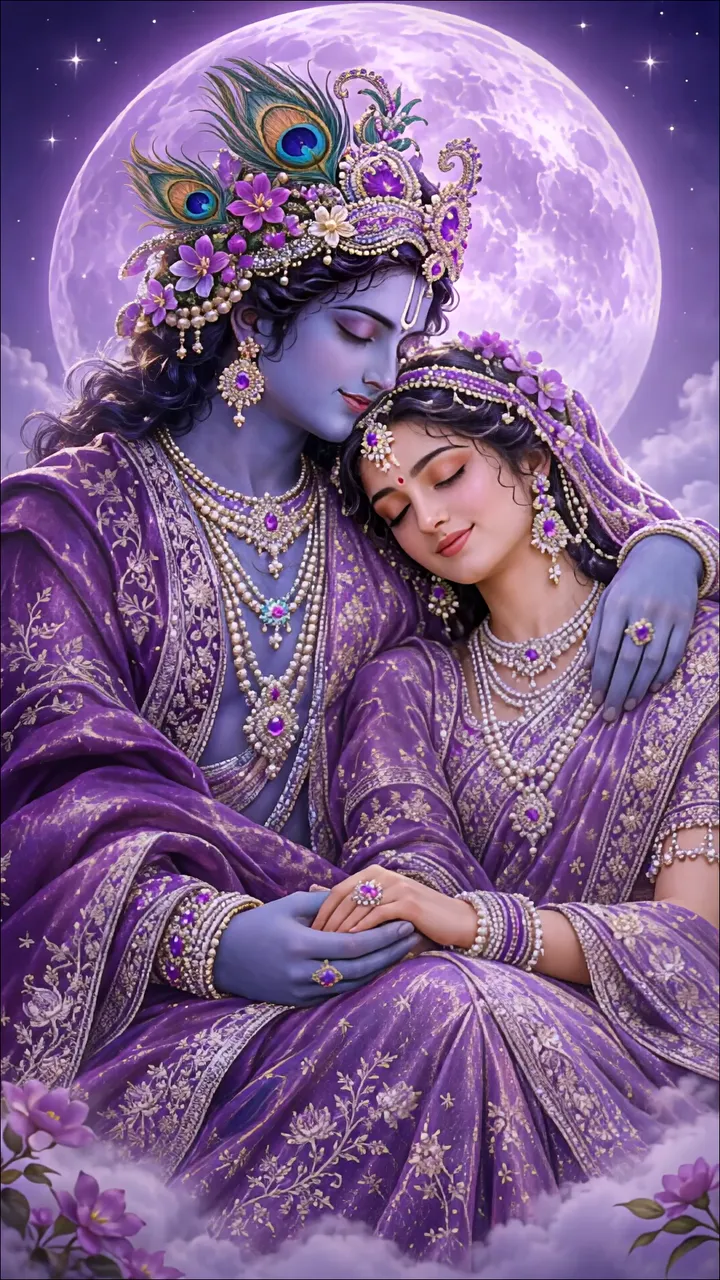
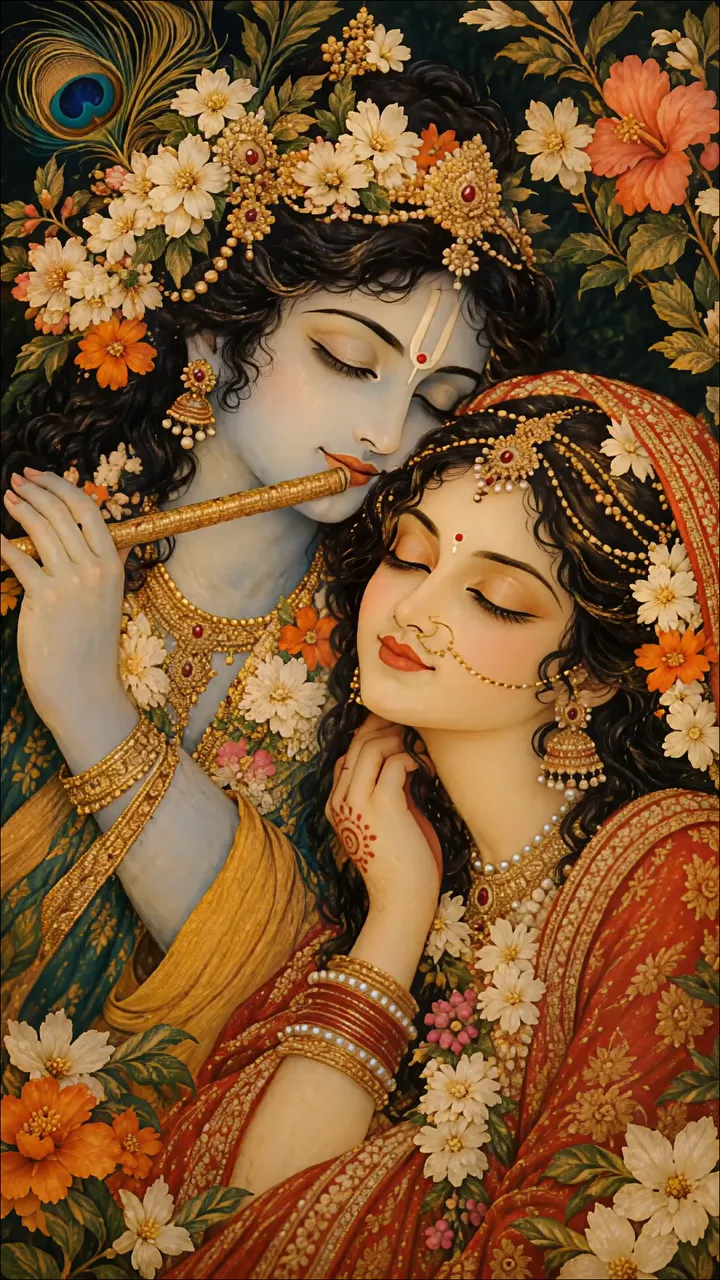
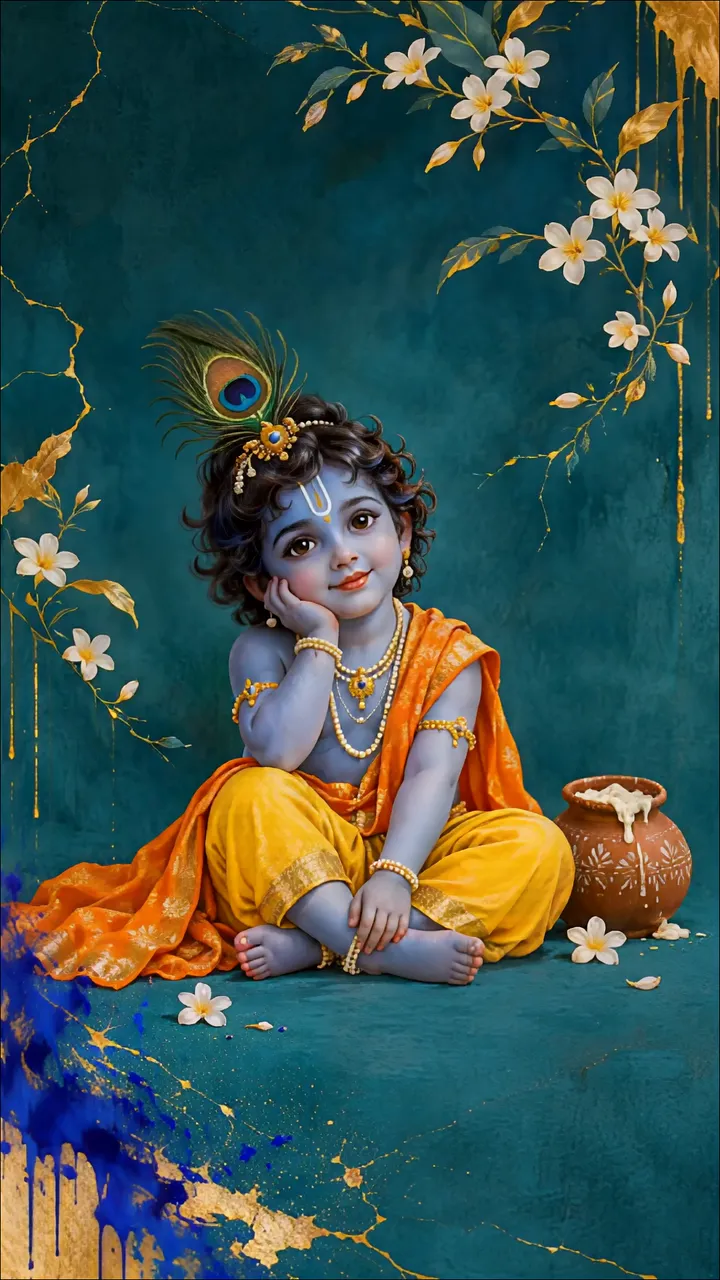
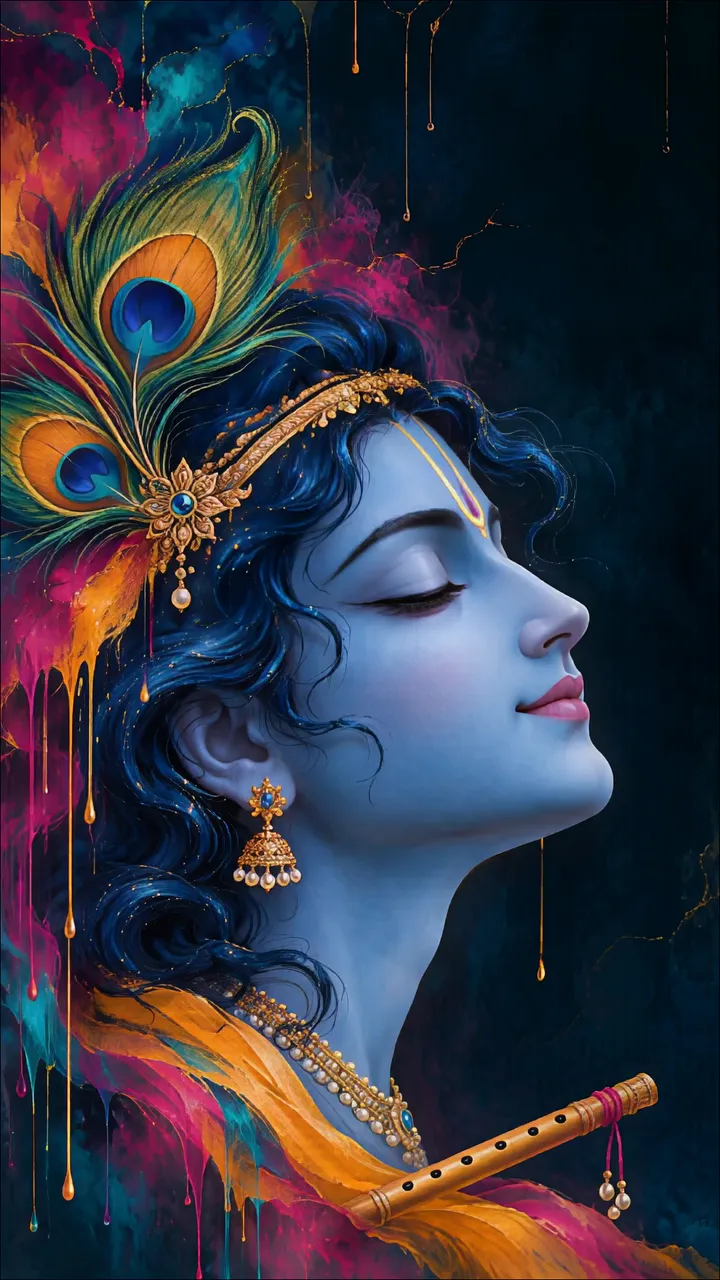
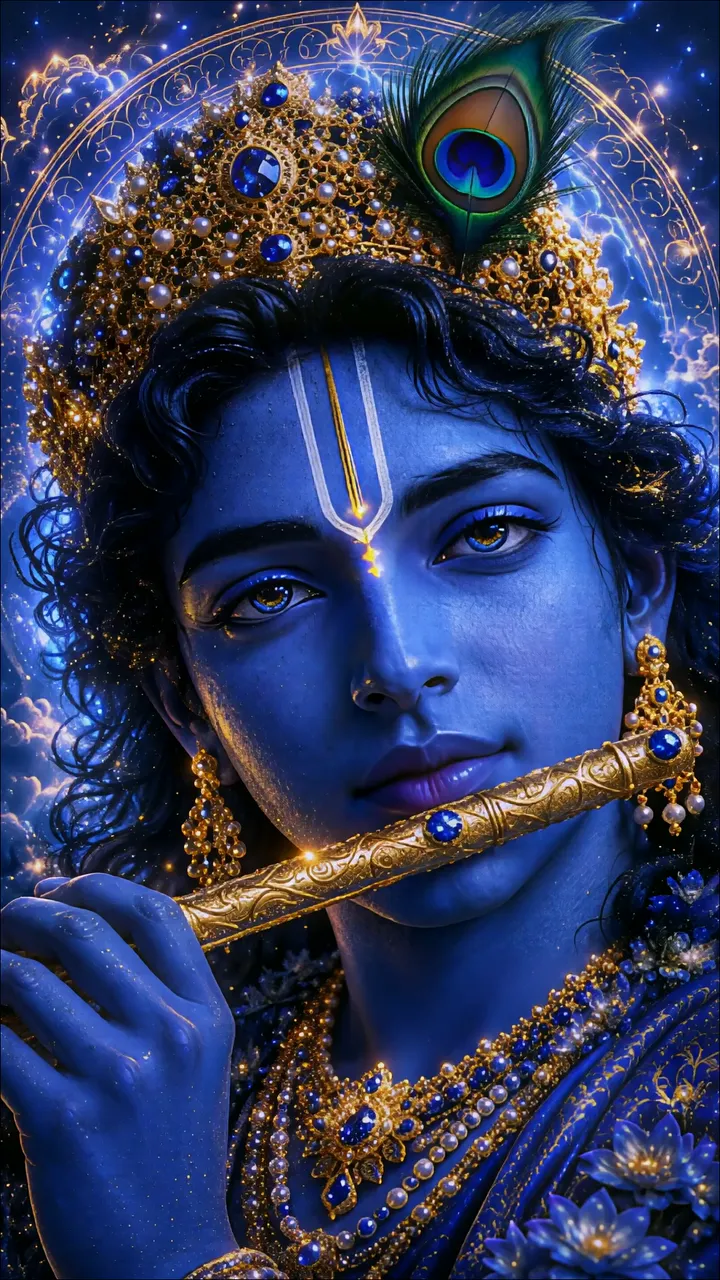
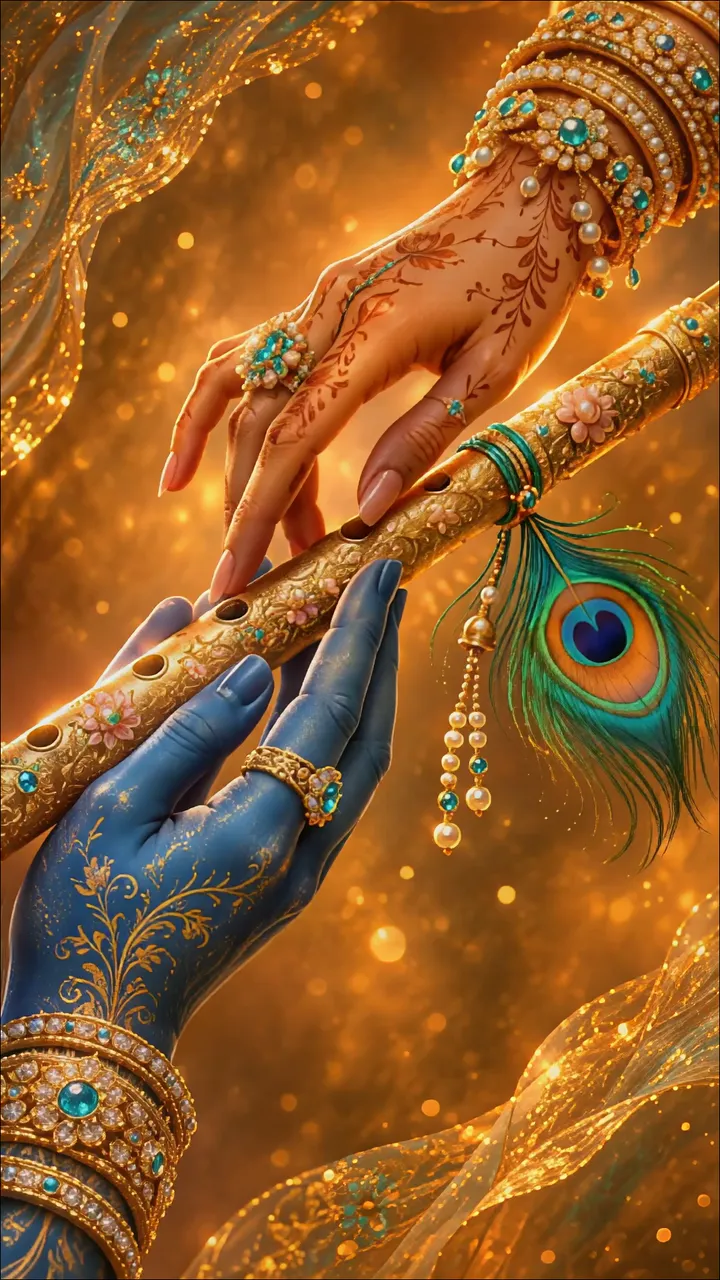
Krishna Playing Flute For Radha Amid Lotus And Peacock Feather live wallpaper
How to set it as wallpaper
iPhone
For a still wallpaper, save the cropped JPG to Photos and choose it in Settings → Wallpaper. For an animated Lock Screen on supported models, convert the MP4 to a Live Photo with a compatible app and select it in the wallpaper picker.
Android
For a still wallpaper, open the JPG in your gallery and choose Set as wallpaper. For the MP4, look for a video wallpaper option in your gallery or wallpaper settings. A compatible live wallpaper app can help if your phone has no built-in option.
After saving the converted Live Photo to Photos, open Settings, then Wallpaper, then Add New Wallpaper. Tap Photos, choose Live Photo, select the saved image, turn on the Live Photo effect, and tap Add to apply it to your Lock Screen.
A serene devotional scene depicts Krishna, with blue skin and a peacock feather in his turban, gently playing a flute toward Radha, who holds a pink lotus. Both figures are adorned in ornate pink and gold attire, framed by a golden circular halo and decorative floral motifs. Their closed eyes and tender posture convey deep spiritual connection and sacred love. The dark background enhances the luminous details of their garments and the soft glow of the lotus, creating a tranquil, reverent atmosphere. The composition emphasizes intimacy and divine romance, rendered in rich textures and warm, symbolic colors.
- Format
- MP4 live wallpaper
- Resolution
- 720P, 1080P
- Duration
- 00:07
- File size
- 4 MB
- Category
- Krishna, Radha, Lotus Flower