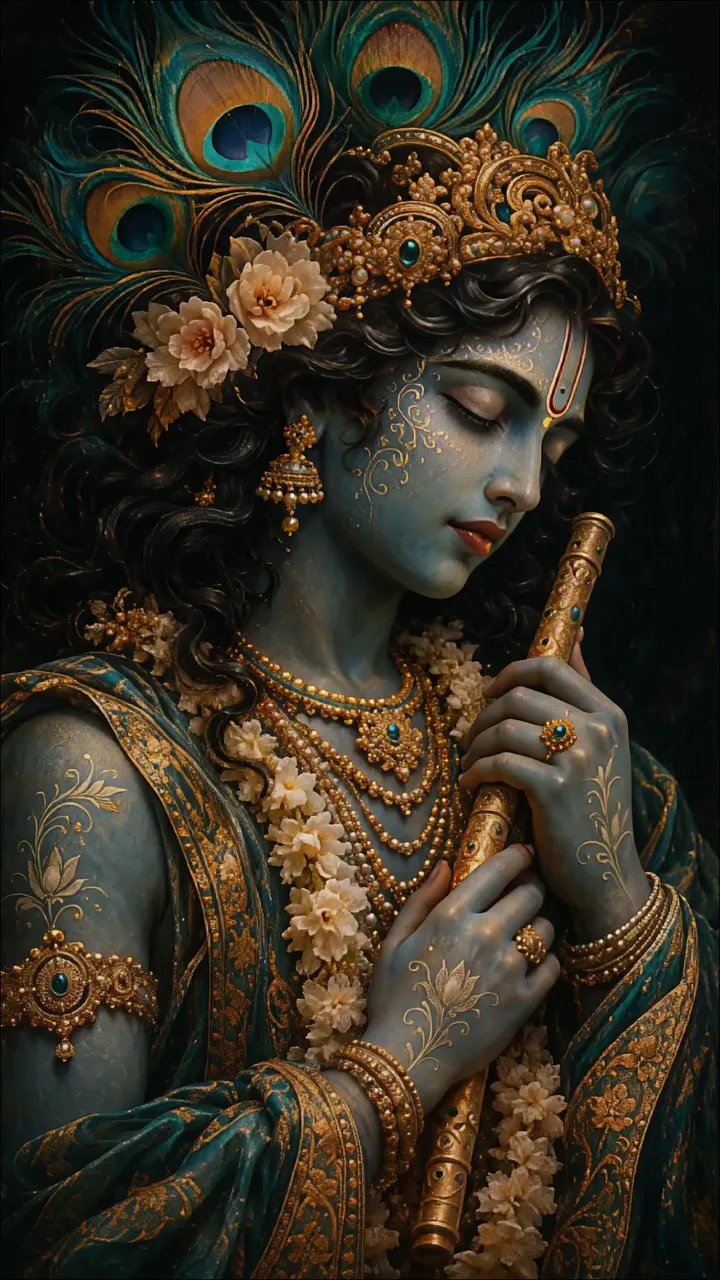
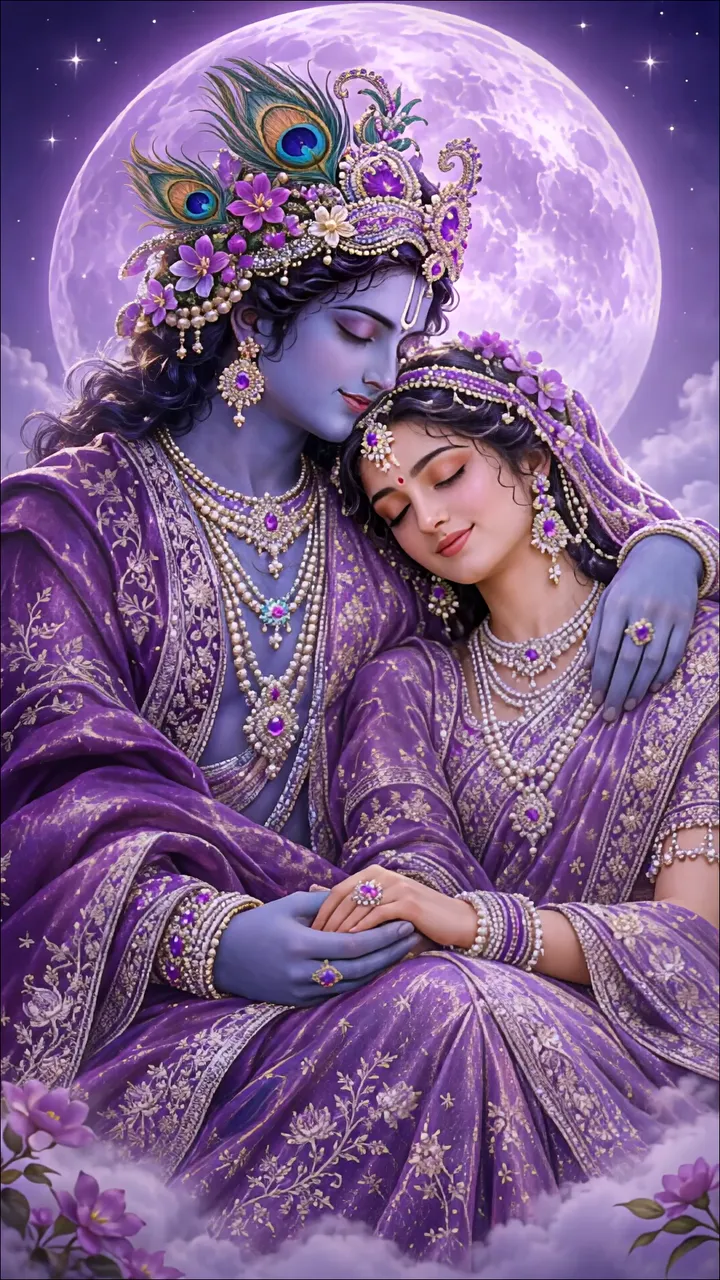
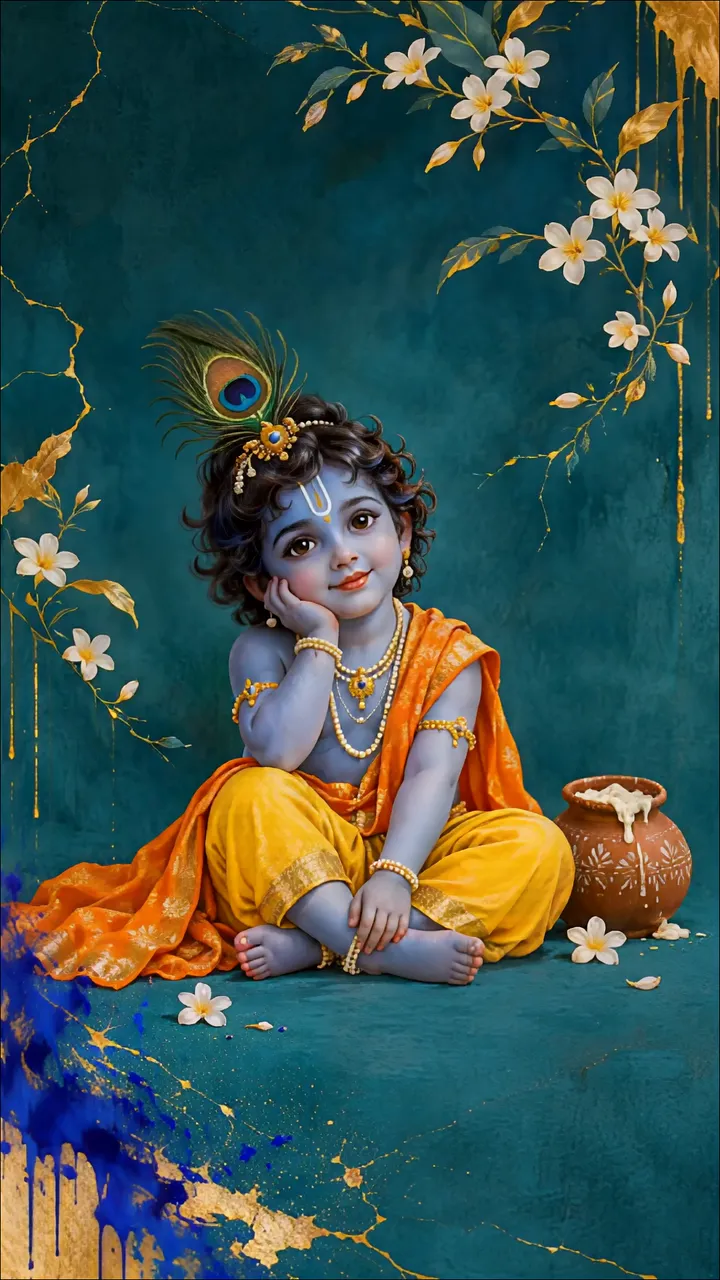
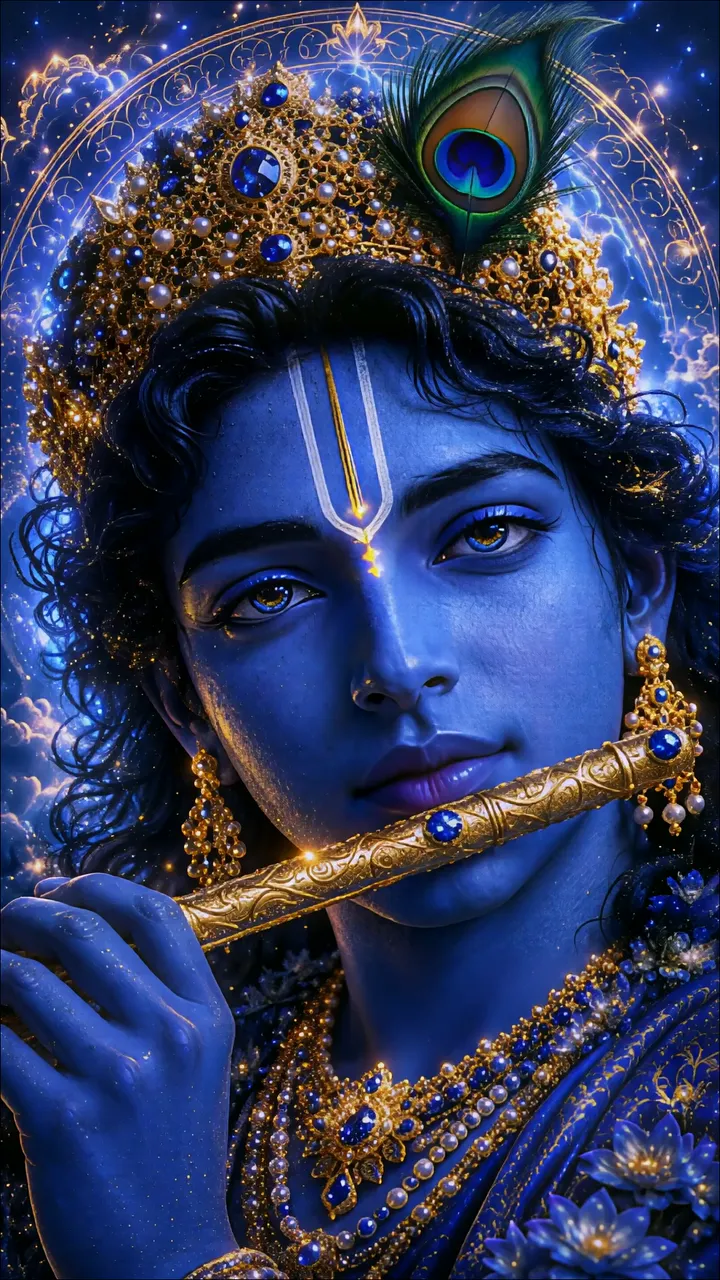
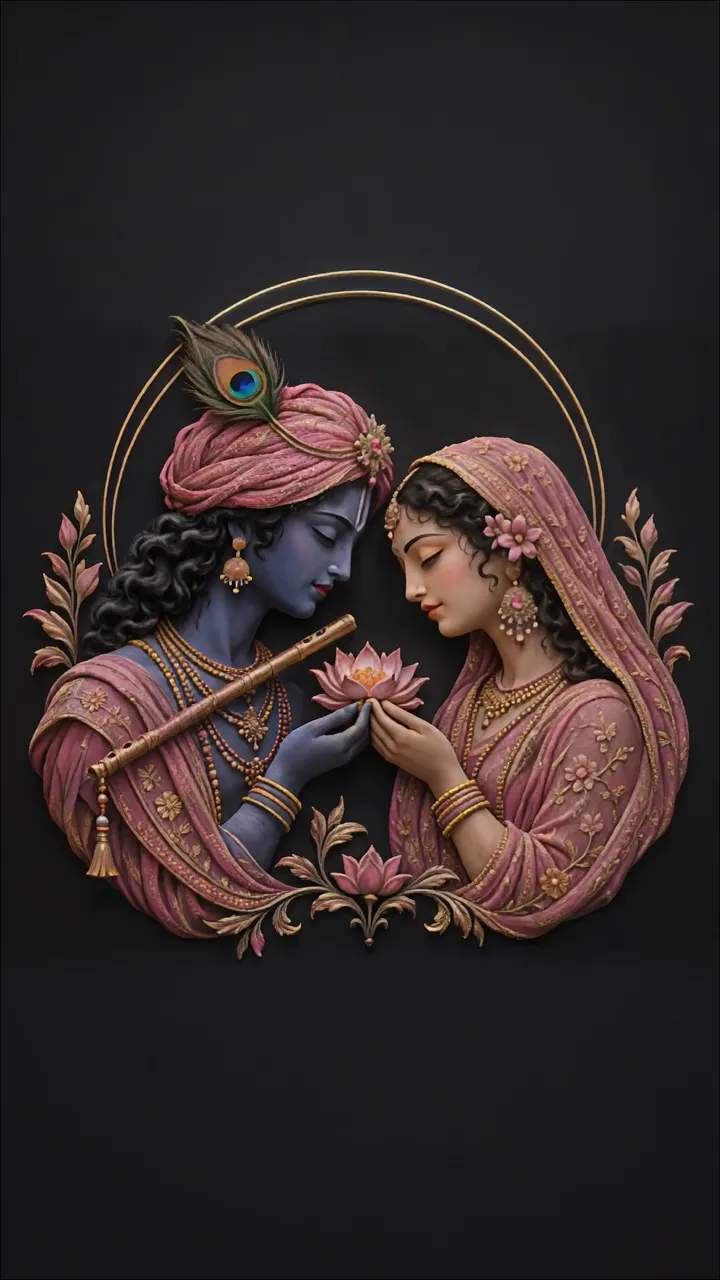
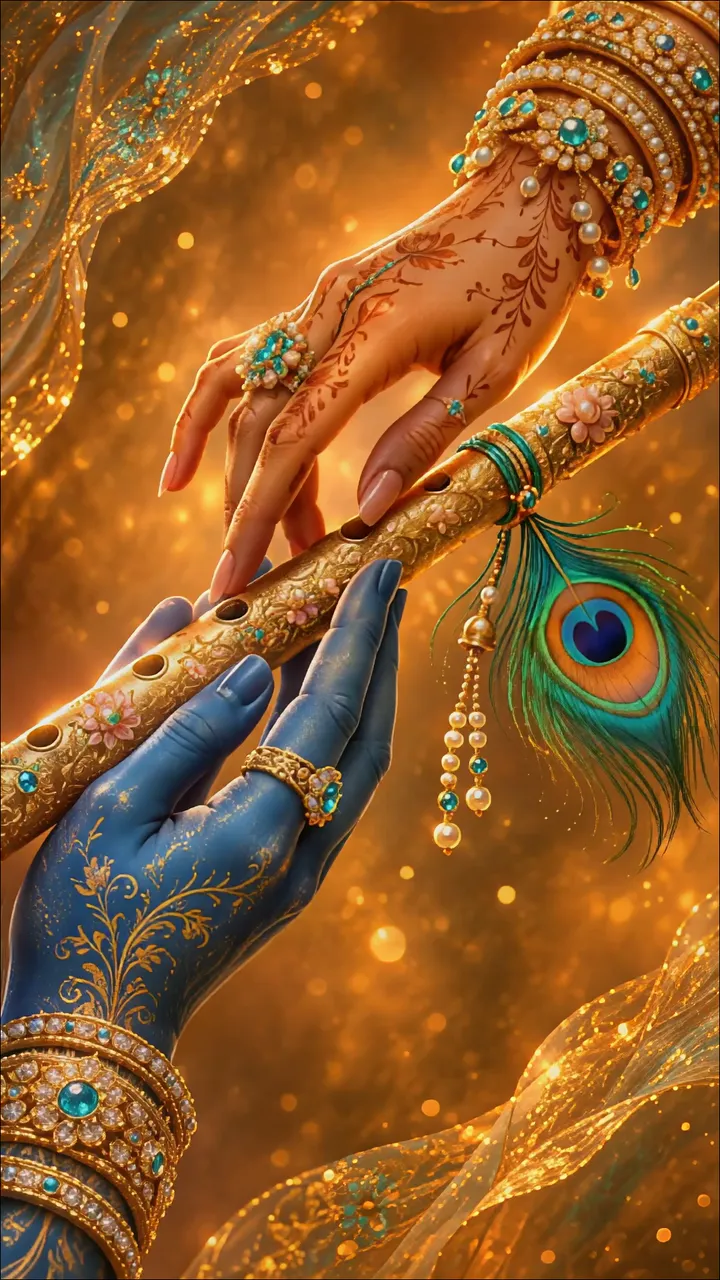
Blue-Skinned Krishna With Peacock Feather And Flute live wallpaper
How to set it as wallpaper
iPhone
For a still wallpaper, save the cropped JPG to Photos and choose it in Settings → Wallpaper. For an animated Lock Screen on supported models, convert the MP4 to a Live Photo with a compatible app and select it in the wallpaper picker.
Android
For a still wallpaper, open the JPG in your gallery and choose Set as wallpaper. For the MP4, look for a video wallpaper option in your gallery or wallpaper settings. A compatible live wallpaper app can help if your phone has no built-in option.
After saving the converted Live Photo to Photos, open Settings, then Wallpaper, then Add New Wallpaper. Tap Photos, choose Live Photo, select the saved image, turn on the Live Photo effect, and tap Add to apply it to your Lock Screen.
A serene, blue-skinned Krishna is depicted in profile, eyes closed in meditation, adorned with golden jewelry and a vibrant peacock feather crown. He holds a wooden flute, its threads and beads visible against a dark background. Colorful paint drips cascade from his hair and shoulders, blending magenta, teal, and gold into the composition. The scene radiates calm devotion, enhanced by soft lighting that highlights his facial features and ornate accessories. The artistic style merges traditional iconography with modern abstract expression, creating a visually rich and spiritually evocative portrait.
- Format
- MP4 live wallpaper
- Resolution
- 720P, 1080P
- Duration
- 00:08
- File size
- 6.5 MB
- Category
- Krishna, Peacock Feather, Flute