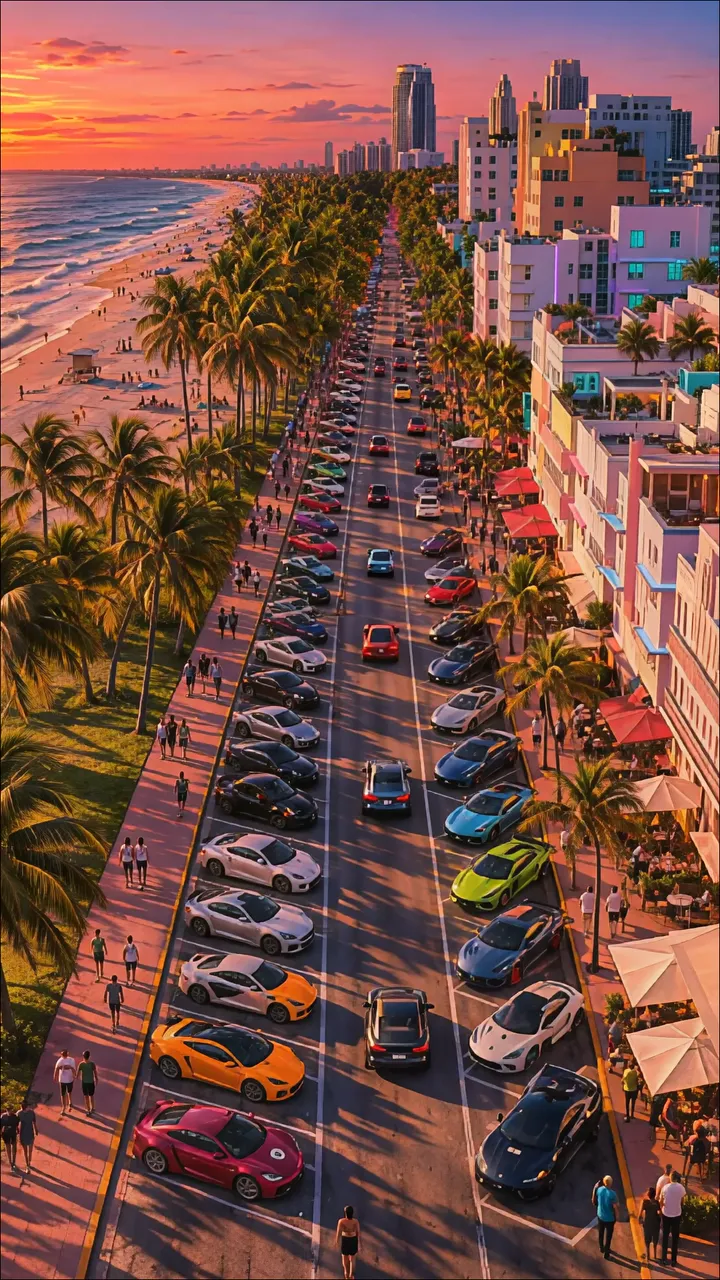
Red Classic Muscle Car On A Tropical Beachside Road live wallpaper
How to set it as wallpaper
iPhone
For a still wallpaper, save the cropped JPG to Photos and choose it in Settings → Wallpaper. For an animated Lock Screen on supported models, convert the MP4 to a Live Photo with a compatible app and select it in the wallpaper picker.
Android
For a still wallpaper, open the JPG in your gallery and choose Set as wallpaper. For the MP4, look for a video wallpaper option in your gallery or wallpaper settings. A compatible live wallpaper app can help if your phone has no built-in option.
After saving the converted Live Photo to Photos, open Settings, then Wallpaper, then Add New Wallpaper. Tap Photos, choose Live Photo, select the saved image, turn on the Live Photo effect, and tap Add to apply it to your Lock Screen.
A vibrant red classic muscle car with black racing stripes is parked on a sun-dappled roadside overlooking a turquoise ocean. Palm trees line the winding coastal road, casting leafy shadows on the gravel, while a pastel pink beach house with teal shutters stands nearby. In the distance, a long bridge stretches across the horizon under a bright blue sky filled with fluffy white clouds. The scene combines the bold lines of the vintage vehicle with the serene beauty of a tropical coastline, creating a vivid, cinematic atmosphere perfect for a relaxing drive or scenic stop.
- Format
- MP4 live wallpaper
- Resolution
- 720P, 1080P
- Duration
- 00:08
- File size
- 12.2 MB
- Category
- GTA 6, Classic Muscle Car, Tropical Beach