Download "Pink Axolotl Swimming In A Lush Minecraft Water Cave" live wallpaper

Verify that you are human to download high quality live wallpapes.

How to set live wallpaper on your phone Setup tutorial

On Android Phones

  1. Save the downloaded MP4 file to your phone.
  2. Open your phone's Gallery, Files, or Wallpaper app.
  3. Choose the video, tap Set as wallpaper, then apply it to your home screen or lock screen.

On iPhone

  1. Save the MP4 file to Photos.
  2. iPhone requires a Live Photo, convert the video with a live wallpaper app first.
  3. Open Settings > Wallpaper, select the saved Live Photo, then apply it.
You may also like:

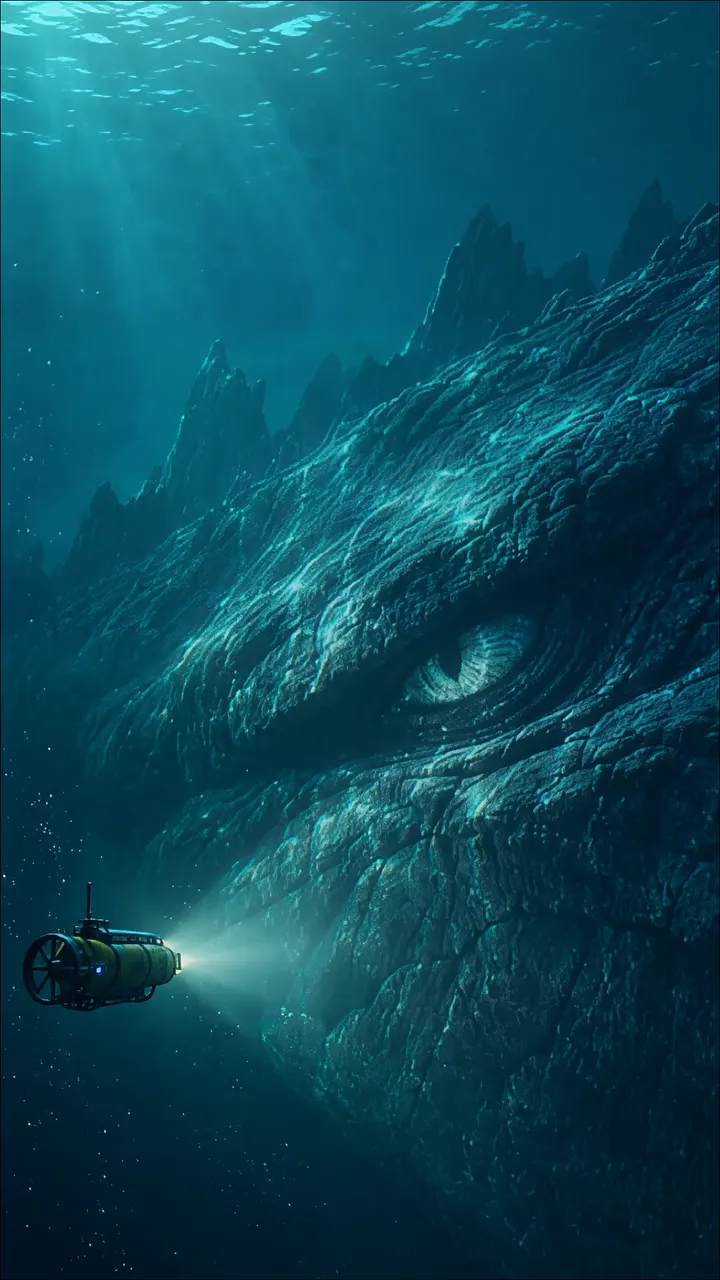
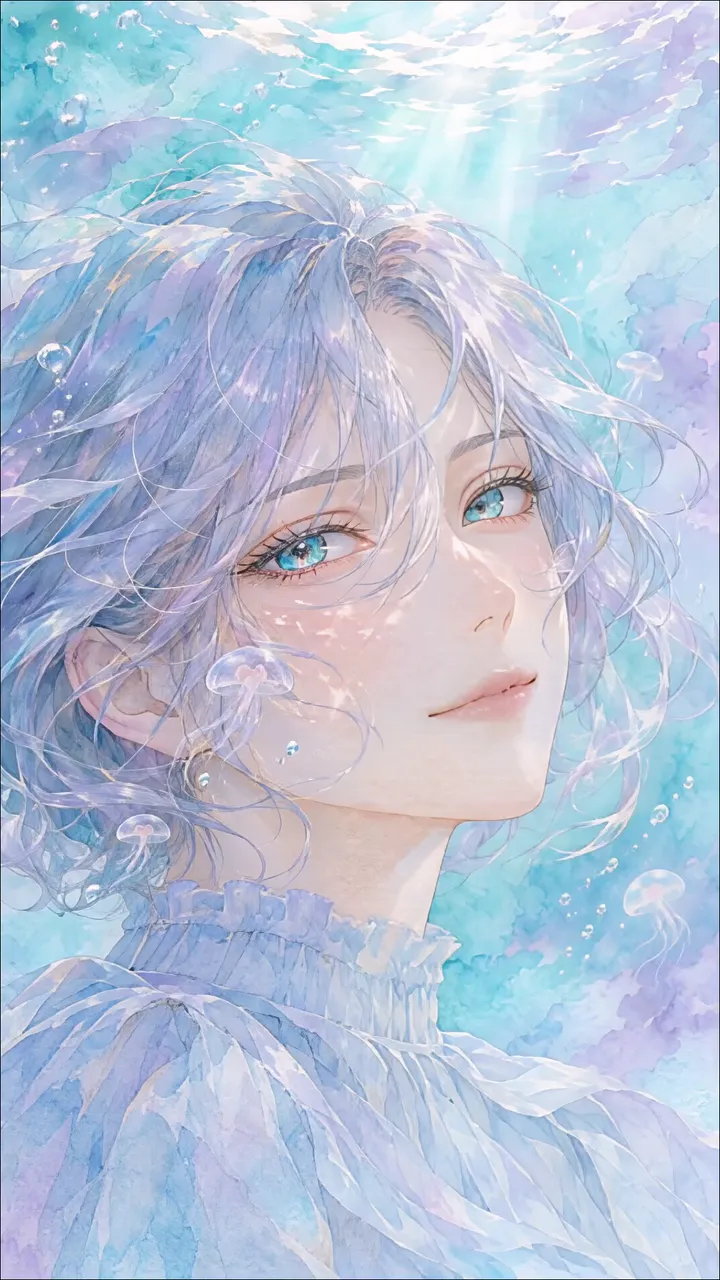
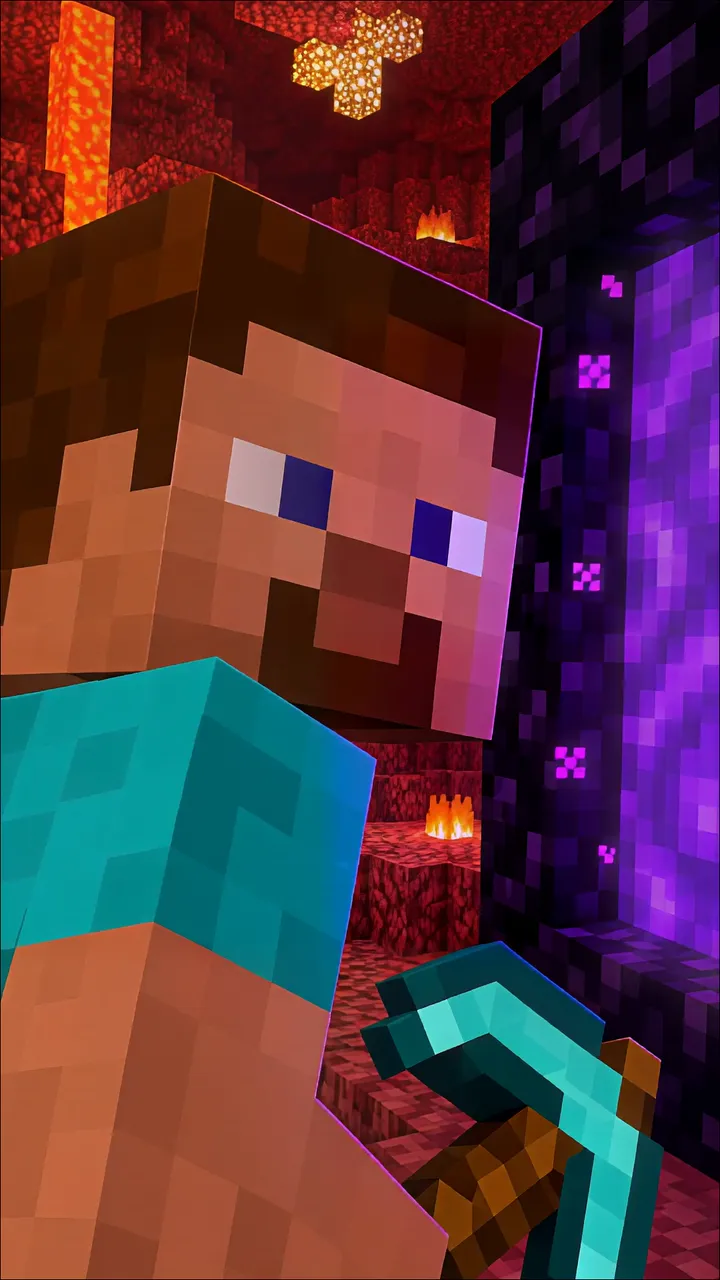
Steve From Minecraft Holding Diamond Sword In Nether Steve From Minecraft Holding Diamond Sword In Nether Enderman In A Dark Minecraft Dungeon With Glowing Blue Eyes Enderman In A Dark Minecraft Dungeon With Glowing Blue Eyes Enderman Holding Grass Block In The End Dimension Enderman Holding Grass Block In The End Dimension Creeper In A Lush Minecraft Cave With Glowstone Creeper In A Lush Minecraft Cave With Glowstone Alex From Minecraft Exploring A Purple Crystal Cave Alex From Minecraft Exploring A Purple Crystal Cave Submersible Exploring Godzilla's Underwater Face Submersible Exploring Godzilla's Underwater Face Majestic Indian Palace Reflecting In Serene Lake At Twilight Majestic Indian Palace Reflecting In Serene Lake At Twilight Anime Girl With Blue Hair Underwater Among Jellyfish Anime Girl With Blue Hair Underwater Among Jellyfish Anime Girl In Train Tunnel Watching Whale In Blue Water Anime Girl In Train Tunnel Watching Whale In Blue Water

Report wallpaper

Select the reason that best describes the issue.