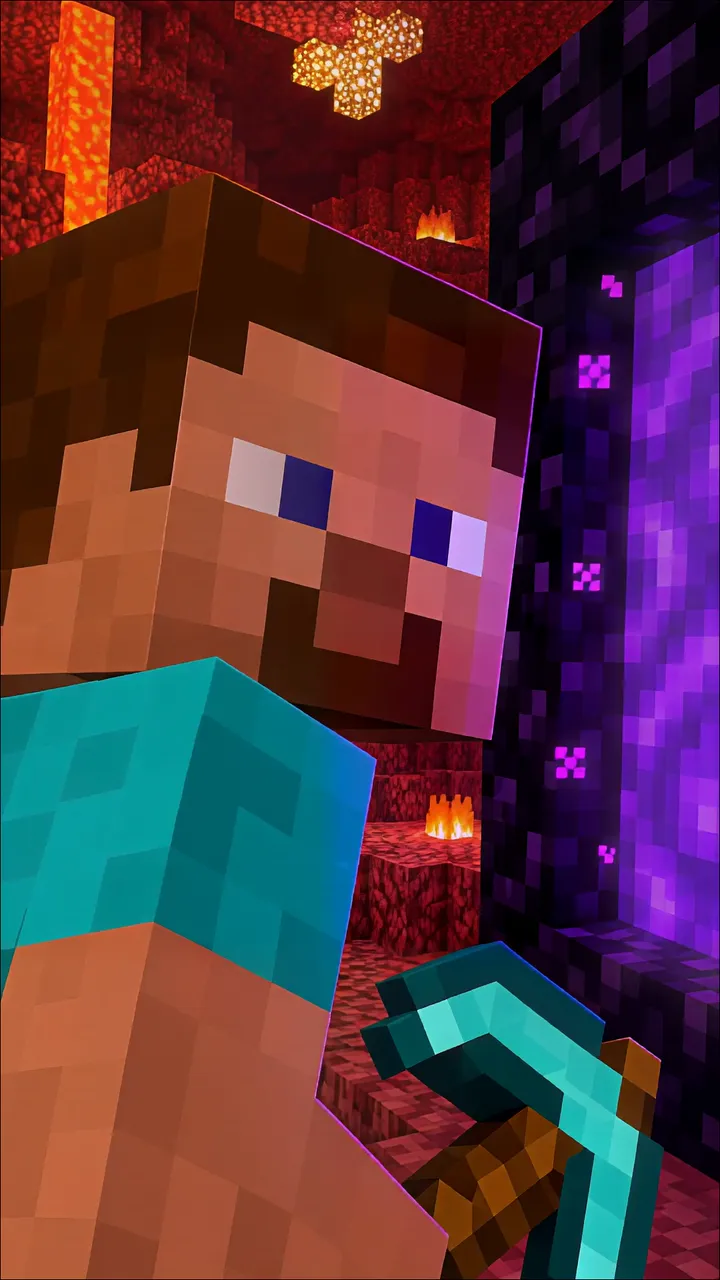
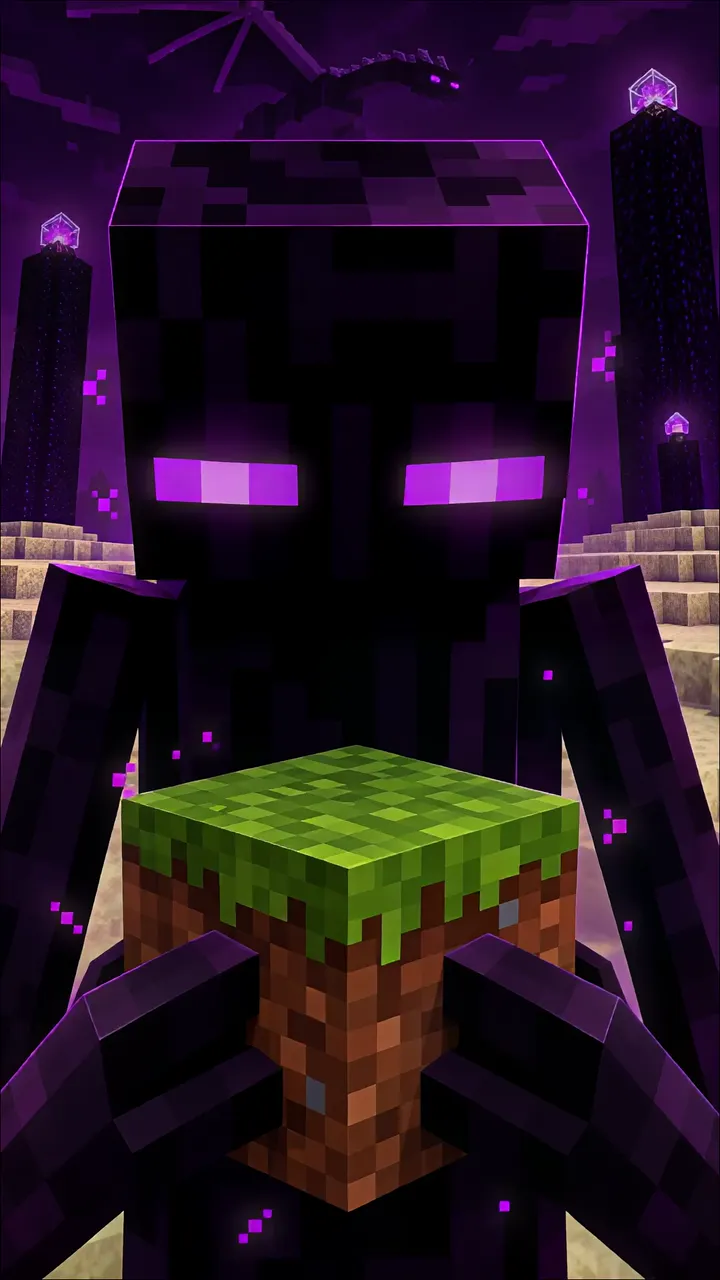
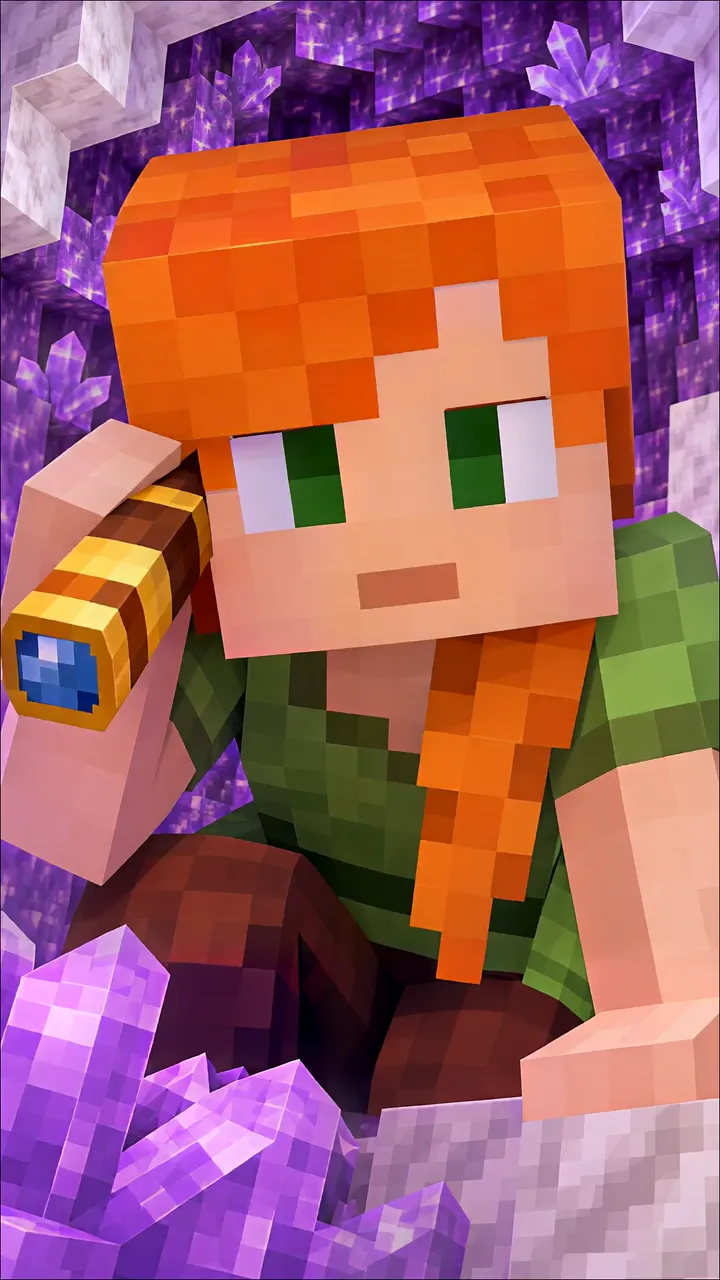
Enderman In A Dark Minecraft Dungeon With Glowing Blue Eyes live wallpaper
How to set it as wallpaper
iPhone
For a still wallpaper, save the cropped JPG to Photos and choose it in Settings → Wallpaper. For an animated Lock Screen on supported models, convert the MP4 to a Live Photo with a compatible app and select it in the wallpaper picker.
Android
For a still wallpaper, open the JPG in your gallery and choose Set as wallpaper. For the MP4, look for a video wallpaper option in your gallery or wallpaper settings. A compatible live wallpaper app can help if your phone has no built-in option.
After saving the converted Live Photo to Photos, open Settings, then Wallpaper, then Add New Wallpaper. Tap Photos, choose Live Photo, select the saved image, turn on the Live Photo effect, and tap Add to apply it to your Lock Screen.
A menacing Enderman stands in a dark, blocky Minecraft dungeon, its glowing blue eyes and translucent limbs casting an eerie light. The pixelated character is surrounded by stone structures and glowing blue crystals, creating a mysterious and immersive atmosphere. The scene is set at night, with deep shadows contrasting against the luminous elements, emphasizing the creature's imposing presence. The iconic Minecraft art style is evident in every blocky detail, from the character's textured skin to the ambient lighting of the environment, making this a striking and atmospheric depiction of the game's signature monster.
- Format
- MP4 live wallpaper
- Resolution
- 720P, 1080P
- Duration
- 00:07
- File size
- 3.8 MB
- Category
- Minecraft, Enderman, Dark Dungeon