Creeper In A Lush Minecraft Cave With Glowstone live wallpaper
How to set it as wallpaper
iPhone
For a still wallpaper, save the cropped JPG to Photos and choose it in Settings → Wallpaper. For an animated Lock Screen on supported models, convert the MP4 to a Live Photo with a compatible app and select it in the wallpaper picker.
Android
For a still wallpaper, open the JPG in your gallery and choose Set as wallpaper. For the MP4, look for a video wallpaper option in your gallery or wallpaper settings. A compatible live wallpaper app can help if your phone has no built-in option.
After saving the converted Live Photo to Photos, open Settings, then Wallpaper, then Add New Wallpaper. Tap Photos, choose Live Photo, select the saved image, turn on the Live Photo effect, and tap Add to apply it to your Lock Screen.
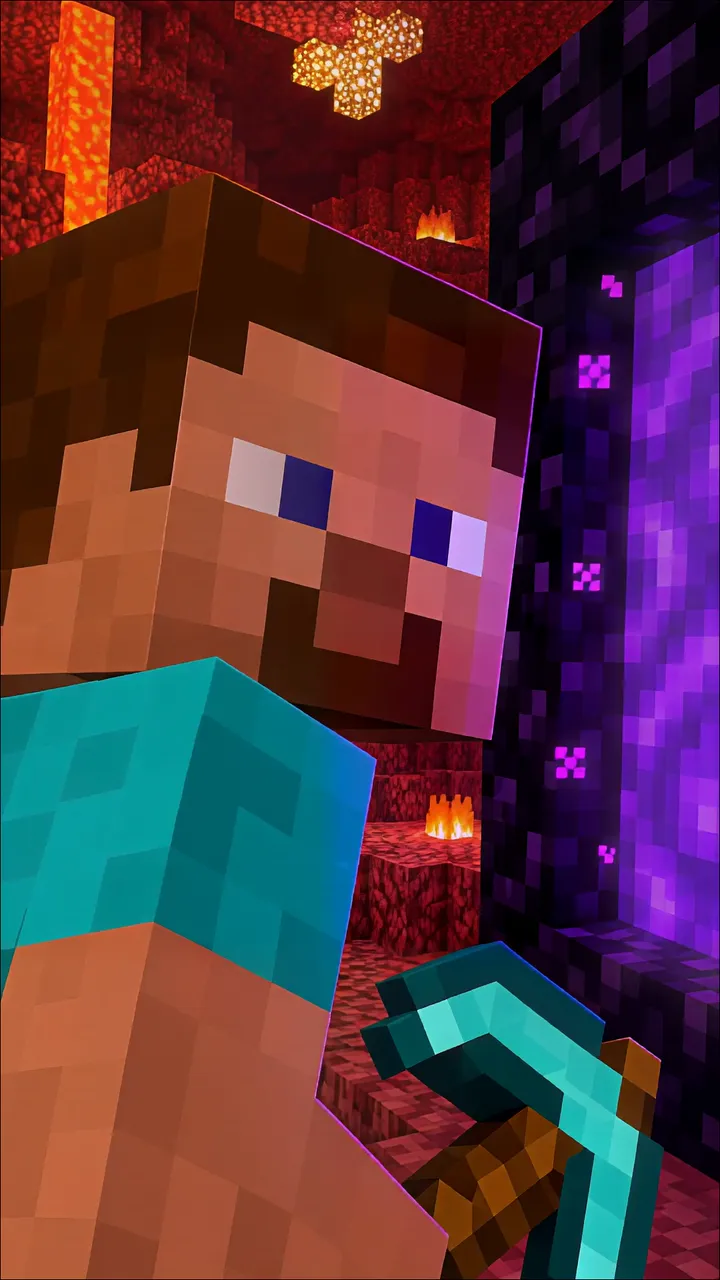
A menacing Minecraft Creeper stands in a vibrant, blocky cave environment, partially obscured by mossy stone and hanging vines. Above, glowing orange glowstone lanterns illuminate the scene, casting warm reflections on the water below where a small waterfall cascades. The iconic green, pixelated texture of the Creeper contrasts with the natural stone and lush greenery, creating a dramatic and immersive atmosphere. The composition highlights the Creeper’s signature square form and hollow eyes, while the surrounding cave features rich textures and ambient lighting that enhance the game’s distinctive visual style.
- Format
- MP4 live wallpaper
- Resolution
- 720P, 1080P
- Duration
- 00:07
- File size
- 6.8 MB
- Category
- Minecraft, Creeper, Glowstone