Ancient Hindu Temple Perched On A Cliffside Amidst Waterfalls And A Blood Moon live wallpaper
How to set it as wallpaper
iPhone
For a still wallpaper, save the cropped JPG to Photos and choose it in Settings → Wallpaper. For an animated Lock Screen on supported models, convert the MP4 to a Live Photo with a compatible app and select it in the wallpaper picker.
Android
For a still wallpaper, open the JPG in your gallery and choose Set as wallpaper. For the MP4, look for a video wallpaper option in your gallery or wallpaper settings. A compatible live wallpaper app can help if your phone has no built-in option.
After saving the converted Live Photo to Photos, open Settings, then Wallpaper, then Add New Wallpaper. Tap Photos, choose Live Photo, select the saved image, turn on the Live Photo effect, and tap Add to apply it to your Lock Screen.
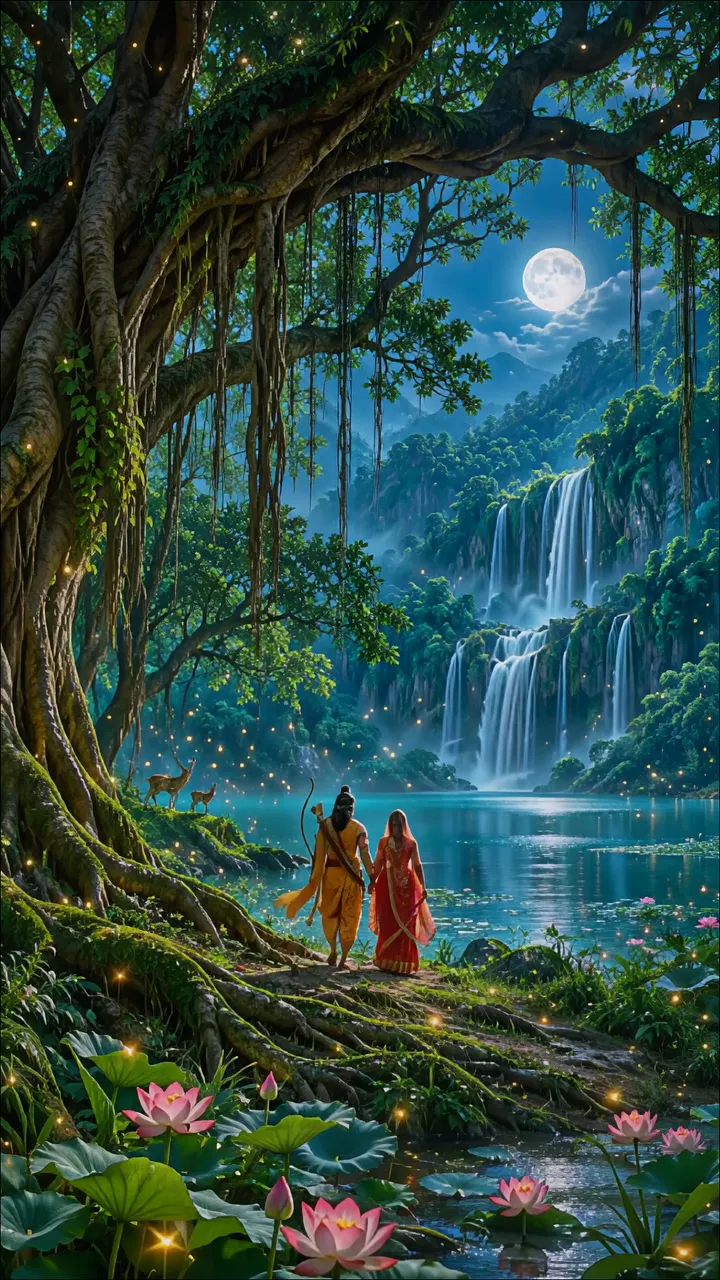
An ancient Hindu temple stands majestically on a cliffside, its stone structure illuminated by warm interior light against a dramatic night sky. A blood-red moon hangs in the heavens above, casting an eerie glow over the scene. Cascading waterfalls plunge into misty valleys below, while ancient stone steps and railings, adorned with carvings, lead up to the temple entrance. Massive tree roots weave around the path, adding to the mystical, sacred atmosphere. The composition blends spiritual architecture with natural grandeur, creating a powerful and serene devotional landscape.
- Format
- MP4 live wallpaper
- Resolution
- 720P, 1080P
- Duration
- 00:10
- File size
- 11.3 MB
- Category
- Vrushakarma, Hindu Temple, Blood Moon