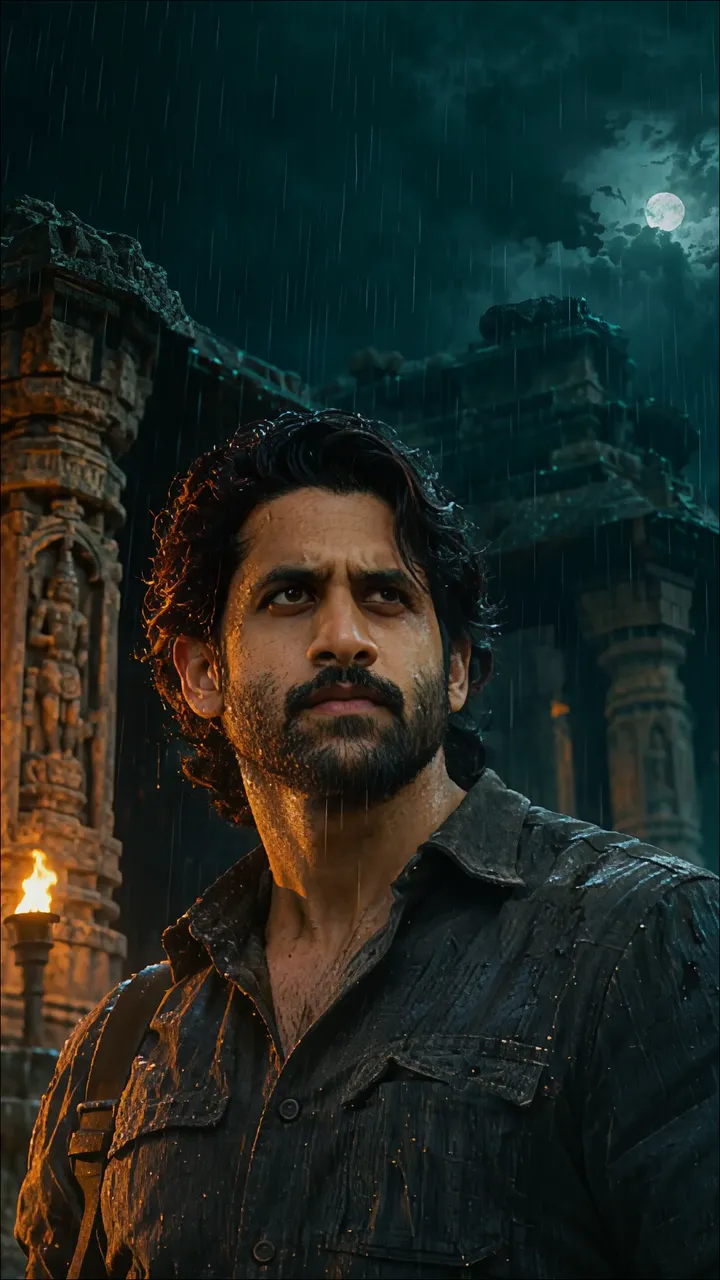
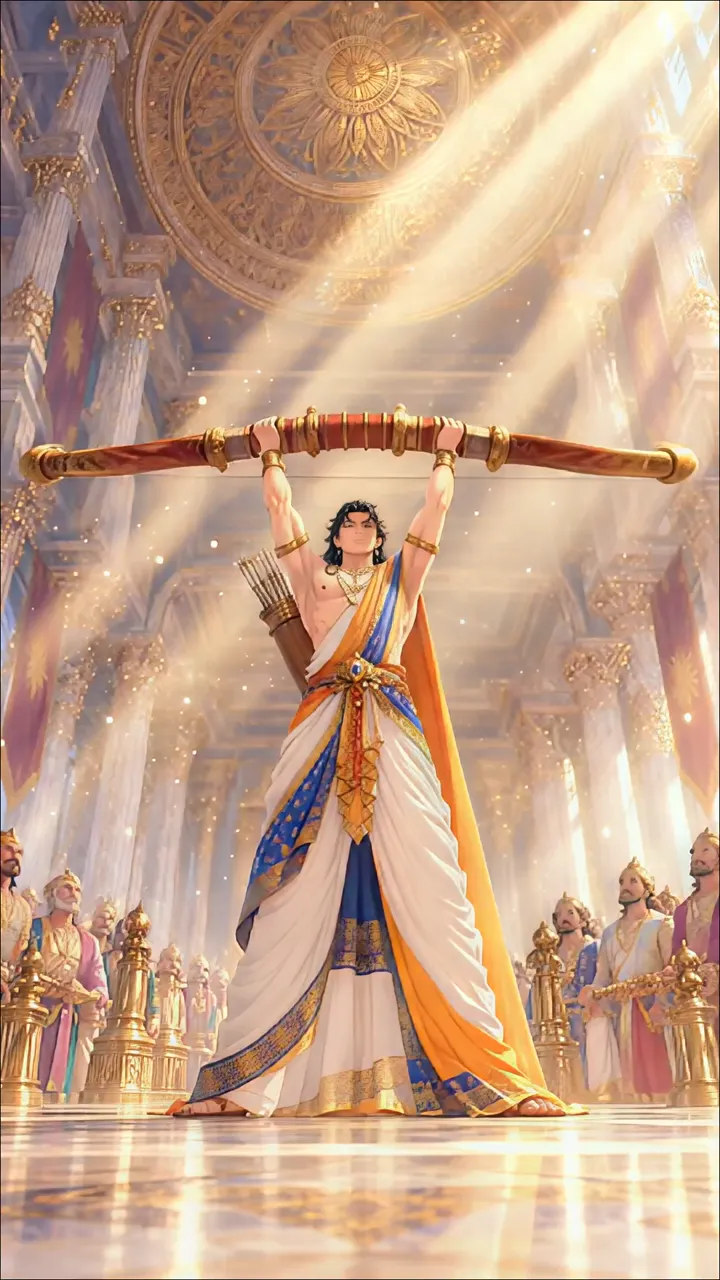
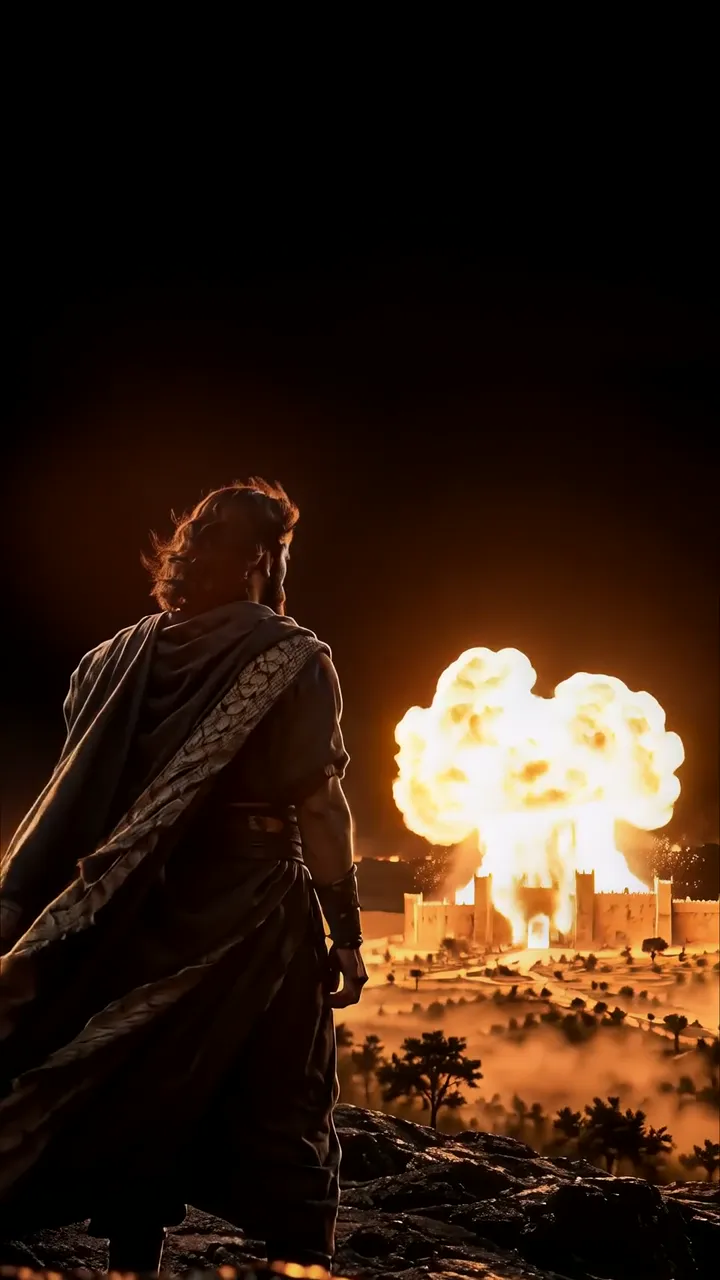
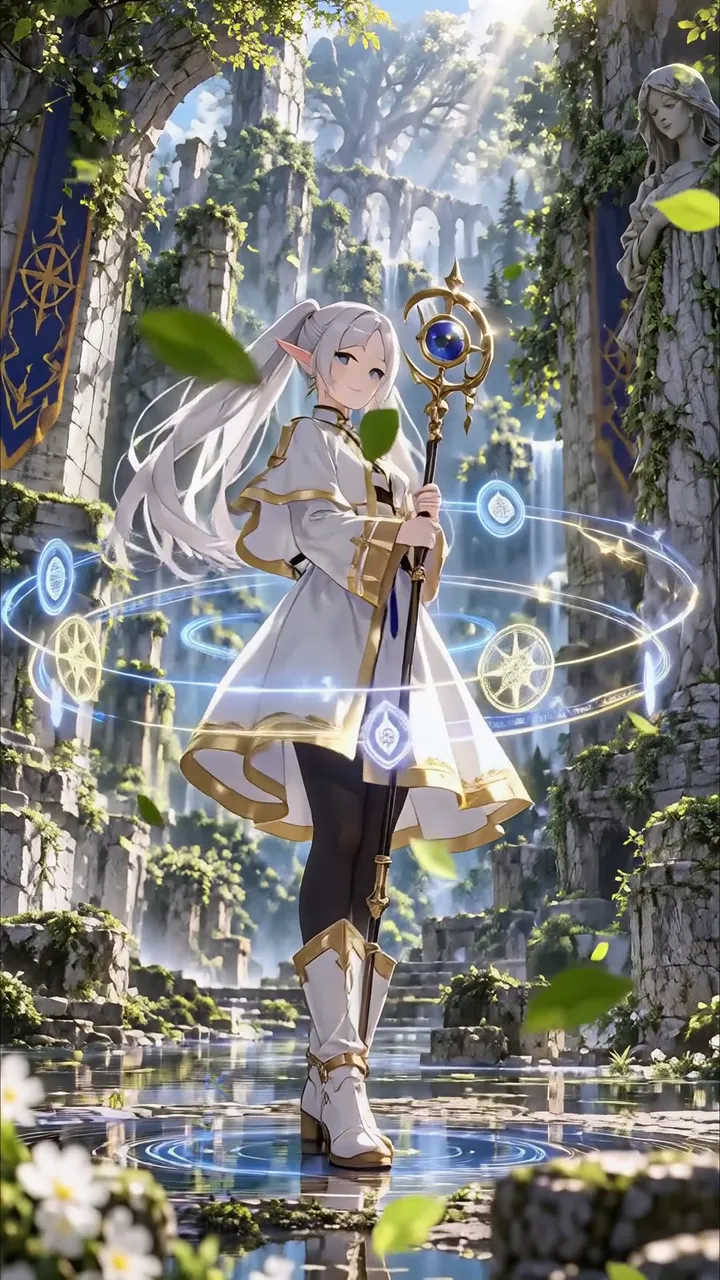
Vrushakarma Standing Before Ancient Celestial Wheel In Sunlit Ruins live wallpaper
How to set it as wallpaper
iPhone
For a still wallpaper, save the cropped JPG to Photos and choose it in Settings → Wallpaper. For an animated Lock Screen on supported models, convert the MP4 to a Live Photo with a compatible app and select it in the wallpaper picker.
Android
For a still wallpaper, open the JPG in your gallery and choose Set as wallpaper. For the MP4, look for a video wallpaper option in your gallery or wallpaper settings. A compatible live wallpaper app can help if your phone has no built-in option.
After saving the converted Live Photo to Photos, open Settings, then Wallpaper, then Add New Wallpaper. Tap Photos, choose Live Photo, select the saved image, turn on the Live Photo effect, and tap Add to apply it to your Lock Screen.
Vrushakarma stands on a moss-covered stone bridge within a vast, sunlit cave temple, holding a flaming torch. Behind him looms a massive, intricate celestial wheel adorned with planetary symbols, set against the backdrop of ancient, weathered pillars. Sunbeams pierce the cavern ceiling, illuminating the scene and casting dramatic light on the turquoise waters flowing below. The atmosphere is one of awe and mystery, blending sacred architecture with natural wonder. The composition emphasizes scale and reverence, with the character’s presence grounding the viewer in this ancient, mystical setting.
- Format
- MP4 live wallpaper
- Resolution
- 720P, 1080P
- Duration
- 00:08
- File size
- 10.6 MB
- Category
- Vrushakarma, Ancient Ruins, Celestial Wheel