Vrushakarma: Hero Stands Amid Ancient Ruins Under Moonlit Rain live wallpaper
How to set it as wallpaper
iPhone
For a still wallpaper, save the cropped JPG to Photos and choose it in Settings → Wallpaper. For an animated Lock Screen on supported models, convert the MP4 to a Live Photo with a compatible app and select it in the wallpaper picker.
Android
For a still wallpaper, open the JPG in your gallery and choose Set as wallpaper. For the MP4, look for a video wallpaper option in your gallery or wallpaper settings. A compatible live wallpaper app can help if your phone has no built-in option.
After saving the converted Live Photo to Photos, open Settings, then Wallpaper, then Add New Wallpaper. Tap Photos, choose Live Photo, select the saved image, turn on the Live Photo effect, and tap Add to apply it to your Lock Screen.
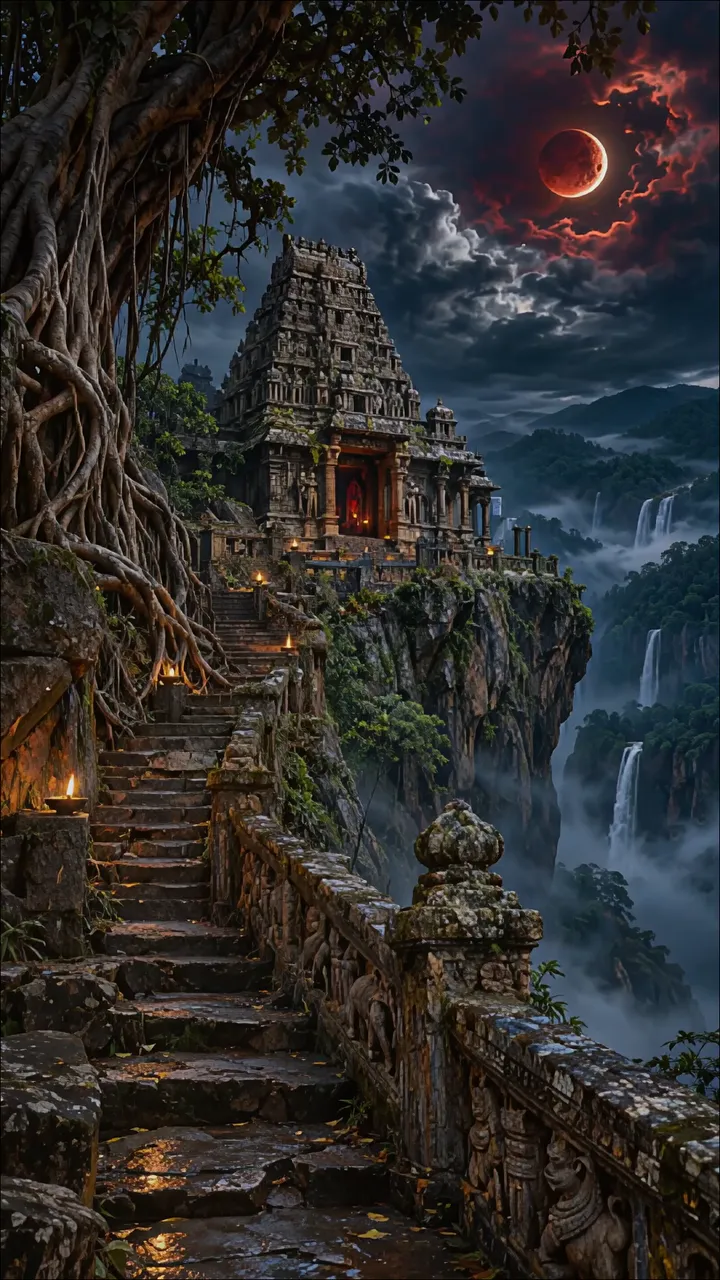
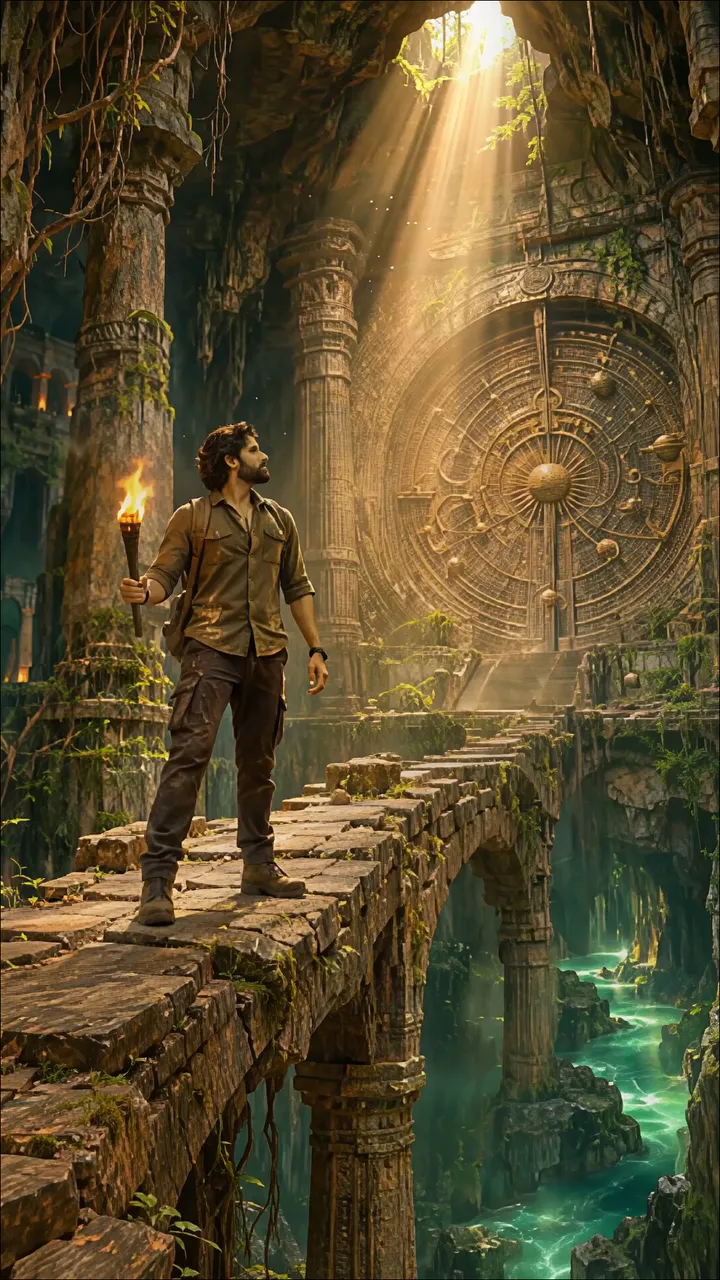
Vrushakarma stands resolute in the rain, his wet shirt and tousled hair reflecting the moody atmosphere. Behind him, ancient temple ruins rise under a moonlit sky, their stone pillars and carvings illuminated by flickering torchlight. Rain streaks down the frame, enhancing the scene’s dramatic tension. The contrast between the warm glow of the torch and the cool blue tones of the night sky creates a cinematic, immersive mood. The composition emphasizes his solitary presence against the grand, weathered architecture, evoking mystery and resilience in a stormy, atmospheric setting.
- Format
- MP4 live wallpaper
- Resolution
- 720P, 1080P
- Duration
- 00:08
- File size
- 4.6 MB
- Category
- Vrushakarma, Ancient Temple Ruins, Moonlit Rain