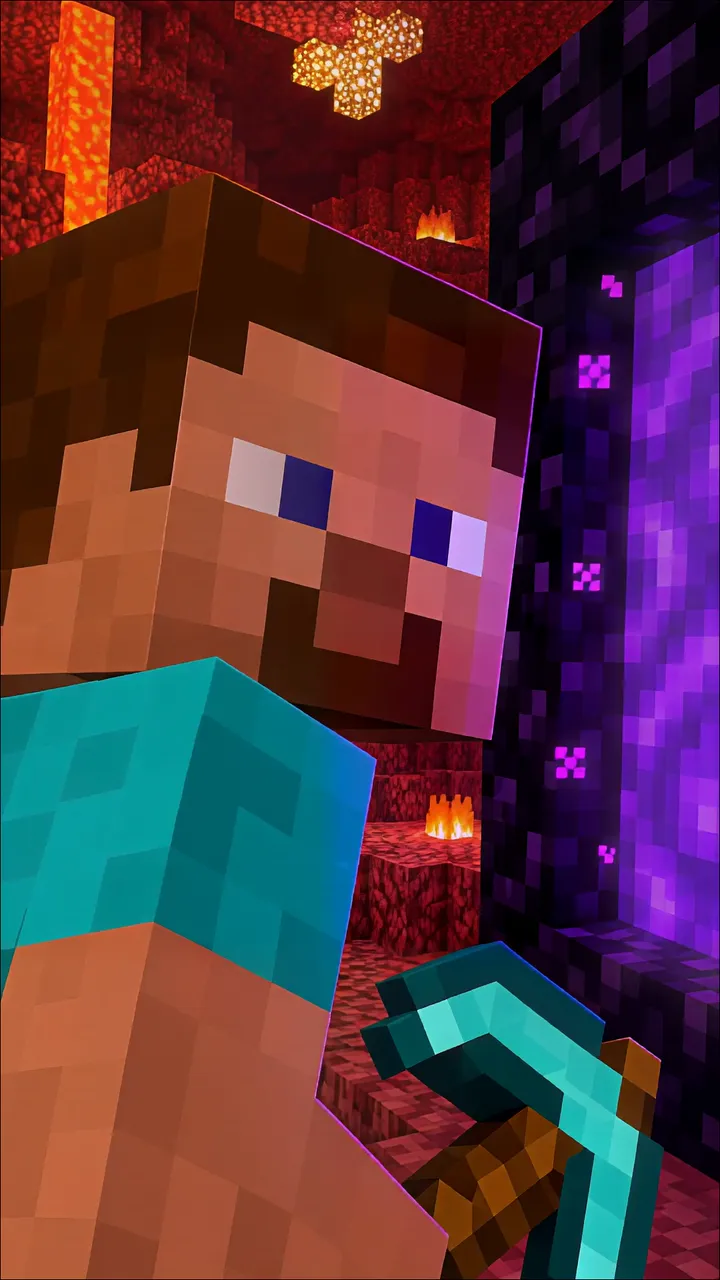
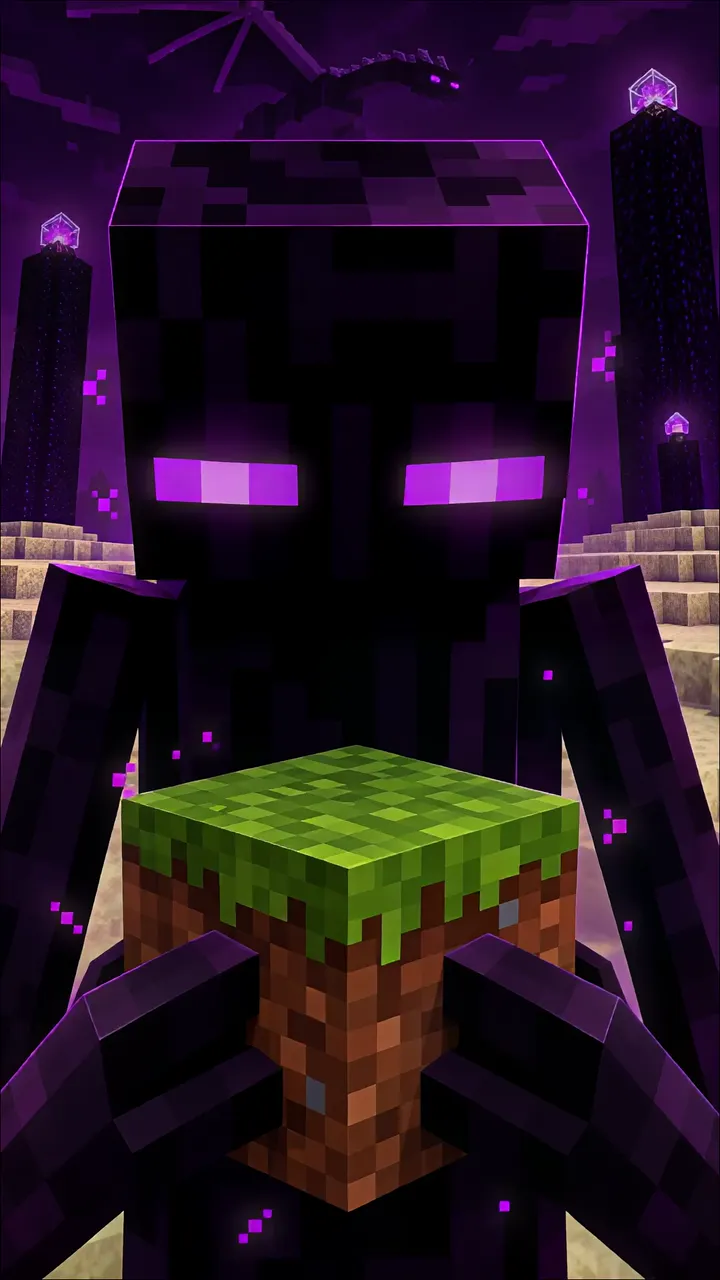
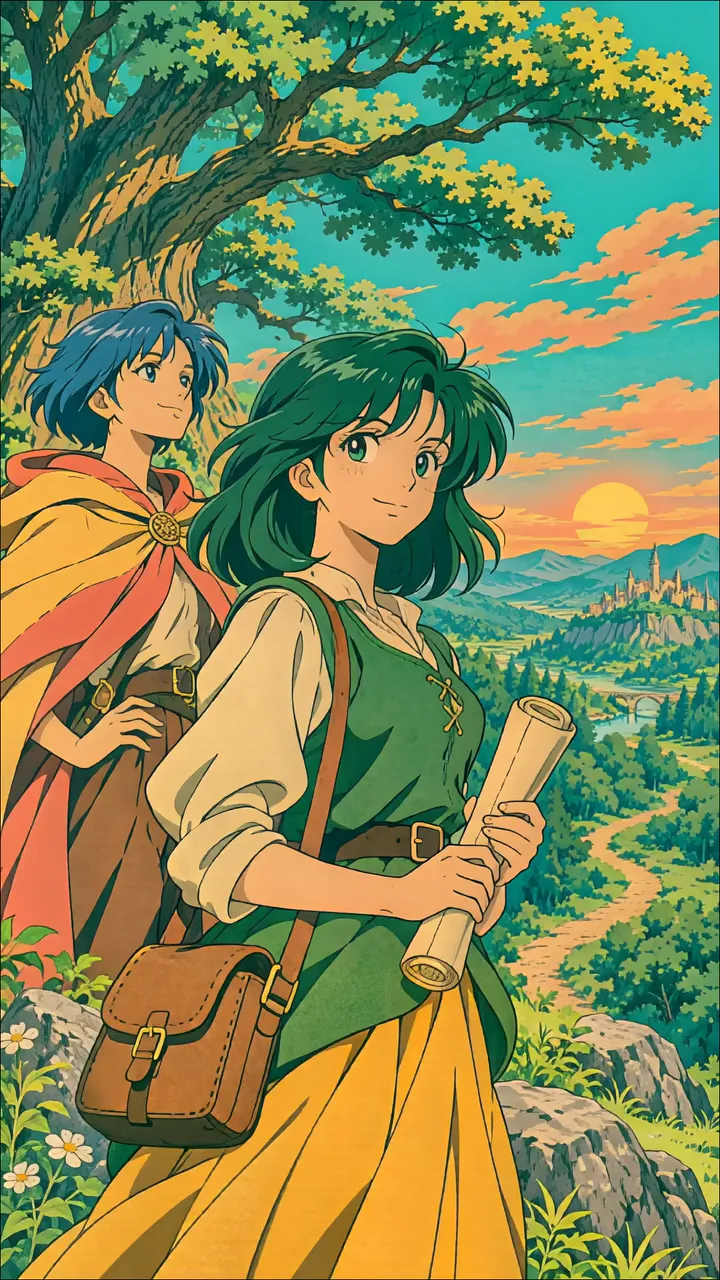
Alex From Minecraft Exploring A Purple Crystal Cave live wallpaper
How to set it as wallpaper
iPhone
For a still wallpaper, save the cropped JPG to Photos and choose it in Settings → Wallpaper. For an animated Lock Screen on supported models, convert the MP4 to a Live Photo with a compatible app and select it in the wallpaper picker.
Android
For a still wallpaper, open the JPG in your gallery and choose Set as wallpaper. For the MP4, look for a video wallpaper option in your gallery or wallpaper settings. A compatible live wallpaper app can help if your phone has no built-in option.
After saving the converted Live Photo to Photos, open Settings, then Wallpaper, then Add New Wallpaper. Tap Photos, choose Live Photo, select the saved image, turn on the Live Photo effect, and tap Add to apply it to your Lock Screen.
Alex from Minecraft is shown in a close-up, holding a telescope while exploring a vibrant purple crystal cave. The iconic blocky pixel art style defines the character’s orange hair, green eyes, and green shirt. Surrounding Alex are large, glowing purple crystals and gray stone blocks, creating a mystical underground setting. The scene suggests discovery and adventure, with the telescope pointing toward unseen wonders. The composition highlights Alex’s curious expression and the rich, saturated colors of the environment, making it a visually engaging exploration moment within the Minecraft universe.
- Format
- MP4 live wallpaper
- Resolution
- 720P, 1080P
- Duration
- 00:07
- File size
- 2.9 MB
- Category
- Minecraft, Alex, Purple Crystal Cave